Install Huzzler App
Install our app for a better experience and quick access to Huzzler.

🧠 Body
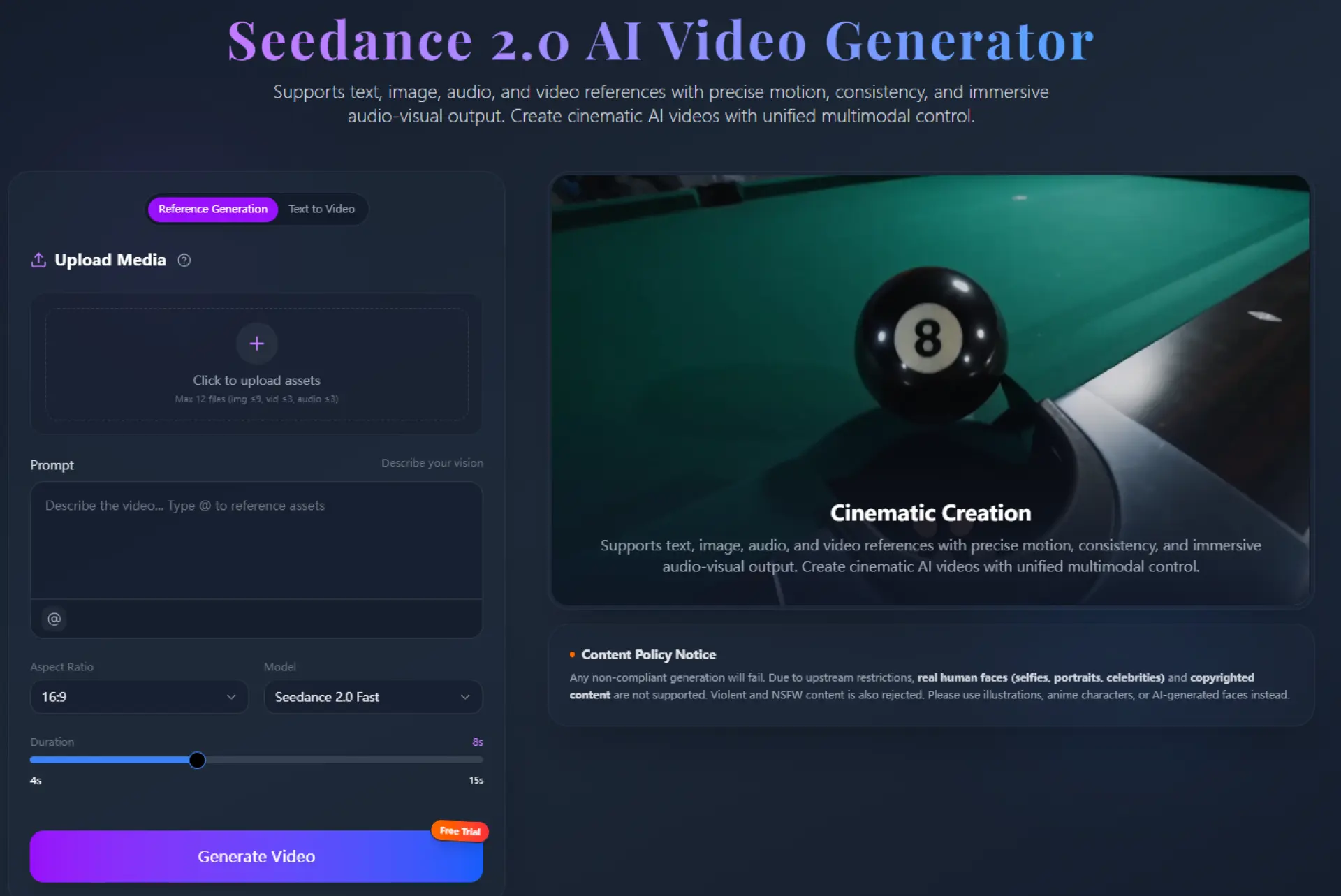
Turn ideas into full videos — not just clips.
This tool uses Seedance 2 Pro to generate cinematic, multi-shot videos from text, images, or audio.
✨ What it can do
- 🎬 Multi-shot storytelling (not just single clips)
- 🧠 Text / Image / Audio → Video
- 🔊 Native audio + lip sync
- 🎭 Consistent characters across scenes
- ⚡ Fast generation (seconds, not hours)
- 🎥 Cinematic camera movement & physics
💡 Use cases
- Social media videos
- Product ads
- Storytelling / short films
- AI content workflows
🔗 CTA
Try it here:
https://www.jxp.com/seedance/seedance-2-pro
Would love your feedback 🙌

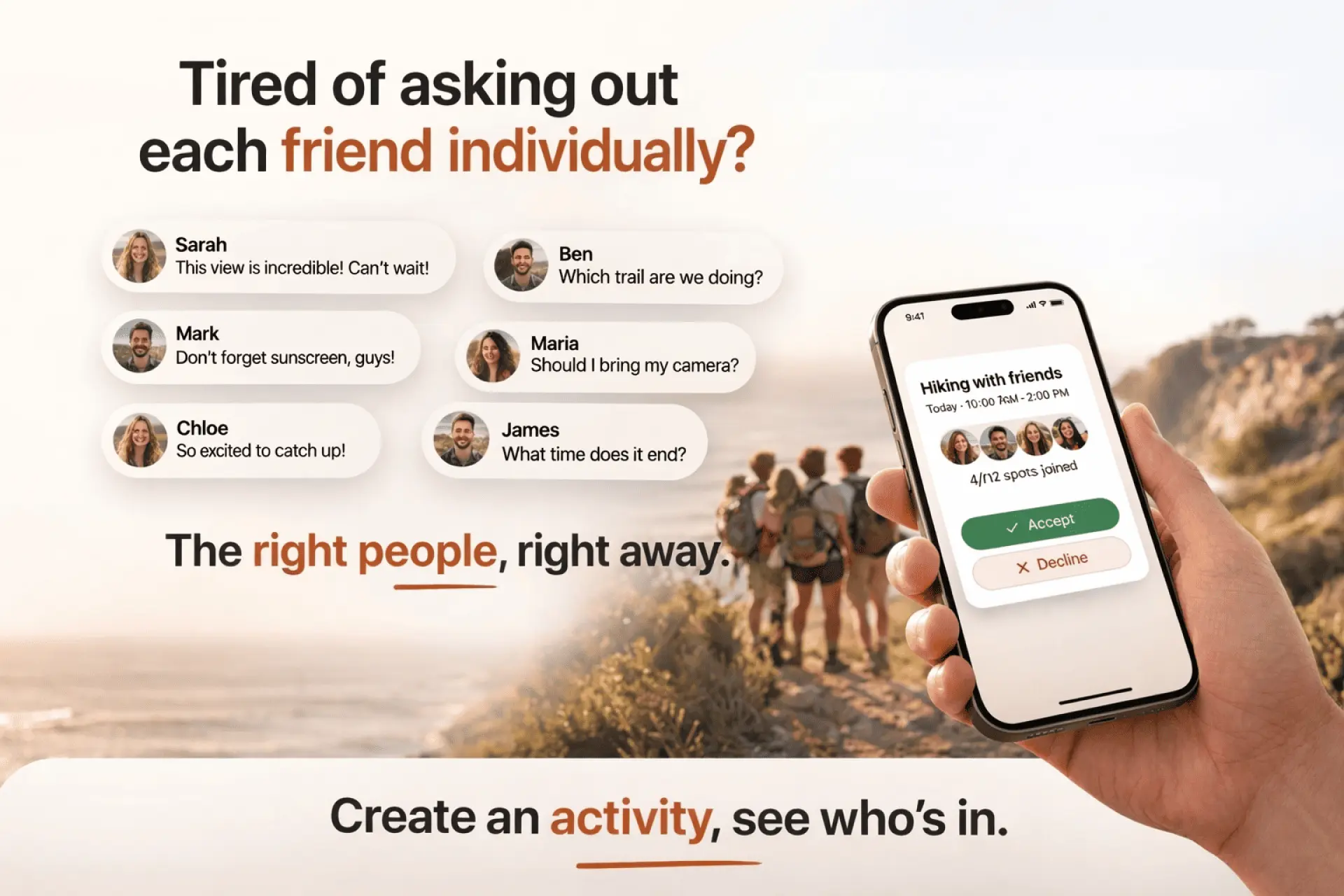
Our group chat was full of plans that never happened. Lots of "we should do xyz sometime" with no follow-through. But whenever someone just showed up somewhere and posted it, people actually joined.
This made me realize that the barrier wasn't interest, it was friction. Nobody wants to be the one to organize, confirm attendance and chase people down all alone. So I built something that addresses this.
Fomo is an activity planning mobile app with a web version. The core idea is:
- Create a circle of specific friends.
- Post what you're doing today or later with a specified date, time and location, and invite a circle.
- Your circle sees it, they join if they're in. No group chat chaos.
What I built it with:
- React + Capacitor (iOS + Android + web from one codebase)
- Firebase auth with email, Google, and Apple Sign-In
- Real-time activity feed with event emitters
- Push notifications via FCM
- In-app messaging per activity
Hardest parts:
- Getting native auth (especially Apple Sign-In) and push notifications to behave consistently across iOS, android and web was genuinely painful
- Capacitor's bridge for Firebase is well-documented but has some sharp edges with token refresh
It's live on the App Store and Google Play and still early with a small user base. We also have a few exciting features we plan on adding to fomo in future.
Happy to go deeper on any of the technical decisions if useful.

Hi fellow builders
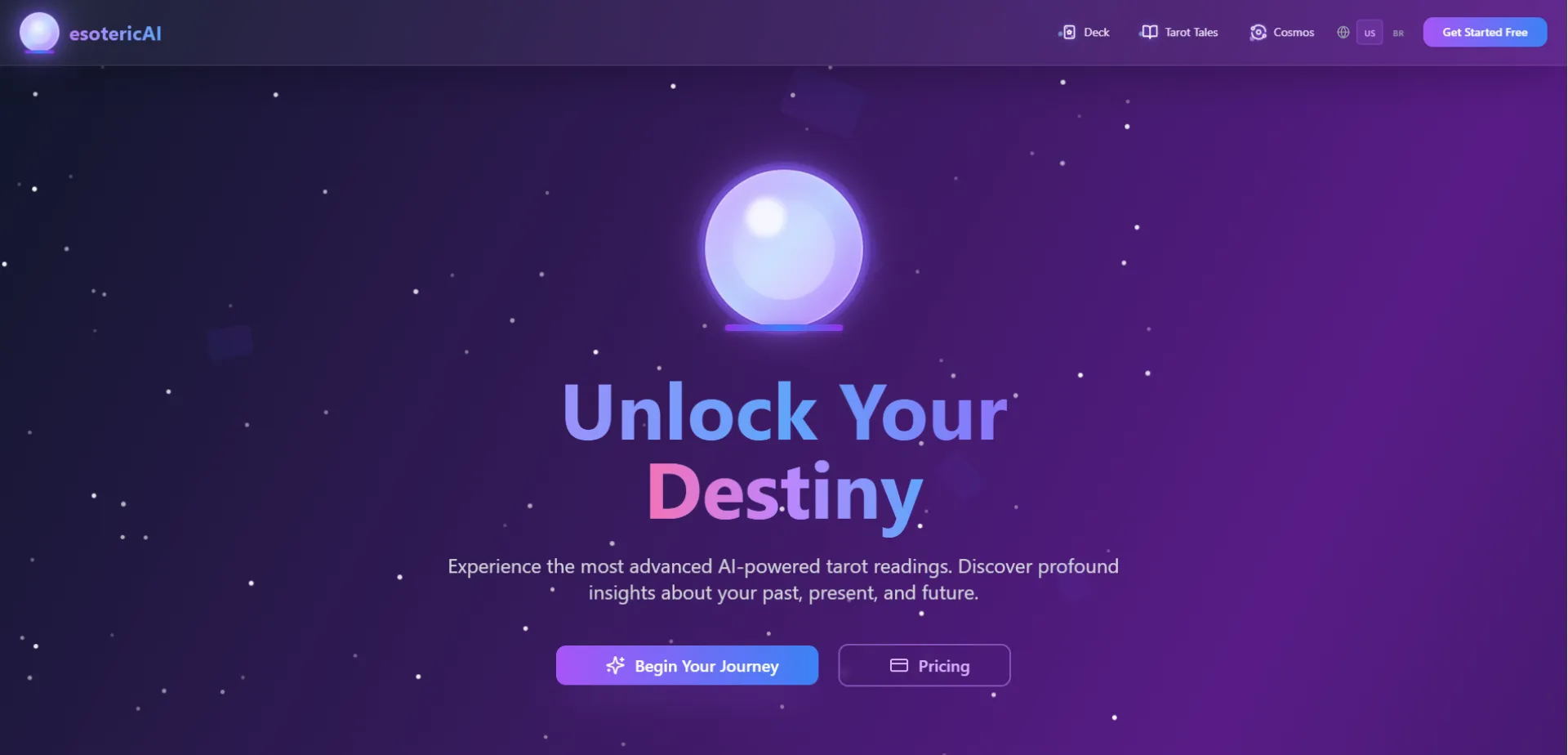
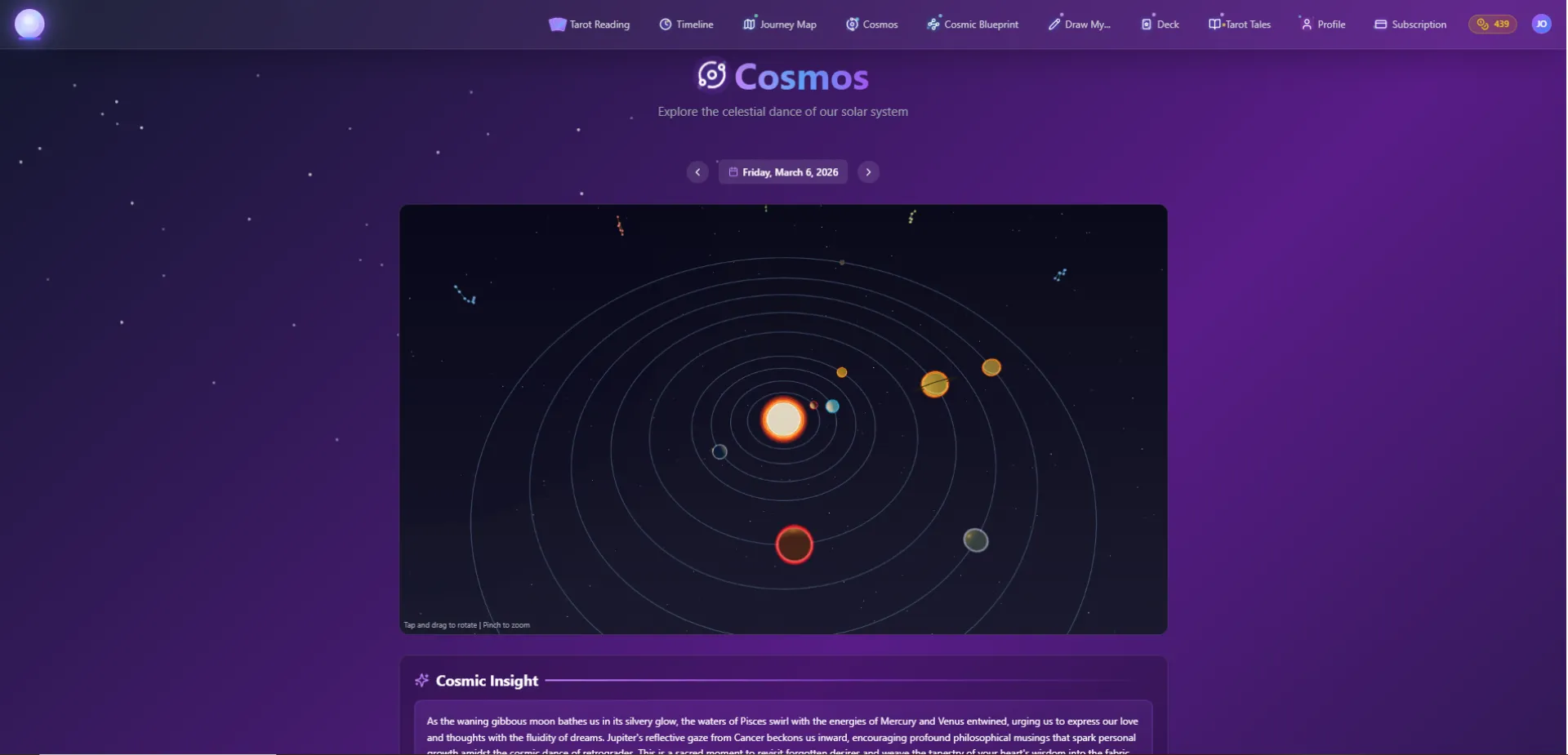
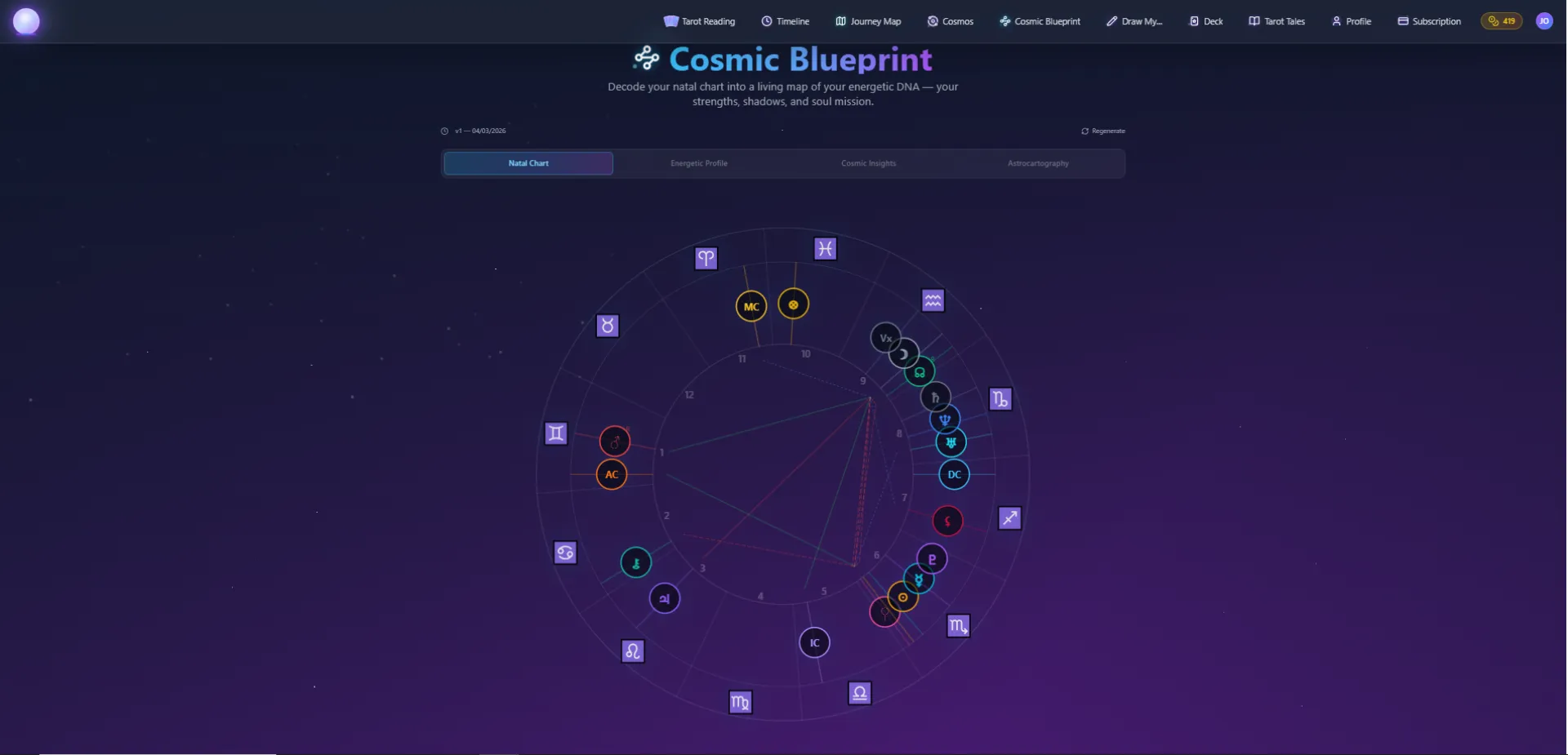
I built esotericAI as an experiment combining symbolic systems (tarot + astrology) with modern AI and real astronomical calculations.
The idea started as a curiosity/ambition: could LLMs generate meaningful interpretations about symbolic/abstract systems given the right resouces/references?
Not the intention to prove anything, just exploring how technology and ancient symbolic systems work together and if it provides real value to people.
This project actually started during a hackathon. I didn’t like any of the ideas on idea lists/pools, so I ended up with something around two things I’ve always been interested in: technology and esoteric/symbolic systems.
Growing up, my family was very into things like tarot, astrology, I Ching, pendulums, and similar esoteric practices. I grew up around conversation about the universe, the cosmos, books about these things, palmistry, tarot readings during difficult moments, and a lot of discussions about cycles, energy, patterns, and how people try to interpret life through symbols.
Whether you believe in those things or not, I always found the symbolic structure behind them fascinating. My interest in astronomy and the science part, along with astrology and its symbolic part, and all the symbolic systems out there are part of my genuine curiosities, so the idea of combining tarot and astrology symbolism/real orbital math with AI interpretation felt like an interesting experiment, things like digital tarot are not new and are used since much longer, but now I could give it much more resources and richness.
Instead of hardcoding meanings, the app generates readings and cosmic insights dynamically from:
• tarot card combinations • natal chart placements • real-time planetary positions • current transits
Some technical details:
• Frontend: React + Vite SPA (no Next.js) • Backend: Supabase (Postgres + Edge Functions) • AI: OpenAI API (used for interpretation, not calculation) • Orbital math: custom calculations for planetary positions + houses • Localization: EN / PT-BR with locale-aware routing • Hosting: Netlify + Edge functions for SEO snapshots
For astrology, I didn't want to call external APIs, so I implemented:
• planetary positions from orbital elements • local sidereal time • ascendant / midheaven calculation • aspect detection • whole sign houses
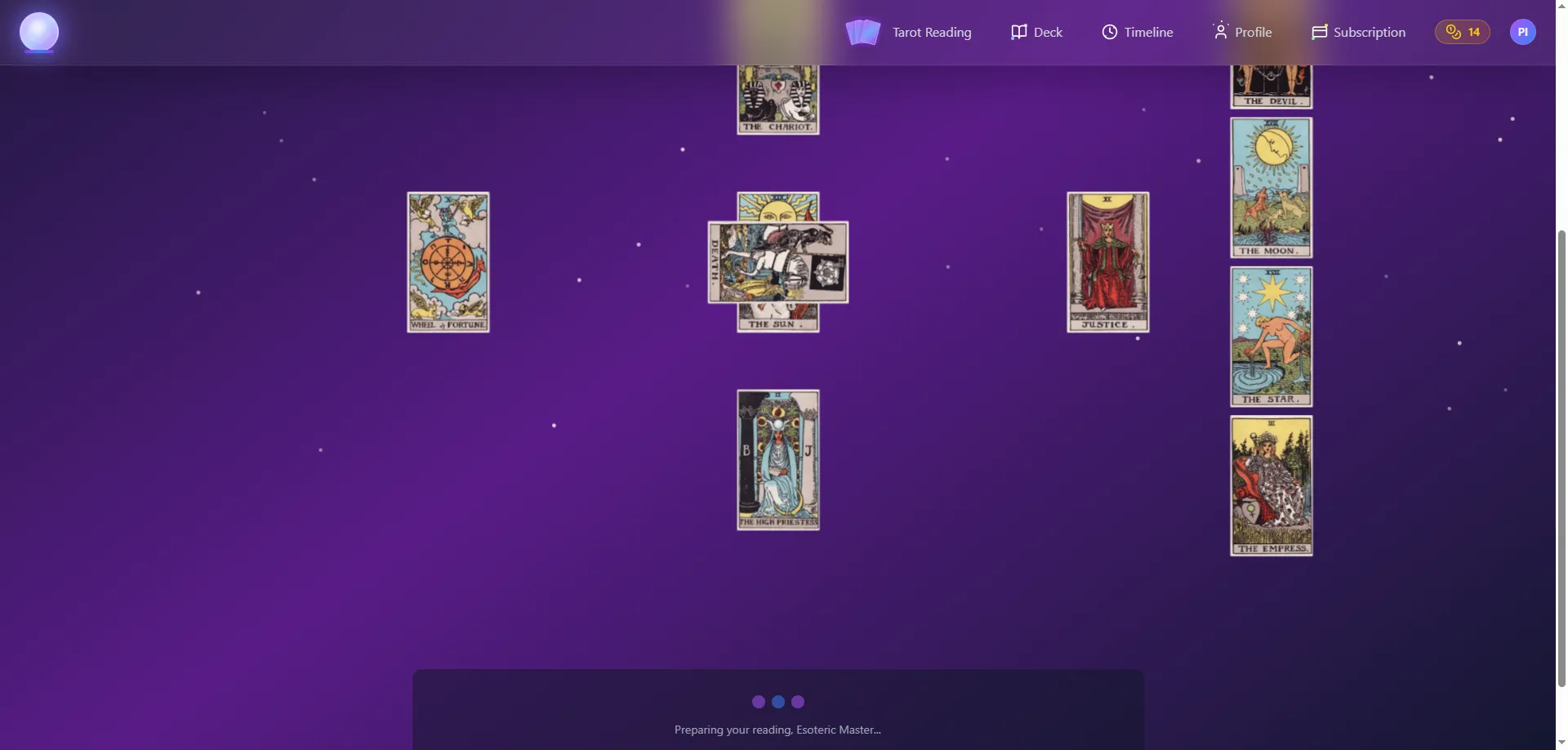
For tarot, the system doesn't store fixed meanings. Each reading is generated from:
• card archetype • position context • question intent • previous readings history
Some interesting challenges I ran into:
• grounding/framing LLM outputs when translations are inconsistent • SEO issues with SPA + bots (solved with edge HTML injection) • Timezone / birth location precision for natal charts • Keeping readings and journey chapters meaningful and to the point with so many potential interpretations and signals • Preventing prompt injection in user questions
This is still an indie project, but it turned into a full platform with: • tarot readings (daily/ask a question/share a draw) • natal chart blueprint with on demand current transits-based insights • daily cosmic transits insights • generated tarot tales based on trends • energy archetype / personality generation of destined connections
Would love feedback, especially from people interested in:
• LLM + structured inputs • symbolic reasoning • astrology math / orbital calculations • Edge functions • SPA SEO strategies
Here is a demo video of its earliest stages:
https://www.loom.com/share/ec90a688118a4b63b20d0875471977fe
Happy to talk about any aspects of it.

Your AI endurance coach that reaches out first
Most endurance athletes paste screenshots into ChatGPT and hope for the best. athletedata is different: your coach already knows everything and messages you first.
7am. WHOOP recovery at 31%. Garmin body battery at 12. You have a race in 6 weeks. Your coach already swapped today's hard session for an easy zone 2 run ; and told you why.
After your long run, it breaks down your pace and heart rate drift, flags if your aerobic base is slipping, and adjusts next week's load.
After a bad night of sleep, it's already modified tomorrow's workout.
When your training load spikes too fast before race day, it catches it before it becomes an injury.
You don't have to ask. It just knows. Connect Strava, Garmin, WHOOP, Wahoo, Oura, Withings, and Google Calendar + more in under 2 minutes.
Your coach sees your full picture: running, cycling, strength, sleep, recovery, and race calendar - and coaches across every discipline simultaneously.
No other AI coach does this. They see one app. athletedata sees everything.
Built by an endurance athlete who got tired of being his own data analyst every morning.
Free trial available. Plans from $39/month or $299/year.


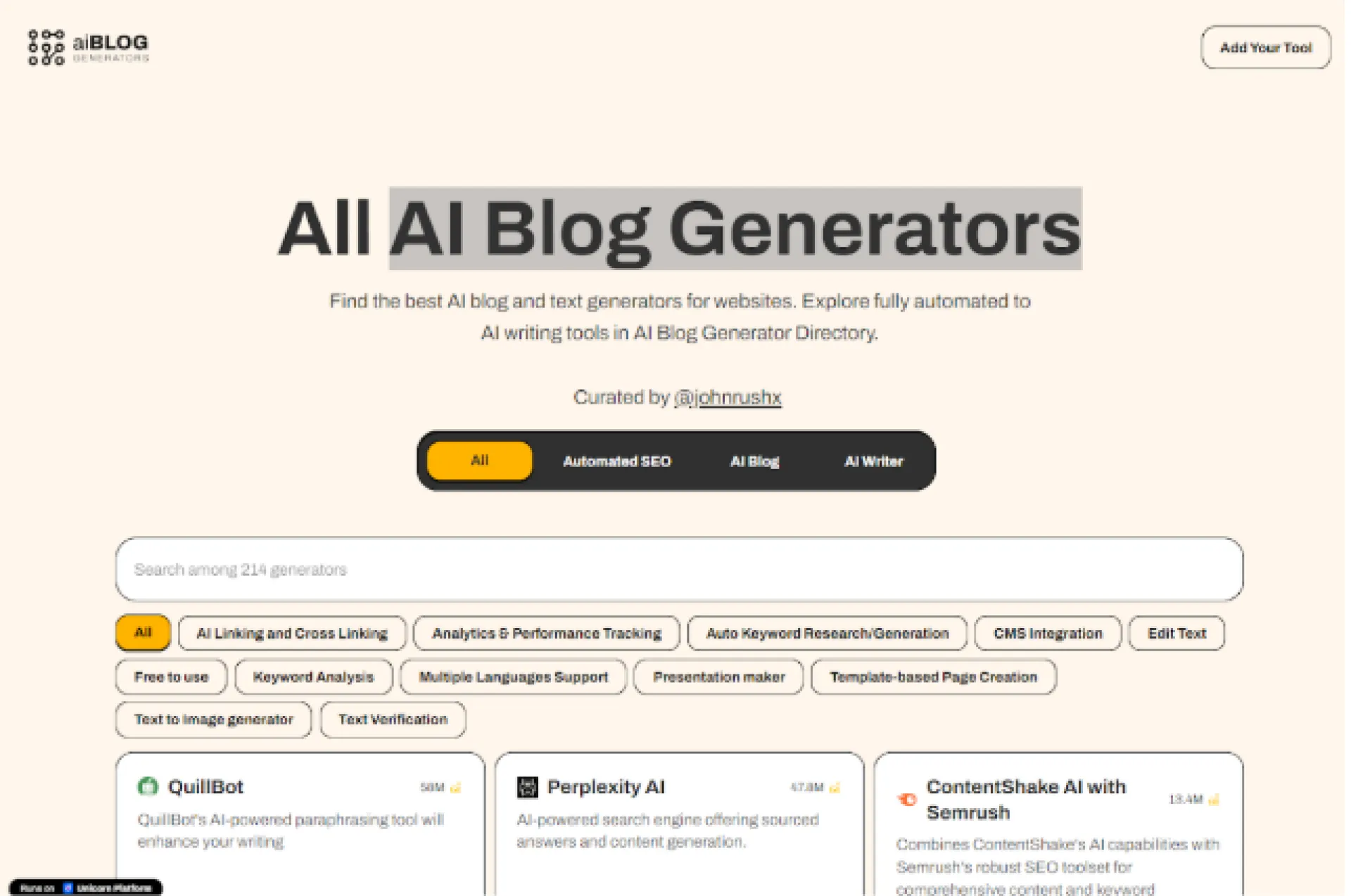
The All AI Blog Generator Directory offers a simple way to explore AI-powered writing tools. It gathers a wide range of blog and text generators in one place. Users can compare fully automated tools and writing assistants. This helps identify the most suitable option for different needs. The directory is useful for improving website content quickly. It provides detailed insights and comparisons. This allows users to make better decisions. The platform is also helpful for those new to AI writing. It introduces key tools and technologies in a clear way. You can contact @johnrushx on Twitter for more details.
Website:https://aibloggenerators.com/

I just joined Huzzler and wanted to share a project I’ve been working on.
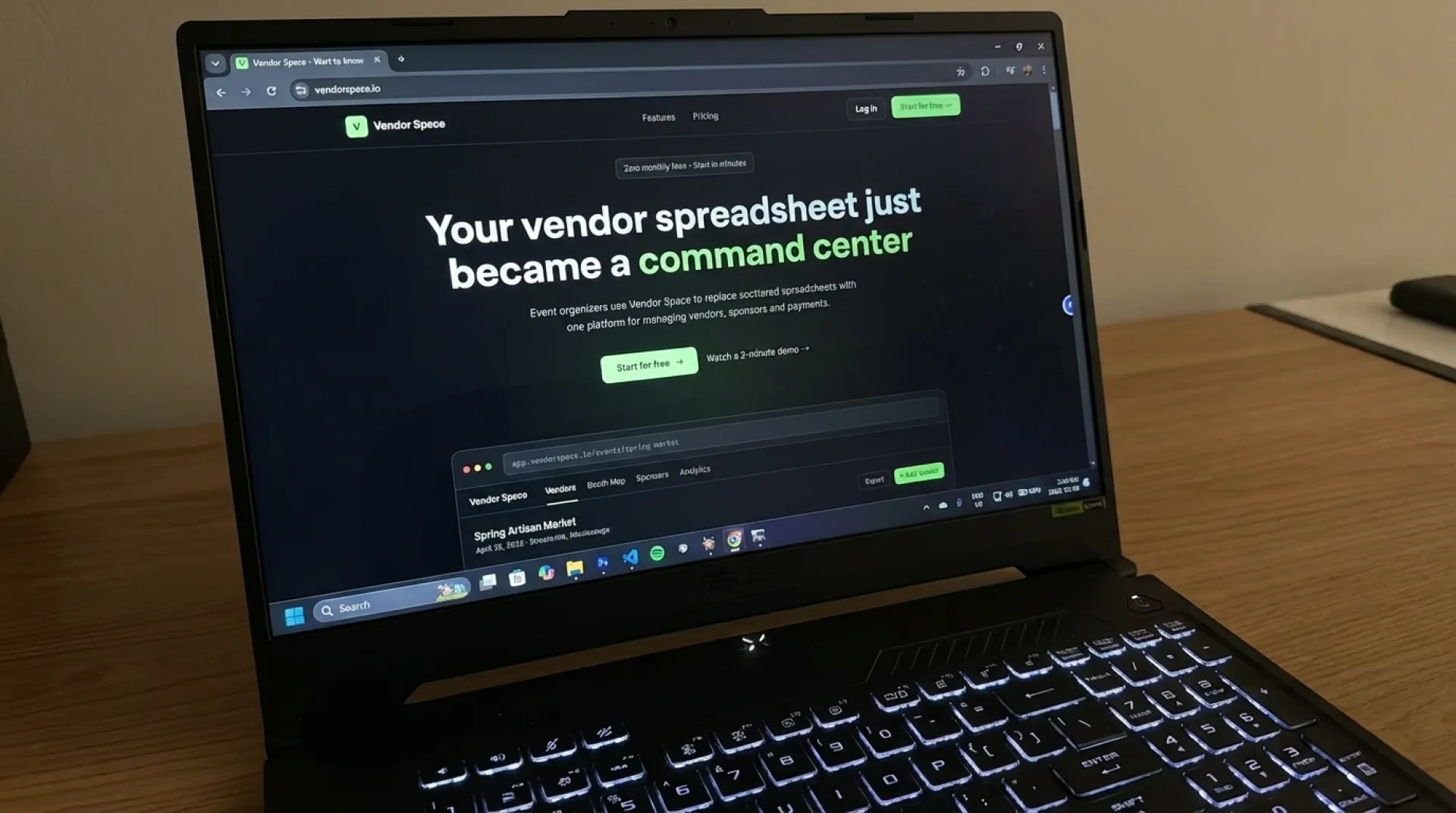
I built https://vendorspace.io to make it easier to manage vendors for events. Organizing markets, expos, or festivals usually means dealing with scattered applications, payments, booth assignments, and constant back-and-forth. I wanted a simpler way to handle all of that.
VendorSpace brings everything into one place. Organizers can manage vendors, booths, sponsors, payments, and documents from a single dashboard, while vendors can apply and manage their participation through a straightforward portal.
The goal is to reduce the manual work and give event organizers a more structured way to run their events without relying on spreadsheets and email chains.
Happy to hear any feedback.

AtomicEdge delivers enterprise-grade WAF protection without the complexity of legacy tools. Deploy one-click OWASP rules, block AI bots/scrapers in real time, and apply granular protection per page/URI (rate limiting, CAPTCHA, geo-blocking, and more). Key differentiators: AI real-time threat detection | Block AI scrapers | Per-URI protection (independent controls) | WordPress-optimized rulesets | Real-time attack logs | Free tier (no credit card required).


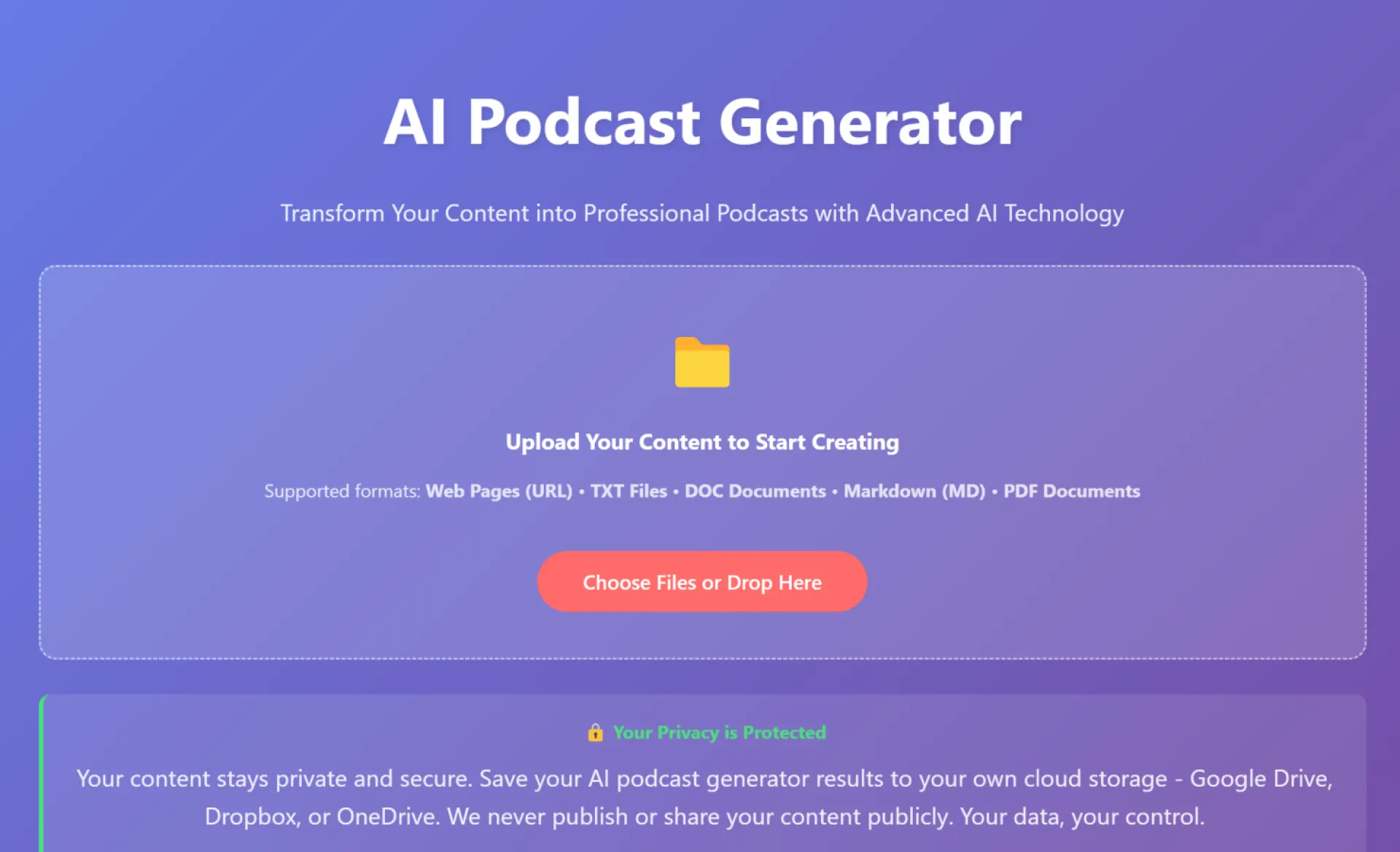
AI content creation is evolving fast.
Not long ago, creating content meant writing articles, recording audio, and designing visuals separately. Now, everything is converging into a single workflow powered by AI.
Two tools that perfectly represent this shift are:
One turns text into podcasts, the other transforms ideas into visuals.
Together, they show where the future of content creation is heading.


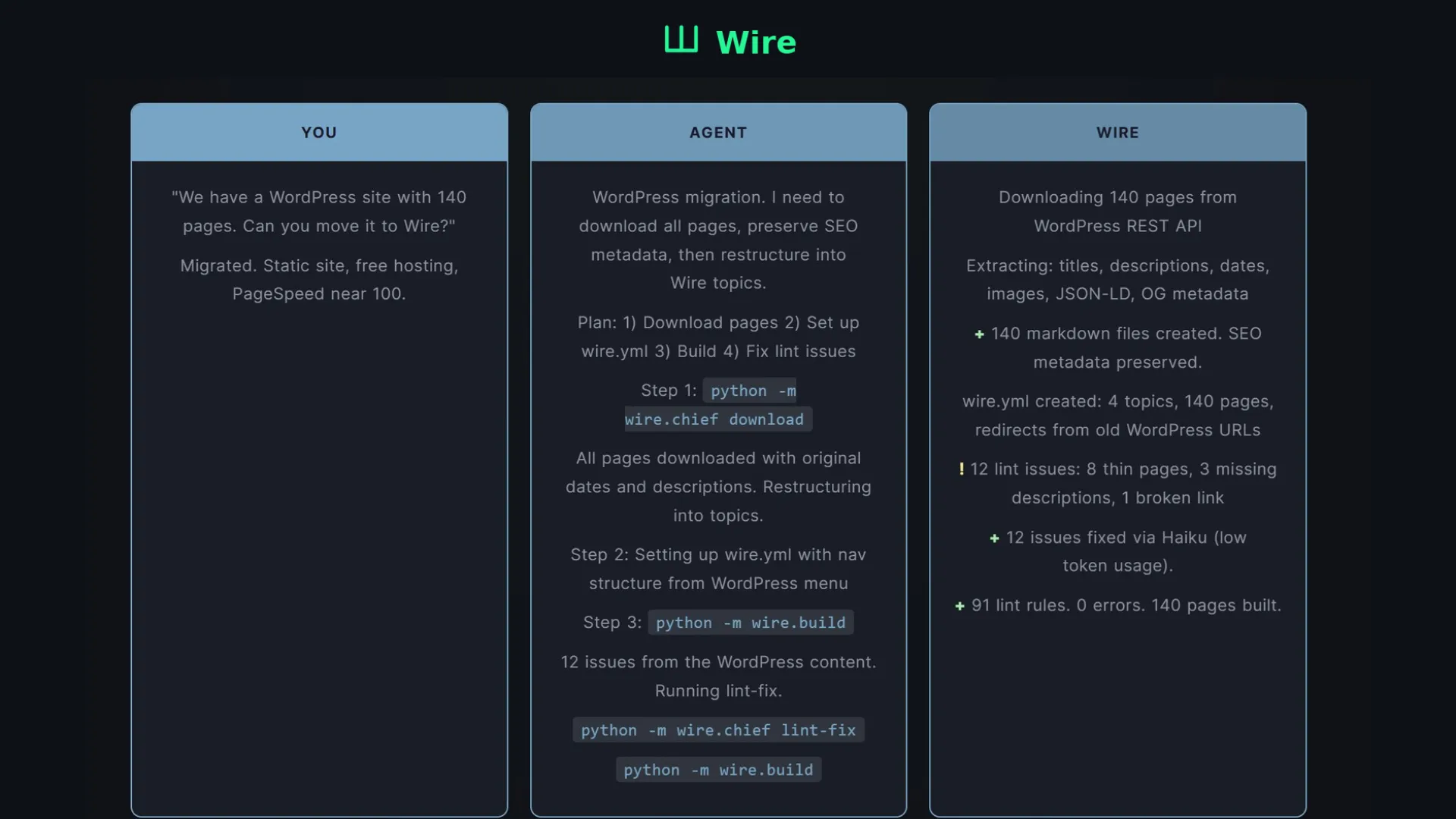
I’ve been working on Wire, a content build system.
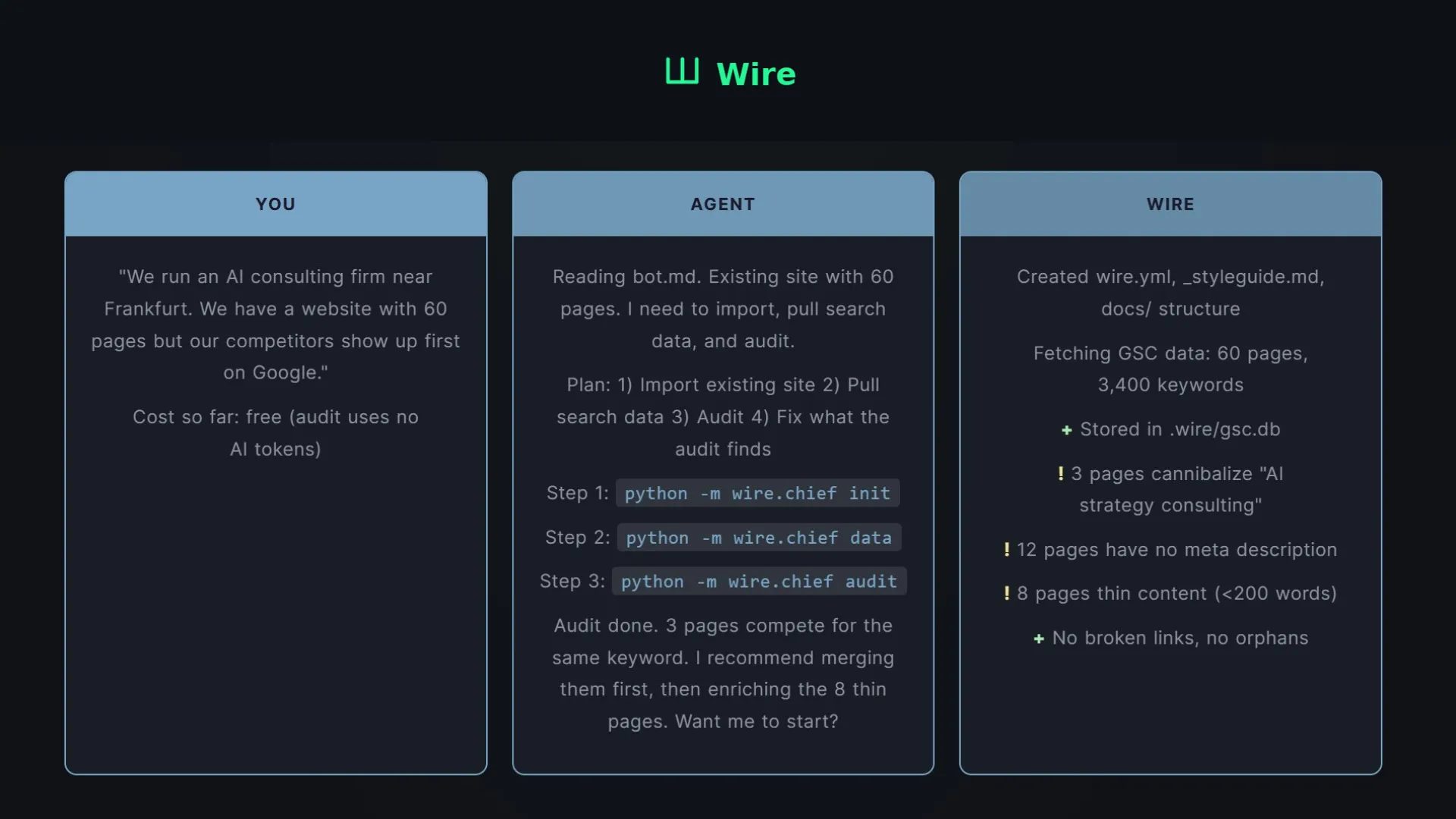
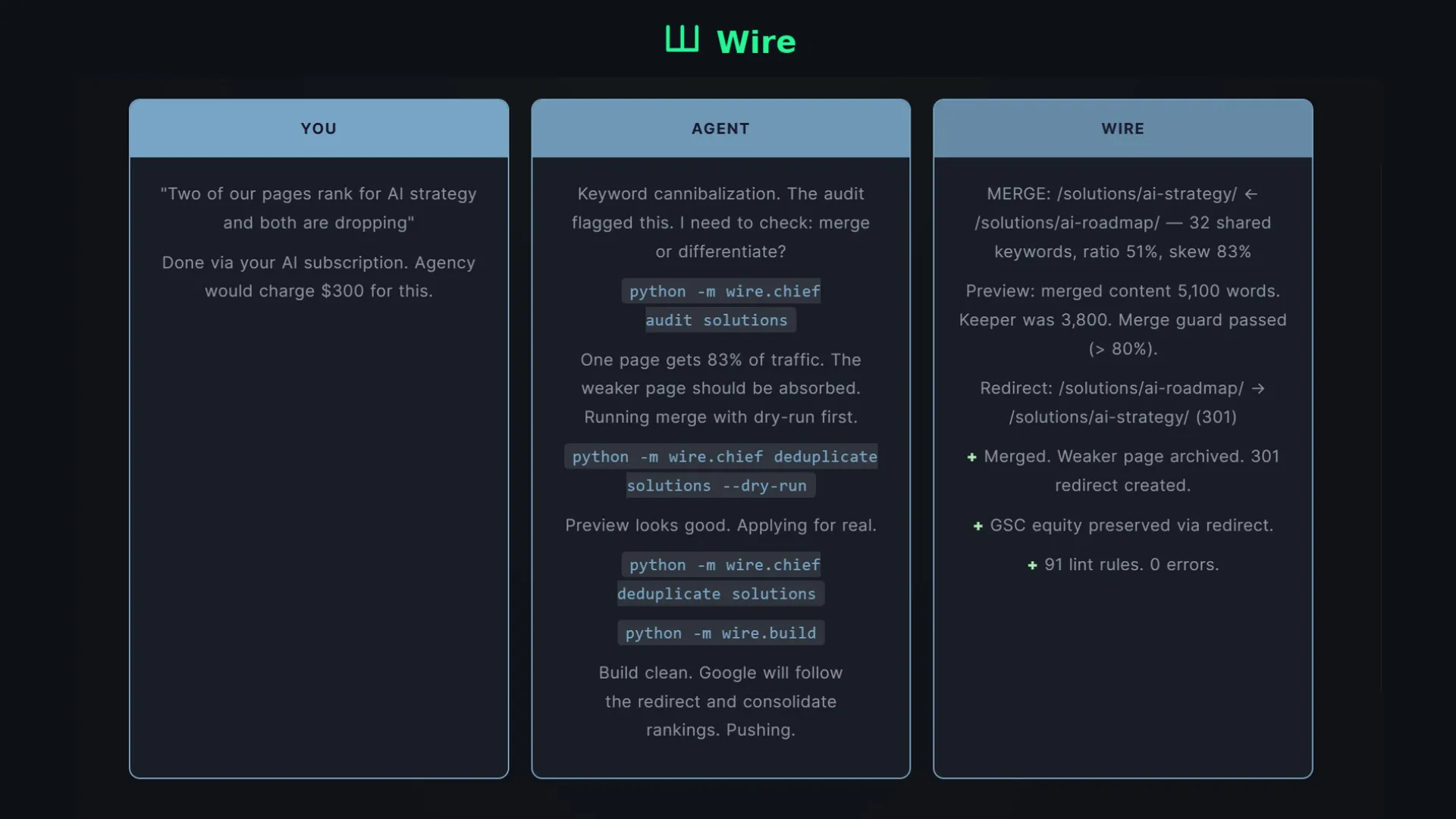
As sites grow, content starts to break and most of the time, no one notices. Pages drift away from their original intent, links quietly stop working, and multiple articles end up competing for the same keyword.
Most tools will surface these problems, but they don’t solve them. Fixing everything still takes manual work, which doesn’t scale.
Wire approaches this differently. It treats content like a build process. Before anything is published, it runs checks across the entire site and blocks anything that doesn’t meet the standard. If there’s an issue structure, links, or overlap with other pages it simply doesn’t ship.
It also uses your search data, so instead of writing blindly, you’re continuously improving pages based on real performance. At the same time, it keeps track of everything on your site, so new content doesn’t conflict with what already exists.
It’s not another dashboard or audit tool. It’s part of the workflow that prevents problems from going live in the first place.
Check it out: https://wire.wise-relations.com/

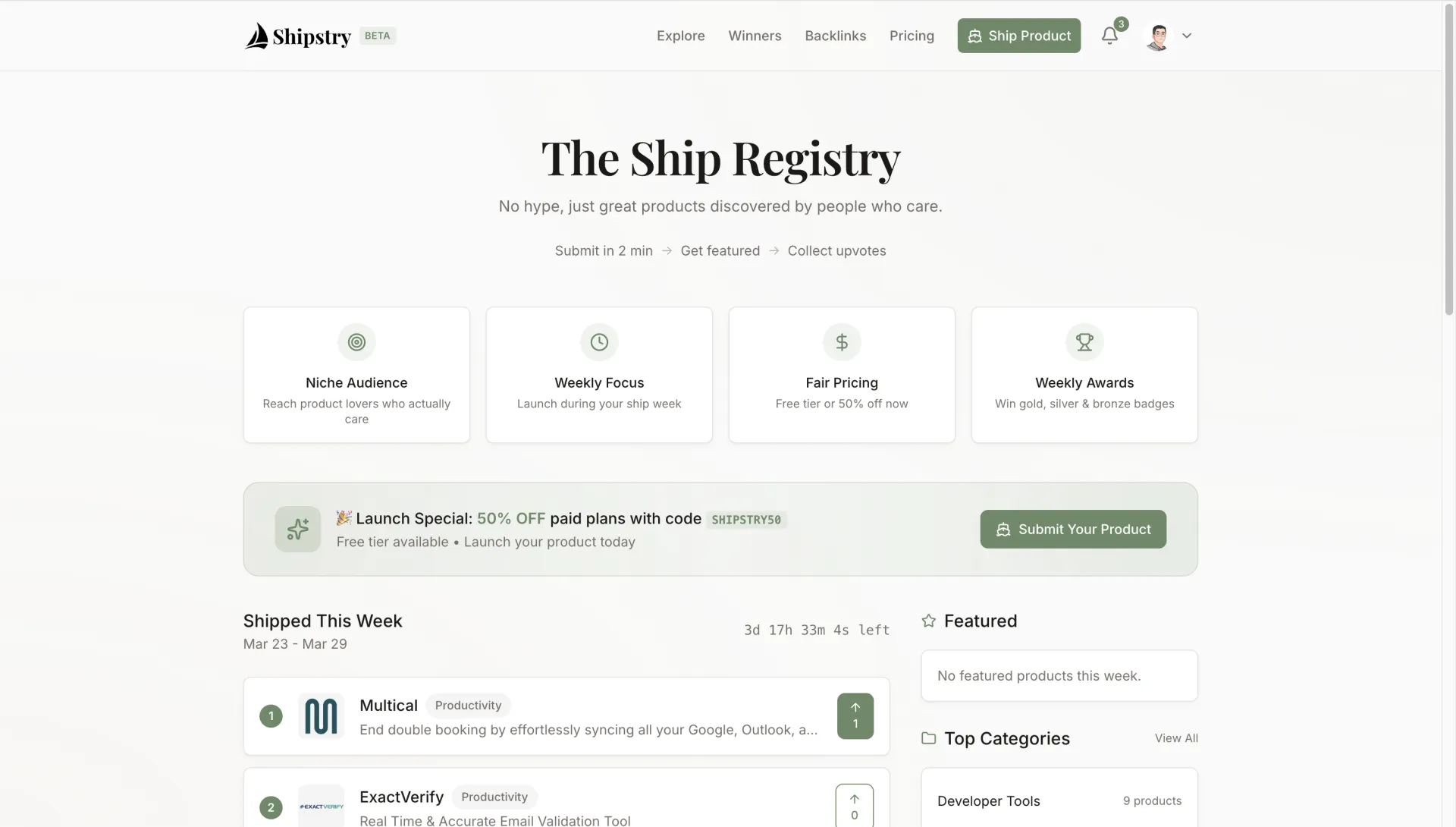
On March 3, 2026, I started with an empty folder. On March 11, 2026, Shipstry went live.
In between: 640 commits, countless cups of coffee, and a lot of lessons learned about building on the edge.
This is the story of how I built it, the technical decisions I made, and what I learned along the way.
The Name
Before writing a single line of code, I needed a name.
I spent an entire afternoon brainstorming with AI. I must have asked for hundreds of suggestions. The AI probably hated me by the end of it.
I wanted something that captured the essence of what makers do — we **ship** products. And I wanted it to feel like a registry, a place where products are officially recorded and discovered.
**Ship** + **Registry** = **Shipstry**
It sounded nautical, it felt right, and the .com was available. Done.
The nautical theme evolved into something more organic:
- Primary color: Olive Moss (#6B8A67)
- Accent: Warm Sand (#D4A574)
- Pricing tiers: Harbor, Voyage, Expedition, Admiral
- The logo: a geometric sailboat with twin sails
The Why
After launching several side projects over the years, I kept running into the same problem: **Product Hunt is great, but it's not built for indie makers anymore.**
Big-budget launches dominate. Marketing teams game the algorithm. Great products from solo developers get buried in hours.
I wanted something different:
- A place that celebrates builders, not marketers
- Weekly cycles instead of daily chaos
- Quality over quantity
- Built by a maker, for makers
So I built Shipstry — "The Launch Registry."
The Stack Decision
Before writing code, I spent time on stack selection. This is the most important decision you make at the start of a project — it will haunt you for months if you get it wrong.
I chose:
**TanStack Start** for the framework. It's a full-stack React framework with file-based routing and excellent TypeScript support. The type safety is incredible — if you change a route, the compiler tells you everywhere that needs updating.
**Cloudflare Workers** for deployment. Edge computing means my users in Singapore, London, and New York all get the same fast experience. No cold starts, global distribution.
**Cloudflare D1** for the database. It's SQLite at the edge. Yes, SQLite — the same database that powers your phone, now running in 300+ locations worldwide. For a product like Shipstry, it's perfect.
**Cloudflare R2** for file storage. When users upload product logos and preview images, they go here. It's S3-compatible but with zero egress fees, which means I don't have to worry about surprise bandwidth bills.
**Better Auth** for authentication. Email/password plus Google OAuth, and it integrates natively with TanStack Start.
**Stripe** for payments, **Resend** for emails, **Tailwind CSS v4** for styling, **shadcn/ui** for components.
The key insight: **TanStack Start + Cloudflare** is a powerful combination. You get React's ecosystem with edge performance, and D1 gives you a real database with zero configuration.
The First Week
**Day 1-2: Foundation**
The first commits set up the entire foundation — TanStack Start with SSR, Cloudflare Workers adapter, Drizzle ORM, basic routing structure.
I also built the design system. I didn't want another generic AI landing page with purple gradients. I created a custom "Olive Moss" palette — muted greens and warm grays that feel organic and calm.
By end of Day 2, I had a working dev server, a distinctive visual identity, and basic page layouts.
**Day 3-4: Authentication**
Authentication is always more complicated than you expect.
Better Auth needs to create its auth instance per-request, not as a singleton. In Cloudflare Workers, each request is isolated anyway, so this architecture actually works well. But figuring that out took a few hours of head-scratching.
I also designed the database schema upfront. The key decision: separating **drafts** from **products**.
Drafts have all nullable fields — users can save at any point in the submission flow and return later. Products have required fields — they only exist when fully submitted. This kept the data model clean and the code simple.
**Day 4-5: The Submission Flow**
The submission form is the heart of Shipstry. I wanted it to feel smooth, not overwhelming.
I built a progressive form with collapsible sections. Each section tracks its completion status. Users can save at any point, leave, and pick up where they left off days later.
For the product description, I integrated Milkdown — a plugin-driven Markdown editor with a custom toolbar. The tricky part was focus management: the toolbar kept stealing focus from the editor. I eventually fixed it by preventing default on mousedown for toolbar buttons.
**Day 5: Pricing and Payments**
I designed a nautical-themed pricing system:
- **Harbor** (Free): Basic submission, normal review
- **Voyage** ($9.9): Fast 24-hour review, same-week ship
- **Expedition** ($29): Featured on homepage, 7 days exposure
- **Admiral** ($59): 30 days featured, premium badge
Stripe integration was straightforward, but the webhook handler needed careful attention. D1 doesn't support nested transactions, so I had to restructure the code to use sequential queries instead of wrapping everything in a transaction.
The AI Feature
Filling out product forms is tedious. Users paste a URL and then have to manually enter the name, tagline, description, logo, preview image...
So I built an AI-powered metadata fetcher.
When a user pastes their product URL, the system:
1. Fetches the page and extracts Open Graph tags
2. Sends the information to AI to generate an enhanced, compelling description
3. Auto-fills all the form fields
The user can review and edit everything before submitting. It's not about replacing human input — it's about reducing friction.
Multi-Provider Failover
AI APIs are unreliable. They timeout, they rate limit, they have outages.
I built a failover system that tries multiple AI providers in priority order. If one fails, it automatically tries the next. The configuration is a simple JSON array in environment variables:
```json
[
{"name": "openai", "priority": 1},
{"name": "claude", "priority": 2},
{"name": "gemini", "priority": 3}
]
```
If all providers fail, the form still works — users just fill it manually. Graceful degradation is key.
SSRF Protection
Allowing users to fetch arbitrary URLs is dangerous. You don't want someone hitting your internal services through your server.
I implemented multiple layers of protection:
- Block private IP ranges (10.x, 172.x, 192.168.x)
- Block localhost
- Only allow HTTP and HTTPS protocols
- Rate limit: 5 requests per minute per user
The Community Features
Comments and Voting
Comments support nesting — users can reply to replies. I used soft deletes instead of hard deletes, so if a parent comment is removed, the threading structure stays intact.
For voting, I wanted instant feedback. Nobody wants to wait for a server round-trip to see their vote register.
I implemented optimistic updates: when you click vote, the UI updates immediately. The server request happens in the background. If it fails, the UI rolls back. This makes the app feel snappy and responsive.
Notifications
Users get notified for:
- Comments on their products
- Replies to their comments
- Award wins (weekly and monthly)
- Product status changes (approved, rejected)
For email delivery, I used Cloudflare's `waitUntil()` function. This sends the response to the user immediately while the email sends in the background. The user doesn't wait for the email to send.
The Final Days
**Caching**
To reduce database load, I built a caching layer using D1 itself as the cache store. Cached data has TTLs, and mutations trigger automatic cache invalidation.
This pattern dramatically reduced read load on the main tables during high-traffic periods.
**Environment Configuration**
I centralized all environment variables with validation. In development, the app validates that all required secrets exist and throws clear errors if something is missing. In production, I trust that Cloudflare has the secrets configured.
This caught several configuration mistakes during development that would have been painful to debug in production.
**Launch**
On March 11, 2026, Shipstry went live.
The final commits added a launch promo banner with a 50% discount code, and adjusted the ship week logic to allow immediate launches during the launch period.
What I Learned
**TanStack Start is ready for production.** The framework is stable, well-typed, and SSR works seamlessly with Cloudflare Workers.
**D1 is good enough.** SQLite at the edge sounds limiting, but for most applications, it's perfect. Zero configuration, fast queries, generous free tier. The main gotcha is no nested transactions.
**Edge functions change how you think.** No global state, `waitUntil()` for background tasks, zero cold starts, environment access through imports rather than `process.env`.
**AI integration is easier than expected.** With the right abstraction — multi-provider failover and graceful degradation — you can build reliable AI features.
**640 commits in 9 days.** That's roughly 71 commits per day. Each commit was small, focused, and reversible. The discipline of atomic commits saved me multiple times when I needed to roll back a bad decision.
What Happened After Launch
Shipstry has been live for two days.
In that time, I've been doing link building — submitting to directories, reaching out to communities, getting featured on various platforms.
The results? **DR went from 0 to 14 in two days.**

Berrys is a workflow-native creative infrastructure that eliminates inconsistencies by embedding "Brand Memory" directly into the AI generation loop. It empowers high-growth commerce brands to scale on-brand content production, turning raw product assets into high-performing marketing posts in minutes.


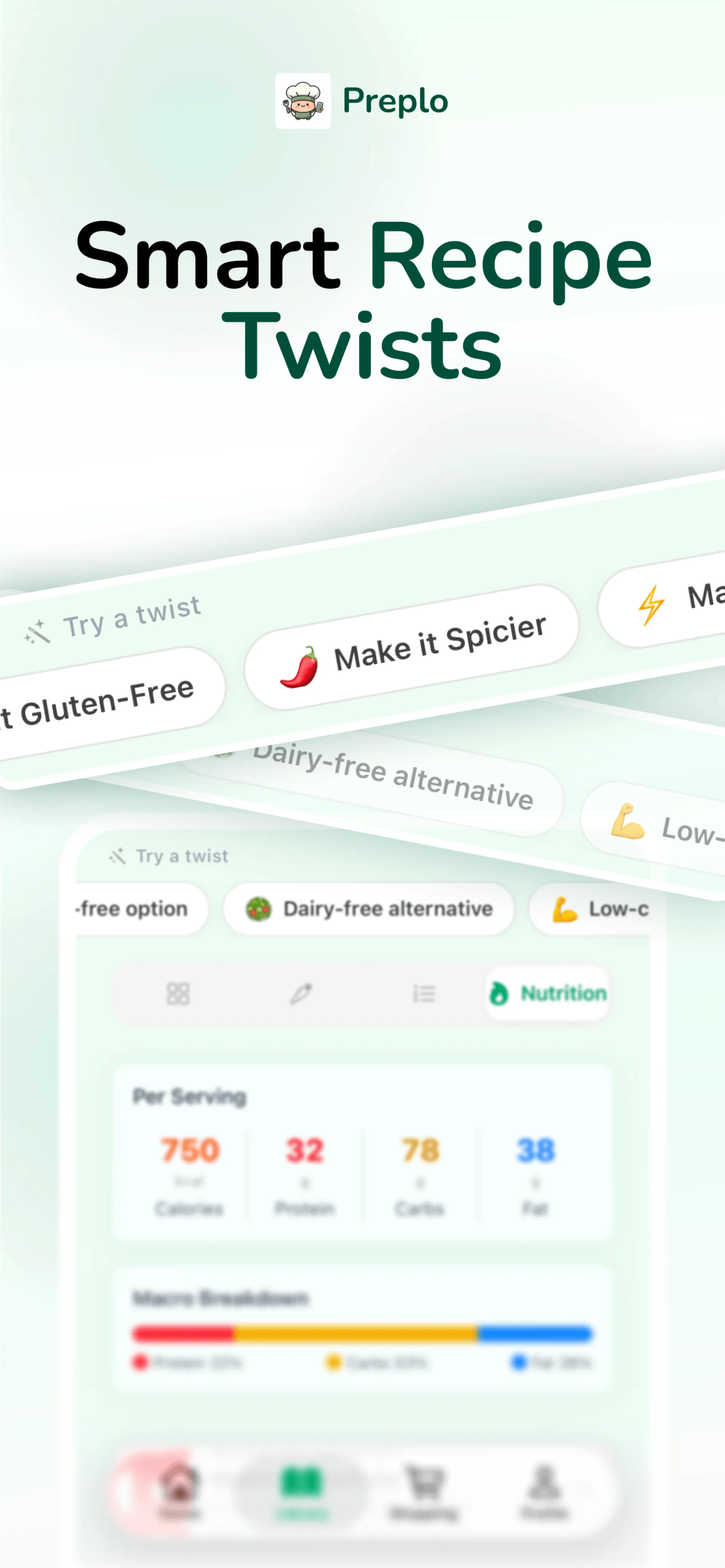
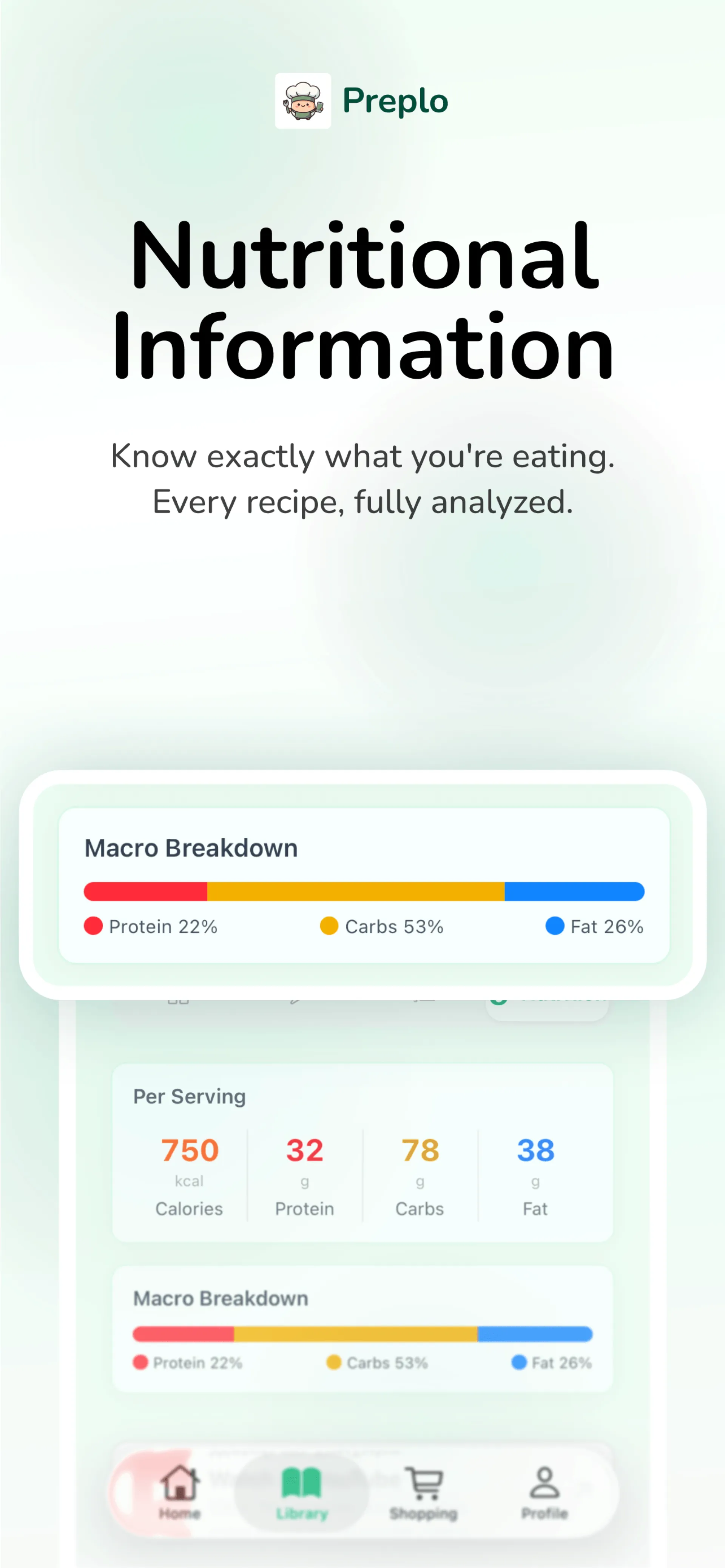
I made an fun app called Preplo that turns cooking videos into real recipes you can actually follow
You just paste a link from YouTube, TikTok, or Instagram and it instantly extracts the ingredients, step by step instructions, and even gives you a cost estimate
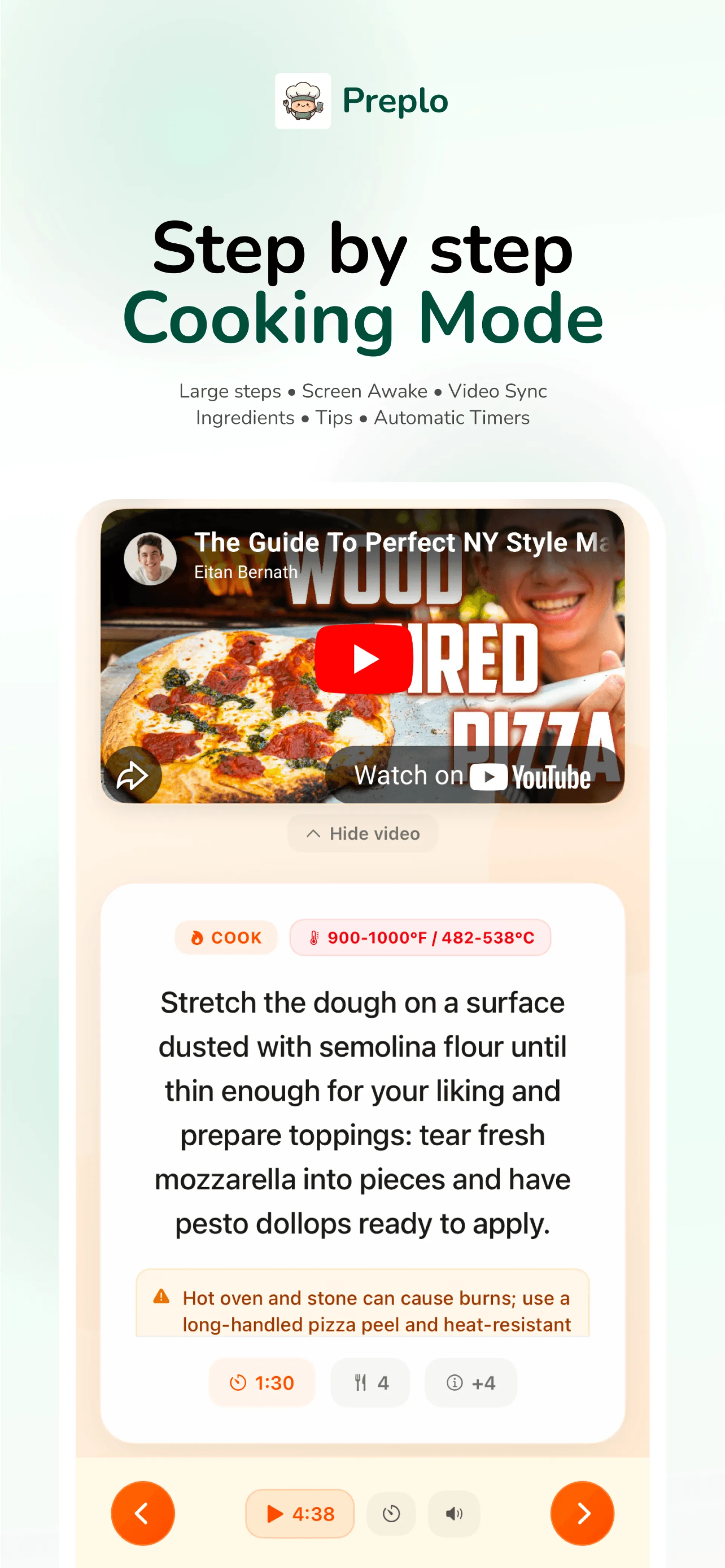
It also lets you adjust recipes to fit what you want, like making them vegan, spicy, or low carb, and there’s a guided cooking mode so you can follow along without constantly pausing a video
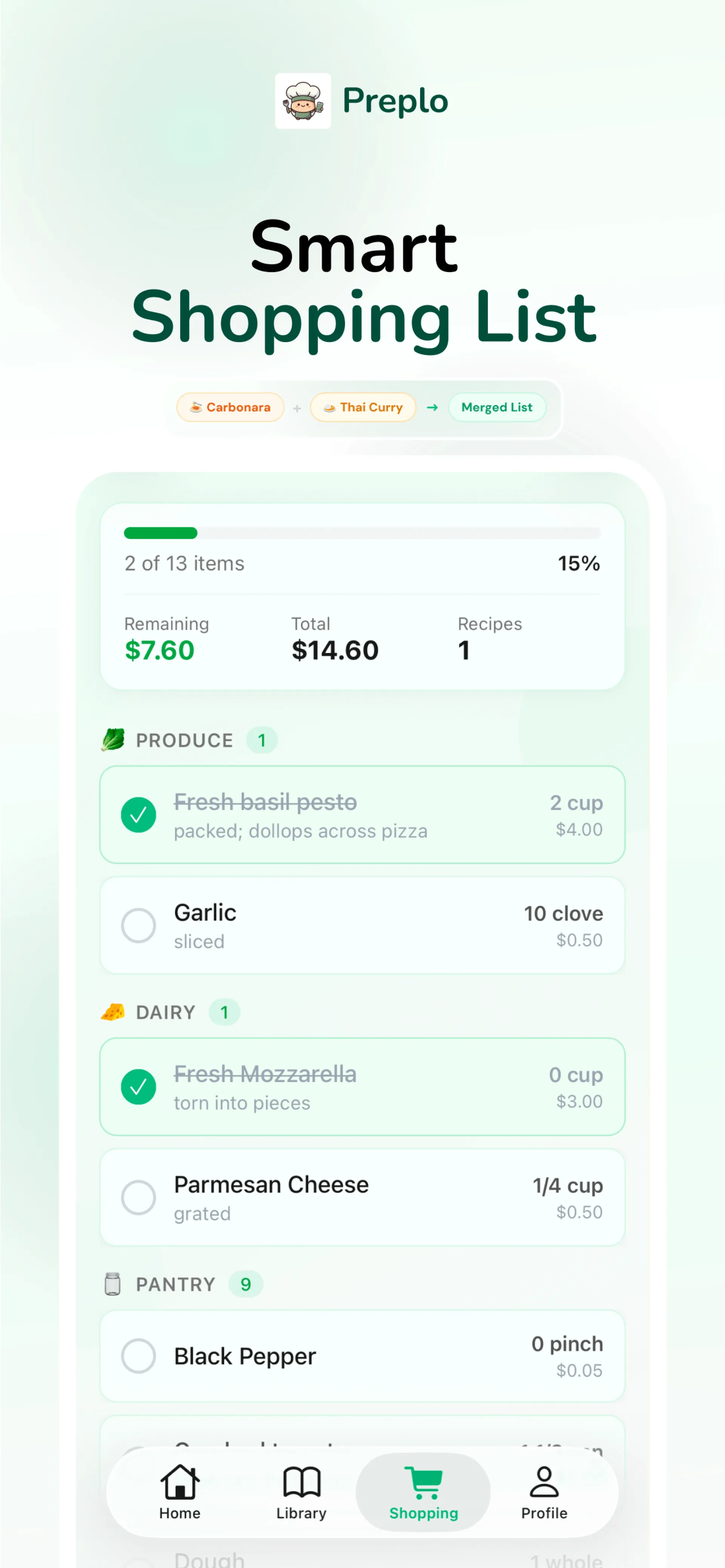
It automatically creates a shopping list too, so you can go from watching a video to actually cooking the meal without extra effort
If you discover recipes on social media but never end up making them, this is exactly what Preplo is built for
Check it out https://preplo.app/
Follow along here TikTok https://www.tiktok.com/@preplo.app

Berrys is a workflow-native creative infrastructure that eliminates inconsistencies by embedding "Brand Memory" directly into the AI generation loop. It empowers high-growth commerce brands to scale on-brand content production, turning raw product assets into high-performing marketing posts in minutes.


In the fast-paced tech world, simply passing a certification exam isn't enough. You need to master the underlying technology. Traditional brain dumps often fail students when they face real-world scenarios.
PlanetCert is changing the game with a logic-based approach to exam prep. Whether you are studying for a Cisco network associate practice test (200-301), an AWS cloud practitioner practice exam, or a Microsoft AZ-900 practice test, our platform provides deep-dive explanations for every single question.
Key Features for Tech Professionals:
* **Lifetime Updates**: One purchase covers all future successor exam versions.
* **AI-Specialized Tracks**: Master high-demand credentials like AWS AI Practitioner and Google ML.
* **Interactive Learning**: Use Exam Simulations and Flashcards to build true confidence.
Bridge the gap between a certificate and true expertise. Learn it, don't just memorize it.
Check out our 1,000+ practice tests here: https://planetcert.com/


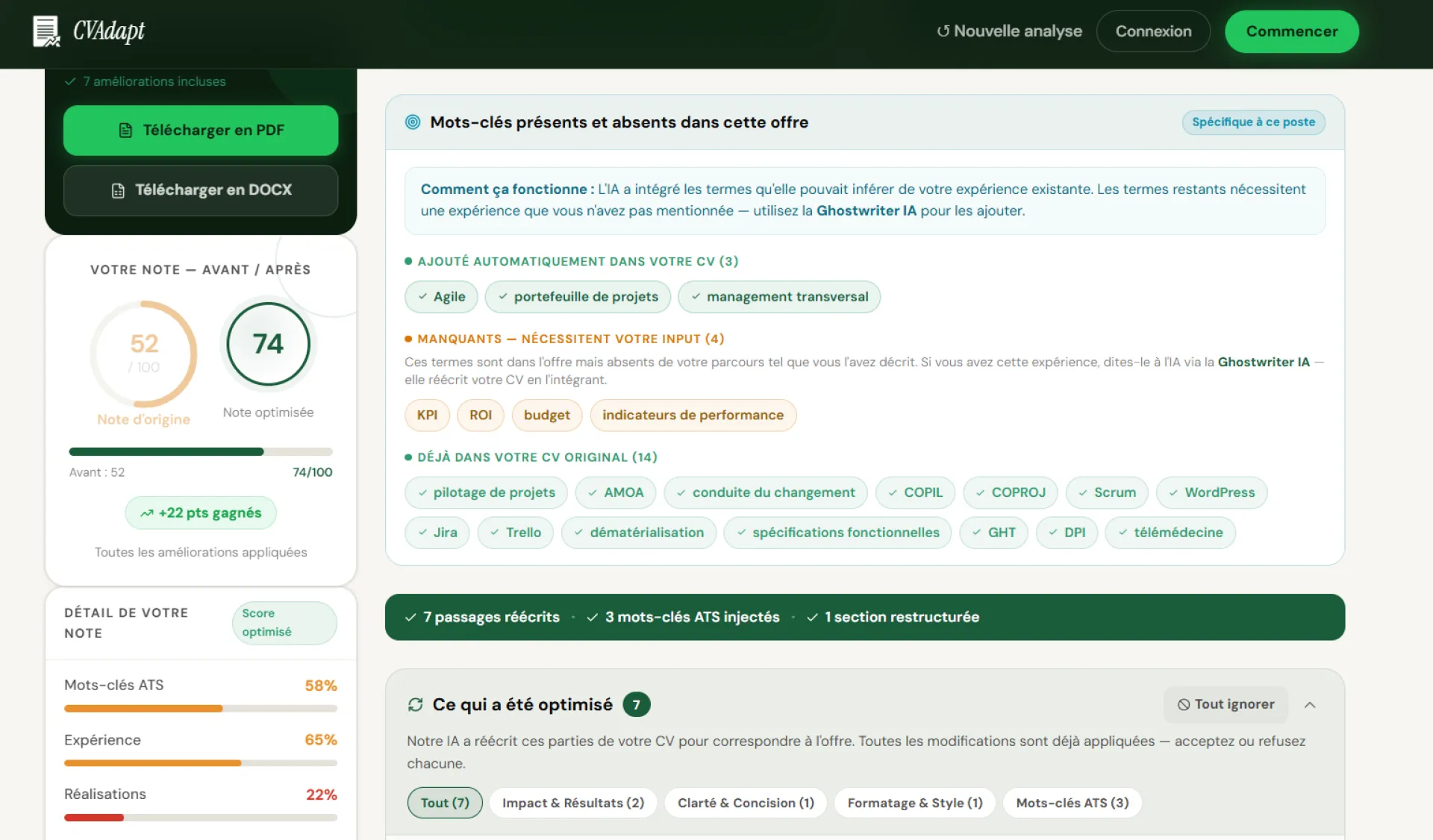
J'ai envoyé des dizaines de candidatures sans retour. Un ami RH m'a expliqué que 90% des CVs sont filtrés par un logiciel avant d'arriver sur un bureau.
J'ai construit cvadapt.fr pour voir exactement quels mots-clés manquaient dans mon CV par rapport à l'offre. Ca m'a pris 6 mois pour que ça marche bien.
3 essais gratuits si vous voulez tester.

Stealth Gadgets started with a simple problem: discovering tactical gear, gun accessories, and outdoor equipment online is messy. Information is scattered, reviews are biased, and it’s hard to know what’s actually worth your money.
So I built Stealth Gadgets to fix that.
It’s a platform where you can:
• Discover curated tactical gear and accessories
• Explore brands and products in one place
• Stay updated with industry content, guides, and insights
• (Soon) connect brands with creators for authentic promotions
This is just the beginning — the bigger vision is to build a complete ecosystem around tactical gear: marketplace, content, community, and creator partnerships.
I’d genuinely love your feedback:
👉 What would make this 10x more useful for you?
👉 Anything confusing or missing?
I’ll be here all day responding to every comment. Thanks so much for checking it out 🙏

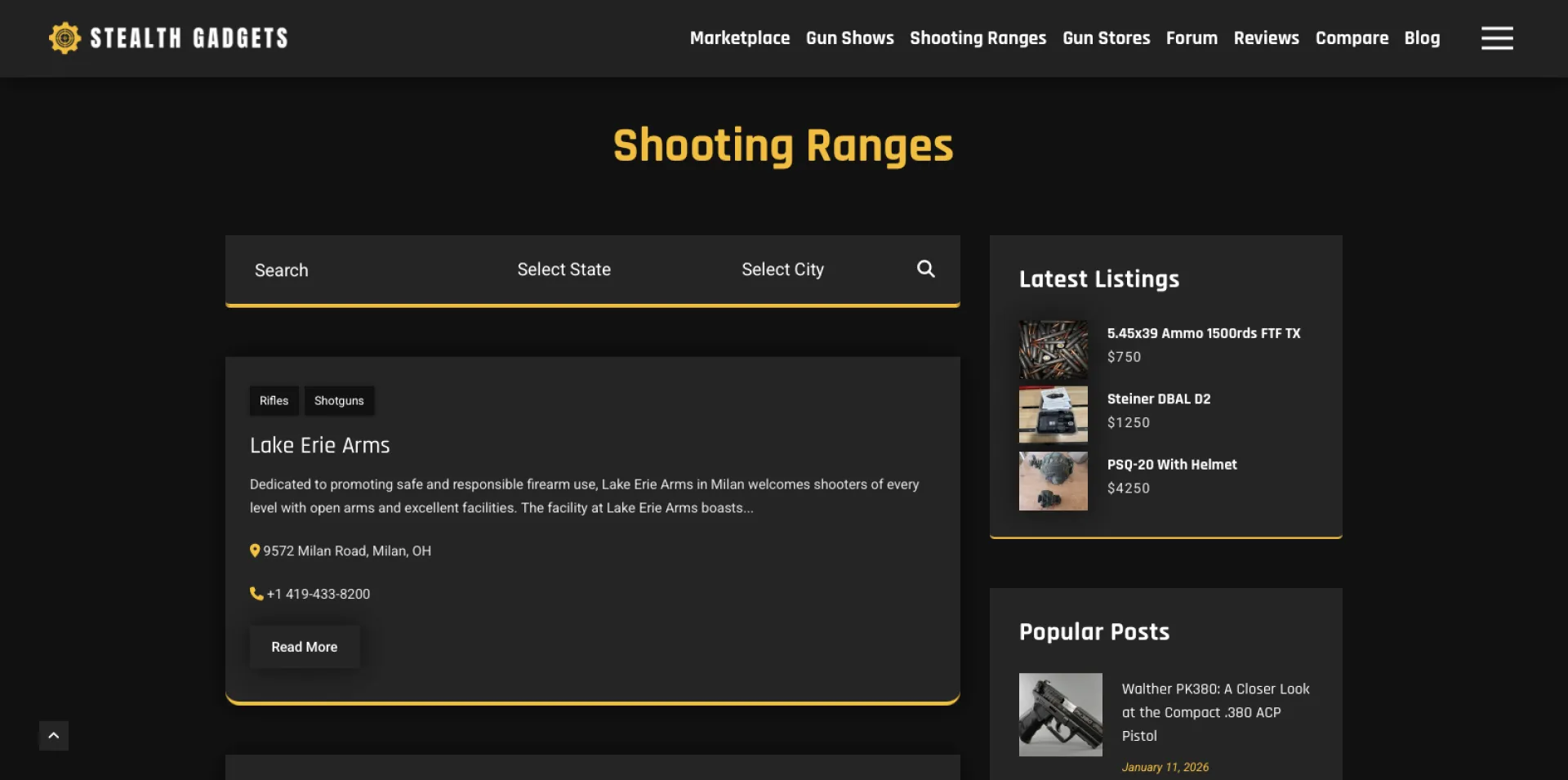


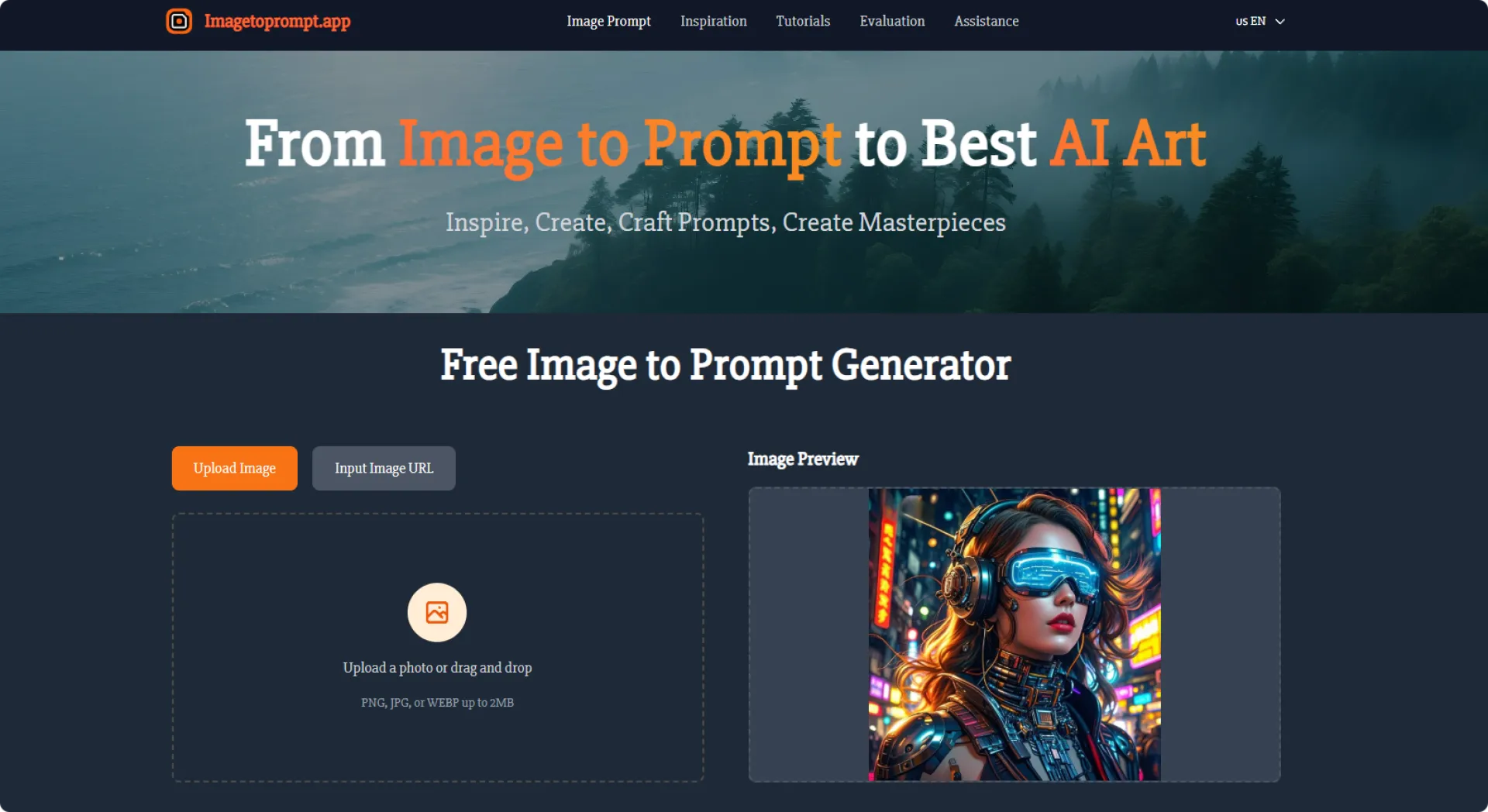
Image to Prompt is a free, browser-based tool that converts any image into a detailed, high-quality prompt suitable for AI image models such as Midjourney, Stable Diffusion, and Flux. Simply upload an image or paste an image URL, then receive a structured, descriptive prompt covering subjects, style, composition, colors, and lighting. The tool supports multiple languages, offers optional structured prompts, and requires no account or payment. Images are used only for real-time analysis and are deleted immediately, protecting user privacy. Perfect for creators who want to replicate styles, refine details, or learn better prompt writing through clear, accurate descriptions.
Image to Promp
thttps://imagetoprompt.app/


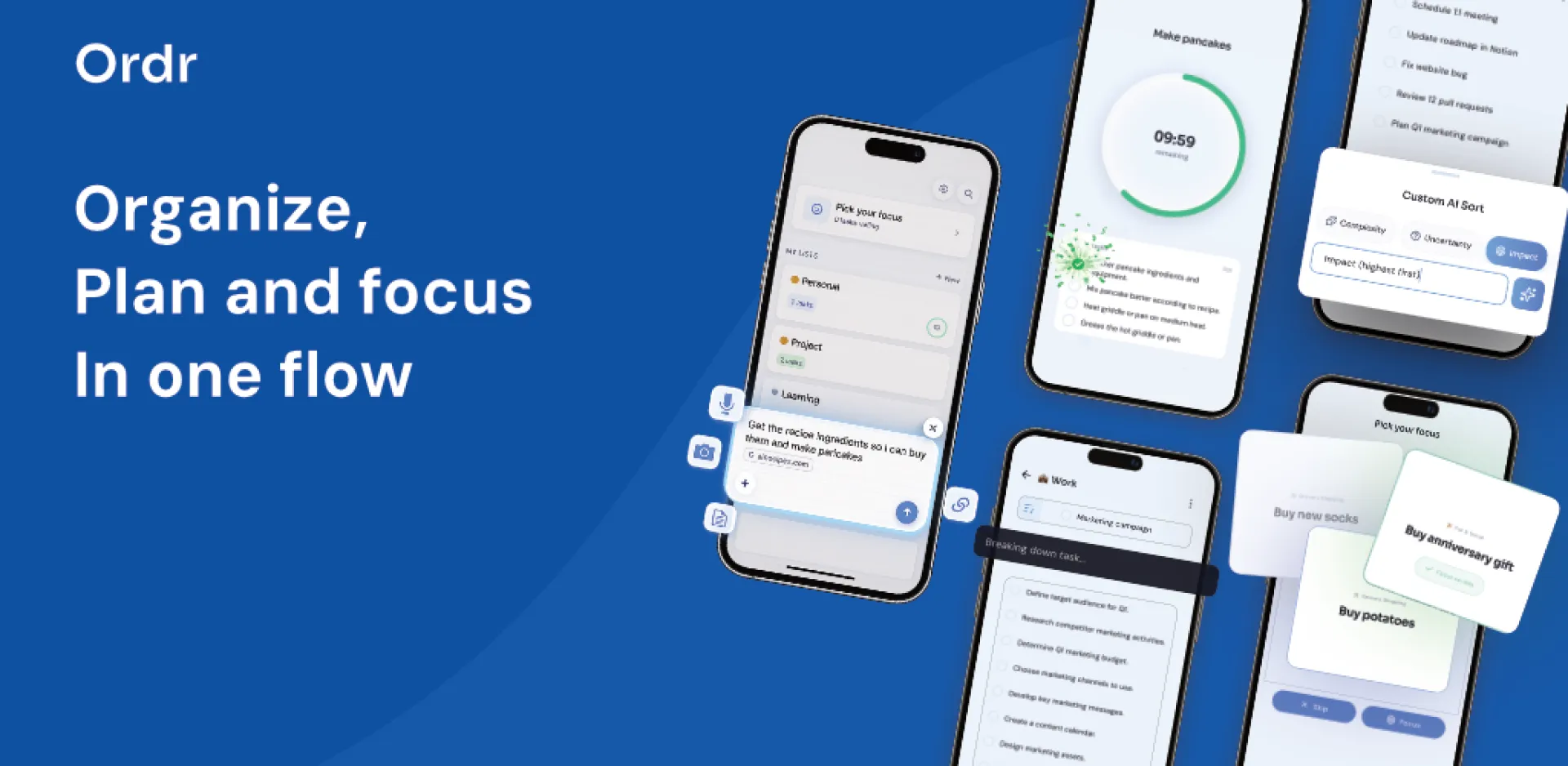
Hi everyone,
I’ve been building Ordr, an AI task manager for people who feel overloaded by their own to-do list.
The problem I kept running into was that most productivity apps assume you already have the mental energy to organize everything well. You need to decide what is a task, what is an event, what matters first, what belongs on a calendar, and how to structure it all. That admin work becomes the real bottleneck.
So I started designing Ordr around a different idea: capture should be easy, and structure should happen for you.
With Ordr, you can dump thoughts through voice, text, images, documents, or links, and the app turns that input into clearer tasks, events, and next steps. I also focused a lot on reducing decision fatigue, so the product includes things like task breakdown, focus support, and timeline planning instead of just another long list.
The most interesting part of building it has been thinking less about “task management” and more about cognitive load. I’m trying to make something that feels calm, minimal, and usable when your brain is already busy.
Still early, but building this has made me think a lot about how much productivity software accidentally becomes another thing to manage.
Curious how others here think about this:
What’s the most frustrating part of existing to-do or planning apps for you?

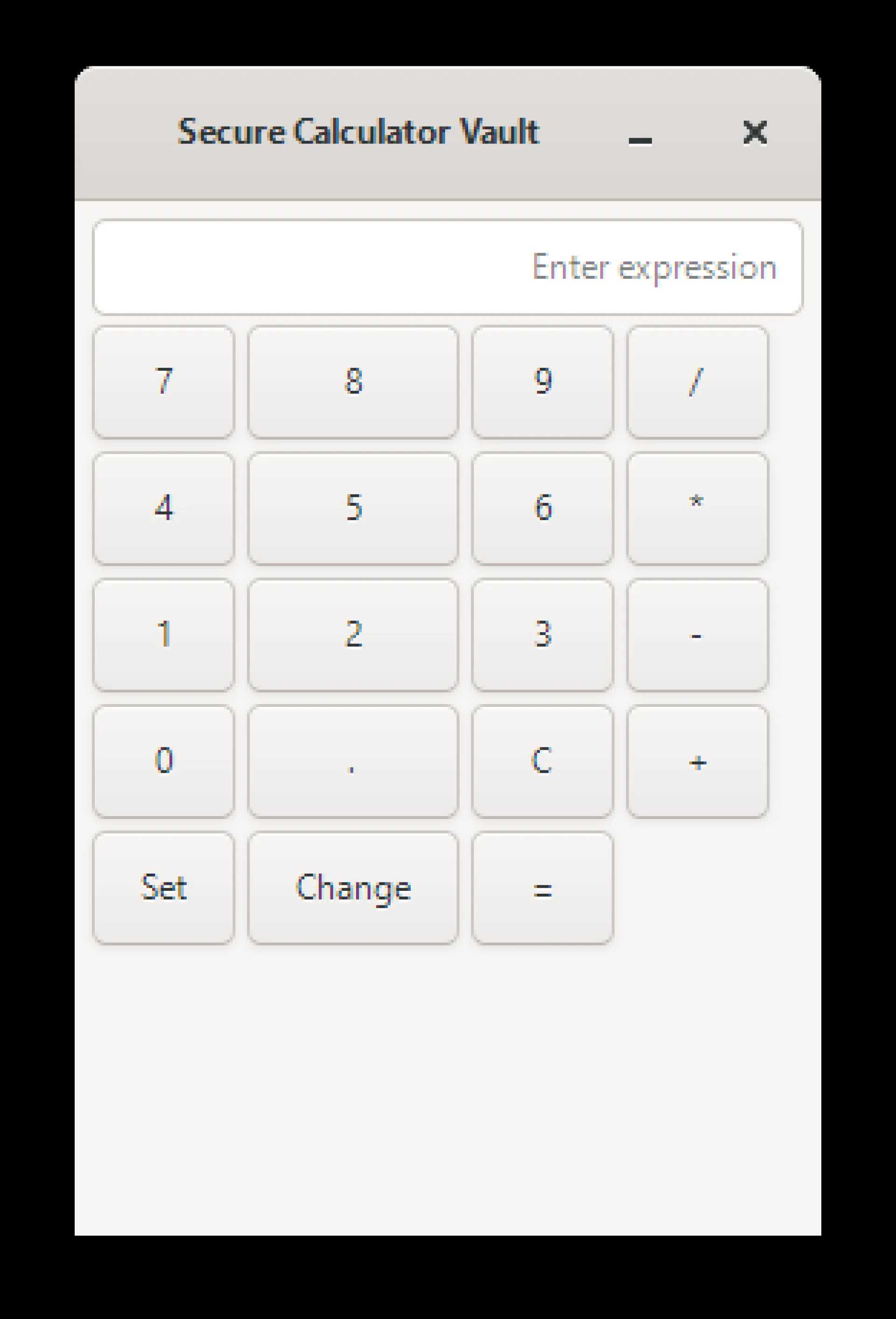
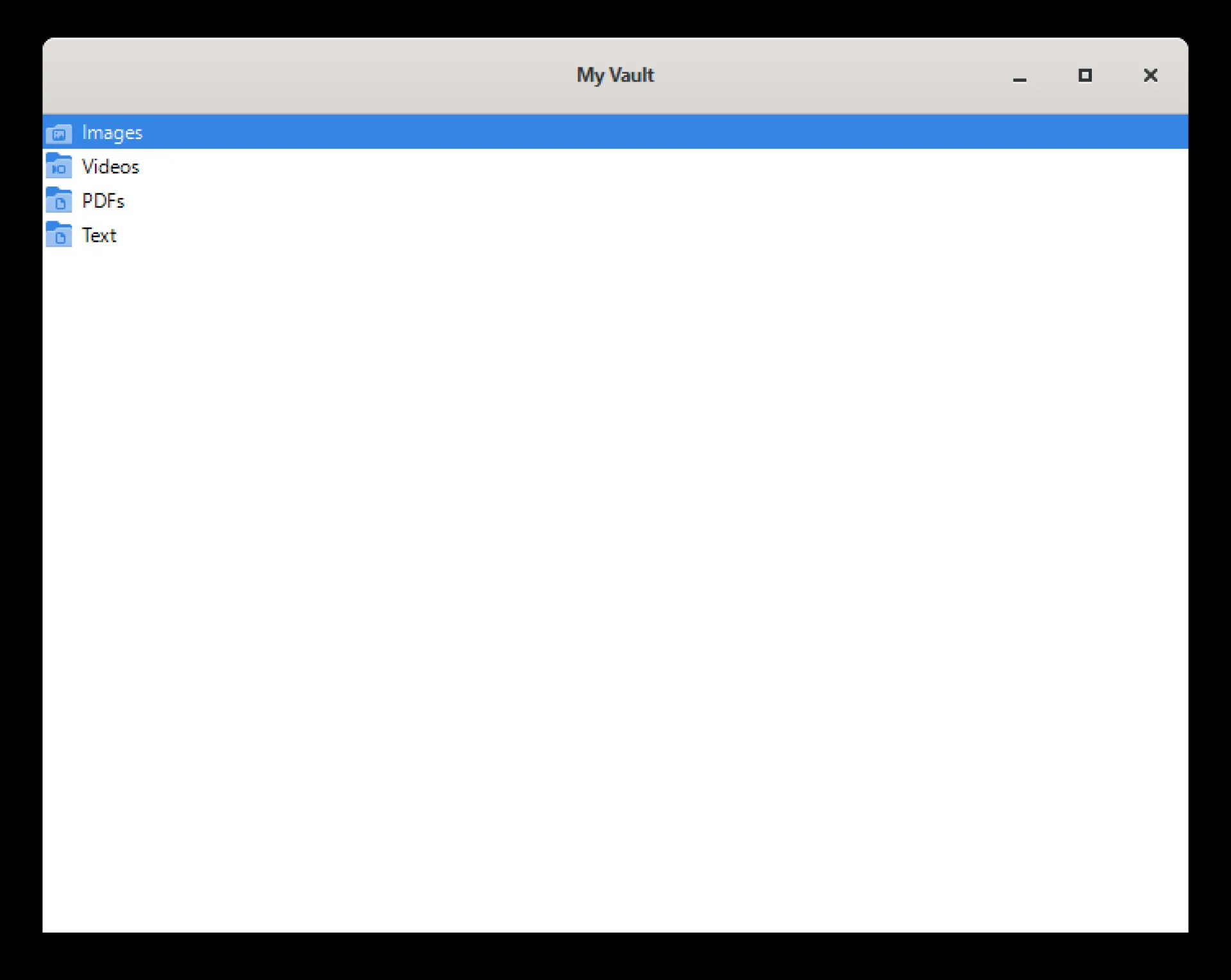
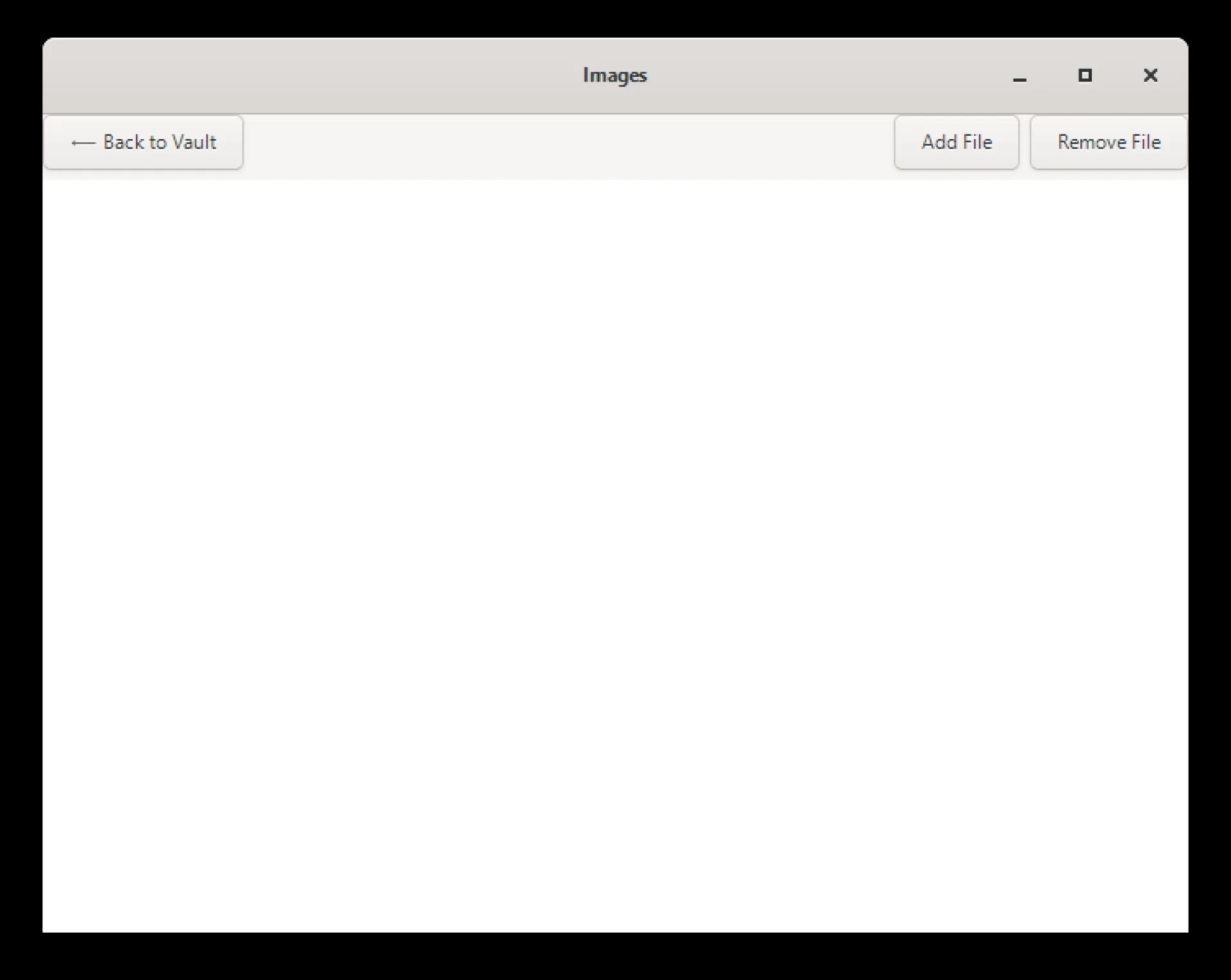
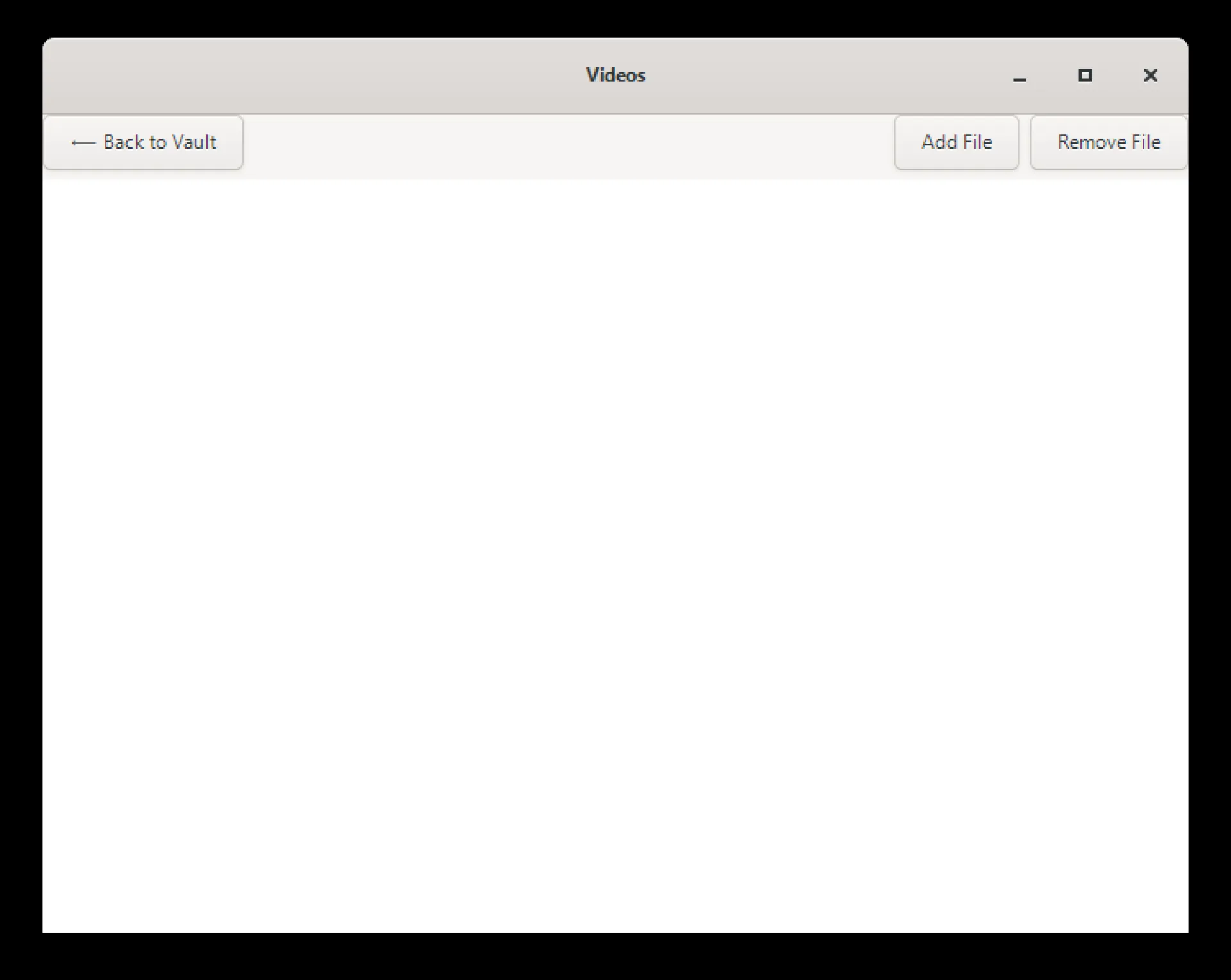
secure calculator vault hide and encrypt file. we use AES 256 encryption to encrypt the file. without opening a vault with right password file won't open by other if the third person got the files. also added the built in media viewer so user don't need to leave the app to see this.
For install on Microsoft store :- https://apps.microsoft.com/detail/9N000B136679
supported image extension by media viewer :- png, jpg, jpeg, gif, bmp, webp, svg, tif, tiff, ico
supported video extension by media viewer :- mp4, mkv, mov, webm, avi, mpg, mpeg, ogv
supported text extension by media viewer :- txt, csv, md, log
supported pdf extension by media viewer :- pdf
when user remove the file from the app it automatically decrypt the file.
it's a offline app, Files stay on users device, no background data collection, no ads, no analytics, no user tracking, it support windows 10 and windows 11.

Bitcoin Calculator Tools is a free, no-login platform offering 40+ Bitcoin
calculators built for everyday investors, traders, and crypto enthusiasts.
Tools include:
- Bitcoin Profit & Loss Calculator — calculate exact gains or losses on any trade
- DCA Calculator — track dollar cost averaging returns over time
- Capital Gains Tax Calculator — estimate your crypto tax liability
- Mining Profitability Calculator — model real mining returns
- Bitcoin Retirement Planner — plan long-term BTC savings goals
- What If Calculator — "what if I bought Bitcoin in 2020?"
- Lump Sum vs DCA Comparison — data-driven strategy analysis
- Bitcoin Converter — real-time BTC to USD and 50+ currencies
- Rainbow Chart, Fear & Greed Index, Power Law, and more
No ads on results. No account required. Built for clarity and speed.


Hey fam,
I launched a "Viral bucket" on Huzzler today. Your vote would be appreciated.

A lot of websites today are built around speed. Publish fast, react fast, move on fast. The internet rewards momentum, and that has shaped the kind of content people create. Much of what gets posted now is designed for quick consumption: short updates, fast opinions, clipped summaries, and content that works best when seen for a few seconds at a time.
That model is useful for many things, but it is not the only model worth building around.
There is still a strong case for platforms centered on articles. Not because the web needs more words for the sake of having more words, but because some ideas deserve a format that lets them develop properly. A short post can announce something. A good article can explain it, test it, question it, and leave the reader with something more solid than a first impression.
That difference matters more than it may seem.
When a platform is designed for articles, it encourages a different standard of publishing. Writers are less tempted to rely on a clever opening and more likely to think about structure, flow, and usefulness. Readers arrive with different expectations too. They are not just scanning for a punchline or a signal. They are there to follow an idea from beginning to end.
That creates a better environment for certain kinds of content. Practical guides work better when they can be laid out clearly. Industry commentary works better when it has room for reasoning. Comparisons are more helpful when they explain trade-offs instead of reducing everything to a quick verdict. Even opinion pieces improve when they have enough space to support their claims.
There is also a business case for this kind of publishing. Companies, founders, publishers, and independent creators all benefit from having a place where they can say more than what fits into a social post. A proper article can present expertise, explain a service, introduce a niche, or build credibility in a way that fast content usually cannot. It does not need to go viral to be valuable. It only needs to be useful to the right readers.
Another advantage is that article platforms tend to age better. Fast content is tied to timing. Once the moment passes, the content often loses most of its value. Articles can do something different. They can continue to attract readers because they answer questions, provide perspective, or cover a topic in a way that remains relevant beyond the day they were posted. That gives article-based sites a durability that many feed-based platforms struggle to match.
This is one reason a focused publishing site can still stand out. It does not need to compete by doing exactly what every social platform already does. It can compete by offering something that feels more intentional: content with shape, substance, and enough room to become worth saving or sharing later.
That kind of publishing also helps restore a sense of editorial identity. On article-driven sites, the platform itself can begin to mean something. Readers start to associate it with a certain tone, level of quality, or type of subject matter. That is much harder to achieve in environments where content is constantly being flattened into the same basic format.
The web is not suffering from a lack of content. It is suffering from an excess of forgettable content. That is exactly why article platforms still make sense. They create space for writing that is meant to last longer than a scroll, serve a clearer purpose, and respect the reader enough to offer more than surface-level attention traps.
There is still room for websites built around that idea, and that is part of what makes Scoop Articles interesting. A platform focused on readable, topic-based publishing is not a throwback. It is a practical response to a web that often moves too quickly to say very much at all.
Scoop Articles: https://www.scooparticles.com/


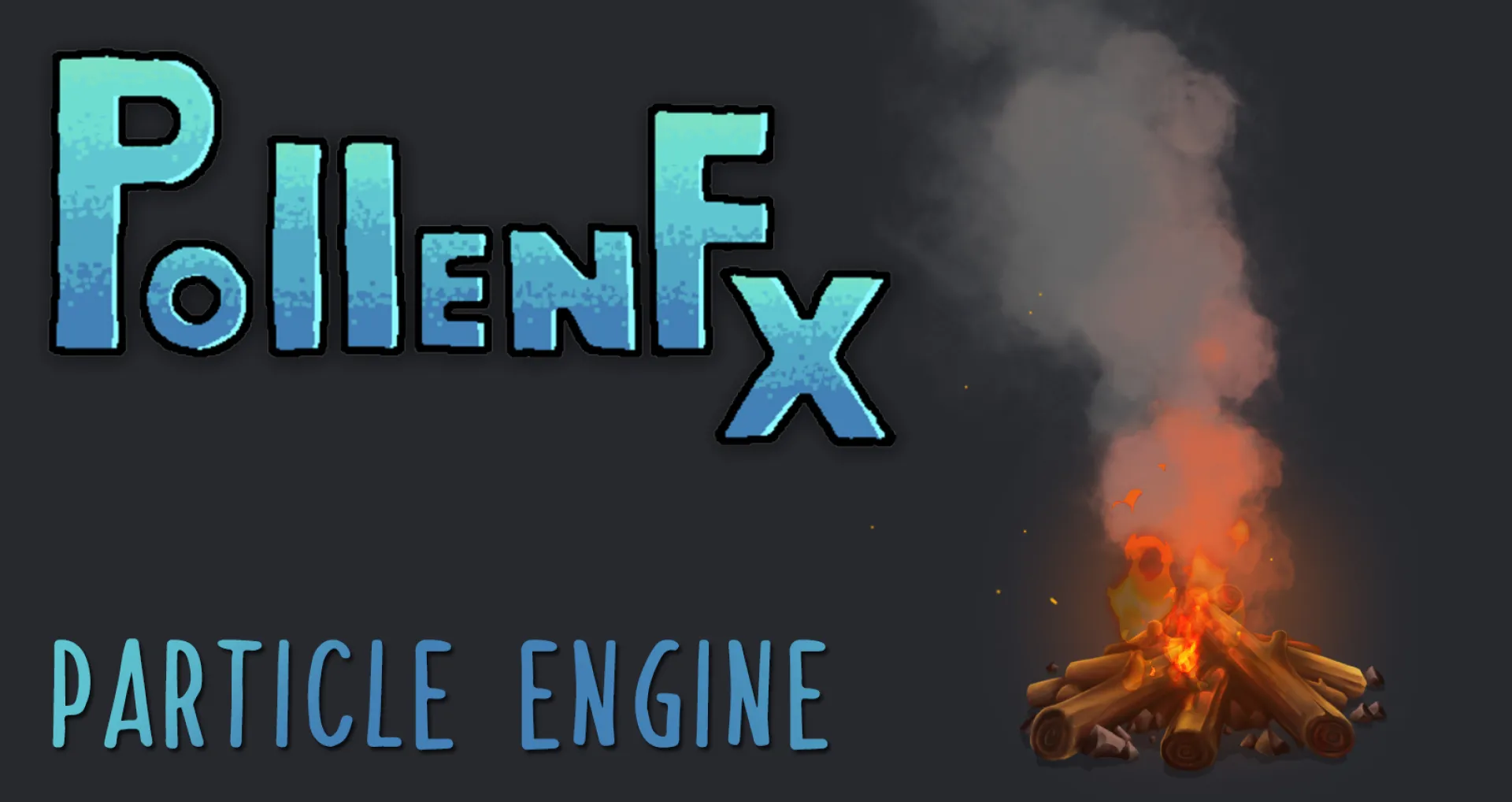
Particle systems on the web usually rely on Canvas or WebGL. While powerful, those approaches often add complexity and require specialized rendering pipelines.
PollenFX takes a different approach. It is a lightweight, code-first particle engine built entirely on the DOM. Instead of drawing pixels to a canvas, PollenFX generates and animates real HTML elements, turning them into particles through JavaScript and CSS transforms.
Because particles are simply styled <div> elements, they integrate naturally into any webpage. They can be inspected in devtools, styled with CSS, and attached directly to existing UI elements.
The engine itself is minimal: one JavaScript file, no dependencies, and a modular architecture built around managers, emitters, particle data, and behaviors. This structure makes it possible to assemble complex visual effects—such as smoke, sparks, or ambient UI animations—entirely through code.
PollenFX demonstrates that rich particle effects don’t always require heavy rendering technology. By using the DOM itself as the rendering surface, it offers a surprisingly flexible and elegant way to bring motion and atmosphere to modern web interfaces.

Most founders make the same mistake: they spend weeks perfecting the product and throw together a landing page at the last minute. By then, they've lost valuable prelaunch time that could have been building a real waitlist.
Here's the thing — a free landing page can outperform a paid one if the messaging is right.
What your prelaunch page actually needs:
The page doesn't need to be fancy. It needs to answer five questions fast: Who is this for? What problem does it solve? Why should I trust you? Why join now? What happens after I sign up?
That's it. Everything else is noise.
The most common reasons prelaunch pages fail:
Vague headlines like "something big is coming" attract zero qualified leads. If a visitor can't tell within 3 seconds whether this is for them — they're gone.
Long signup forms kill momentum. Ask for an email and one qualifying field. That's enough to start.
No follow-up system means your list goes cold. A simple 3-email sequence in the first two weeks after signup keeps intent alive until launch day.
Free tools are not the problem.
A basic free stack — page builder, Google Analytics, a free email tool like Brevo — is more than enough to validate demand. The bottleneck is always messaging clarity, not the technology.
One metric worth obsessing over:
Don't track raw signup count. Track how many of those signups actually respond to your first follow-up email. That ratio tells you whether your messaging is attracting the right people.
For a full 30-day execution plan and page structure that converts, this guide breaks it down step by step: 👉https://unicornplatform.com/blog/launch-a-startup-site-for-free-in-2026/
Build the list first. Then build the product.
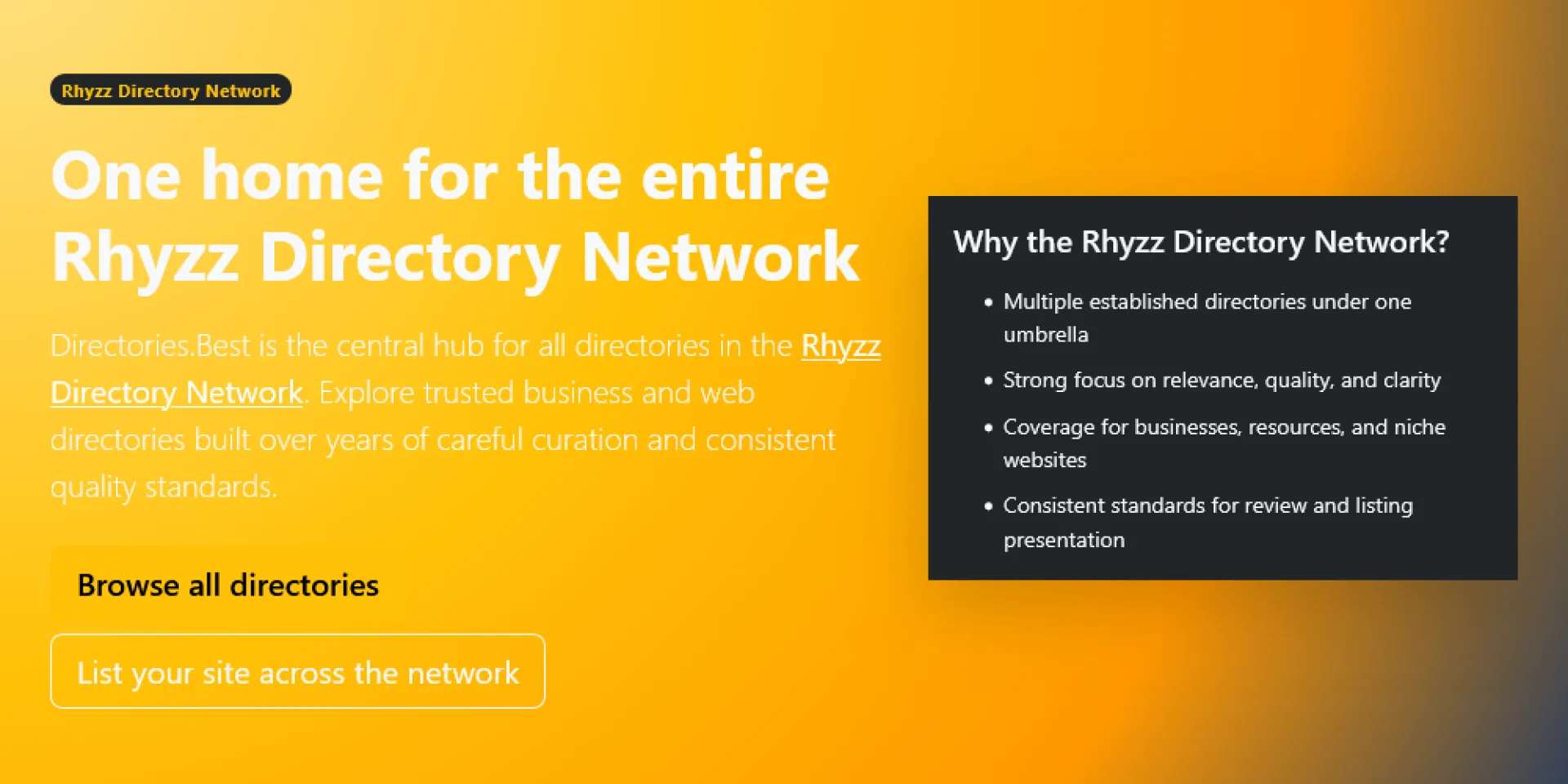
I created Directories.Best to make it easier to find useful directories without wasting time jumping from site to site.
There are a lot of directories online, but not all of them are worth your attention. Some are outdated, some are too broad, and some just are not very helpful. I wanted a place that brings together directories that are actually useful to browse, submit to, or keep an eye on.
Directories.Best is part of the broader Rhyzz Directory Network, and the idea behind it is simple: organize quality directory websites in one place so people can discover them more easily. That includes business directories, niche directories, and other web directories that may be worth exploring.
I built it for people who still see value in directories when they are well organized and genuinely useful. Whether you are a business owner, a marketer, or just someone researching directory sites, the goal is to make discovery easier.
Directories.Best: https://directories.best/
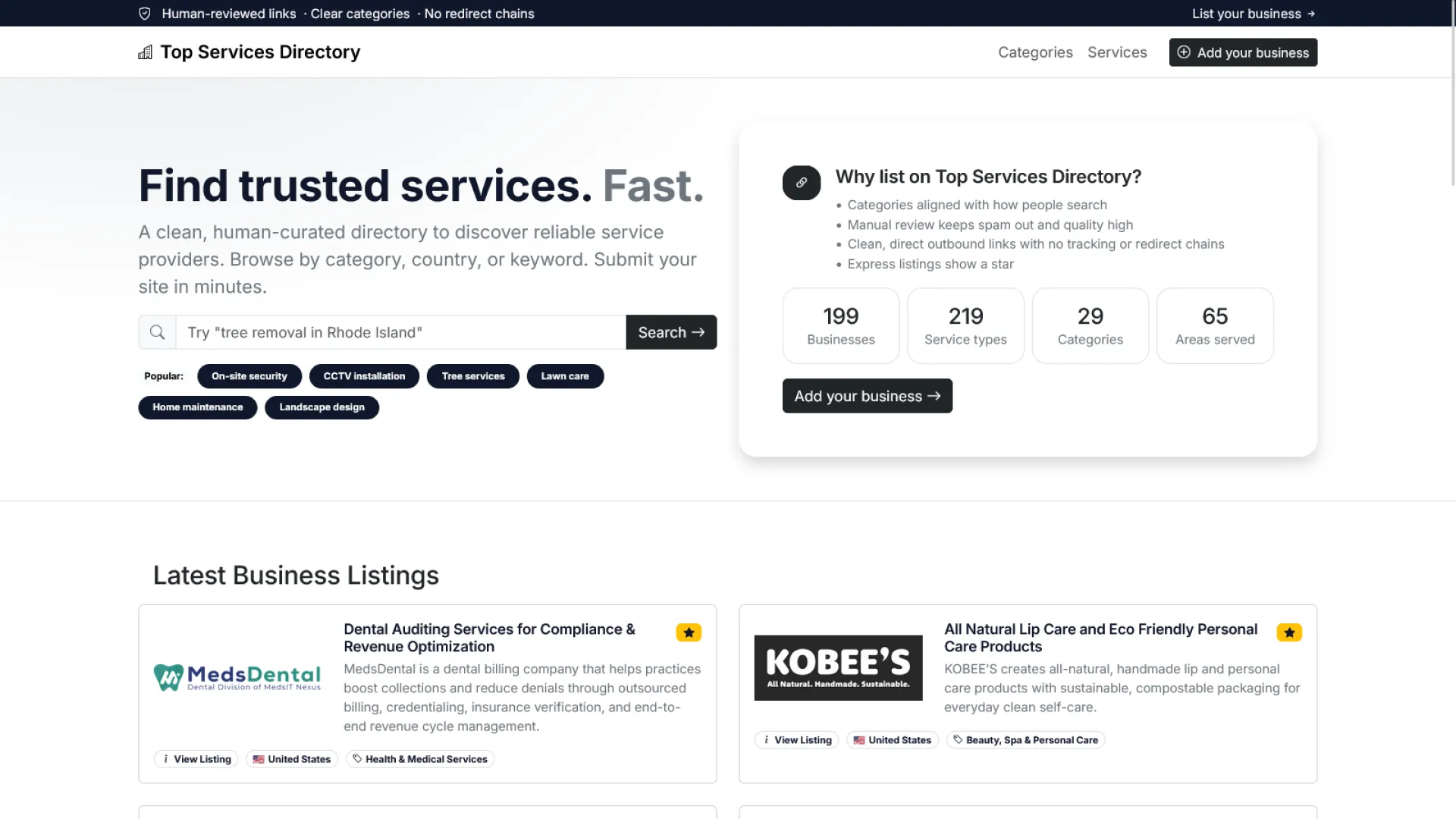
I created Top Services Directory to give service-based businesses a place where they can be found more easily by people who are actively looking for what they offer.
There are many directories online, but not all of them are focused in a useful way. Some mix too many unrelated listings together, while others do not make it easy for users to discover the kinds of services they actually need. I wanted to build a directory that puts service businesses at the center and makes browsing more straightforward.
Top Services Directory is part of the broader Rhyzz Directory Network, and the idea behind it is simple: create a dedicated space for service providers across different industries so they can be listed in a more organized and accessible way. From local professionals to specialized service companies, the goal is to make it easier for visitors to find relevant businesses without unnecessary clutter.
I built it for business owners who want more visibility and for users who want a cleaner way to explore service-related listings online. Whether someone is searching for a specific provider or simply browsing available services, Top Services Directory is meant to make that process easier.
Top Services Directory: https://www.topservicesdirectory.com/

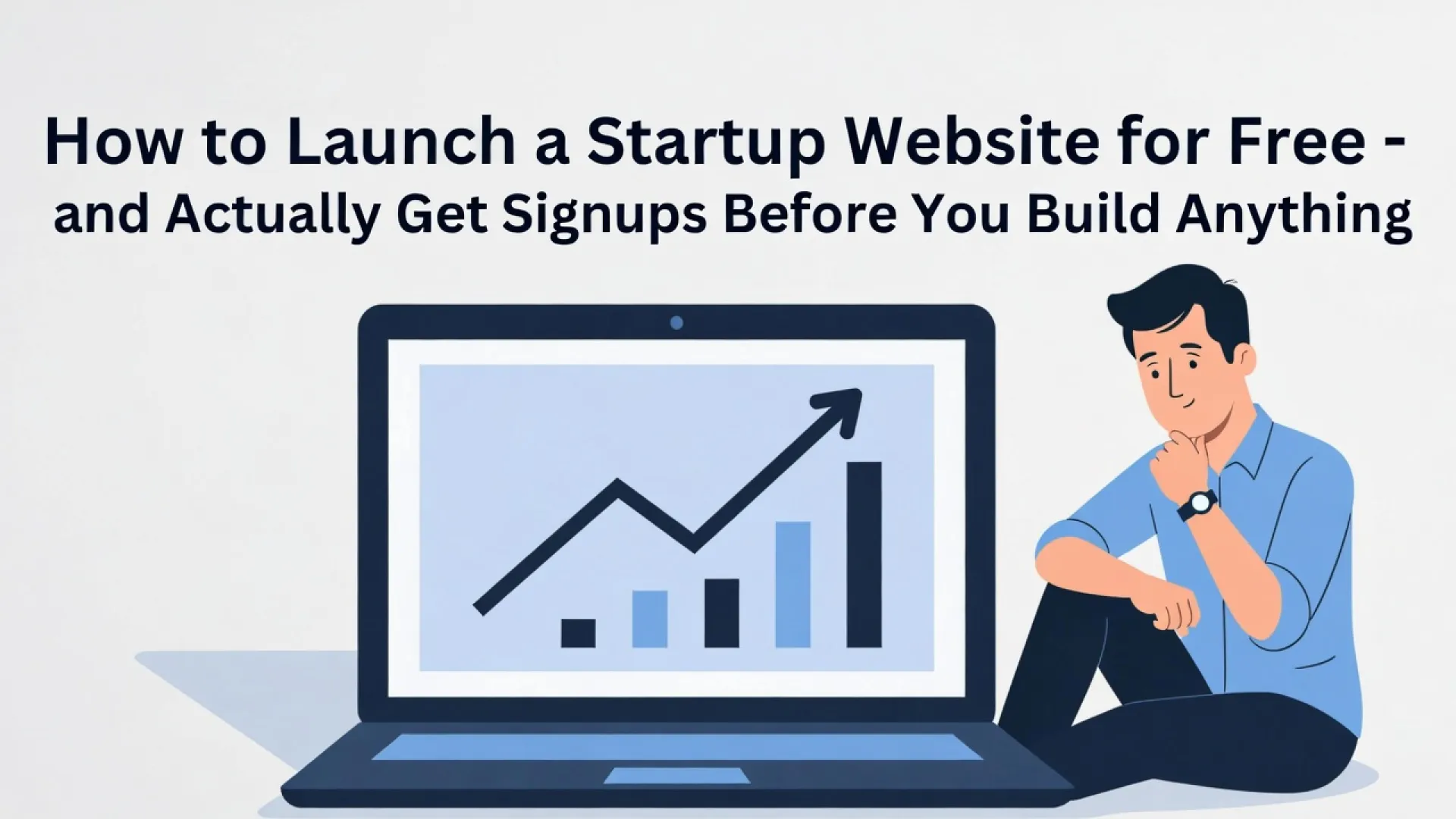
Most startup teams burn weeks on design when the real problem is structure, not style. A template won't save you — but a proven conversion architecture will.
Here's what actually moves the needle: → One primary CTA. No competing actions. → Trust signals placed before the form, not after. → A headline that answers "who is this for?" in 3 seconds. → Weekly test cycles instead of random redesigns.
We put together an 8-block startup landing page framework + a full 30-day optimization plan so your team can ship fast and convert better from day one.
Full breakdown here 👇 🔗https://unicornplatform.com/blog/landing-page-templates-for-startups-seeking-an-easy-solution/
What's the #1 thing you've tested on your landing pages lately? Drop it in the comments 👇


Set "Value" and "Max", choose a label type (percentage, fraction, or 'Step X of Y'), and pick a size. No more formula gymnastics. Works for both Canvas and Model-Driven apps.
Stop building progress bars from scratch.
https://powercomponentskit.com/components/progress-indicator/
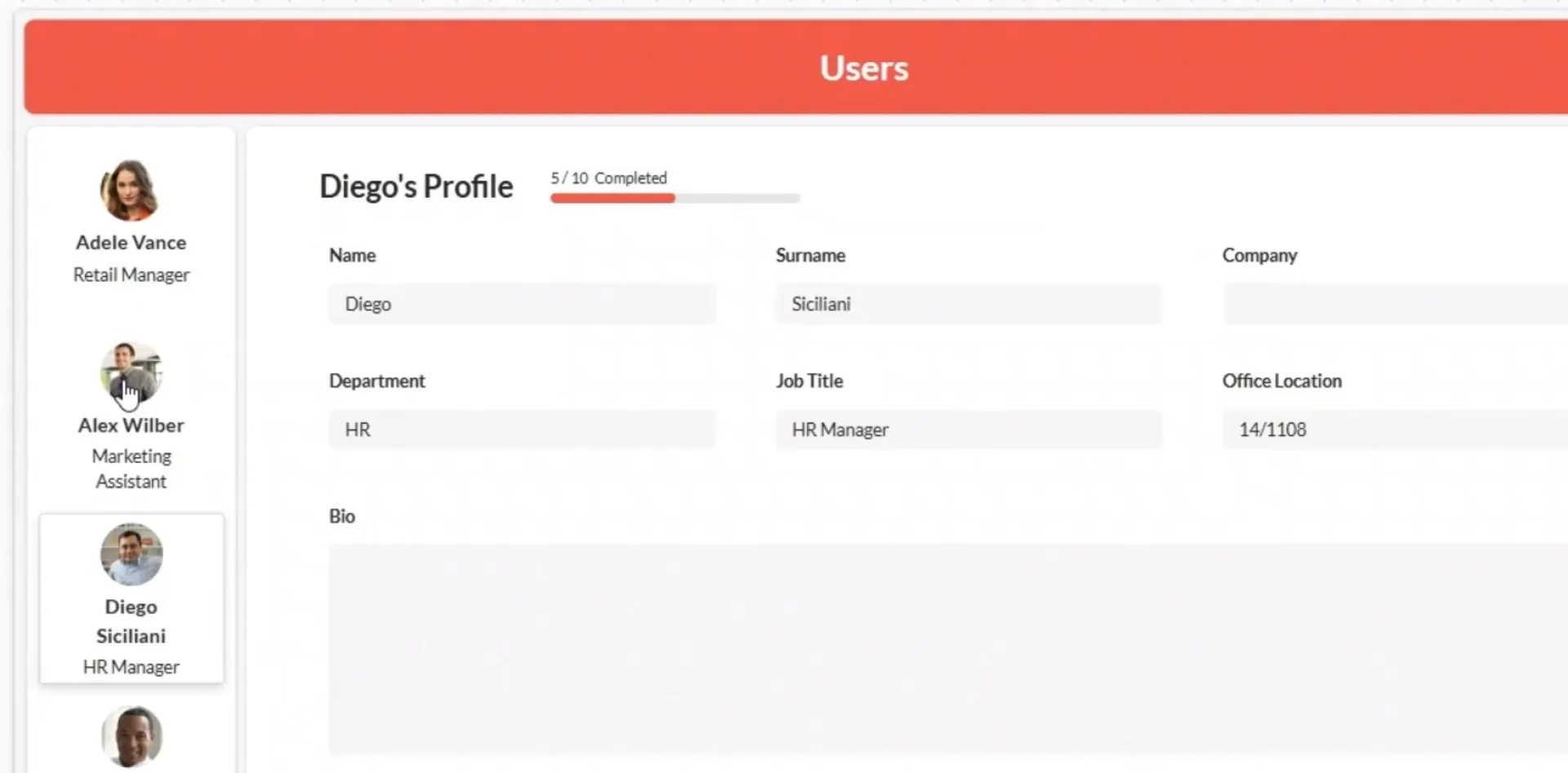
Showing "Step 2 of 5" or "100 GB / 500 GB" in Power Apps usually means a Progress Bar plus a separate Label and Power Fx. It works—until you need it in five places. Here’s the hard way and the easy way to build a proper progress indicator.
https://powercomponentskit.com/blog/power-apps-progress-indicator/
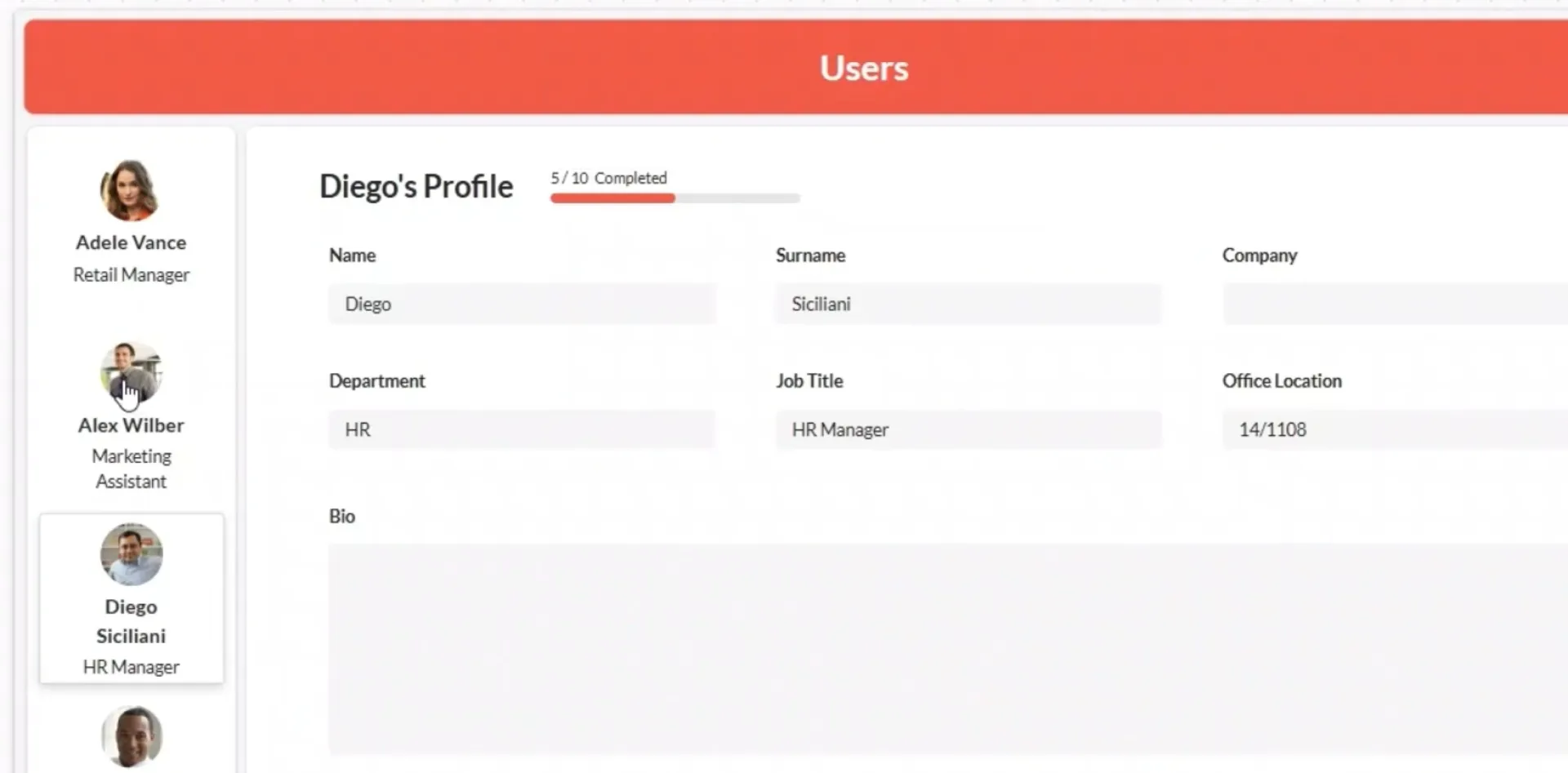

Most founders don’t fail because they can’t build.
They fail because they build the wrong thing.
I kept seeing people ship features nobody asked for.
Random ideas and no real pain.
So I built BuildFromPain.
The idea is simple:
→ Discover real user frustrations
→ Turn them into structured, ready-to-drop PRDs
→ Ship faster without second-guessing
Skip “what should I build?” loop.
You get:
- Real pain points.
- Clear problem statements.
- Product direction you can actually execute.
Built for fast builders who care about solving real problems.
Would love honest feedback!