Install Huzzler App
Install our app for a better experience and quick access to Huzzler.

Hey all 👋 hope you're doing well!
I recently made a core change to the Huzzler feed and would love to get your opinion on this: now all posts are shown on the homepage (including those that have been detected to include promotional material).
Previously these promotional posts where only shown on the #showcases page, not on the homepage.
This makes the site feel more "alive" and gives your projects more expose, with the slight downside of having more promotional material on the homepage, which may come across as spam.
What do you guys think about this change? Keep showing promotional posts on the homepage or skip it?
Any feedback (also related to other stuff) is greatly appreciated 😁
Thanks all for being on Huzzler! Love this community 🧡
Happy holidays 🎉🎄

Hello everyone, I'm new to the community and I'm here to introduce Dymo, my cybersecurity startup.
Dymo detects and blocks multi-accounts and bots that impersonate legitimate users who will never pay and abuse your free layers, all for you and free of charge.


Sendbyte demo now is live at sendbyte.me/demo check out and give me a review please. And here is a quick peak at sendbyte
(Sendbyte proved a 80% increase of links clicks and visits and creating momentum for collabs overtime because it fixed this. Traditional link-in-bio turns growth into chaos: more links, fewer clicks, buried projects, and collaborations that die over time.)
THE REAL TREE OF LINKS.
Traditional link-in-bio tools work until growth starts.
Collaborations disappear. Each partner needs a page. Links stack vanish, lose impact. No momentum builds.
Projects need pages. Each project needs links, updates, value. Right now projects vanish in the chaos.
Teamwork fails. Marketers, managers cannot join. No one optimizes the link-in-bio.
One link breaks. Multiple projects, teams, collaborations collapse into one messy list.
SendByte replaces this
One page. One username. Unlimited projects.
Collaboration space. Each partner keeps a page, links, visibility.
Team access. Invite designers marketers, managers, contributors. Optimize together.
Projects stay active. Collaborations gain momentum. Links stay clear.
The result - a tree of links that grows with you, not against you.
JOIN THE WAITLIST
www.sendbyte.me
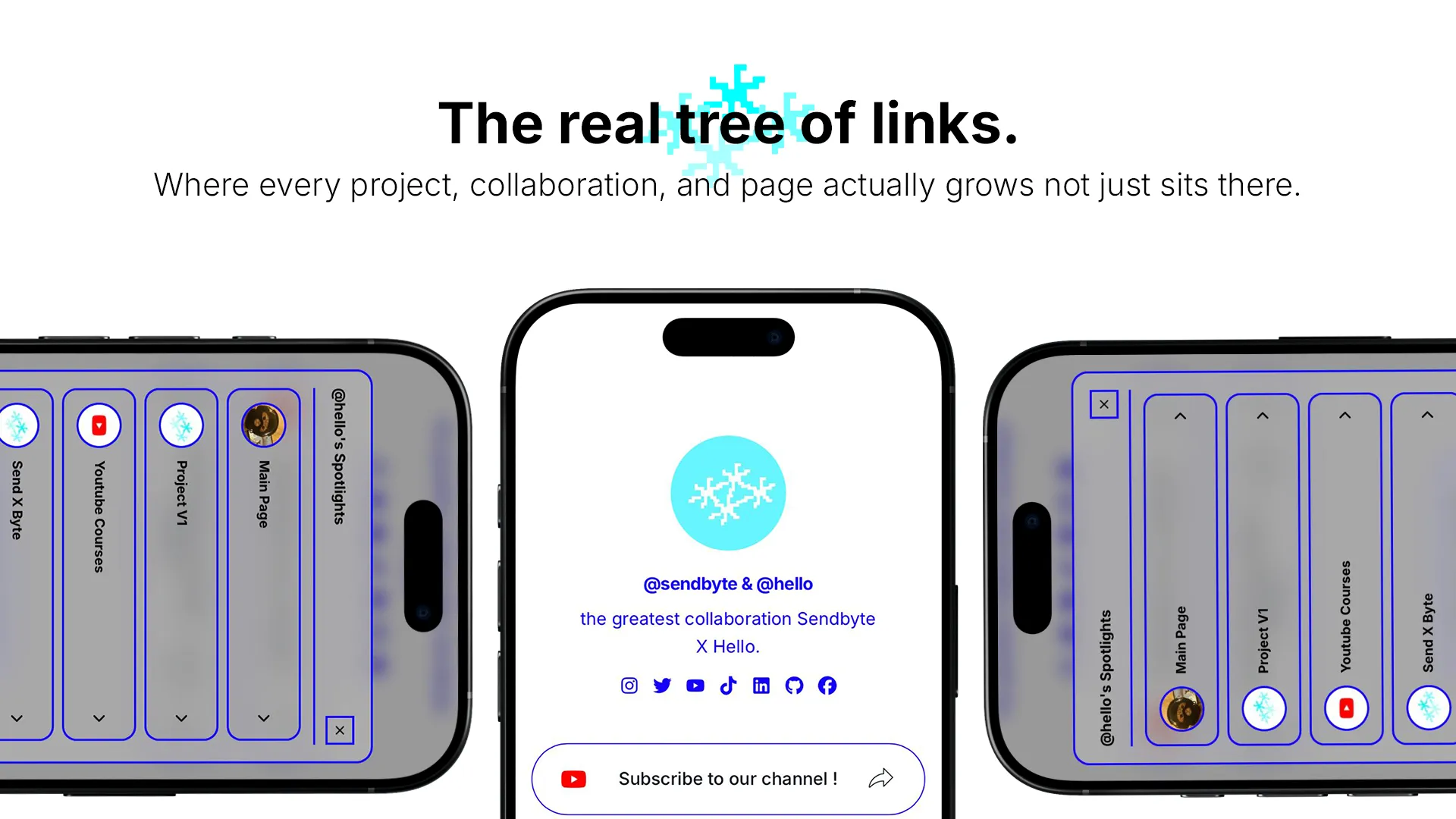
Its been 7 months since i posted on the platform here but i was busy building my new startup and guys finally my waitlist will come to live tmrw , my saas is shortly (the real tree of link) link-in-bio tools are made to unify all ur link in one place so audience can find everything, but overtime they start to be so chaotic with growth and every project you create get buried overtime and collabs lose impact overtime instead of creating momentum, So i fixed that in SENDBYTE the world first collaborative link-in-bio platform , in sendbyte you can create multiple pages to include all the content of ur projects, create a collaborative pages (@createro & @co-creator) pages to make ur collabs seen and create momentum overtime and u can access all pages under on username in one main page across all ur pages! and now u can invite a team to ur account to manage ur spotlight , managers , designers, moderators, even marketers so they can connect pixels and track analytics of ur page to see what work and what don’t to improve ur engagement rate. Ladies and gentlemen i am introducing SENDBYTE , share me ur opinions

I've built several apps in the past and one of the hardest things is launching and getting potential users to convert.
In today's app landscape there are several things you can do to a home page to help increase conversion, like, clear value prop, clear problem statement and, social proof / testimonials.
The latter is the interesting one.
Getting social proof / testimonials for a newly launched app could be challenging, especially if you don't have a built in following or online presence . This is why you would normally see multiple apps launching every day with what looks like fake and made up social proof or testimonials.
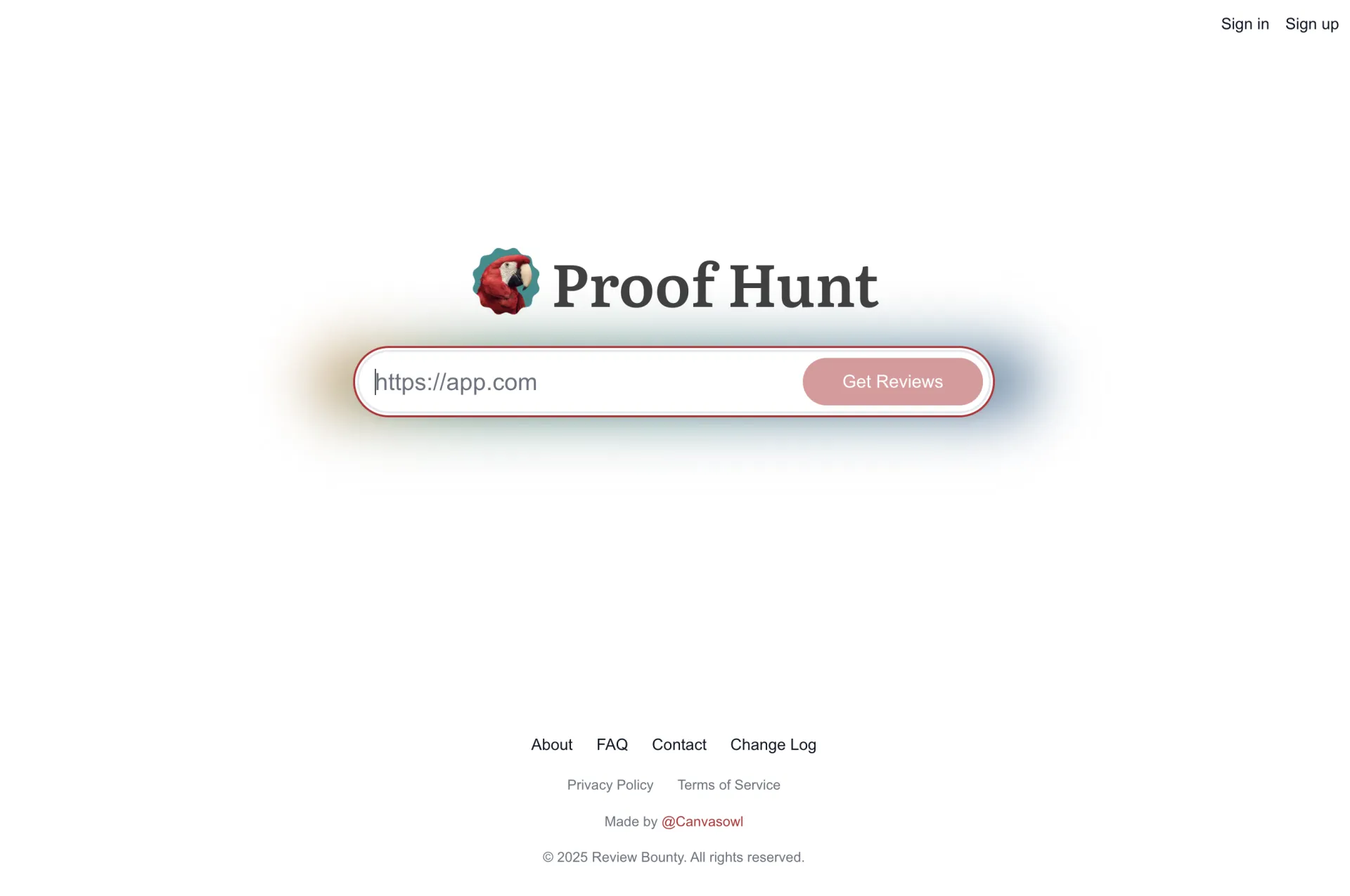
I'm trying to solve this problemby building Proof Hunt.
Proof Hunt's goal is to make it dead simple to earn social proof, testimonials or app reviews through it's bounty system. I am on day two of building this but I wanted to share it with the community to get early feedback.
My plan is to have a closed beta by January 2026!
If you build apps and usually struggle to get social proof or testimonials from real people feel free to signup for beta access: https://canvasowl.notion.site/2c570bf9d9ba80388f18ff4a42a9d6bb
Any and all feedback is welcome! Thanks ya'll
Hey Huzzlers, Vincent here 👋 (founder of Huzzler).
Working on Huzzler for the last 6 months (2400+ founders, 1400+ products), I've started seeing a pattern: incredible products with 0 customers. It's truly saddening. So much potential, but people don't even know these products exist.
Most founders try to post on Huzzler, Product Hunt, X, Reddit , try ads.. but no results.
So I started wondering, what exactly is the problem? not enough information? bad products? Badly configured ads? ... No influence?
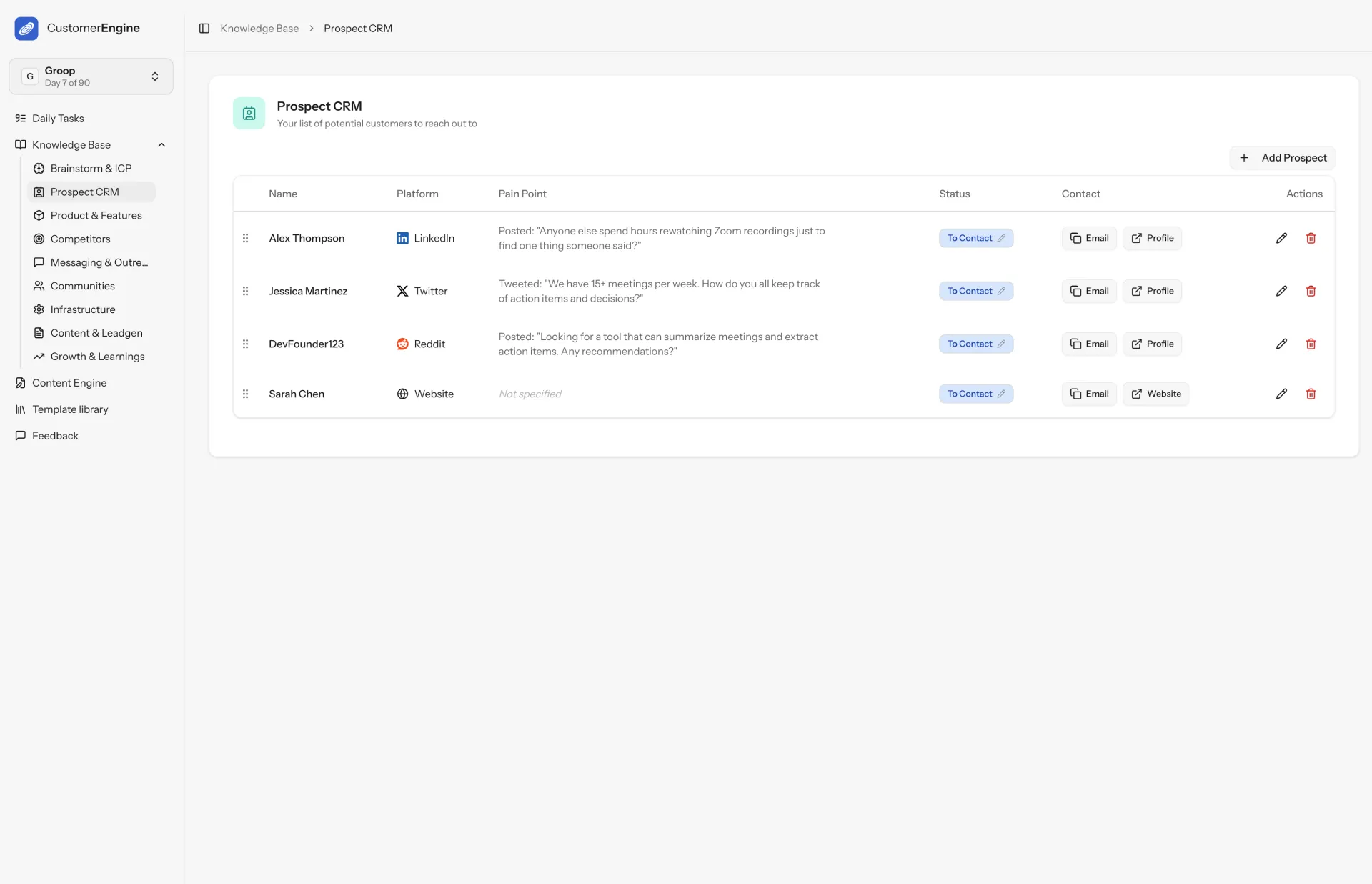
None of that. What worked for me (to grow Huzzler) was creating a system that forced me to:
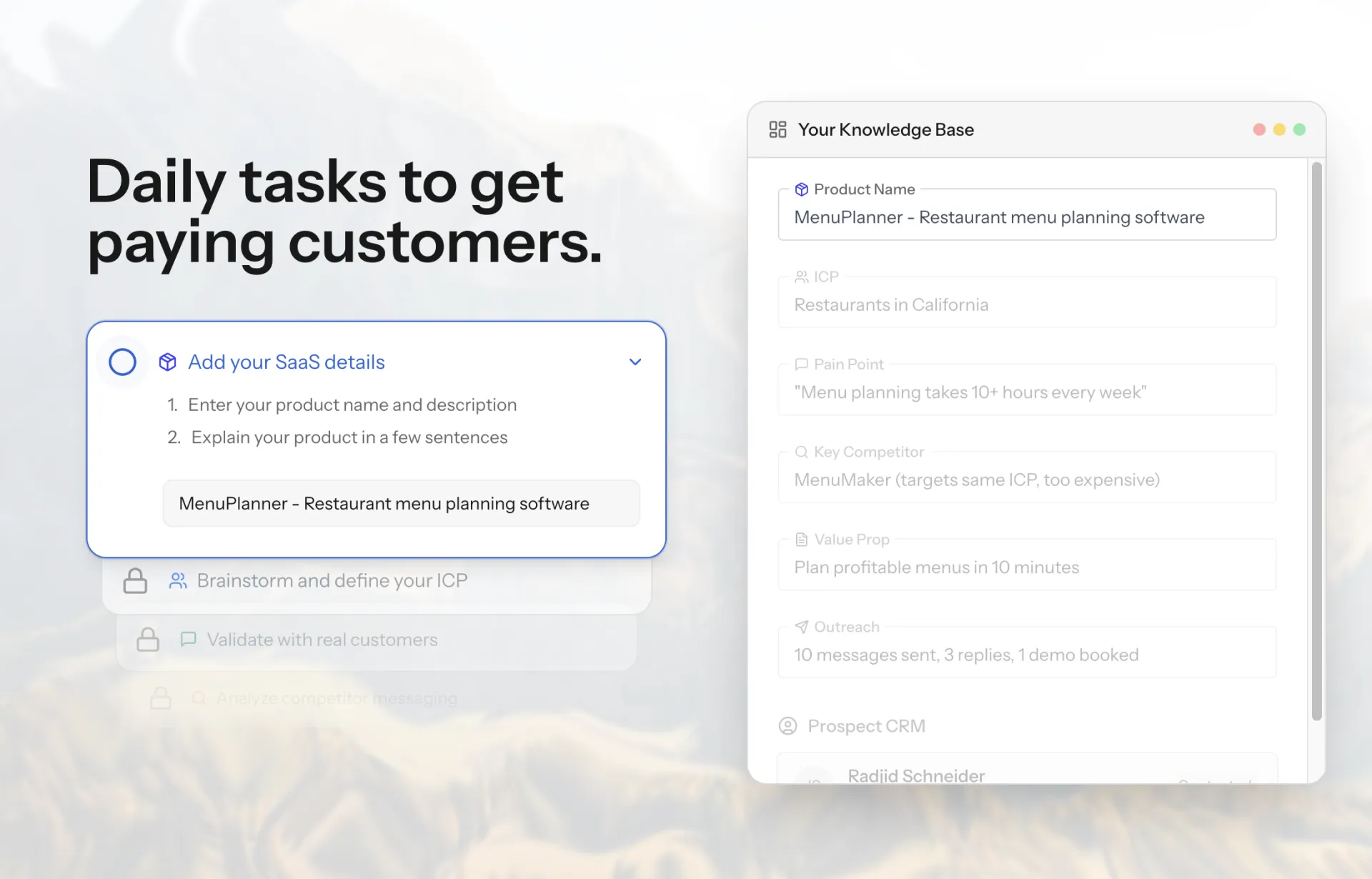
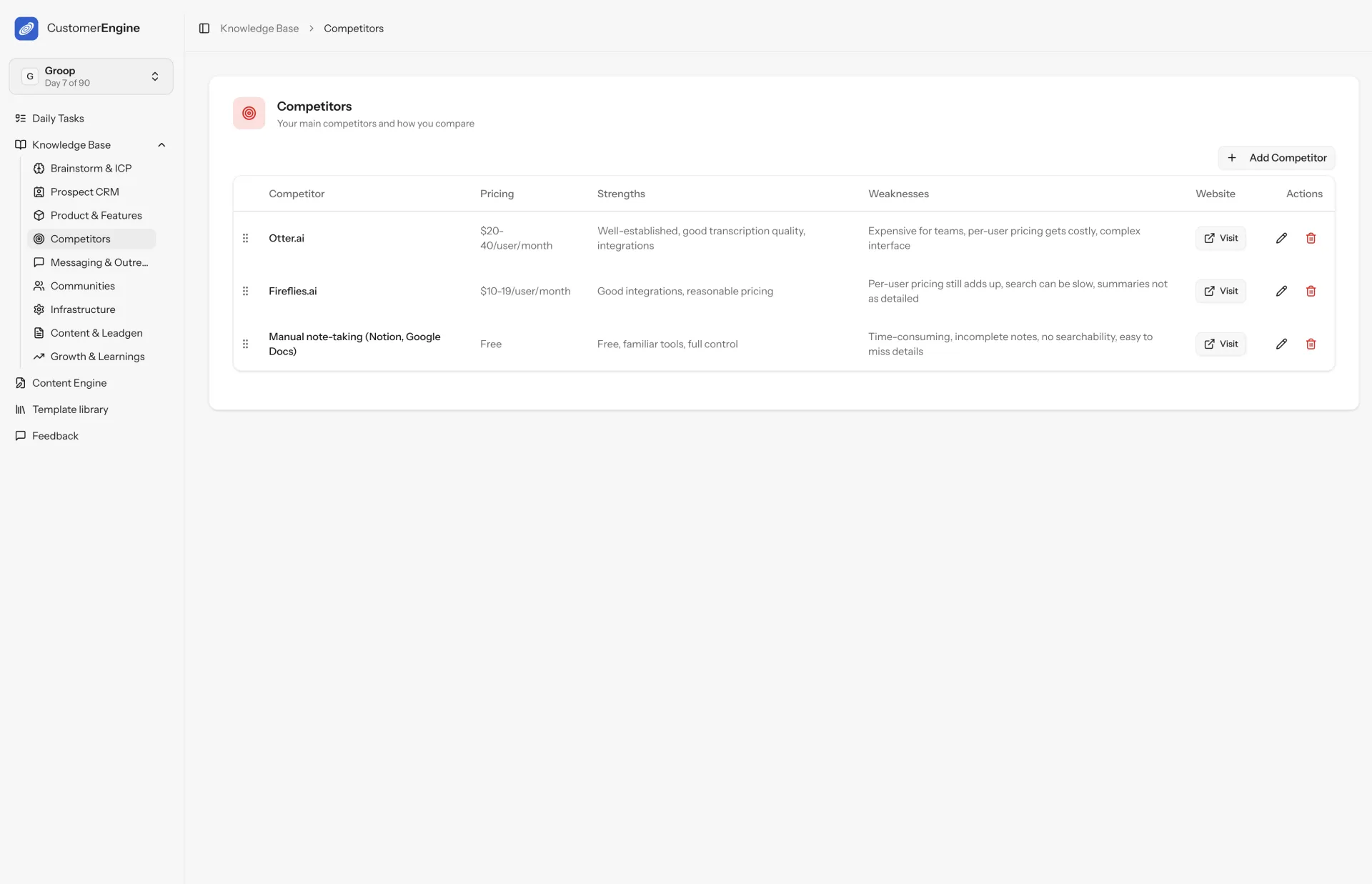
- Define ONE narrow ICP (stop selling to everyone)
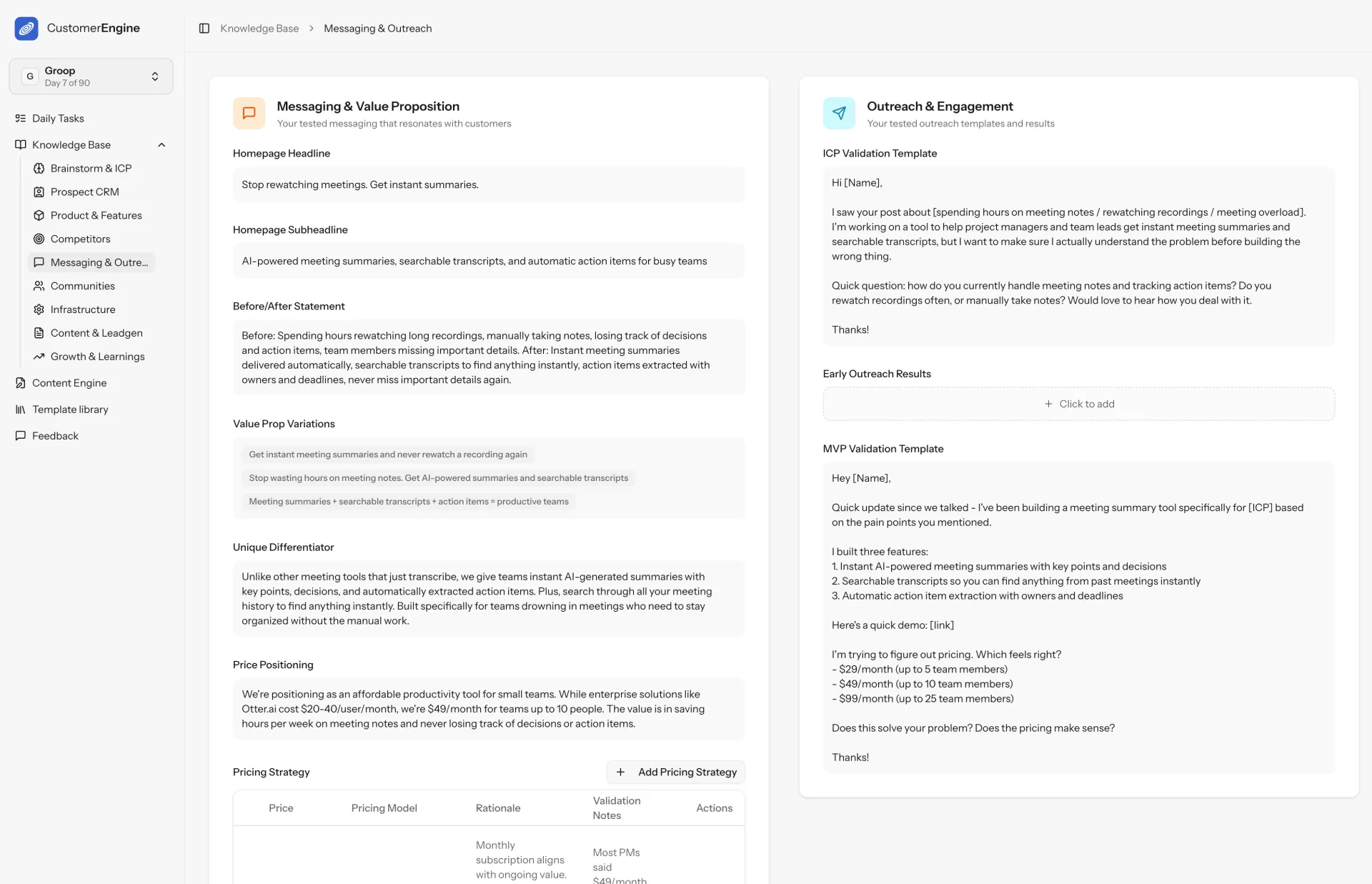
- Update messaging to resonate with that ICP
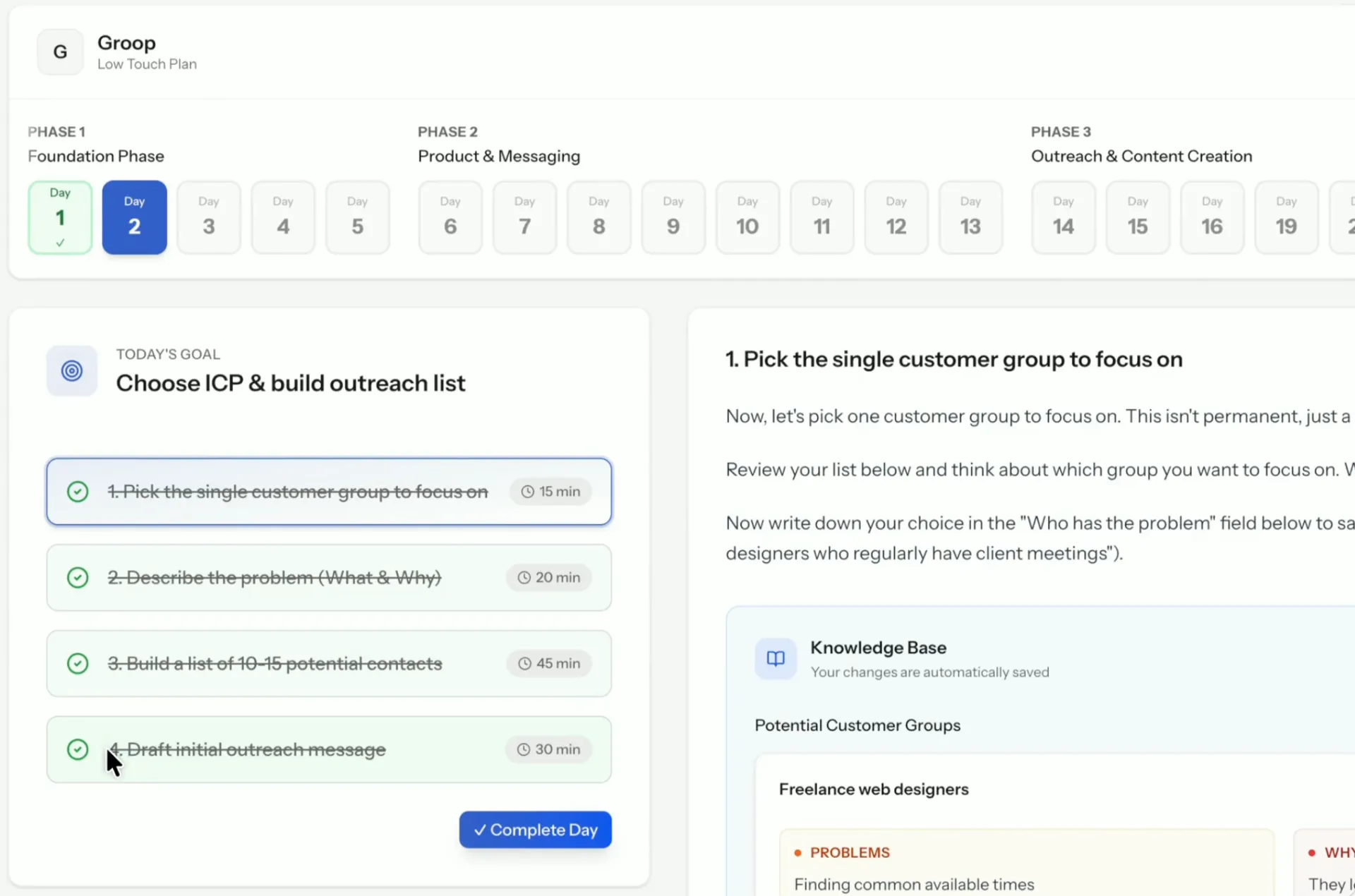
- Follow a daily routine of tasks
- Build a permanent Knowledge Base
This is why I'm building the Customer Engine: it's a system specifically Built for B2B SaaS founders who need their first paying customers. It works for any kind of B2B SaaS. You can see all features on the website
Why $499 one-time instead of a subscription?
The goal was to create an asset (the Customer Engine) you buy once and profit from forever. No monthly fees eating away at your profits.
E.g. If Customer Engine helps you land just 2 customers at $45/month, it pays for itself in 3 months. After 12 months, that's a $5,000+ ROI.
And that's for only ONE product. You get unlimited projects with lifetime access, so you can use it for every SaaS you build. The ROI compounds. Plus you get all future updates.
(Affiliates coming soon)

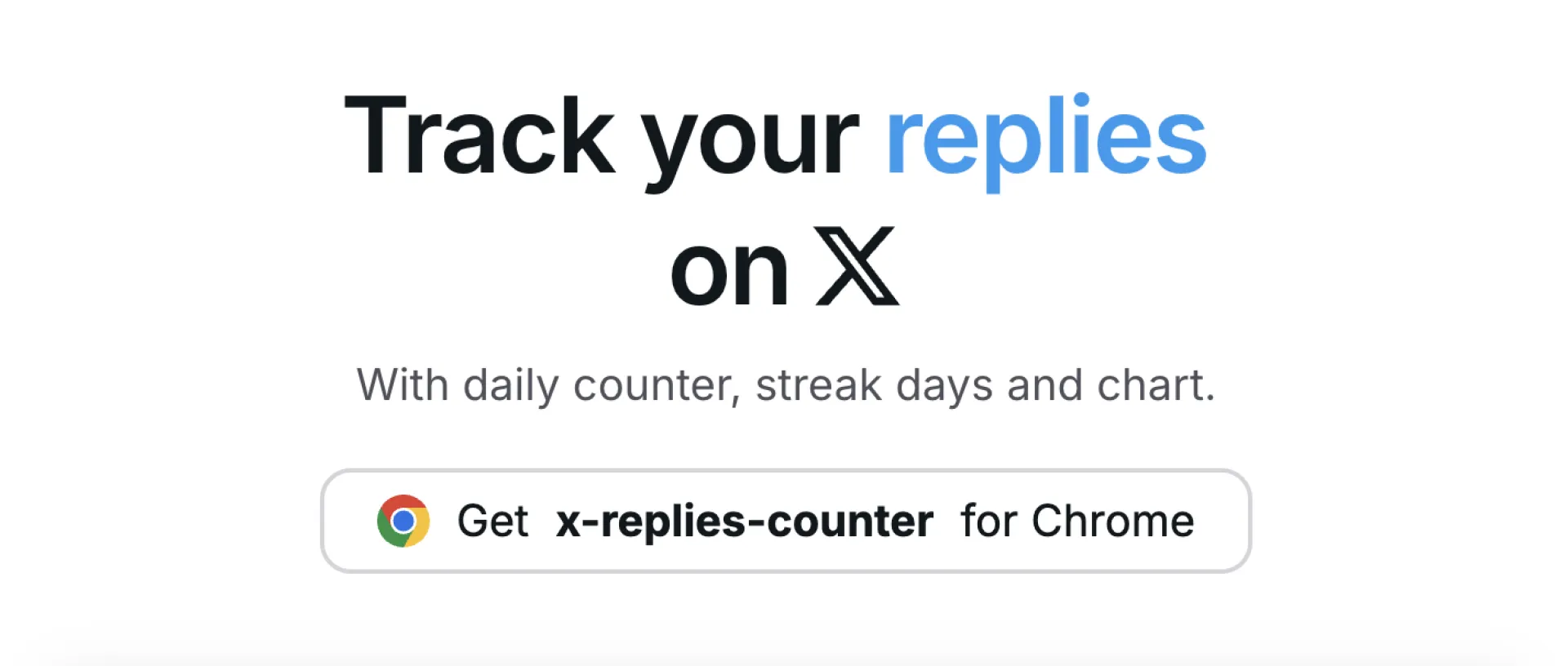
I struggled to stay consistent with my daily replies on 𝕏, especially on the days when I was coding a lot.
I wanted to find a way to trick my mind and have an immediate visual feedback while doing this sometimes annoying and non-rewarding task.
So I built this chrome extension to see whether it could help me be more active. I have been on a 16 days streak and the sound triggered on every reply makes it a bit less annoying.
Most of the people I see on 𝕏 are on premium already and they probably wonder why should I buy this:
- live counter on main page without having to go to analytics and refresh for updates
- gratifying and rewarding sound on every reply
- streak days stat
what do you builders think?

We are excited to announce that our UIHut - UI Kit, Illustrations, 3D Assets Figma Plugin has just hit a major milestone with over 13,000 users on the Figma Community. It speaks volumes about the value it brings to designers and developers worldwide.
If you’re a designer looking to speed up your process without sacrificing quality, UIHut’s Figma Plugin might just become your new favorite tool.
About UIHut
UIHut is a platform providing high-quality design resources for designers, developers, and startups. With a growing library of UI kits, templates, and illustrations, UIHut helps teams launch faster with beautiful, functional design.
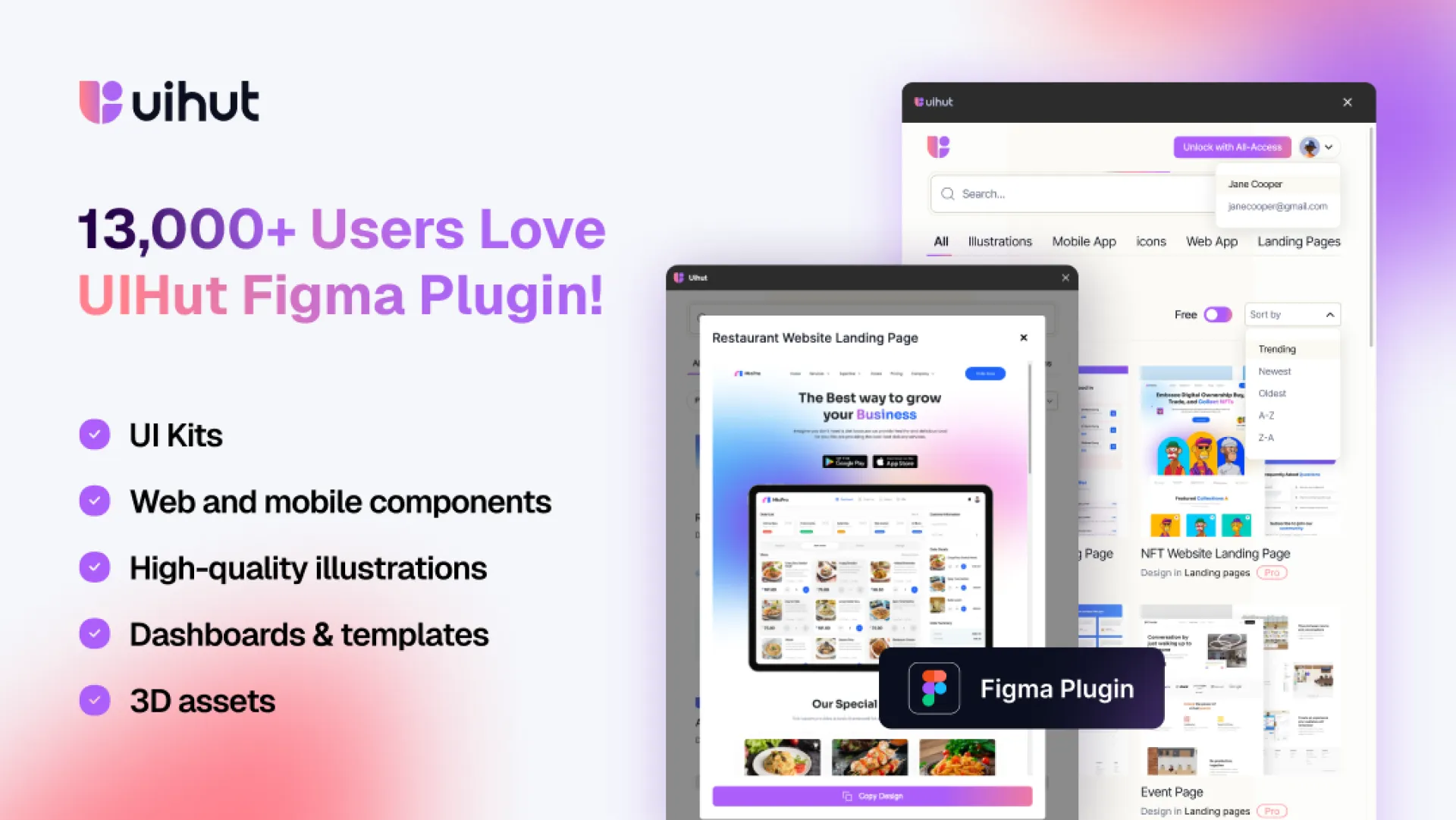
Check it out:
https://huzzler.so/products/HjwUc7jPz8/uihut

Hey everyone 👋,
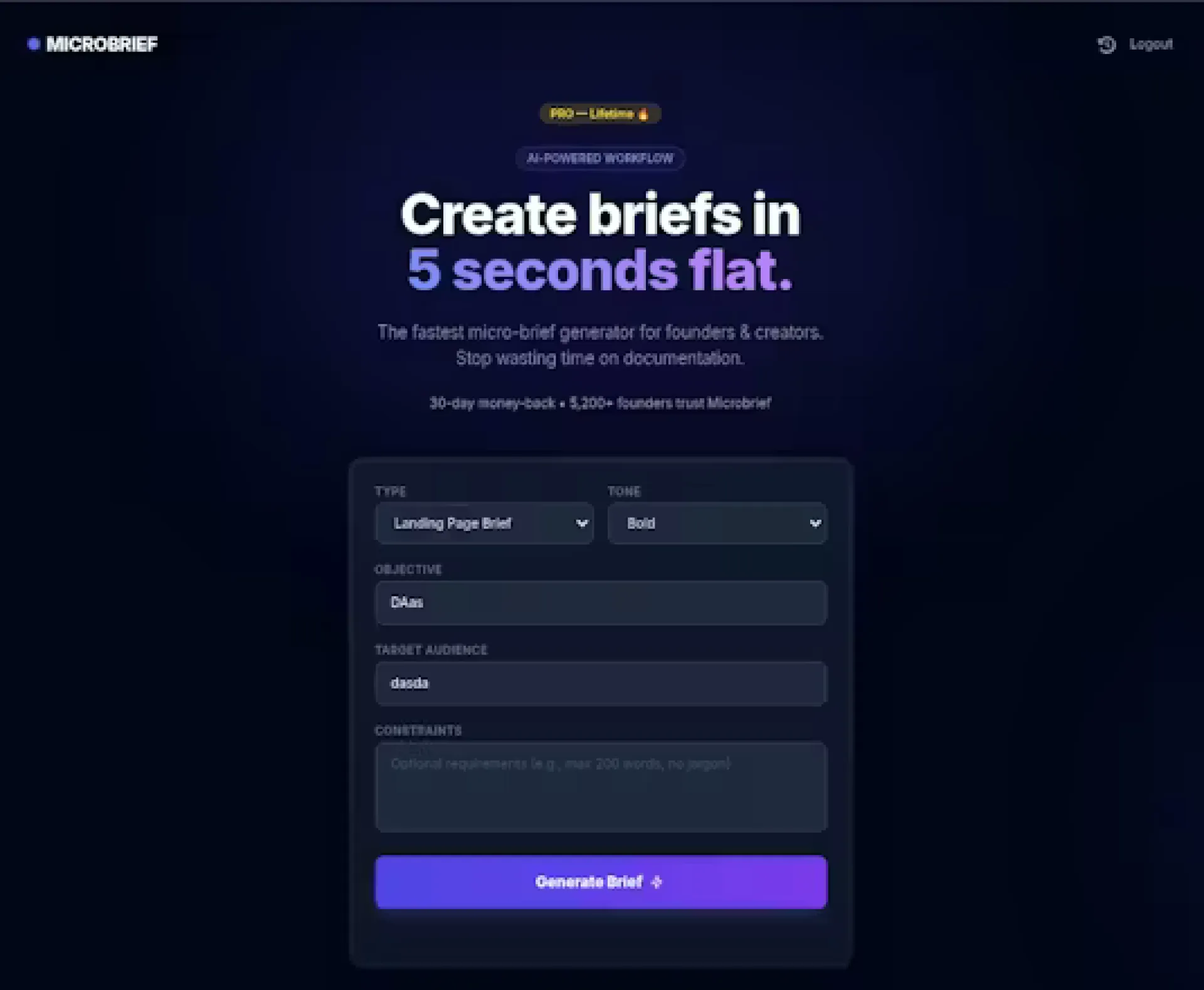
I built MicroBrief because I was tired of wasting 2-4 hours writing every single client brief. Headlines, angles, CTAs, tone, constraints... it was the same pain every time.
What I wanted instead:
-> A few inputs
-> A polished, client-ready brief in seconds
So I made it.
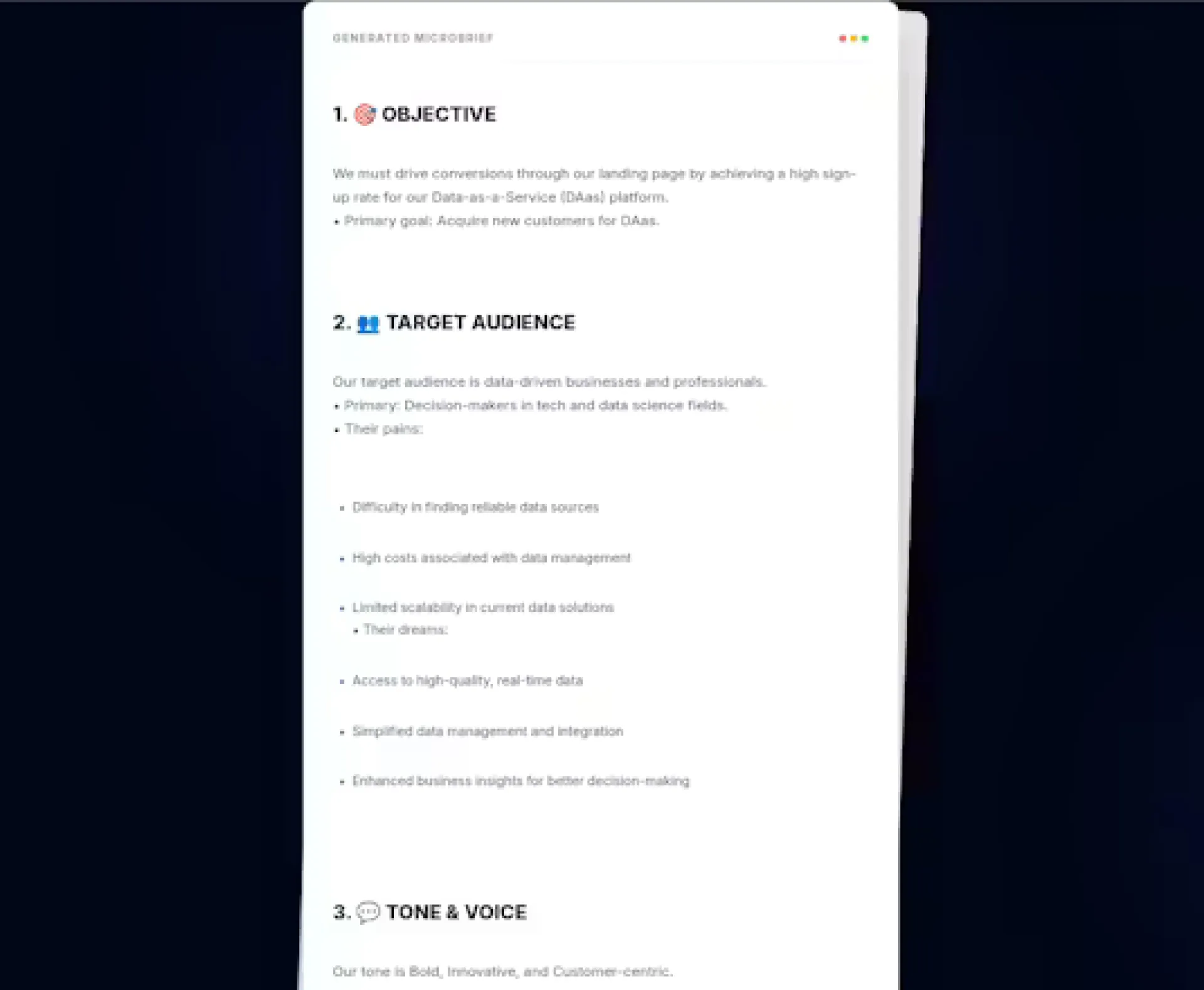
MicroBrief generates a full brief with headline, key points, CTA and tone control across 12 templates like landing pages, Twitter threads, ad copy and emails. No blank page, no overthinking, just copy-paste and deliver.
It's especially helpful if you write briefs repeatedly for multiple clients and would rather spend time on actual work than documentation.
First public release is out, with pricing designed to be flexible: free forever, subscription if you need more, lifetime if you hate recurring billing.
Would love to hear how you currently create briefs and what would make MicroBrief a no-brainer to you.
Happy to answer anything in the comments. Feedback brutally welcome 🙏

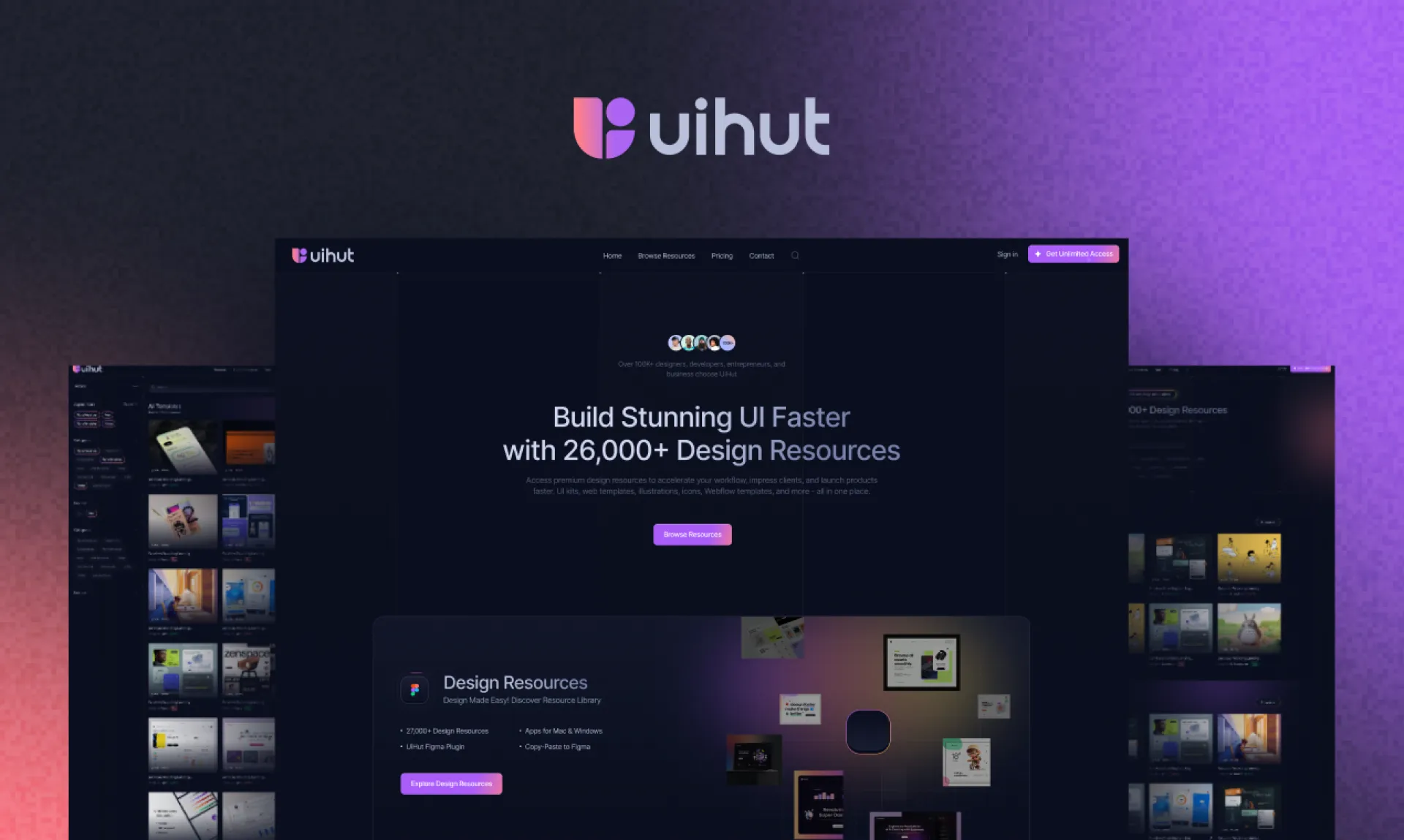
We are thrilled to announce the launch of our newly redesigned website. At UIHut, our mission has always been to provide designers with the best resources and tools to fuel their creativity. This latest update is a significant step towards enhancing your experience with a fresh look, improved functionality, and expanded offerings.
What’s New?
- Revamped User Interface and Experience: We have uplifted the entire website, giving it a totally fresh look. The design is now more futuristic and user-friendly, ensuring an intuitive and enjoyable browsing experience.
- Upgraded Technology: To provide better and faster performance, we have moved our website to Next.js. This change enhances loading speeds and overall site responsiveness.
- Reimagined Backend: We have reimagined our entire backend to ensure that accessing assets is easier than ever for our customers.
- Figma Plugin Version 2.0: We are excited to announce that our newly launched Figma Plugin Version 2.0 is live and we have over 12,000+ users right now! It now offers enhanced features and capabilities for your design needs.
- New Dark Mode Color Palette: Our new color palette embraces a sleek dark mode, offering a visually striking and comfortable viewing experience.
- Updated Brand Identity: We have changed our brand identity to reflect our commitment to innovation and excellence in the design community.
Your Feedback Matters
We invite you to explore our new website and share your thoughts with us. What do you think about our redesign? Your feedback will help us identify any issues and continue improving the site. Please feel free to reach out to us with any comments or suggestions.
Looking Ahead
This is just the beginning! We have many more updates and features in the pipeline, aimed at making Uihut your go-to destination for all design needs. Stay tuned for more exciting developments. Thank you for being a part of the UIHut community. We are excited to embark on this journey with you and look forward to your feedback.
👉 Explore the new UIHut now.
Happy designing!

Hey Huzzler Communit ! 👋
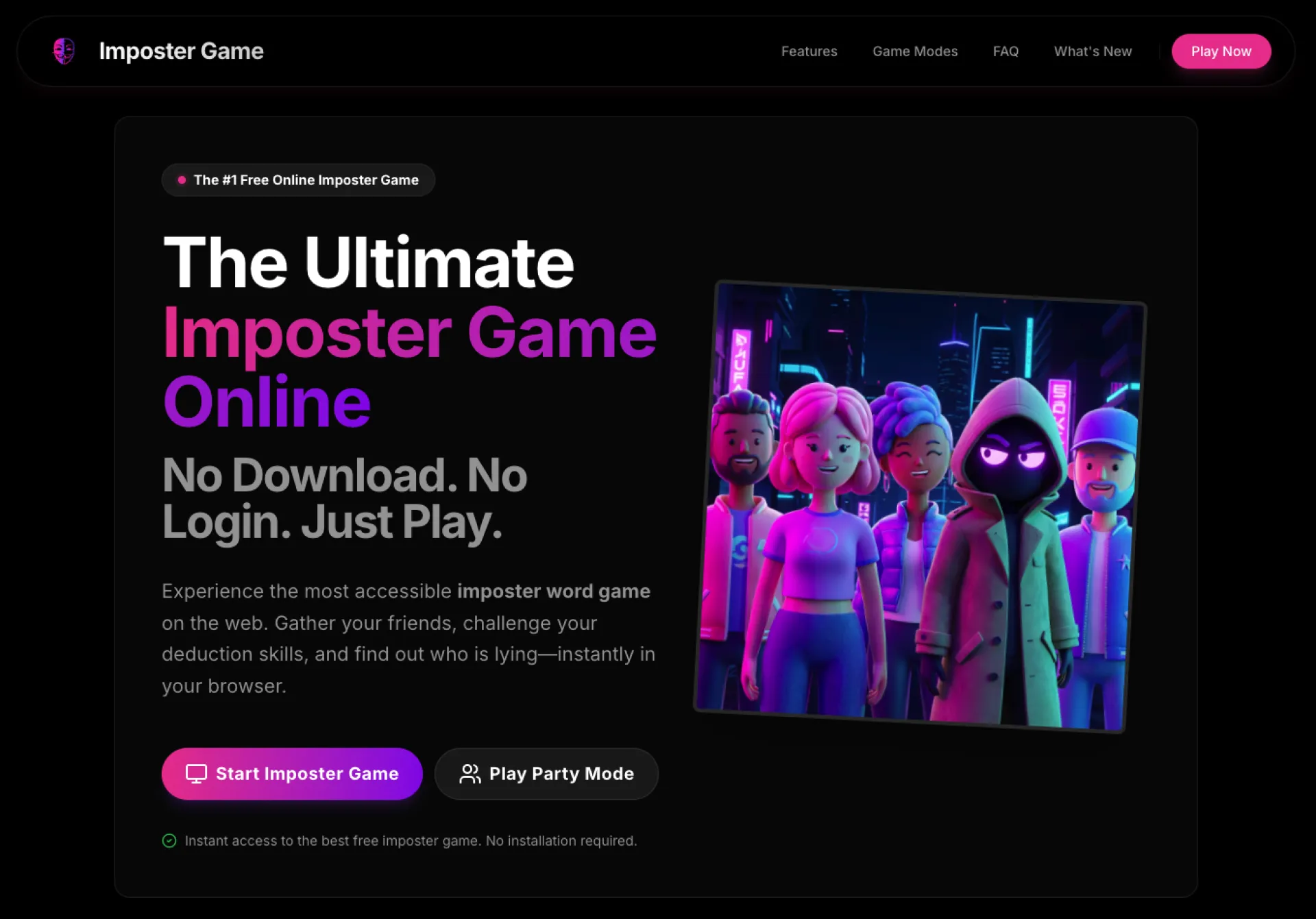
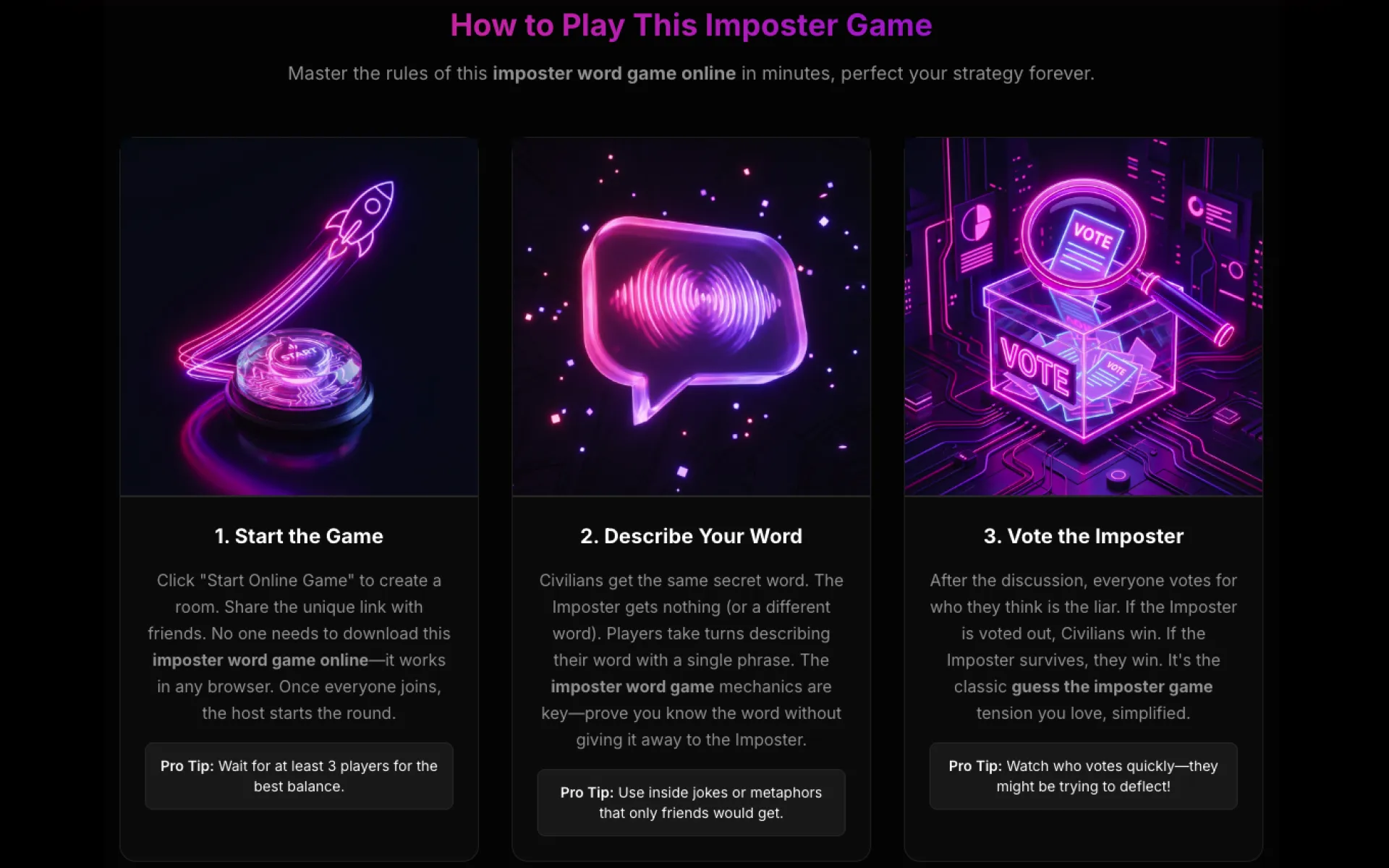
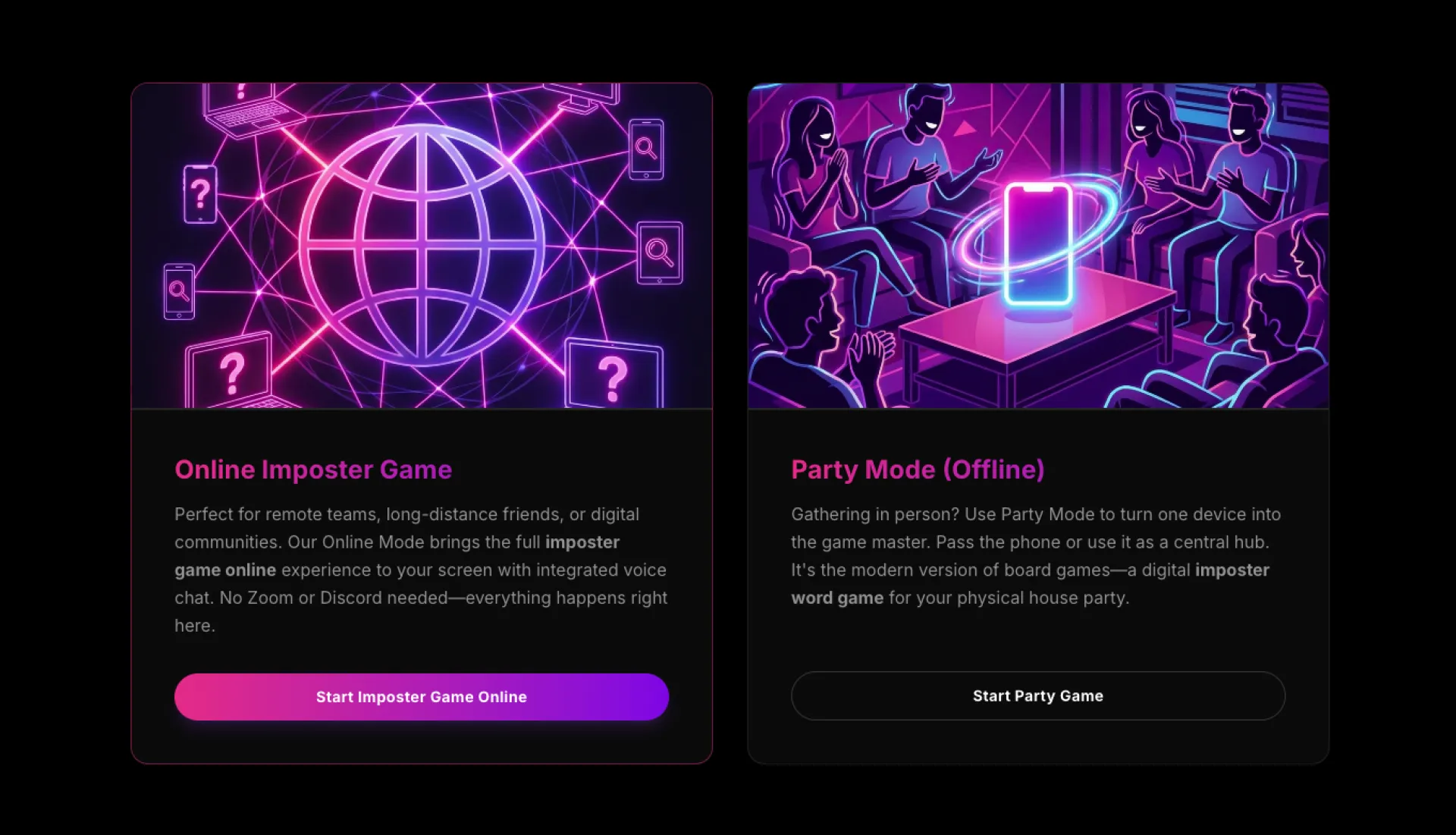
I built Imposter Game, a lightweight social deduction game you can play instantly with friends, no accounts, no downloads, no paywalls — just open the browser and start accusing each other.
## What It Is
Imposter Game is a simple, fast-paced “who’s the liar?” style party game you play directly in the browser with friends, teammates, or your community. It’s designed for those moments when someone says:
> “Let’s play something together… but please don’t make me sign up or install anything.”
———
## Why I Built It
I was frustrated that most online social games now come with a lot of friction:
- “Create an account first”
- “Download our app”
- “Unlock more rounds with premium…”
I wanted the opposite: a game that feels like the early web — click, play, leave, with no strings attached.
So I focused on three principles:
- No registration, no login
No email, no password, no OAuth. You share a room link, everyone joins, and you’re in. This makes it ideal for one-off
game nights, community events, and remote team socials where you don’t want to ask people for personal data.
- No downloads, browser-only
Works entirely in the browser on desktop and laptop (and I’m iterating on mobile usability). There’s nothing to
install, so it’s easy to suggest in a call or meeting: “Open the link, let’s play one round.”
- Completely free
No paywalls, no in-app purchases, no “you’ve hit your limit for today.” It’s a small, indie, for-fun project. You can
play as many rounds as you like without ever reaching for your wallet.
———
## Use Cases Product Hunters Might Care About
- Remote teams – Drop it into your next retrospective, Friday social, or onboarding call to quickly break the ice.
- Communities & Discord servers – Run casual events without forcing members to sign up for yet another platform.
- Friends & family – Replace “What should we play?” with “Let’s just use this link.”
Because there’s no signup and no download, you can suggest it without feeling like you’re “making” people adopt a new tool.
———
## Under the Hood (for the curious)
This is a small indie project, but I’ve tried to keep it:
- Lightweight – Minimal UI, fast load times.
- Stable for groups – Designed around real-time multiplayer sessions where people may join/leave mid-game.
- Privacy-friendly – Since there’s no account system, there’s no profile to track, no progress to monetize.
If you’re into building multiplayer/web stuff and have feedback or ideas, I’d love to hear them in the comments.
———
## Feel free to try it yourself
If you like low-friction, privacy-friendly little web toys and want something new for your next hangout or team call, I’d be thrilled if you gave it a try and shared your feedback.
Thanks for checking it out — and if you do play, I hope your friends never trust you again (in the best possible way).

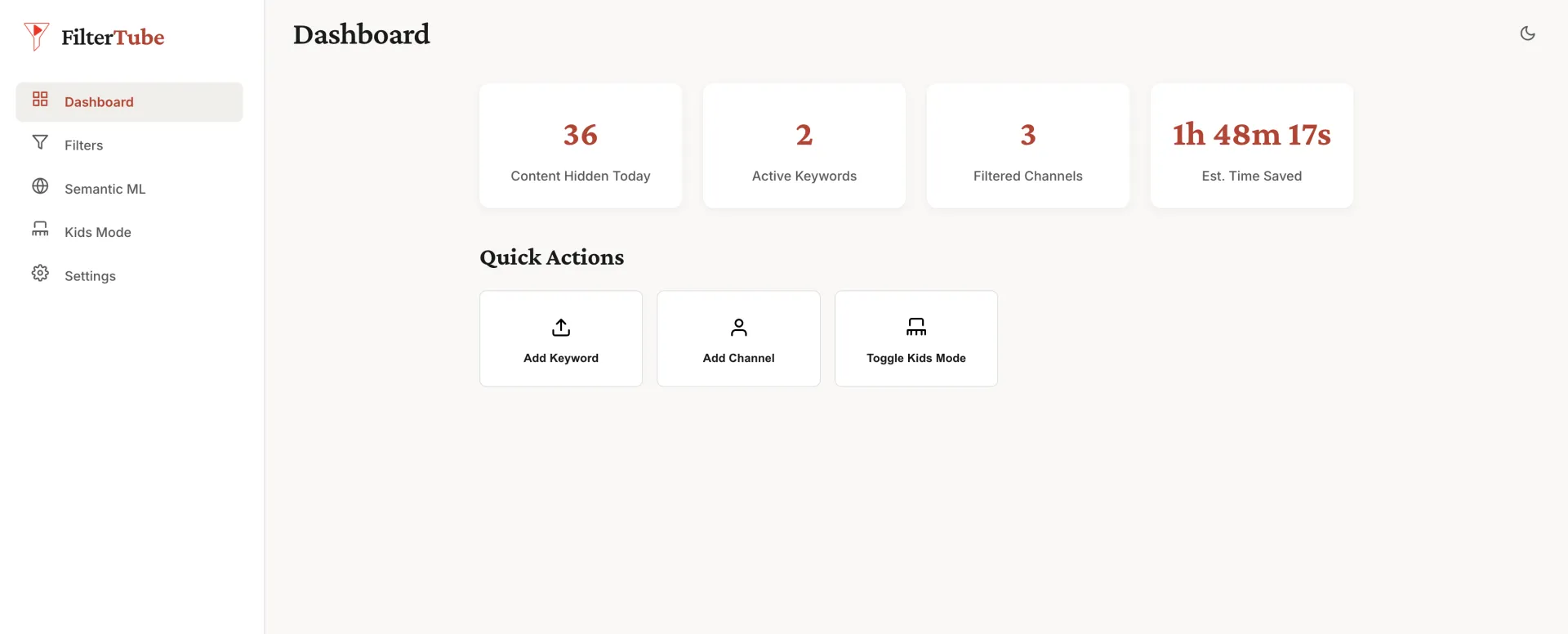
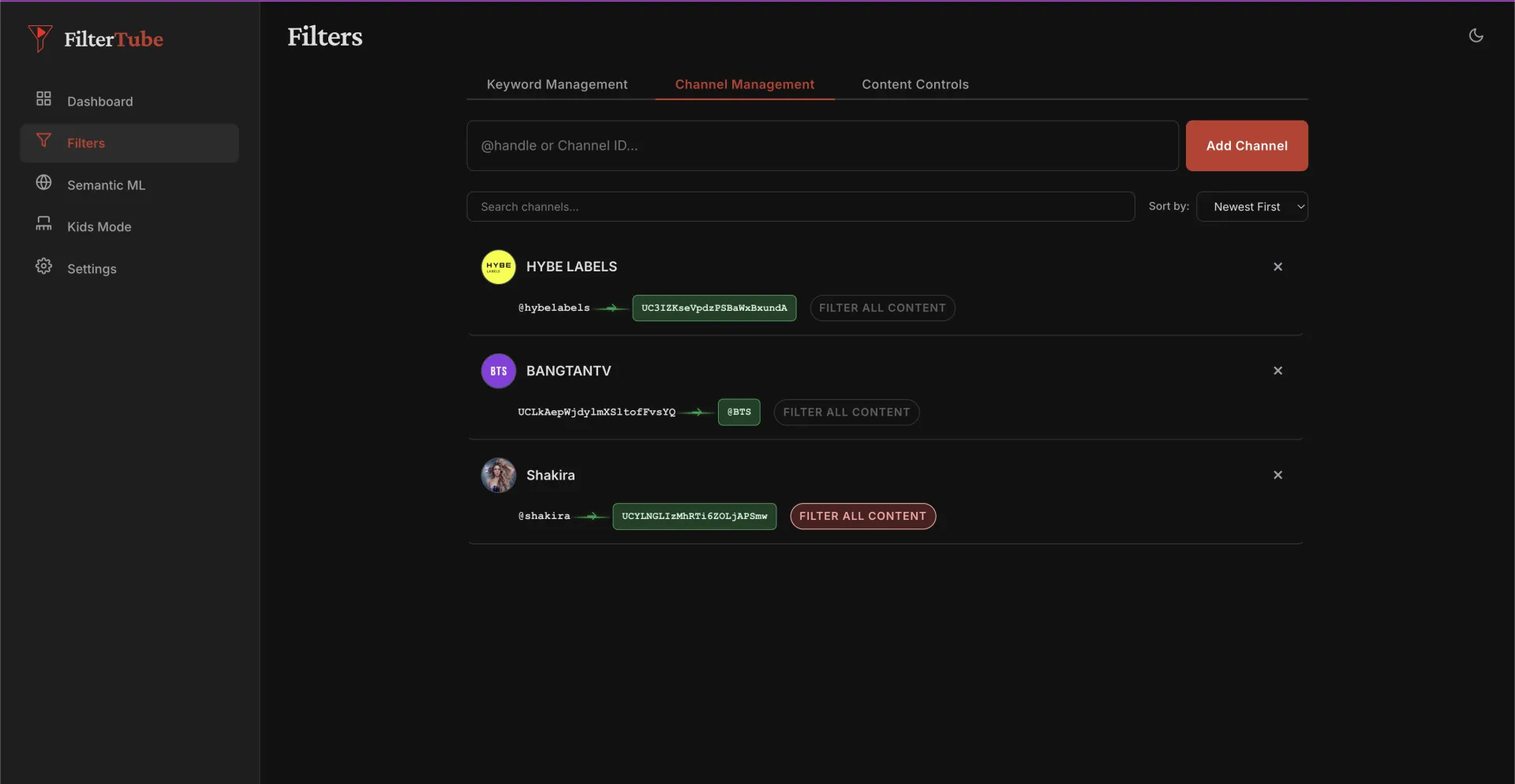
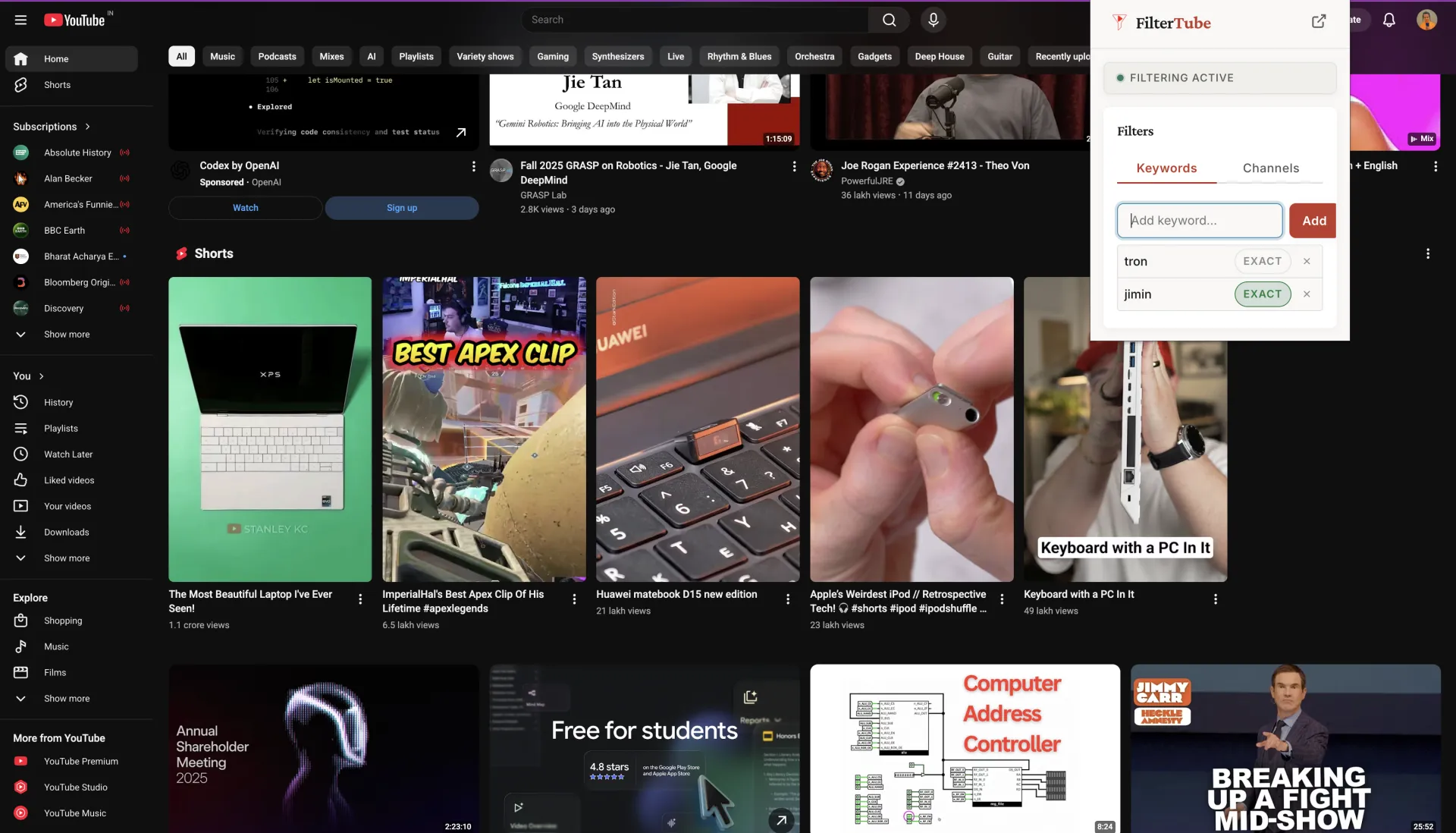
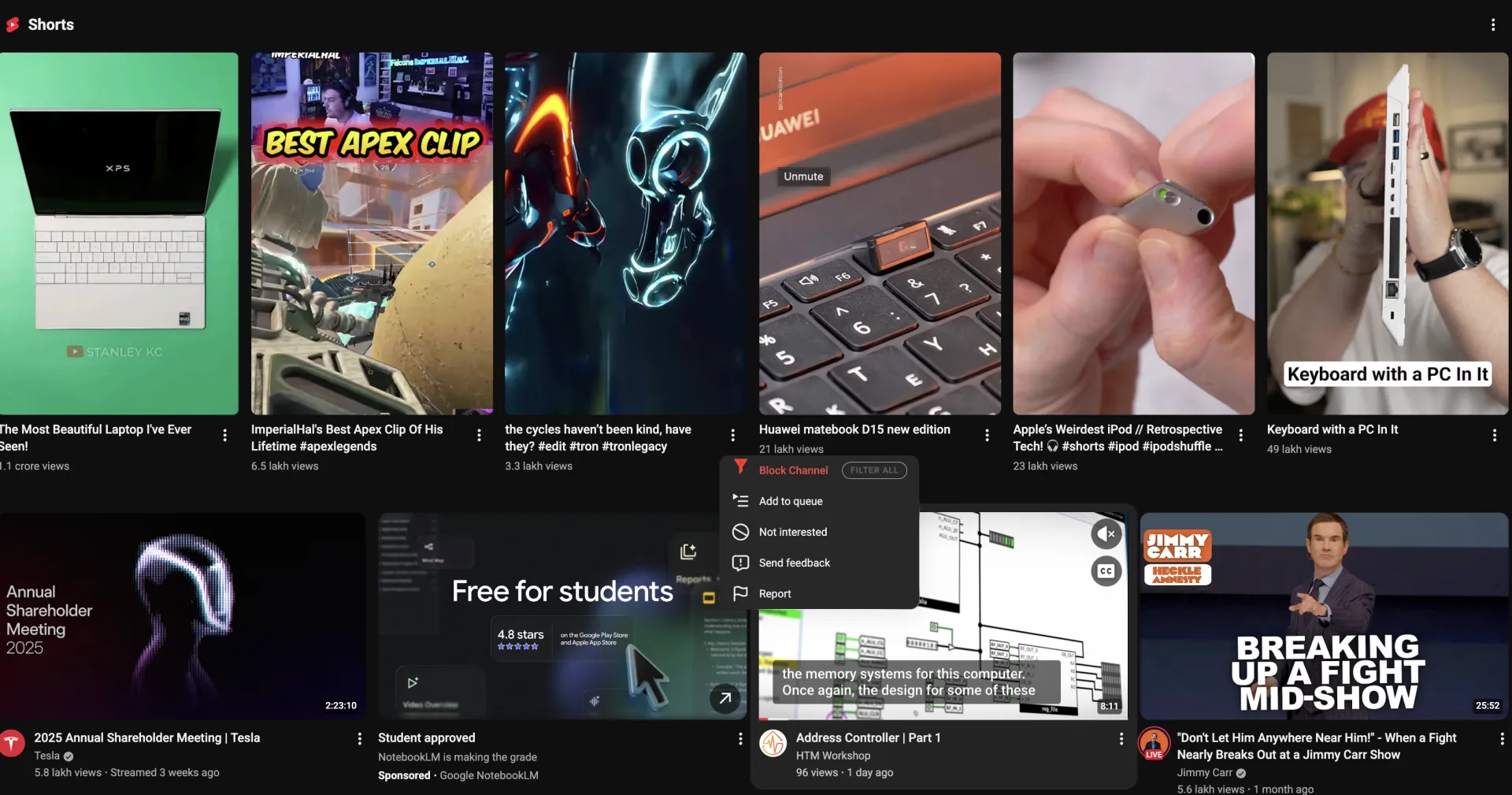
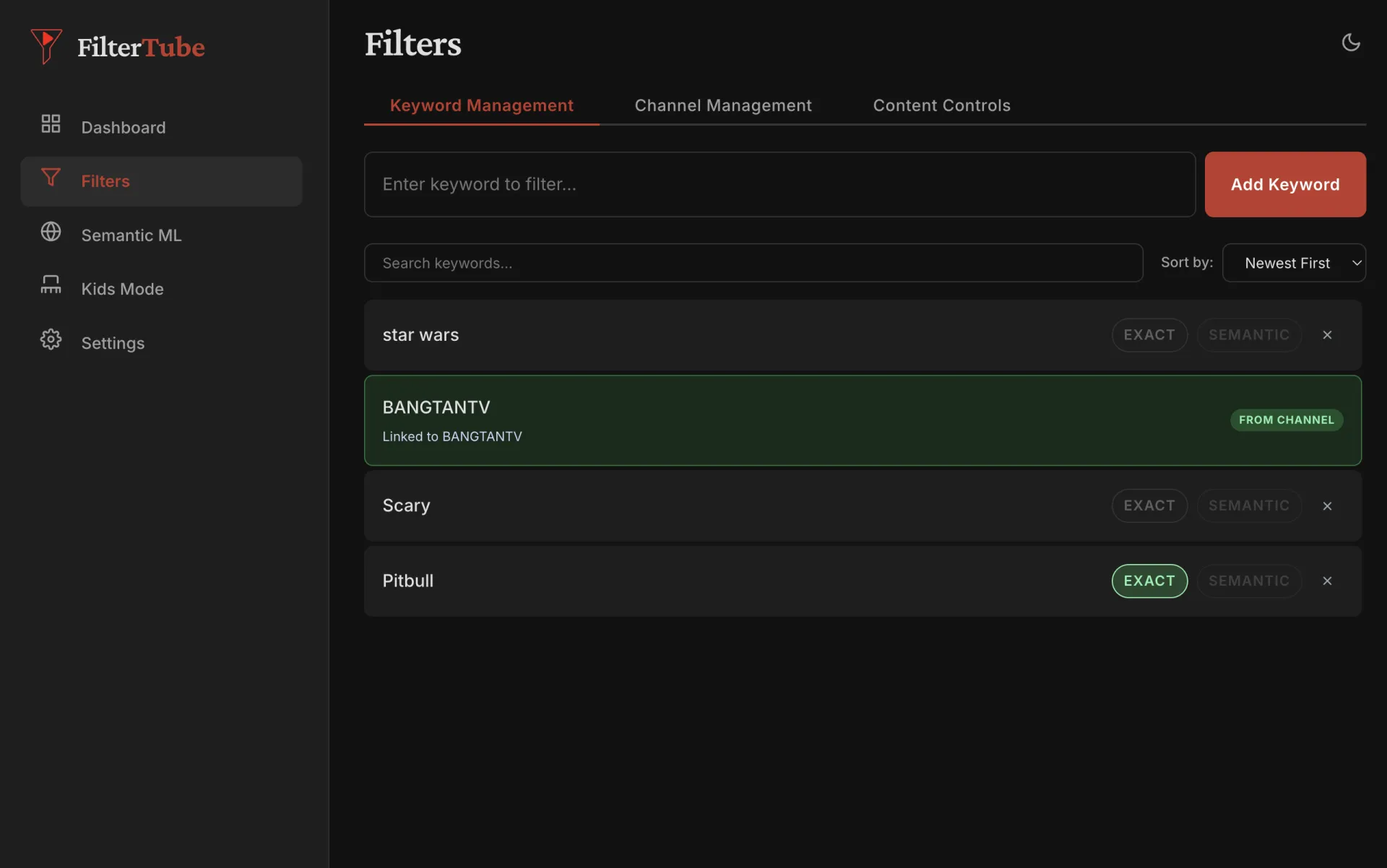
It all started with this thread on Google's support forum: When a
parent said that he is helpless and his kid is just kept crying and
screaming because of the content on YouTubeKids, and he asked me if I
can create a tool to block videos by keyword or tag. And when Later
YouTube Forum maintainer deleted mine and other parents comments and
locked the thread, I decided to create FilterTube which is opensource with MIT license.
https://support.google.com/youtubekids/thread/54509605/how-to-block-videos-by-keyword-or-tag?hl=en
Right now I have around 110 users (105+ on Chrome alone) and got great feedback and even demand for an iPad version :)
https://huzzler.so/products/qCvOs19Yq5/filtertube
My first version video - https://www.youtube.com/watch?v=c2EtLkTwqRw&t=1s
I used Windsurf for the initial part to extract the tags from
YouTube content cards and used claude + codex to code and antigravity
for a better UI and website design filtertube.in
Right now you can install and try FilterTube on Chrome, Brave, Edge browser -
https://chromewebstore.google.com/detail/filtertube/cjmdggnnpmpchholgnkfokibidbbnfgc
and on Firefox and Opera from the GitHub release page -
https://github.com/varshneydevansh/FilterTube/releases/tag/3.0.5
I have plans to integrate local ML based solution to filter based
on semantic and similar relation content so that user can be assured to
never see a related concept content ever again.

Hey Elias here, founder of Didoo AI.
What inspired me to build this? After years at Alibaba building marketing tools for millions of sellers, I kept seeing the same heartbreaking pattern: brilliant developers launching amazing apps, then watching them die because they couldn't crack Meta ads. They'd burn $5K+ on agencies or spend nights drowning in Facebook's dashboard instead of shipping code. That pain hit home when my developer friend's mental health app (which literally saves lives) shut down - not from product issues, but because he couldn't make ads work.
The evolution was wild. We started as a simple ad generator, but when we saw SMBs getting 0.8% CTR while our AI found angles hitting 3.2%, we realized the real problem wasn't creation - it was the entire growth system. So we rebuilt everything: from scanning customized & precise audiences in seconds, to having our AI agent pause losers within 1 hour, to that sunrise email summarizing what actually moved the needle.
Most proud moment? A solo dev from Lagos messaged that Didoo helped her education app hit 10.8x ROAS, letting her hire 3 teachers. That's when we knew - democratizing Fortune-500 growth isn't just marketing speak. It's giving every indie dev the unfair advantage to focus on building, not bidding.
Would love your harshest feedback! What would make this indispensable for your next launch?

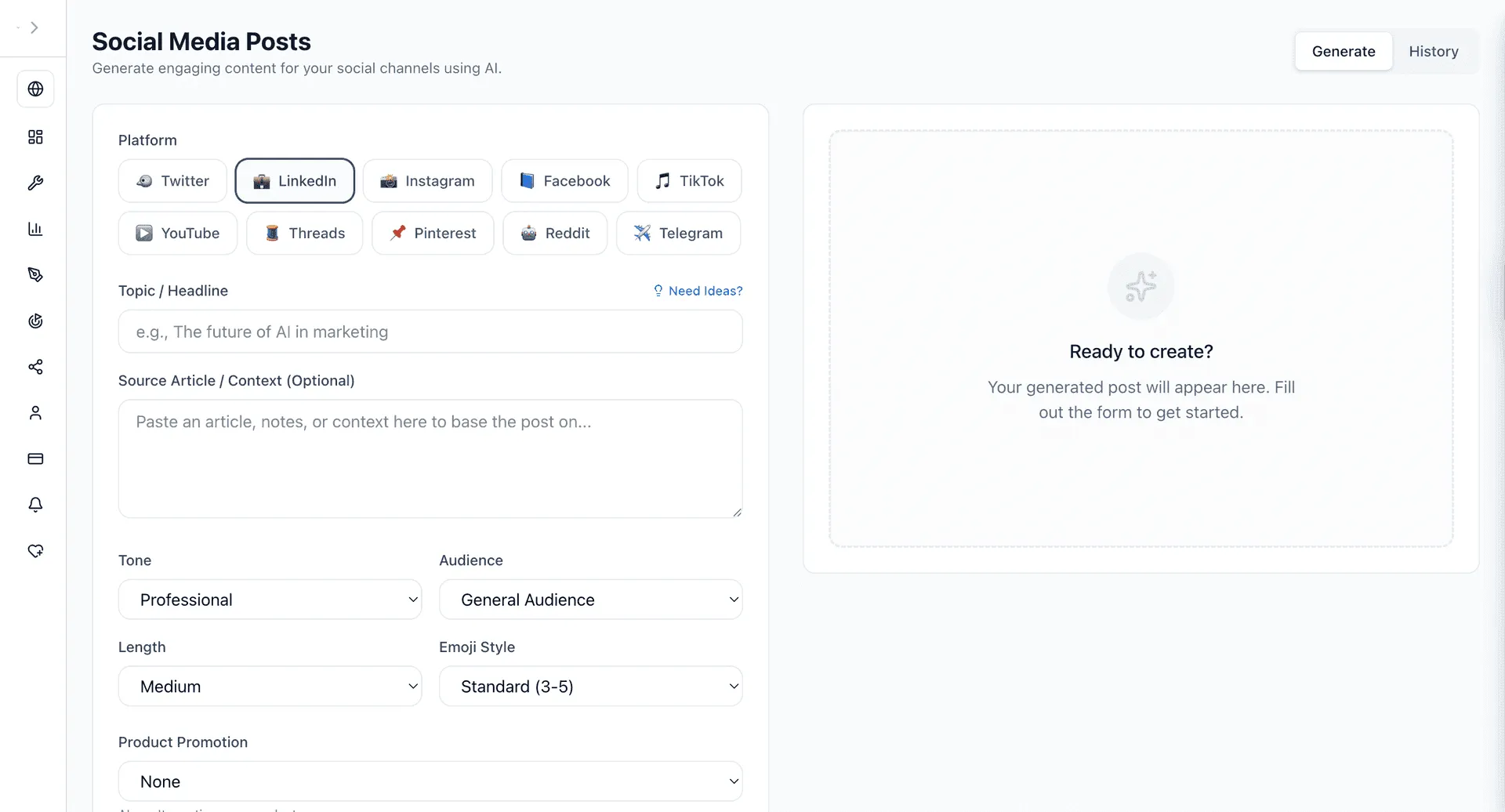
We've just rolled out our new Social Media Post Generation feature.
Now you can instantly create high-engagement posts for LinkedIn, Twitter, TikTok, and more – all tailored to your exact voice and audience. Think viral video scripts, professional threads, or catchy captions, all ready in seconds.
It's another way VibeMarketing is making AI-powered marketing simpler and more automated for businesses, helping you focus on growth.

The Celtic Cross Love Tarot Spread is one of the most powerful ways to understand the full story of your heart. This 10-card reading reveals your current energy, hidden influences, challenges, desires, future possibilities, and the path that lies ahead.
If you want a truly complete picture of your love life—past, present, and future—this spread offers the clarity and direction you’ve been searching for. Let the cards guide your heart’s journey. 💞🌙
👉 Try your Free Celtic Cross Love Tarot Reading now:
#CelticCrossTarot #LoveTarot #LoveHoroscopeDaily #TarotWisdom #RelationshipGuidance #CosmicInsight

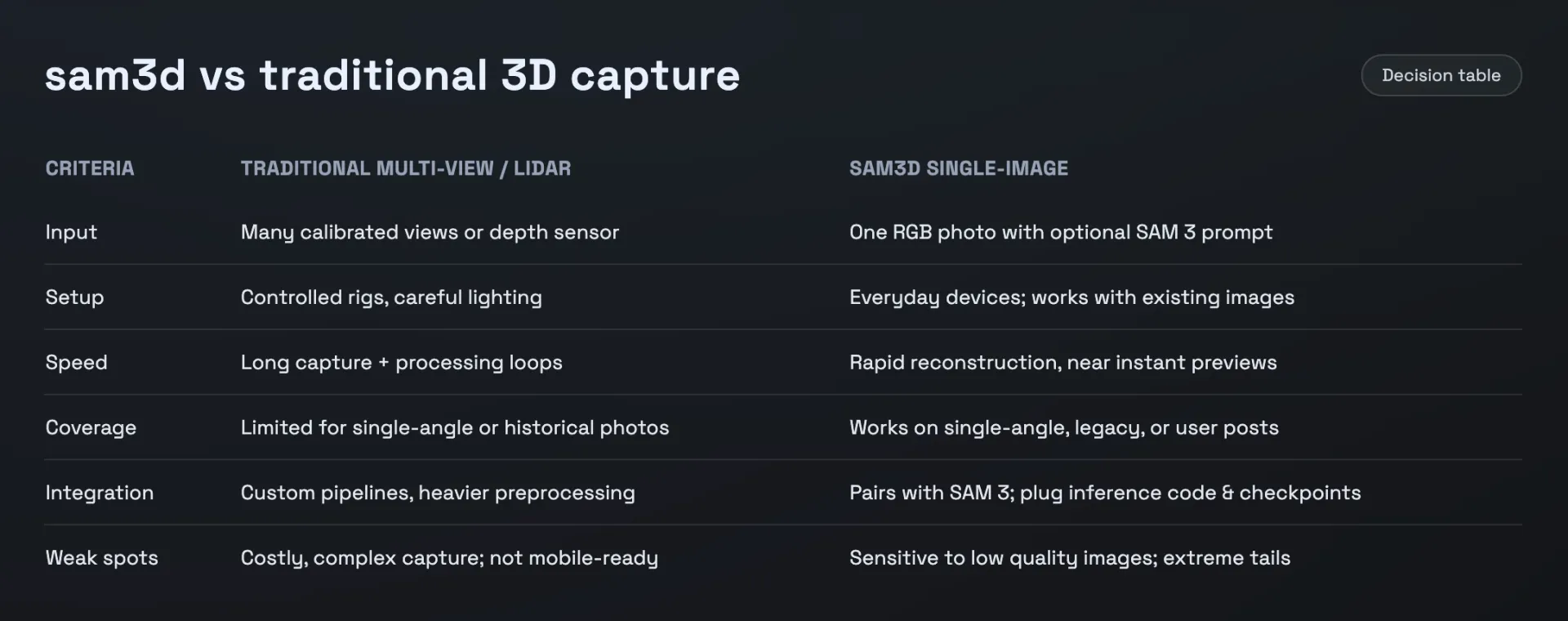
sam3d World is a specialized portal built around Meta’s sam3d technology, a research‑grade single‑image 3D reconstruction model that fuses segmentation, geometry, texture, and layout predictions into coherent 3D assets. From one ordinary photo, sam3d can infer full 3D shape and appearance, dramatically simplifying pipelines that used to require multi‑view photography, depth sensors, or complex photogrammetry setups. The site explains what sam3d is, how it works, and how to integrate it into production workflows, including AR commerce, XR experiences, robotics perception, and scientific visualization. It highlights core features such as open‑vocabulary segmentation via SAM 3 prompts, object‑ and scene‑level reconstruction, and export to common 3D formats suitable for engines and viewers. sam3d World also curates links to official code, weights, benchmarks, and technical papers, helping developers and creators quickly move from experimentation to deployment while staying aligned with best practices for evaluation, privacy, and real‑world robustness.


thumbflip.co is more customized than YouTube's "Test and Compare" feature.
- Upload up to 10 thumbnails per video
- Choose number & frequency of rotation - hourly/daily/weekly
- Choose your own test duration
- Metrics per thumbnail available on the next day after the test ends - views, Avg. View Duration, Likes, Comments, Impressions, Click Through Rate, Shares, Subscribers Gained, Average View Percentage

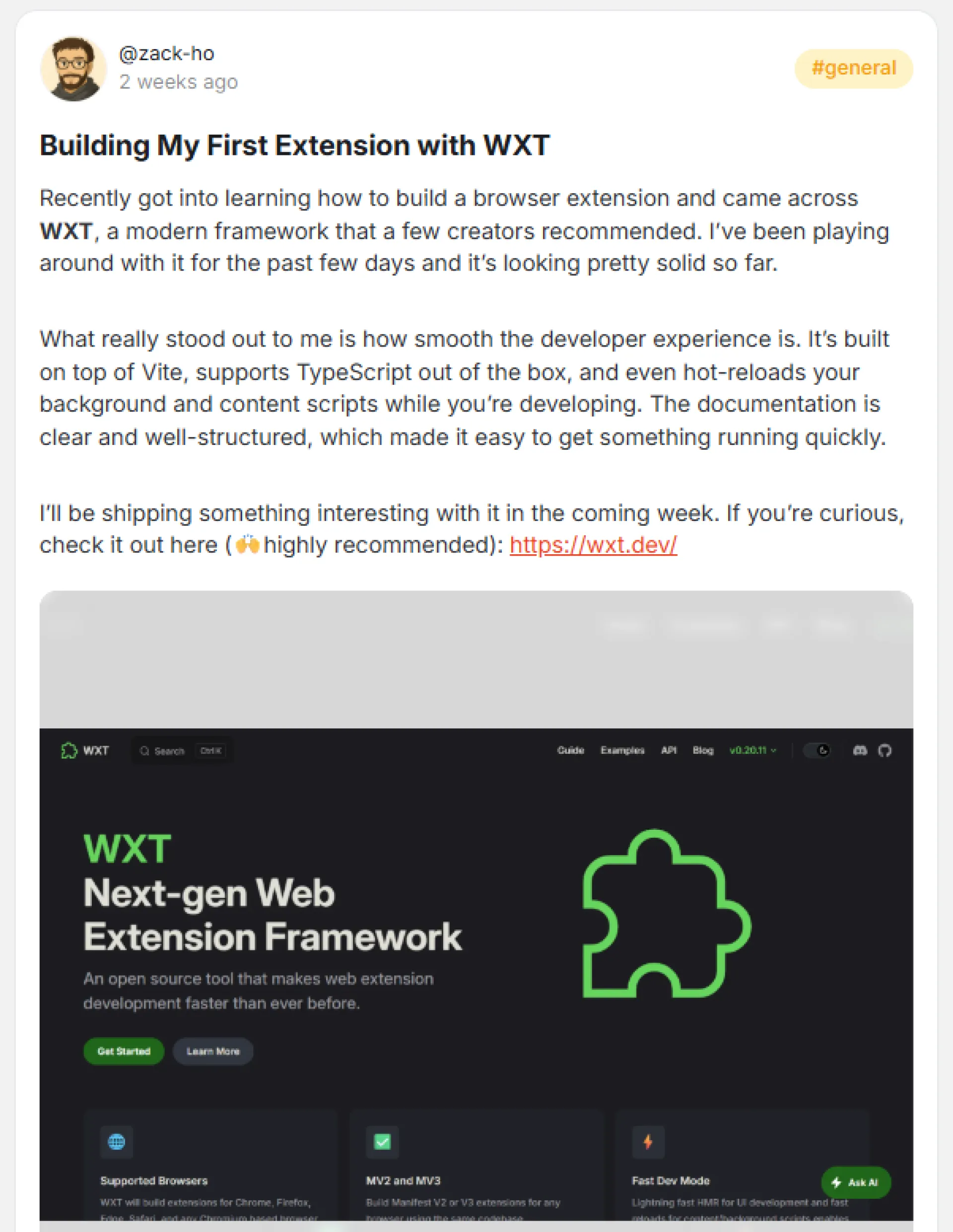
Two weeks ago I posted about learning WXT to build my first browser extension. Well, I shipped it just 3 days ago - Email Buttons for Gmail.
What it does: Adds styled buttons and QR codes to Gmail emails.
Tech stack:
- WXT + Vite + React
- TypeScript
- Landing page (Next.js)
- Stripe
What I like about WXT:
- Content script hot reload was a game-changes during dev
- Built-in bundling handled everything (especially come to publishing time)
- Abstracts away the complexities of Chrome APIs, which make feature building the only thing I focus on
Results after 3 days of launch:
- 10 organic installs (I didn't share to any launchpads or directories like I did for NewsletterStack)
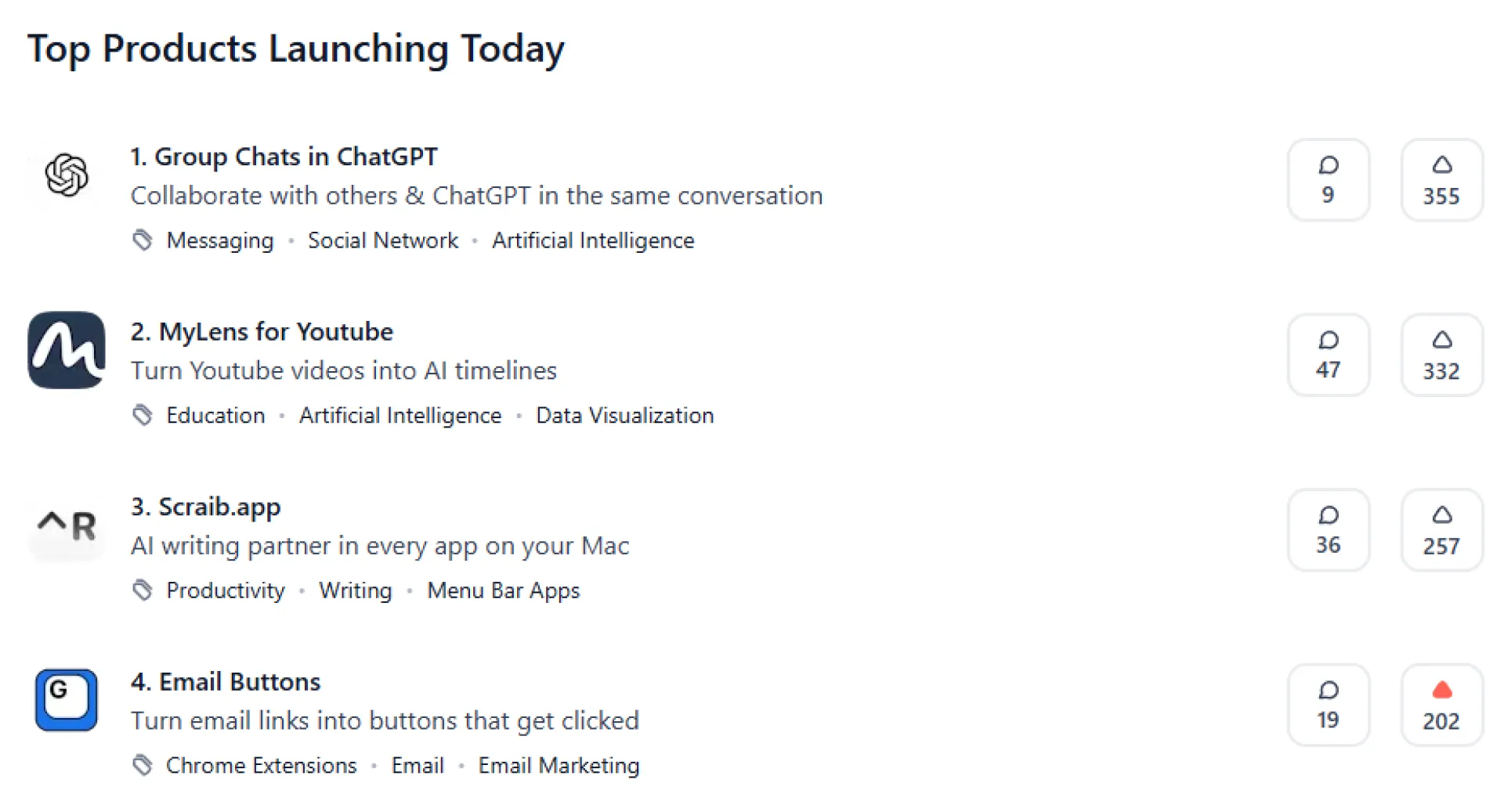
- Launching on Product Hunt today (If you want to support me - PH link) - We are at the 4th place for product of the day at the moment I'm writing this.
- So far, the reactions have been great especially from the marketing communities. (will share more once the metrics come in, chrome web store data is lagging 2 days behind)
WXT 100% delivered on the smooth DX. I highly recommend for anyone building extensions.

How to practice:
1. After experiencing a strong emotion, reflect on:
- "What emotion am I experiencing right now?"
- "What triggered this reaction?"
- "How does this response serve me?"
2. Consider:
"Were there alternative ways I could have handled them?"
3. Ask yourself:
"What strategies or coping mechanisms were effective in managing my emotions today?".
Check our priduct and tell me what you think:
https://huzzler.so/products/XVOJvOwlz5/chillpill

Hey everyone! 👋
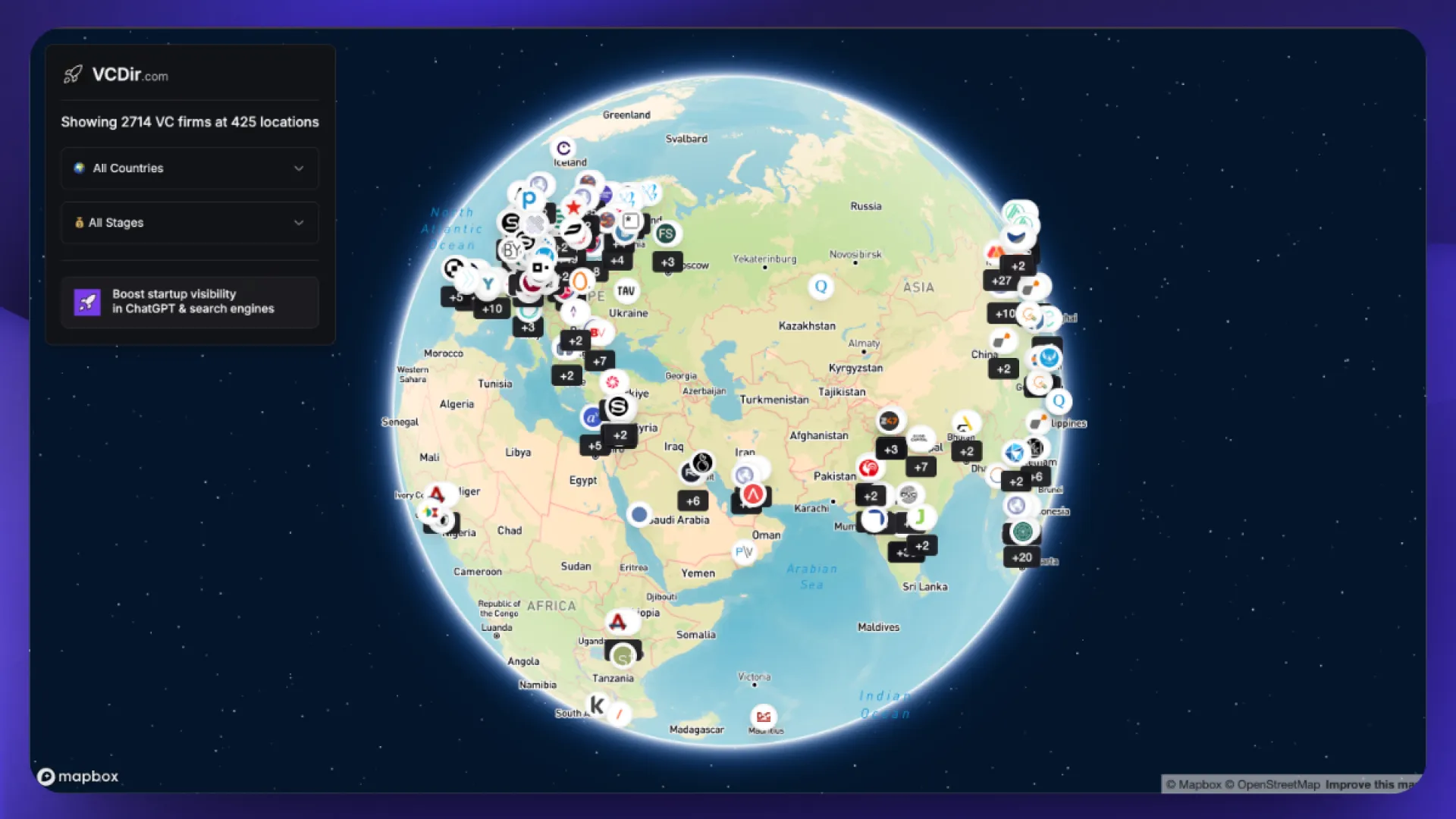
Some of you might remember that I built a directory of VCs from around the world today I added a map and globe view feature! 🌍
Super fun to explore!

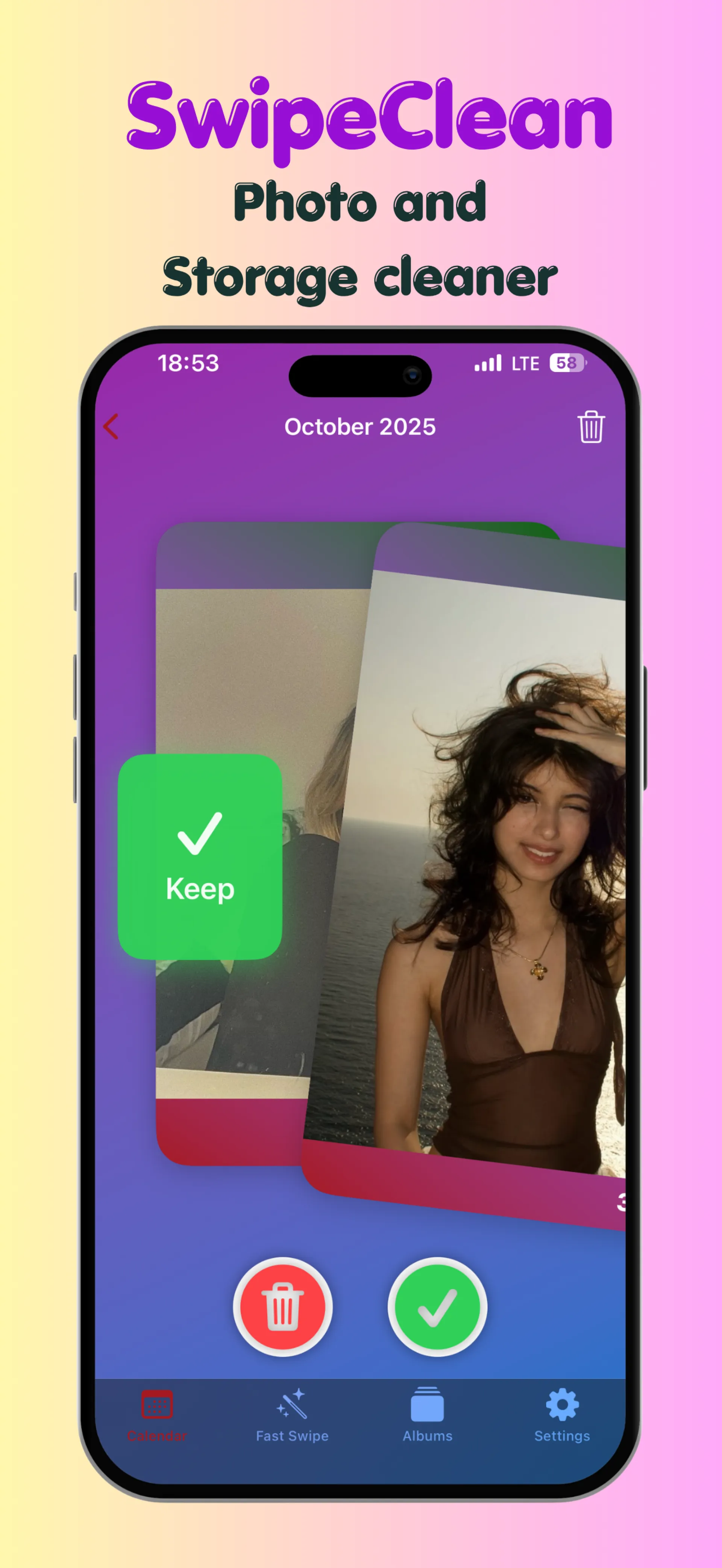
i want show you guys my new app swipe clean , just swipe right or left and clean your gallery effortlessly.
heres codes :
LX6T6HW67RKA
NATPX77L9XMF
HA4YWXR3T4N3
FETKF6WANRNF
AX9WK4MF4YWH
J9EKKWET4HKK
TE9LF44673PL
JXYET7EHYAX3
4WE9HH4AWTEW
N6NHMATXYERT
6LN7F3X39LKR
A3XR9R4RALTW
9R77AKLY7E7W
T73A69NY4WT7
X6LWJ94PNNKN
9KNNN7XNK9M4
6M3KYMPWKJKR
HM69L3PN6RKY

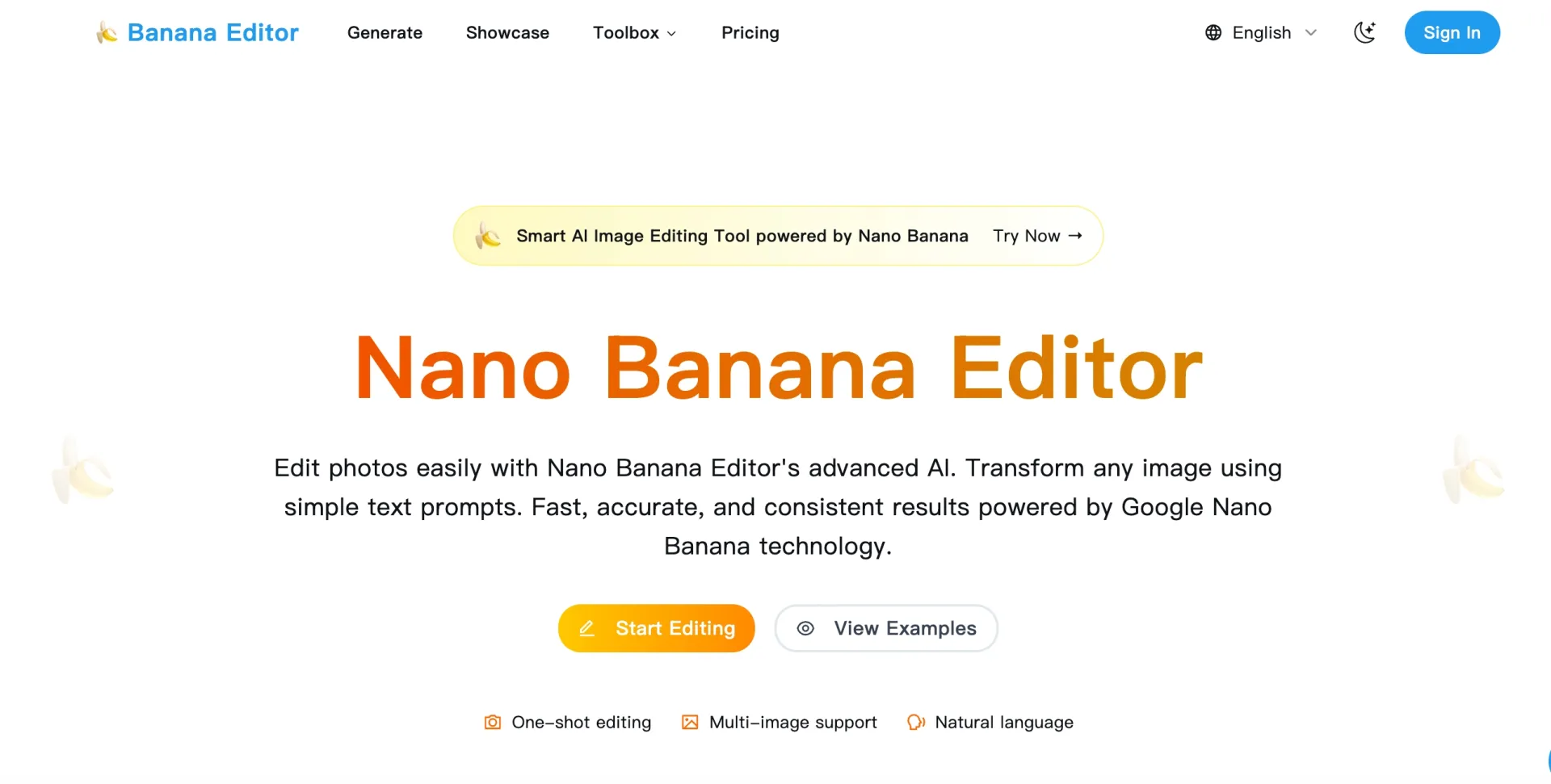
In the fast-evolving landscape of digital content creation, a quiet revolution has taken hold of image editing—driven by Google’s nano banana model. Over the past few months, this advanced AI technology has upended traditional workflows, enabling edits that balance precision, consistency, and speed like never before. Now, BananaEditor— a production-grade platform built specifically for nano banana integration— is bringing this transformative power to creators, e-commerce teams, and marketers worldwide, making professional-level image editing accessible to all.
The Nano Banana Difference: Why It’s Changing Image Editing
For years, image editing tools relied on either painstaking manual work or AI pipelines that struggled with context, consistency, and semantic control. Nano banana breaks this mold. Unlike traditional diffusion or text-to-image models, it is engineered explicitly for image-to-image transformation, with deep semantic understanding that allows it to interpret natural language instructions and apply edits that feel intentional—even curated by a seasoned art director— in a single pass.
“What makes nano banana a game-changer is its ability to preserve identity, scene layout, and lighting while executing complex edits,” says a product lead at BananaEditor. “You don’t need to tweak prompts 10 times or fix halos around edges. Describe what you want—‘add cinematic lighting,’ ‘swap the background for a sunset skyline,’ ‘tighten color harmony’—and it delivers a coherent, high-fidelity result on the first try.”
Its technical advantages set it apart from competitors:
- One-shot precision: Complex, multi-step edits (e.g., outfit swaps + background changes) in a single, consistent output.
- Identity and scene preservation: Faces, anatomy, and existing lighting/layout remain intact—no accidental distortions.
- High semantic control: Follows nuanced instructions with minimal prompt engineering, even for niche requests.
- Edge-aware edits: Crisp boundaries and natural blending, eliminating the “AI look” of disjointed elements.
- Style stability: Maintains a unified aesthetic across batches, critical for brand consistency.
- Throughput at scale: Fast enough for production teams handling dozens of images for campaigns or product launches.
Where to Experience Nano Banana—And Why BananaEditor Stands Out
While nano banana is available on platforms like Google AI Studio (for research exploration) and Deevid AI (for casual experimentation), BananaEditor is the first tool designed to turn nano banana’s capabilities into a seamless, workflow-first experience for teams.
“Most tools let you ‘play’ with nano banana, but BananaEditor lets you ‘work’ with it,” explains the product lead. “We built it for real deadlines—for e-commerce teams needing 50 product images with consistent backgrounds, or marketers creating 10 social ad variants that all match a brand’s aesthetic.”
Core Strengths of BananaEditor’s Nano Banana Integration
- Natural-language editing: No Photoshop expertise required—just type what you want, and the AI interprets your intent.
- Instant, accurate results: Skip iterative trial and error; multi-step edits are completed in seconds.
- Multi-scenario versatility: From product background replacement and virtual try-ons to campaign lookbook curation and retouching.
- Batch & brand consistency: Use “house prompts” (12–15 words) to standardize lighting, palette, and mood across all assets.
How It Works: A 4-Step Workflow for Teams
BananaEditor’s simplicity belies its power. Here’s how to create professional edits with nano banana in minutes:
- Upload: Add your source image (supports JPG, PNG, and RAW files).
- Describe: Type your edit intent (e.g., “soft golden-hour lighting, add warm rim light on the subject”).
- Customize: Choose a style template (brand-specific, minimalist, vintage, etc.) if needed.
- Export: Review, make quick tweaks if necessary, and download your edited image—all in seconds.
Pro tip: Build a library of “house prompts” for your team. For example, a single prompt like “bright, airy lighting, neutral beige background, product in sharp focus, soft shadow” can standardize hundreds of e-commerce images.
Use Cases: Who Benefits From Nano Banana-Powered Editing?
BananaEditor and nano banana are tailored to solve common pain points across industries:
- Creative teams: Preview campaign concepts fast, testing lighting and backgrounds without reshoots.
- E-commerce studios: Swap product environments (e.g., from a studio to a lifestyle setting) and create consistent lookbooks from mixed shoots.
- Apparel brands: Offer virtual try-ons, letting customers see how clothing looks on different models or in different lighting.
- Marketers: Generate social ad variants with on-brand styling, cutting down on design time.
- Photographers: Speed up retouching with natural, human-like results—no over-smoothing or unnatural colors.
Limited-Time Offer: Try BananaEditor With 34% Off
To celebrate its nano banana integration, BananaEditor is offering a exclusive discount for new users: 34% off your first purchase.
- Discount code: EARLYUSER66
- Valid through: October 31
- Redeem: Visit the BananaEditor pricing page (bananaeditor.io/pricing) and enter the code at checkout.
Reference: BananaEditor (bananaeditor.io/)

I built Articlecast to turn written articles into natural, podcast-style audio so you can listen instead of read.
It works right from your browser share any article, and it generates a high-quality spoken version in minutes.
What makes it special?
Conversational, human-like narration
Multi-language support (English, Spanish, Portuguese, Chinese, Hindi & more)
Built this to help readers, learners, and creators make the most of their time. Would love your thoughts and feedback!
here is the product page on huzzler https://huzzler.so/products/CWsFSwEB1L/articlecast

I am freelance UI designer working as part of a small team who are trialing out as many business ideas as we can until something works (can read more about our methodology here).
To be as time efficient as possible, we decided that validating first would probably be wise. This lets us test ahead of time which one of our many ideas would actually be worth spending the time and effort building, rather than build first only to realise no one wants it.
Whilst we aren't completely against building first (indeed, for many projects that is probably more wise), for our specific situation we felt validate first works better for us personally since it lets us figure where best to spend our time and energy.
So how exactly are we doing it? Largely the simple wait list method. Since we have the web design skills, we produce a simple but compelling landing page website explaining our idea/solution. As part of this we include the “Call-To-Action” to sign up to an email wait list. Whilst this gives us some indication, we know that not all who sign up are actually committed enough to translate into users. However, to help us gather deeper feedback, we offer the option to fill in a survey too. Additionally, we reach out and ask for one on one interviews with potential users to try and squeeze out as much insight as we can.
Essentially we just want to get an indication to make more informed bets on where to invest our time and energy. It won't always be right, but its about increasing odds rather than achieving certainty - which is only truly achieved once you made the product and are raking in the sales. But obviously, that takes more time and effort and you don't know if it will payoff until after you spend that. So this validation step helps try to at least make predictions in advance of spending that time and effort.
If we get enough quality feedback and quantity of sign ups, this gives use the signal to go ahead and start building the MVP.
Doing it this way gives us a couple of advantages:
- We spend a week or two validating each idea to save potentially months of time and effort.
- We gain valuable insights so we can tailor the build exactly to our potential user base.
- If we want co-founders, we have something to show them so they know they'll be helping to build something people actually want.
- We have a list of potential beta testers for our MVP too.
- If it doesn’t validate enough, we drop it and move on to the next idea.
And this is exactly what we did for “Kanban Kanban”, a productivity app based off a personal need for a simple nested kanban board project management and task tracker tool. We are currently building the MVP right now with all those benefits above.
Now, to help our team keep afloat, generate some income and pay for any costs involved with running more of these experiments, we offer our skills as freelancers. And so, like many freelancers, we want niche down and what better niche for us than offering this validation portion of the process as a service to help others rapidly test their business ideas before building too. We call this “Validation as a Service” (VaaS).
It's a win-win, since we can practice this method on ideas that aren't just our own, generate some income, and help other founders/builders save the most valuable currency they have: time. And when they do decide to spend it, they can do it with confidence and clarity.
However, since we are just starting out offering this service, our first priority is seeking some testimonials from clients we help. Therefore, we are looking for the first 3 users to offer this service to for free if not validated to your satisfaction. That means, if your idea doesn't generate enough interest to qualify as validated (in your opinion, not ours), then you won't be charged anything. However, if it does and you want to continue on to start building the MVP, we'll charge just what it costs to host the landing page site during your build time and handover things to you.
If you are interested, please get in touch via direct message.
Here is our website if you want to learn more: https://www.artalabs.com/

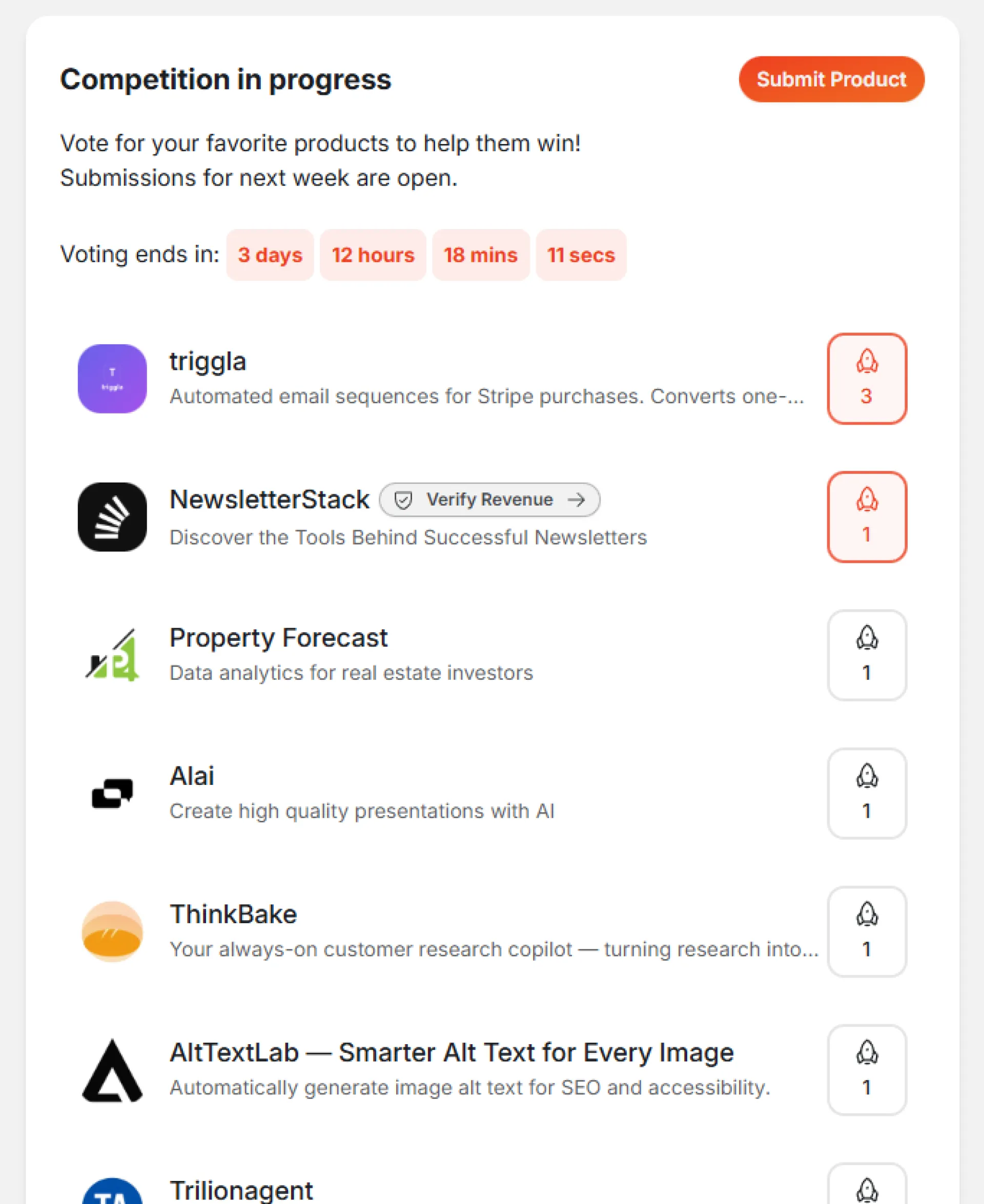
I launched NewsletterStack yesterday and already shipping updates.
Added two free tools today:
- Newsletter Cost Calculator – compare pricing across Beehiiv, Substack, Kit, Ghost, and more based on your audience size
- Email Authentication Checker – verify your SPF, DKIM, and DMARC setup so your emails actually reach inboxes
NewsletterStack (←link to launch arena) is live here in Launch Arena. If this sounds helpful, would really appreciate an upvote to help other creators discover it.

Hey everyone,
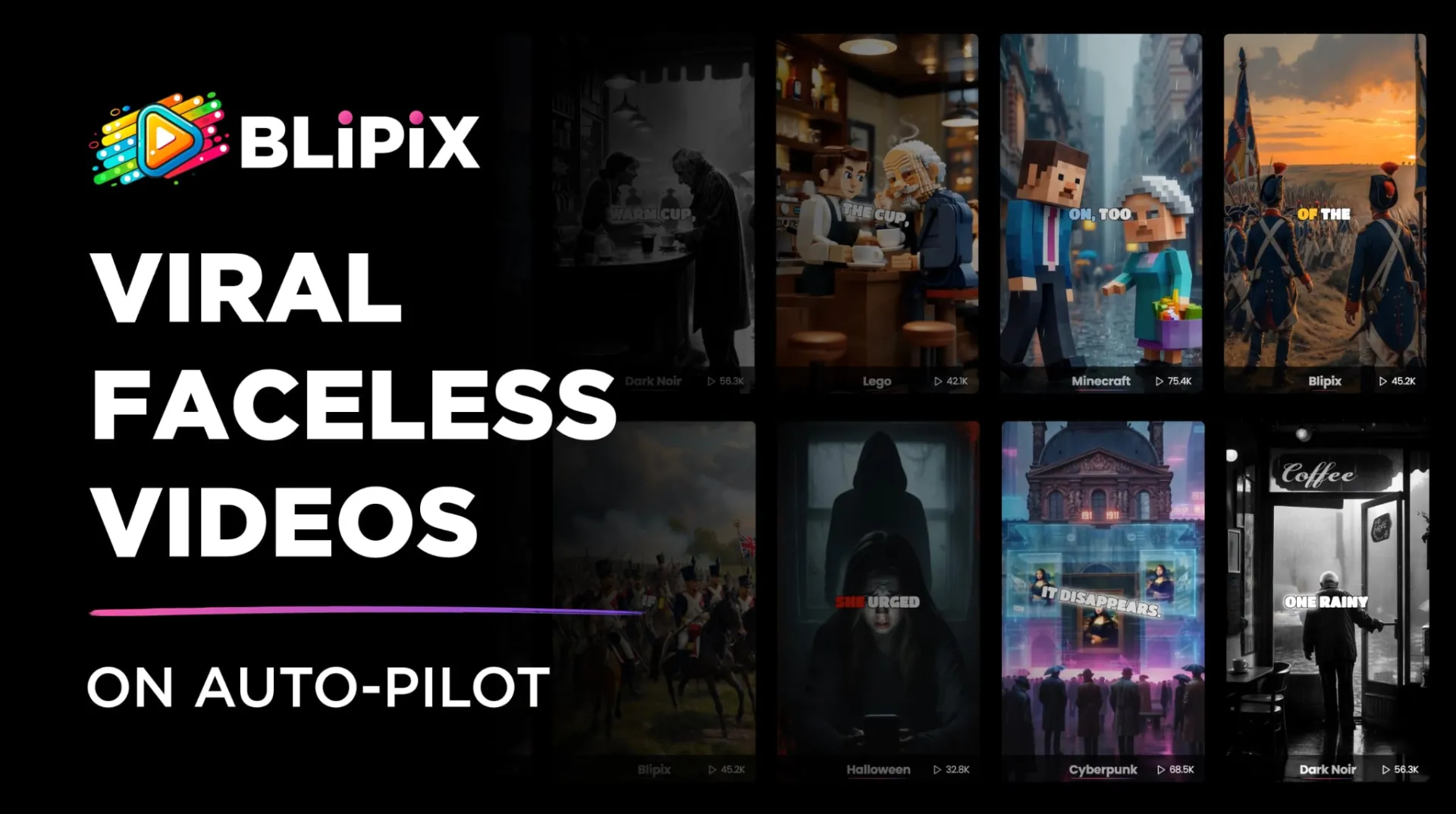
I’m the founder of Blipix.pro, and I wanted to share what we’ve been working on. It’s an AI-powered platform that lets creators make videos without appearing on camera. You can turn scripts or ideas into short-form videos for TikTok, YouTube Shorts, or Reels by choosing styles, voices, music, and visuals... all automated by AI.
Our goal was to make video creation faster and more accessible, especially for people who want to produce high-quality content without filming or complex editing.
I’d love to hear your thoughts, feedback, or any ideas on how we can make it even more useful for creators.
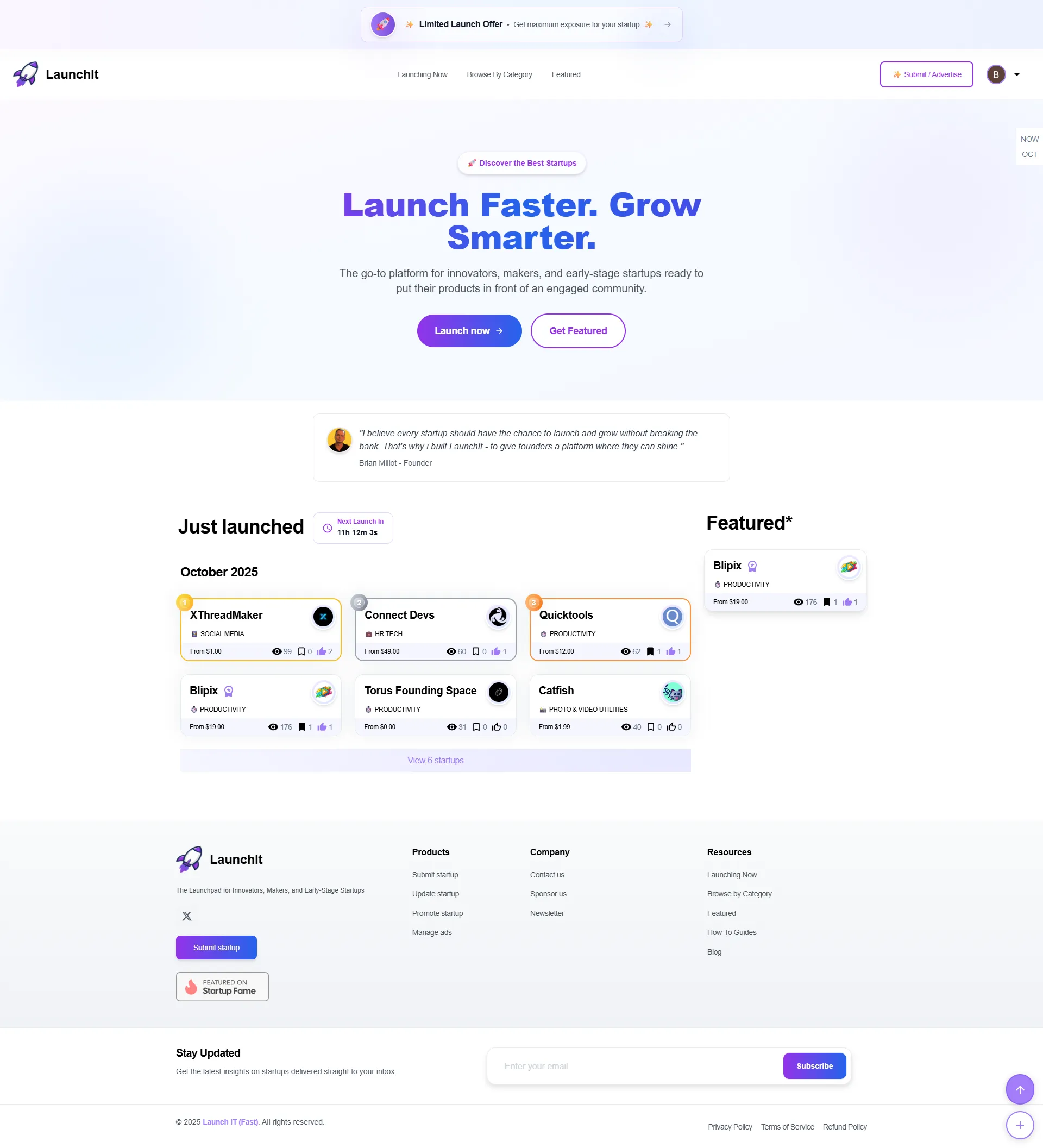
Hey everyone, I’ve been working on a small project called LaunchIt, it’s a platform designed to help founders and indie makers get their products in front of people faster.
You can submit your startup, pick a launch plan (there’s a free option), and get some visibility in front of an audience interested in new tools and ideas. I built it because launching can be a pain, finding early users, gathering feedback, and tracking engagement, so I wanted to make that part easier.
I’d love some honest feedback on the idea, design, or anything you think could make it more useful for makers.

We all repeat ourselves especially in work chat, client emails, or reporting updates. But with Slashit’s Snippet feature, you can stop the repetition loop.
Snippets let you turn your most-used text (like “Kickoff meeting intro” or “Weekly summary update”) into a reusable command. Type /kickoff or /summary, and the message appears formatted, polished, ready to send anywhere (Slack, Gmail, Notion, or Docs).
If you value flow, clarity, and speed this one’s for you.
Try Slashit free → http://www.slashit.app
#Productivity #SlashitApp #AutomationTools