
A web scraping API fetches target URLs and returns HTML, Markdown, screenshots, or structured JSON while managing rotating proxies, headless browsers, and bot mitigation.
In this guide, we compared seven web scraping APIs across their documentation, pricing tiers, and credit policies to see how each service balances speed, extraction quality, and cost.
Our take: If you need clean Markdown and fast crawling for AI agents, Firecrawl is the best choice. If you also need verified company assets like logos and brand metadata in the same call, Context.dev is the one to use.
| Product | Price | Score | Best for | Actions |
|---|---|---|---|---|
| $25/mo | 4.6 | Founders building AI agents needing clean Markdown and verified brand data. | ||
| $19/mo | 4.5 | Engineers building AI agents and RAG pipelines that need clean Markdown. | ||
| $19/mo | 4.4 | Developers and AI agents needing scraping, search, screenshots, and utilities in one subscription. |
Geekflare opened in a new tab. Paste this code at checkout. We could not load the code. Refresh the page and try again. |
|
| $40/mo | 4.5 | SEO platforms and rank-tracking teams that need live search results. | ||
| $19/mo | 4.1 | Data engineers and agencies needing ready-made scrapers for major platforms. | ||
| $19/mo | 4.0 | Developers managing their own HTML parsers who want headless Chrome. | ||
| $49/mo | 4.0 | Data teams scraping search engines and marketplaces with predictable credit costs. |





Prices last checked:
How we ranked these APIs
To rank these web scraping APIs, we evaluate how each service performs on real-world scraping tasks: single-page scraping, site crawling, JavaScript rendering, and anti-bot mitigation against systems like Cloudflare and DataDome. We check how credits are consumed, whether bot avoidance techniques like residential proxies are included, and what data formats you get back.
Our Huzzler Score consists of five dimensions: Features, Reliability, Value, Docs & SDKs, and Ease of use. The Huzzler Score is the unweighted average of those five ratings. Every price and credit policy comes from the official vendor documentation, and the comparison table above shows the date we last checked them.
This list is ordered by Huzzler Score, highest first. A high score does not mean an API fits every workload, since scraping needs vary between LLM pipelines, e-commerce data extraction, and search tracking. Check the Best for and trade-offs sections on each service before choosing.
1. Context.dev: best to extract clean markdown and brand assets
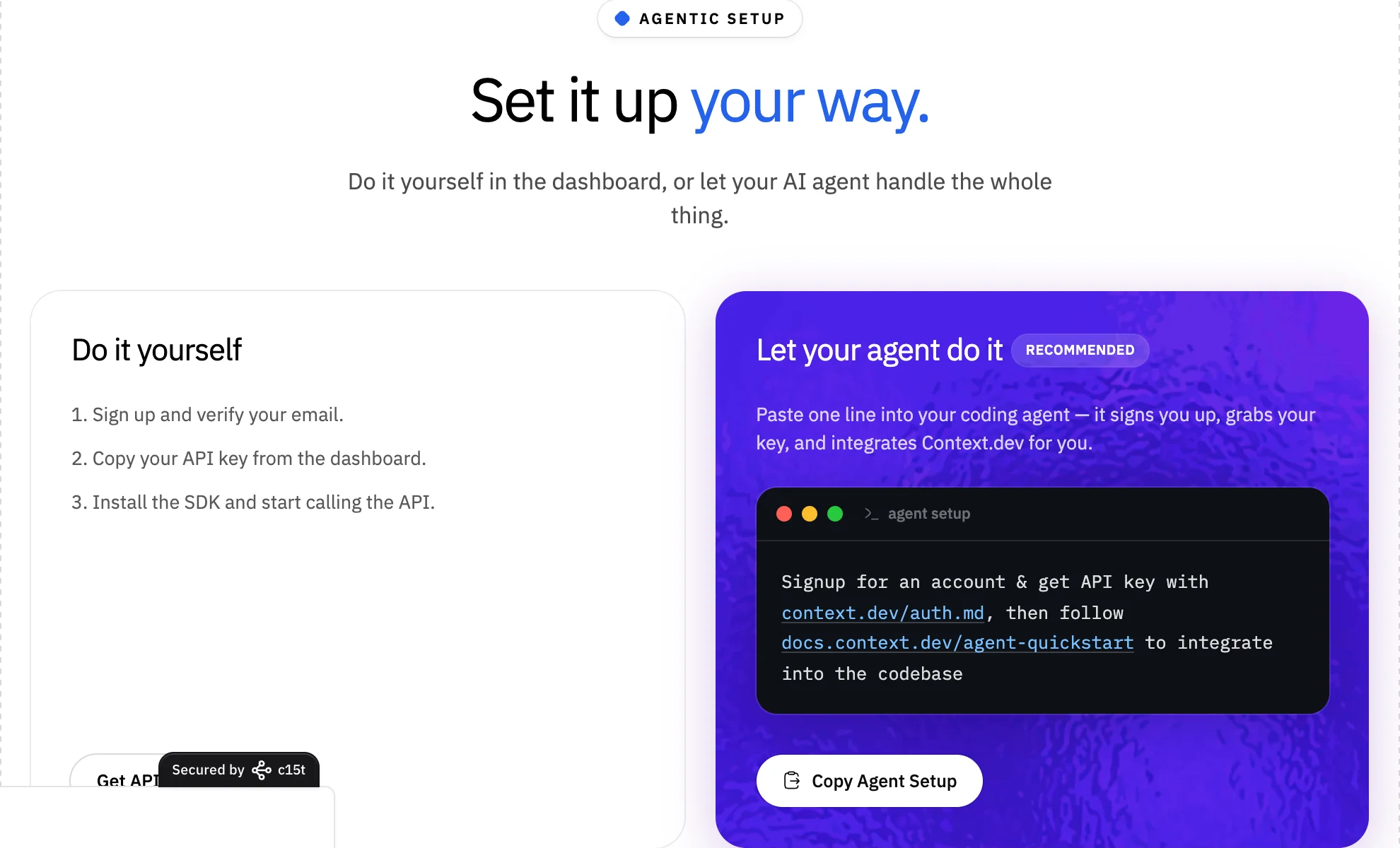
Context.dev handles two jobs at once. It converts client-side rendered sites, where sometimes no content is shown until after JavaScript renders the page, into clean Markdown, and it fetches verified brand data from company domains. If you need things like logos, company names, and descriptions, or you want website content alongside typography and color palettes, Context.dev is your best option.
What we like about Context.dev
- Every page scrape costs exactly one credit with stealth JavaScript rendering and residential proxies included
- Unsuccessful or blocked requests are never billed
- Brand data retrieval works perfectly: it returns logos, brand colors, fonts, and company codes (all verified)
- "AI ready": they have official SDKs in five languages with native MCP support for Cursor and Claude
What could be better
- There is no self-hosted option
- Structured JSON extraction and brand intelligence endpoints are 10x more expensive than regular calls, costing ten credits per call
- Initial brand lookups on unvisited domains can take longer to return data
- Programmatic browser actions cost two credits and require an active paid plan
Cost and credits
The Developer plan costs $25 per month for 10,000 credits, while Pro is $149 per month for 200,000 credits. Paying annually gives you an extra two months free. A free trial grants 250 one-time credits (500 with a corporate email) with no credit card required. Our verified Context.dev promo code gives you 25% off for 6 months.
Keep in mind: When you call the brand intelligence or structured JSON extraction endpoints in automated loops, each request costs ten credits instead of one, which can drain a $25 plan twenty times faster than regular page scraping.
2. Firecrawl: the crawler made specifically for AI agent pipelines
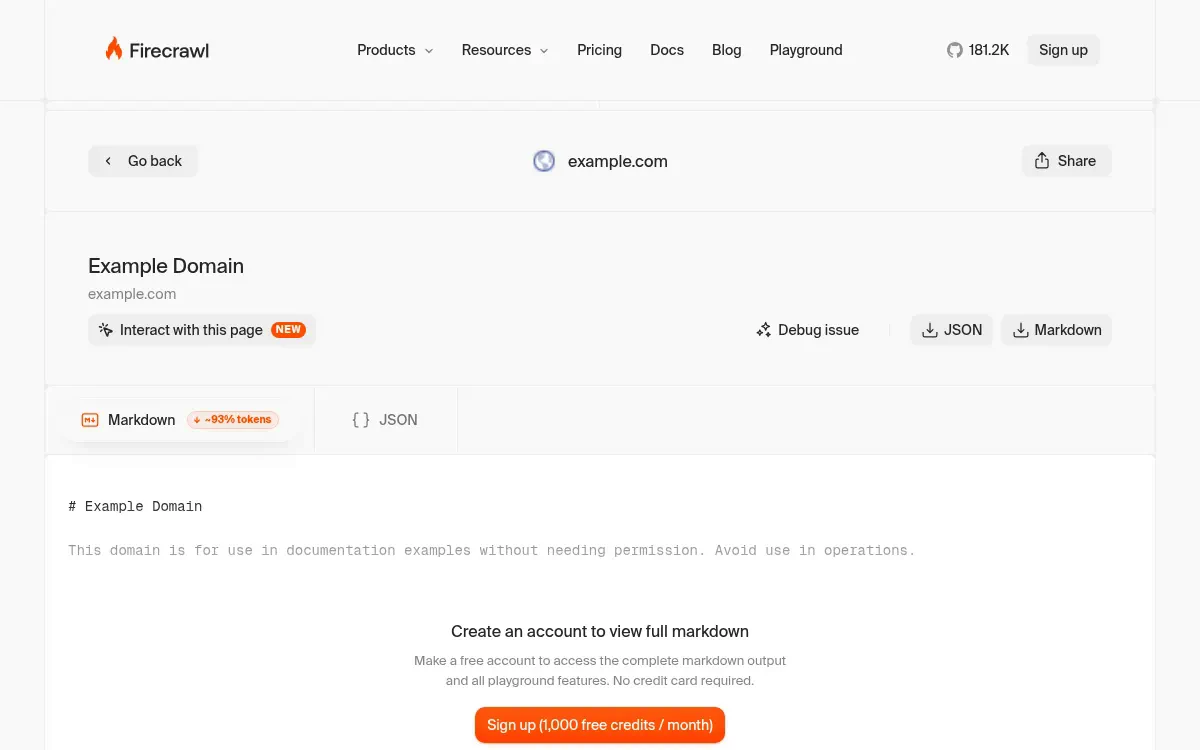
Firecrawl exists to feed clean data into language models and AI coding assistants. Caleb Peffer and the Mendable team designed it to convert target URLs into token-efficient Markdown, crawl entire websites through link discovery, and run web searches in a single request.
What works well
- Permanent free plan refills with 1,000 credits every month with no credit card required
- Generates clean, token-efficient Markdown optimized for LLM prompts
- Built-in website crawling, link mapping, and live web search endpoints
- Native MCP integration makes connecting Cursor and Claude Code fast
- Like Context.dev, they don't charge if the request fails
Where it struggles
- Structured JSON schema extraction costs five credits per page instead of one
- The open-source Docker container excludes their proprietary Fire-engine anti-bot bypass (which is absolutely necessary in most scenarios)
- Unused credits expire at the end of each monthly billing cycle on standard tiers
- Target errors such as 403 or 404 responses can still consume credits if processed
Paying for Firecrawl
The Hobby tier costs $19 per month (or $16 per month billed annually) for 5,000 credits. Standard is $99 per month for 100,000 credits, while Growth is $399 per month. Our verified Firecrawl promo code provides 10% off first purchase.
What to watch out for: When self-hosting the open-source repository, it doesn't have aggressive anti-bot screens like the cloud service, so you may run into issues when a webpage asks you to complete a captcha.
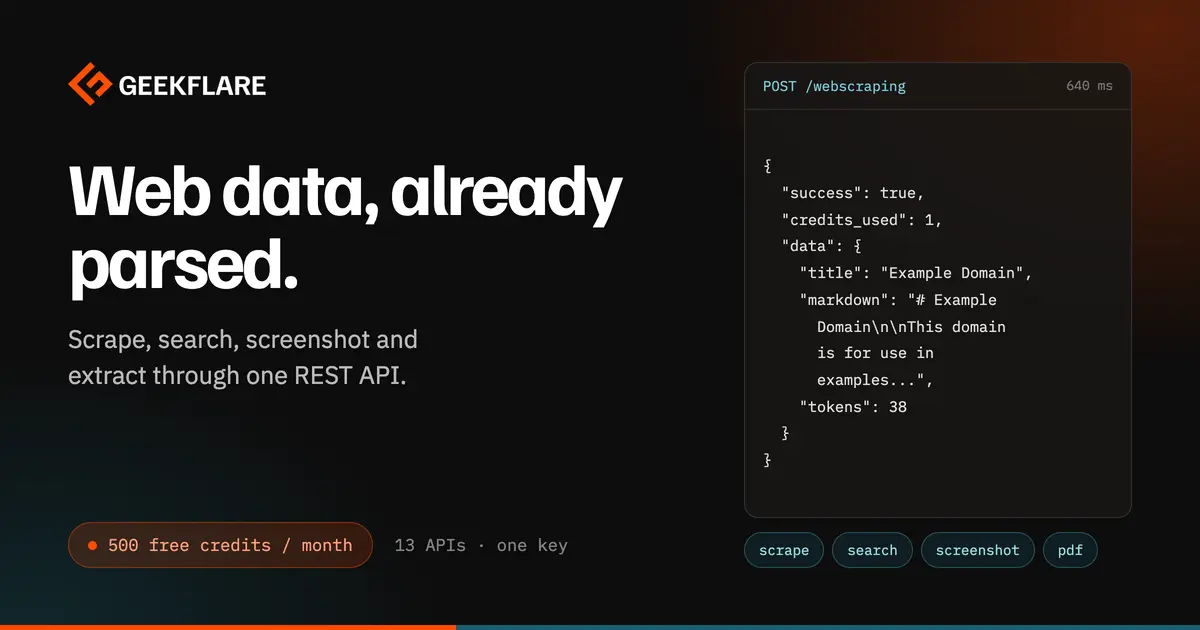
3. Geekflare: multi-tool developer API for scraping, search, and screenshots
Geekflare combines web scraping, live web search, screenshot captures, and network diagnostics under a single API key and credit pool. Built for AI agents and engineering teams, its scraping endpoint extracts clean Markdown, rendered HTML, or JSON while automatically managing residential proxies, JavaScript rendering, and CAPTCHA solving.
What we like about Geekflare
- Single shared credit balance covers all 13 developer APIs
- Failed or blocked requests cost zero credits
- Permanent free tier provides 500 recurring monthly credits
- Official Model Context Protocol server connects directly to Cursor and Claude
- Residential proxies and JavaScript rendering included with no extra credit multipliers
Trade-offs to consider
- Lacks automated recursive website crawling and sitemap mapping endpoints
- No library of prebuilt scrapers for major social platforms
- Free plan throughput is restricted to one request per second
Pricing and credit structure
The free tier includes 500 credits per month with no credit card required. Paid plans start on Starter at $19 per month for 10,000 credits, scaling to Growth at $69 per month for 100,000 credits and Business at $349 per month for 1,000,000 credits. Yearly billing saves approximately two months of fees, and standalone credit packs start at $10 with one-year validity. Standard scraping costs 1 credit, live search costs 2, and full-page screenshots consume 5 credits.
Good to know: Because failed requests cost zero credits and pack credits remain valid for twelve months, you can test complex endpoints without worrying about wasted spend.
4. SearchApi: live search results as JSON
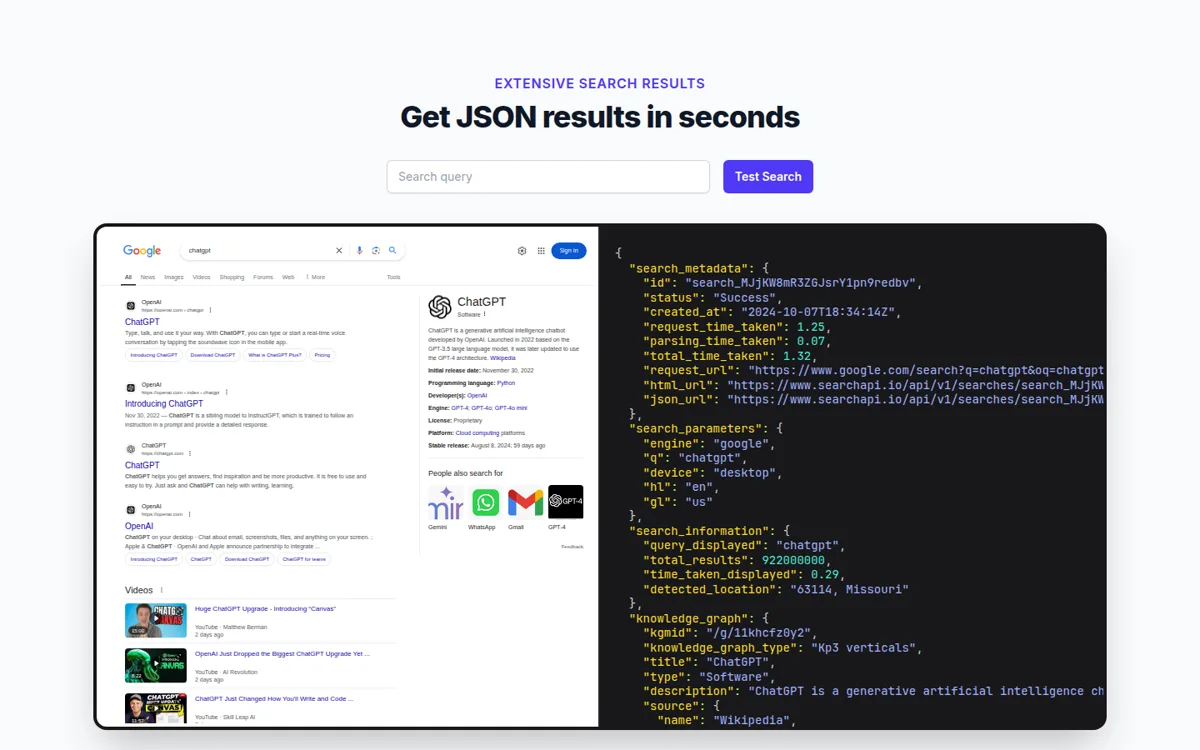
SearchApi extracts live search engine results pages from Google, Bing, YouTube, and Amazon as structured JSON. It is built for SEO tools, rank trackers, and market monitors that need real-time SERP data without running proxy infrastructure.
What stood out
- Only successful HTTP 200 searches are billed
- Published 99.9% uptime SLA. Sub-2 second average, per SearchApi
- Single API key queries Google, Bing, YouTube, and Amazon
- Captures organic rankings, maps, ads, shopping, and AI Overviews
- Support via support@searchapi.io and Discord. Samples in 13 languages, plus cURL
What you'll pay
Developer includes 10,000 monthly searches with the 99.9% SLA, while Production ($100 per month) adds team management. Production and up include up to $2M in legal protection coverage. Octo plans scale up to 5 million searches at $1 per 1,000, with priority support. Blocked or failed requests cost nothing.
5. Apify: thousands of prebuilt scrapers with metered compute billing
Apify is a serverless automation platform where you run modular programs called Actors to harvest structured datasets from sites like Google Maps, Amazon, and Instagram. If you just need clean Markdown for an AI prompt, setting up an Actor is complete overkill.
Points in its favor
- Apify Store contains thousands of ready-made scrapers
- Serverless cloud infrastructure to build, schedule, and host your own custom crawlers
- Official MCP server connects Cursor and Claude directly to Store Actors
- Free tier includes $5 of monthly platform credit for ongoing testing
- Automated cron job scheduling and structured dataset exports in JSON, CSV, and Excel
What to watch out for
- Metered billing for RAM compute units, proxy bandwidth, and third-party author fees
- Steeper learning curve than single-endpoint scraping APIs
- Unused monthly prepaid usage credits expire at the end of each billing cycle
- Community-built scrapers can break when target website layouts change
How pricing works
The Starter plan costs $19 per month ($17 per month billed annually) and adds $19 into your platform balance. Compute units cost $0.20 per gigabyte-hour of RAM, and residential proxy bandwidth begins at $8 per gigabyte.
Watch out for: When you launch a community Actor that runs unoptimized memory loops or residential proxies, it can quickly burn through compute units and drain your entire $19 prepaid balance in an afternoon.
6. ScrapingBee: reliable headless Chrome for teams with custom HTML parsers
ScrapingBee is a headless Chrome and rotating proxy API that renders JavaScript-heavy websites and returns the raw HTML. It handles bot detection, captchas, and browser rendering so you can scrape dynamic pages, but you still have to parse the data from the HTML yourself. If you are building an AI agent and need clean Markdown out of the box, Firecrawl or Context.dev will save you a lot of work.
What we like about ScrapingBee
- Headless Chrome rendering with rotating residential proxies
- Dedicated endpoints for Google search results and full-page screenshots
- HTTP proxy gateway mode connects directly with existing web scrapers
- Straightforward REST interface with code examples across multiple languages
Points of friction
- Headless Chrome rendering is turned on by default and costs five credits per page
- Routing through stealth or residential proxies increases costs to 25 or 75 credits
- Unused credits expire at monthly renewal and do not roll over
Cost breakdown
The Hobby plan starts at $19 per month for 75,000 credits, while Freelance costs $49 per month for 250,000 credits. All plans exclude local taxes. New accounts receive 1,000 free credits to test before subscribing.
One thing to check: When scraping simple static pages with JavaScript rendering left on, ScrapingBee charges five credits per page instead of one, which cuts your monthly request volume by 80 percent.
7. ScraperAPI: published rate cards and cost ceilings for protected domains
ScraperAPI is raw scraping and proxy infrastructure designed for high-volume data harvesting on heavily protected websites. Rather than masking request costs behind opaque proxy tiers, it publishes explicit per-domain credit rates for difficult targets like Amazon and Google. It is specifically built for data engineering pipelines.
Features we liked
- Published credit rate cards give clear cost expectations for hard targets
- Built-in budget cap parameters (
max_cost) prevent runaway spending on difficult domains - Automated proxy rotation, CAPTCHA solving, and retry handling across all tiers
- Dashboard includes a Domain Cost Estimator to forecast scraping budgets accurately
Challenges to consider
- Entry subscription starts at $49 per month, the highest base price in this comparison
- Challenging targets like Google (25 credits) and LinkedIn (30 credits) consume plans rapidly
- No native Markdown conversion endpoints or AI agent integrations
- Unused monthly credits do not roll over when plans renew
Pricing details
Hobby costs $49 per month ($44.10 per month billed annually) for 100,000 credits and 20 concurrent threads. Startup is $149 per month for 1,000,000 credits. A seven-day trial provides 5,000 credits, followed by a permanent free tier with 1,000 credits every month.
Potential pitfall: If you scrape hard targets like Google or LinkedIn without setting the max_cost parameter, requests consume up to 30 credits each and can wipe out a 100,000-credit plan in a single day.
How to choose a web scraping API
Selecting the right web scraping API depends primarily on the output format your application requires and how much bot protection the websites you're trying to scrape have.
A concrete overview of which scraping API to use, when:
- AI agents and RAG pipelines: Choose Firecrawl for token-efficient Markdown, live search, and native Model Context Protocol support.
- Brand data and Markdown: Choose Context.dev if you need clean page content alongside verified company logos, color schemes, and industry codes without credit multipliers.
- All-in-one developer utilities: Choose Geekflare if you want web scraping, live web search, full-page screenshots, and network tools on a shared credit balance.
- Live search results and rank tracking: Choose SearchApi when you need Google, Bing, and other results pages as JSON.
- Complex platforms and marketplaces: Choose Apify if you want ready-made scrapers for Google Maps, Amazon, or social media networks without writing scraping rules from scratch.
- Custom HTML parsers: Choose ScrapingBee if you have existing BeautifulSoup, Cheerio, or regex parsers and need dependable headless Chrome rendering.
- Aggressively protected e-commerce targets: Choose ScraperAPI when you scrape search engines or large retail sites and need explicit cost caps to protect your budget.
Each API on this list targets a distinct workload, so match the tool to the data format and domain protection your application requires.
Are web scraping APIs worth the cost?
Building an in-house scraping setup with Playwright or Puppeteer starts out inexpensive. The real expense comes when target websites deploy Cloudflare challenges, rotate HTML class names, or block your server IP addresses. Maintaining proxy pools, solving CAPTCHAs, and managing headless browser memory leaks often costs thousands of dollars in developer maintenance every month.
A commercial scraping API hides all that operational work of avoiding captchas behind a clean, easy-to-use API. If you scrape under 100 static pages per week, running a local Python script is completely fine. But once you start scraping protected domains or dynamic client-rendered apps, a managed scraping API pays for itself immediately.