Install Huzzler App
Install our app for a better experience and quick access to Huzzler.

J'ai envoyé des dizaines de candidatures sans retour. Un ami RH m'a expliqué que 90% des CVs sont filtrés par un logiciel avant d'arriver sur un bureau.
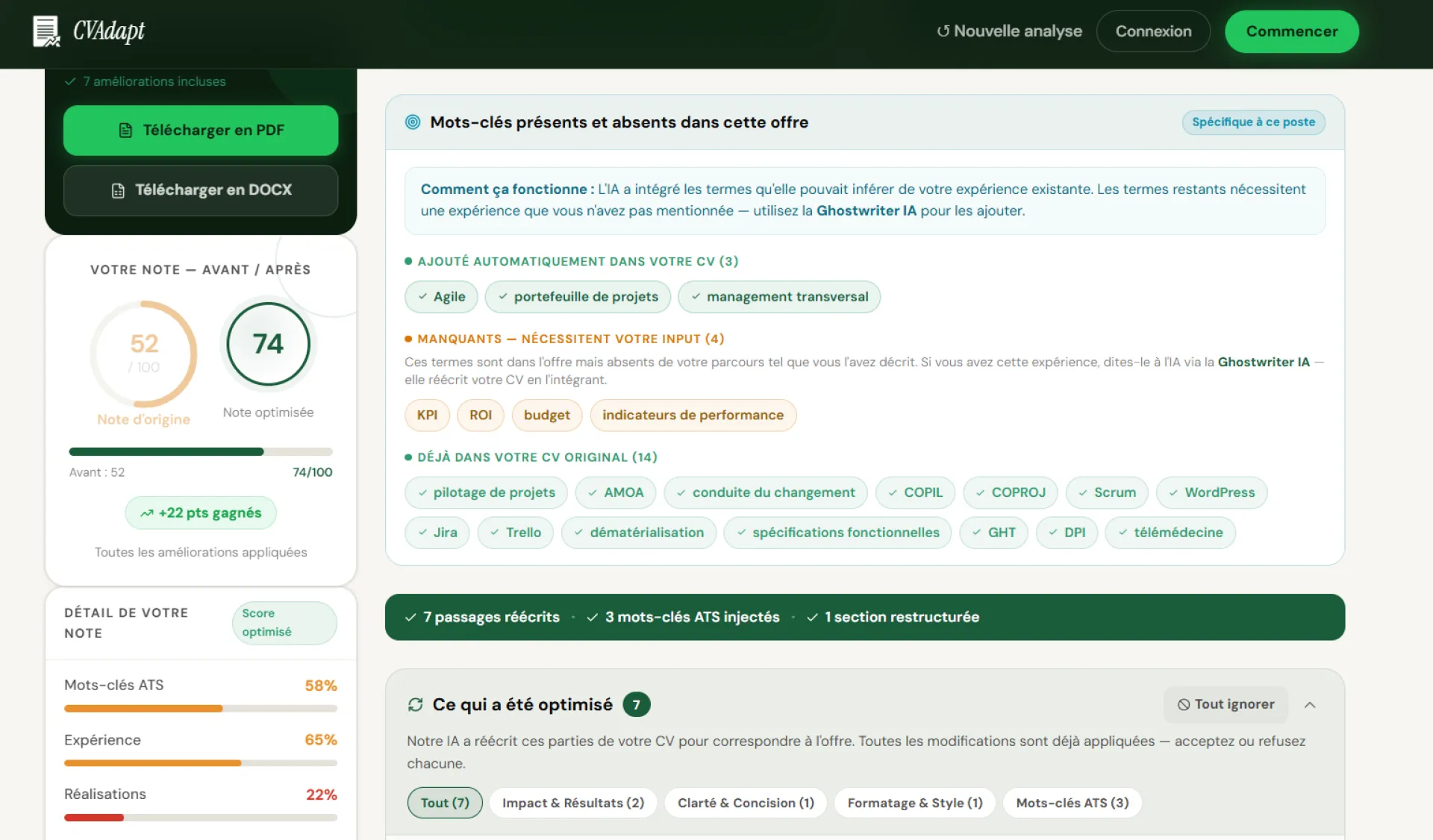
J'ai construit cvadapt.fr pour voir exactement quels mots-clés manquaient dans mon CV par rapport à l'offre. Ca m'a pris 6 mois pour que ça marche bien.
3 essais gratuits si vous voulez tester.

Stealth Gadgets started with a simple problem: discovering tactical gear, gun accessories, and outdoor equipment online is messy. Information is scattered, reviews are biased, and it’s hard to know what’s actually worth your money.
So I built Stealth Gadgets to fix that.
It’s a platform where you can:
• Discover curated tactical gear and accessories
• Explore brands and products in one place
• Stay updated with industry content, guides, and insights
• (Soon) connect brands with creators for authentic promotions
This is just the beginning — the bigger vision is to build a complete ecosystem around tactical gear: marketplace, content, community, and creator partnerships.
I’d genuinely love your feedback:
👉 What would make this 10x more useful for you?
👉 Anything confusing or missing?
I’ll be here all day responding to every comment. Thanks so much for checking it out 🙏

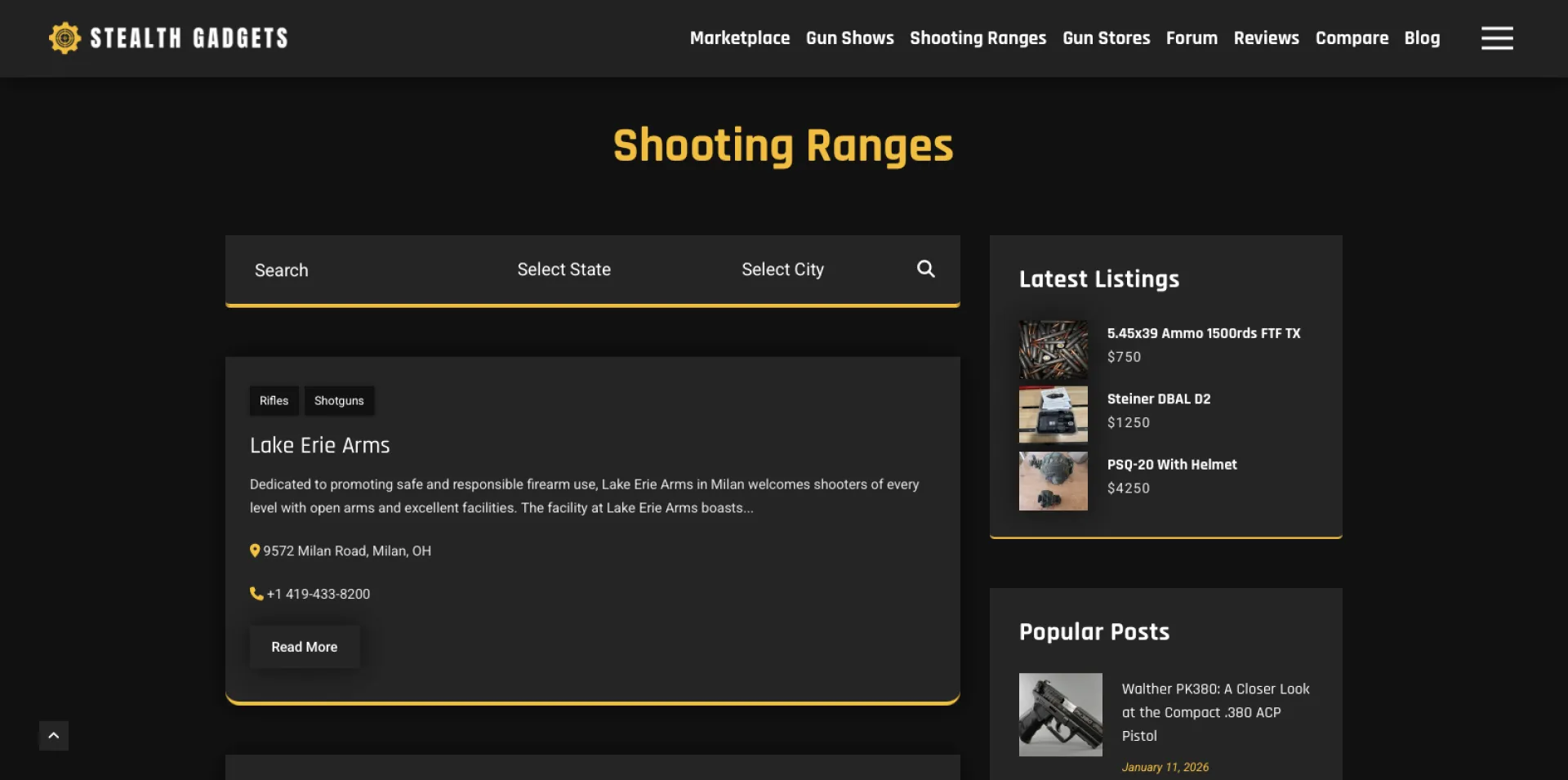


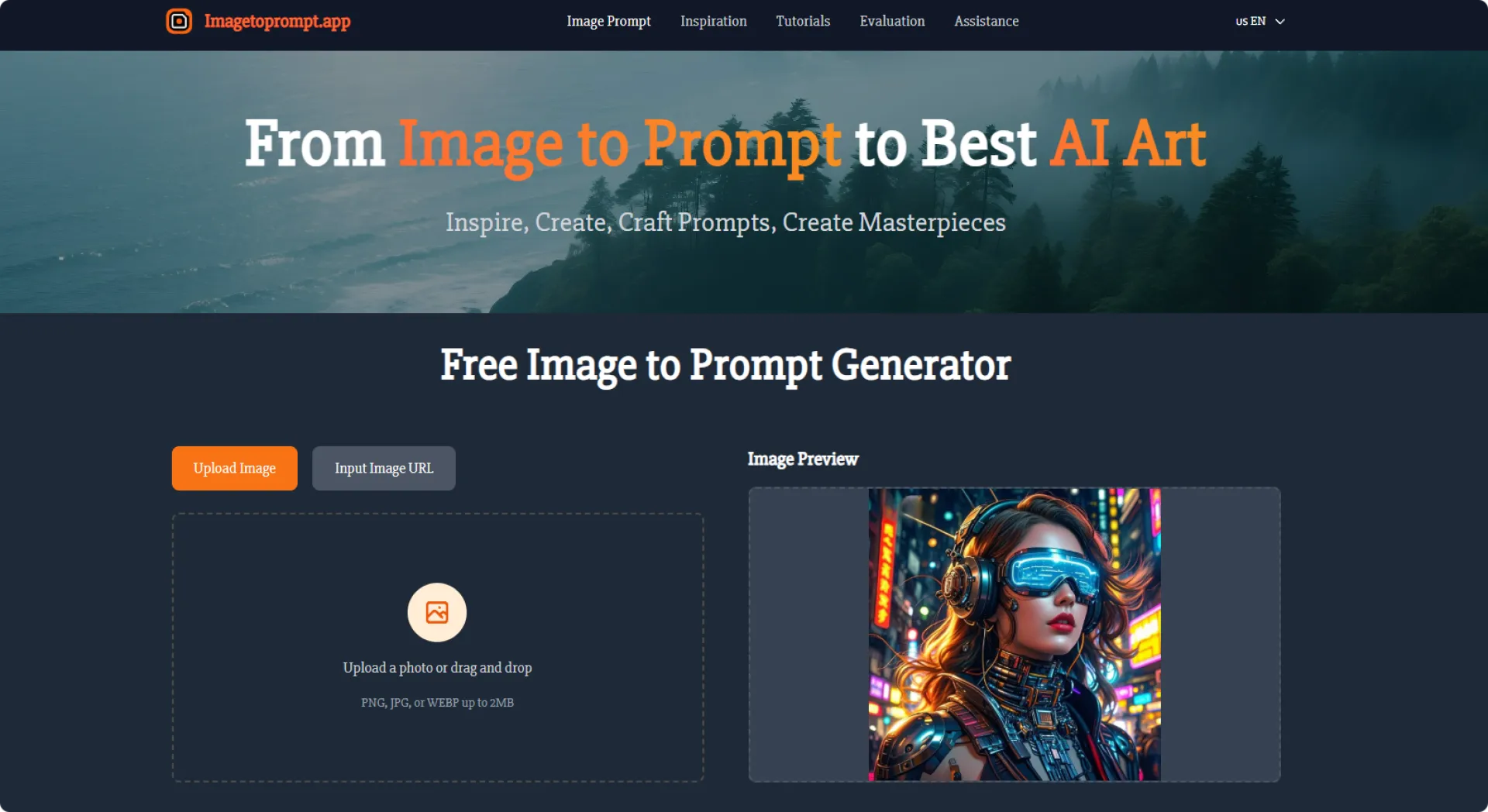
Image to Prompt is a free, browser-based tool that converts any image into a detailed, high-quality prompt suitable for AI image models such as Midjourney, Stable Diffusion, and Flux. Simply upload an image or paste an image URL, then receive a structured, descriptive prompt covering subjects, style, composition, colors, and lighting. The tool supports multiple languages, offers optional structured prompts, and requires no account or payment. Images are used only for real-time analysis and are deleted immediately, protecting user privacy. Perfect for creators who want to replicate styles, refine details, or learn better prompt writing through clear, accurate descriptions.
Image to Promp
thttps://imagetoprompt.app/


Hi everyone,
I’ve been building Ordr, an AI task manager for people who feel overloaded by their own to-do list.
The problem I kept running into was that most productivity apps assume you already have the mental energy to organize everything well. You need to decide what is a task, what is an event, what matters first, what belongs on a calendar, and how to structure it all. That admin work becomes the real bottleneck.
So I started designing Ordr around a different idea: capture should be easy, and structure should happen for you.
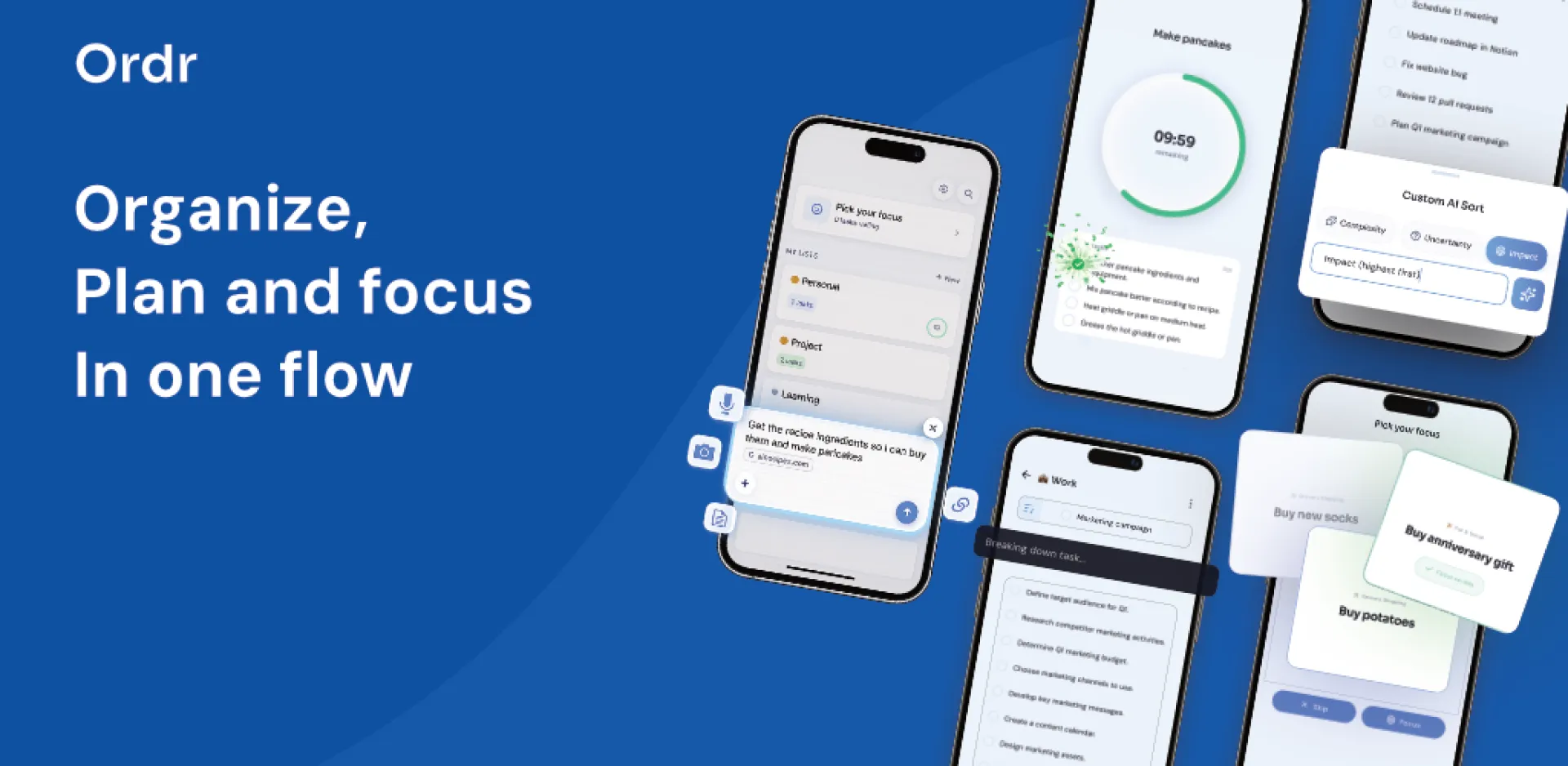
With Ordr, you can dump thoughts through voice, text, images, documents, or links, and the app turns that input into clearer tasks, events, and next steps. I also focused a lot on reducing decision fatigue, so the product includes things like task breakdown, focus support, and timeline planning instead of just another long list.
The most interesting part of building it has been thinking less about “task management” and more about cognitive load. I’m trying to make something that feels calm, minimal, and usable when your brain is already busy.
Still early, but building this has made me think a lot about how much productivity software accidentally becomes another thing to manage.
Curious how others here think about this:
What’s the most frustrating part of existing to-do or planning apps for you?

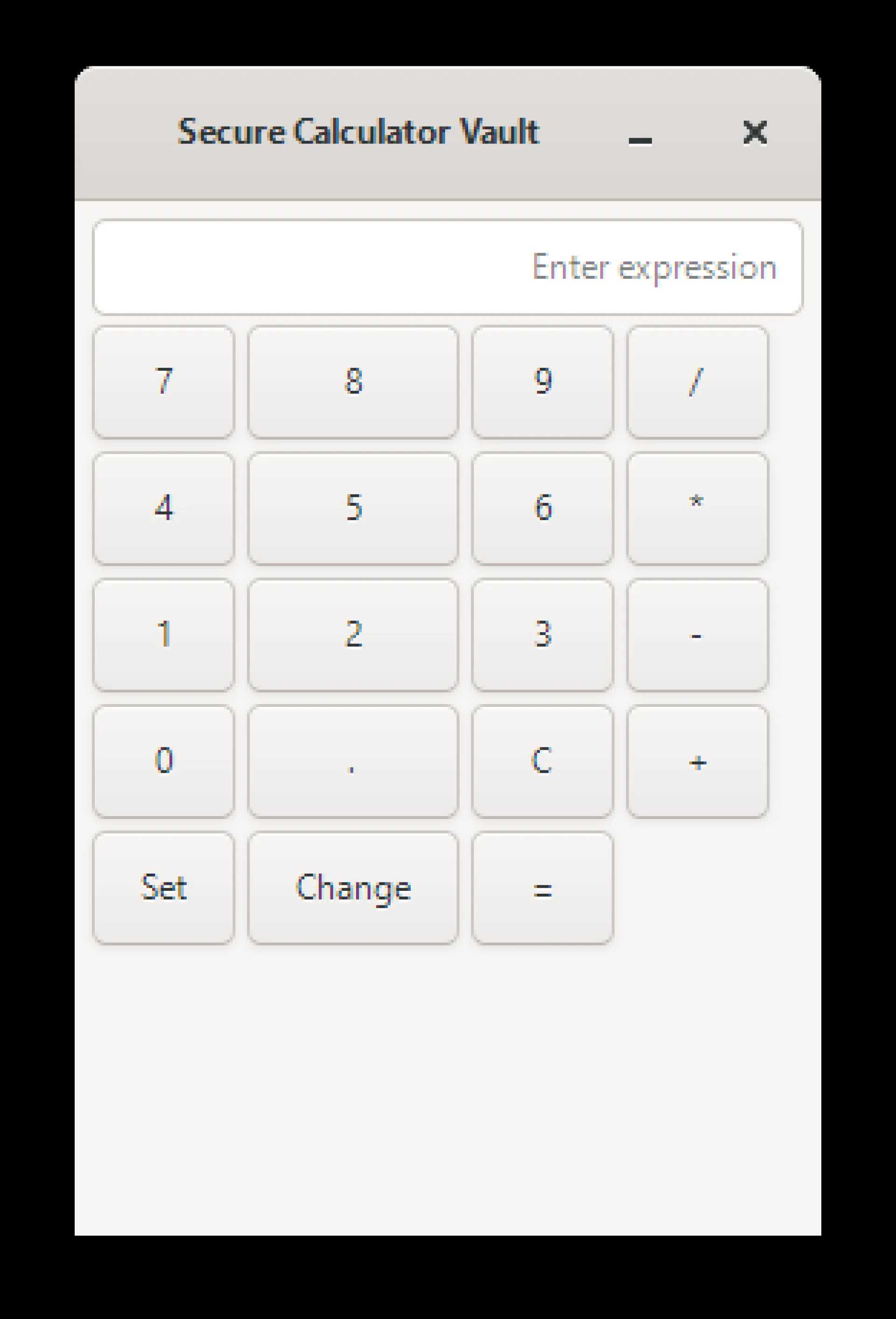
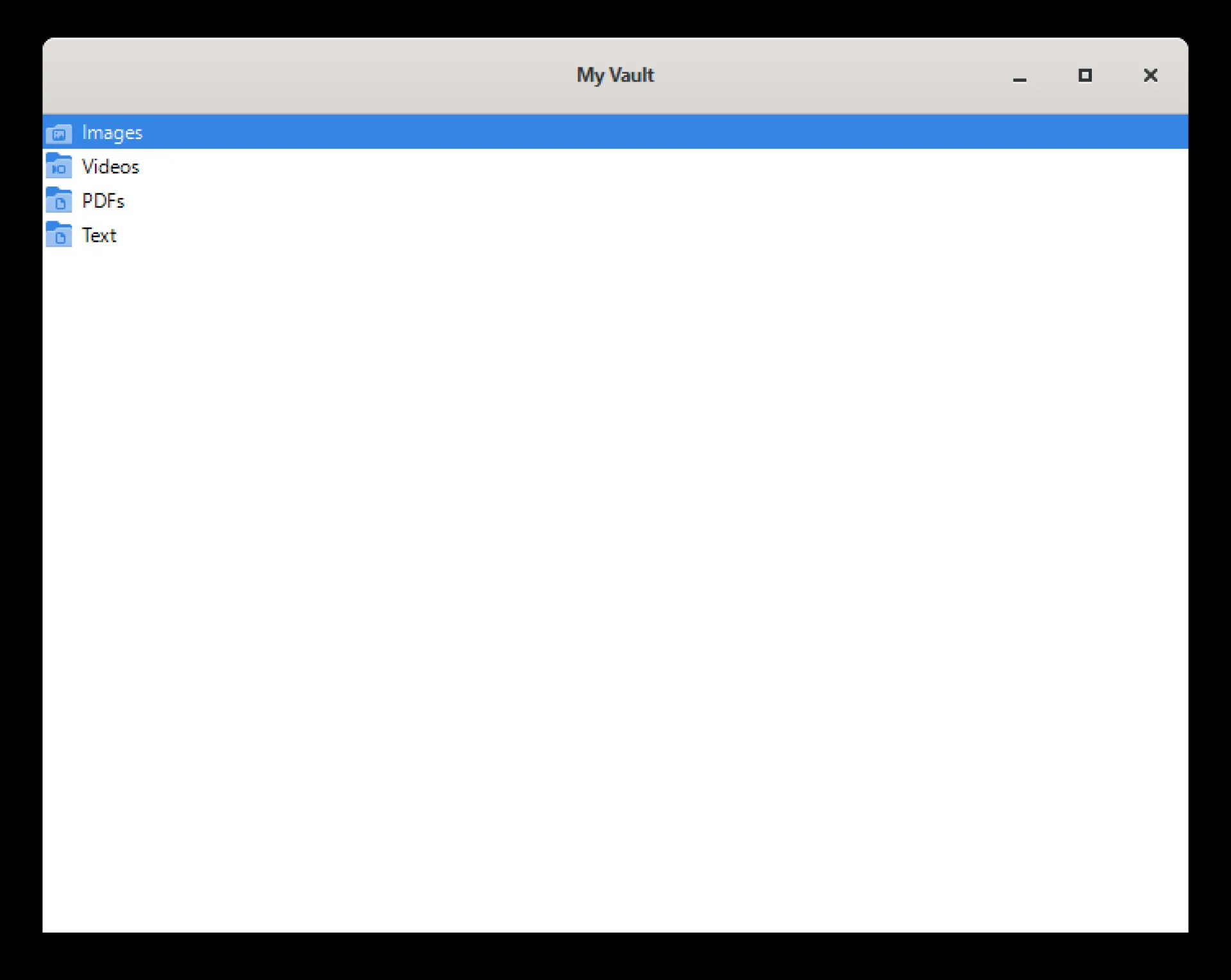
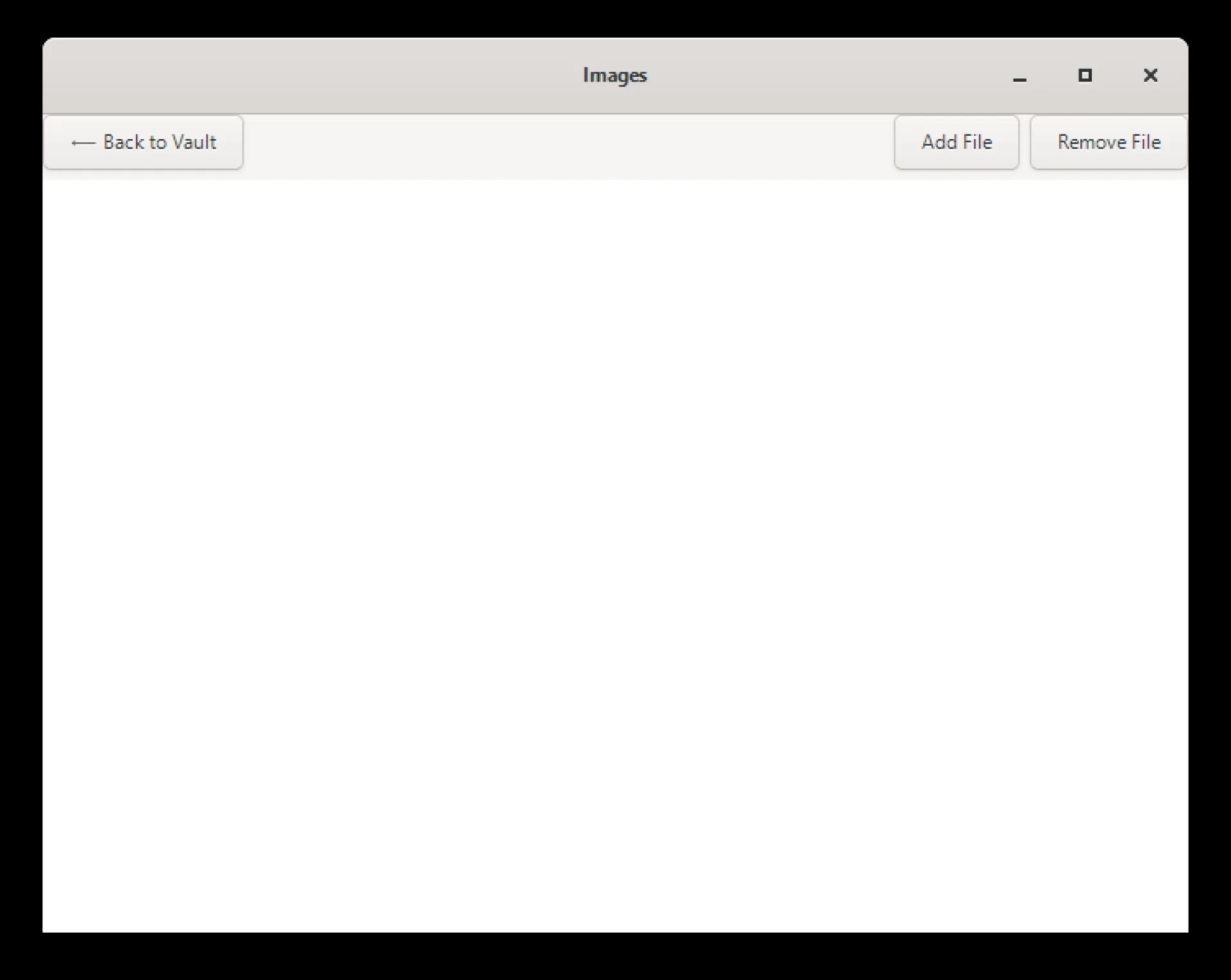
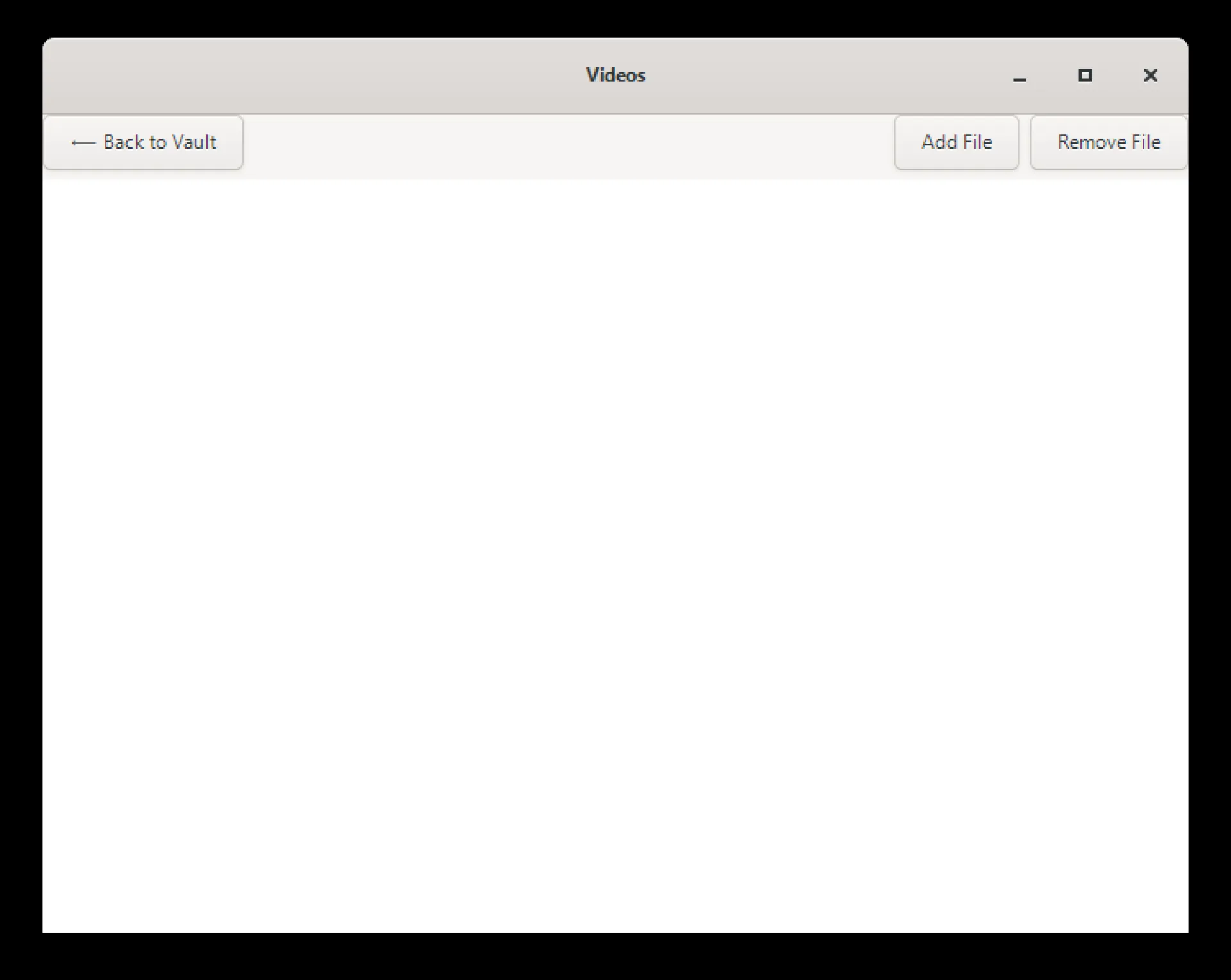
secure calculator vault hide and encrypt file. we use AES 256 encryption to encrypt the file. without opening a vault with right password file won't open by other if the third person got the files. also added the built in media viewer so user don't need to leave the app to see this.
For install on Microsoft store :- https://apps.microsoft.com/detail/9N000B136679
supported image extension by media viewer :- png, jpg, jpeg, gif, bmp, webp, svg, tif, tiff, ico
supported video extension by media viewer :- mp4, mkv, mov, webm, avi, mpg, mpeg, ogv
supported text extension by media viewer :- txt, csv, md, log
supported pdf extension by media viewer :- pdf
when user remove the file from the app it automatically decrypt the file.
it's a offline app, Files stay on users device, no background data collection, no ads, no analytics, no user tracking, it support windows 10 and windows 11.

Bitcoin Calculator Tools is a free, no-login platform offering 40+ Bitcoin
calculators built for everyday investors, traders, and crypto enthusiasts.
Tools include:
- Bitcoin Profit & Loss Calculator — calculate exact gains or losses on any trade
- DCA Calculator — track dollar cost averaging returns over time
- Capital Gains Tax Calculator — estimate your crypto tax liability
- Mining Profitability Calculator — model real mining returns
- Bitcoin Retirement Planner — plan long-term BTC savings goals
- What If Calculator — "what if I bought Bitcoin in 2020?"
- Lump Sum vs DCA Comparison — data-driven strategy analysis
- Bitcoin Converter — real-time BTC to USD and 50+ currencies
- Rainbow Chart, Fear & Greed Index, Power Law, and more
No ads on results. No account required. Built for clarity and speed.


Hey fam,
I launched a "Viral bucket" on Huzzler today. Your vote would be appreciated.

A lot of websites today are built around speed. Publish fast, react fast, move on fast. The internet rewards momentum, and that has shaped the kind of content people create. Much of what gets posted now is designed for quick consumption: short updates, fast opinions, clipped summaries, and content that works best when seen for a few seconds at a time.
That model is useful for many things, but it is not the only model worth building around.
There is still a strong case for platforms centered on articles. Not because the web needs more words for the sake of having more words, but because some ideas deserve a format that lets them develop properly. A short post can announce something. A good article can explain it, test it, question it, and leave the reader with something more solid than a first impression.
That difference matters more than it may seem.
When a platform is designed for articles, it encourages a different standard of publishing. Writers are less tempted to rely on a clever opening and more likely to think about structure, flow, and usefulness. Readers arrive with different expectations too. They are not just scanning for a punchline or a signal. They are there to follow an idea from beginning to end.
That creates a better environment for certain kinds of content. Practical guides work better when they can be laid out clearly. Industry commentary works better when it has room for reasoning. Comparisons are more helpful when they explain trade-offs instead of reducing everything to a quick verdict. Even opinion pieces improve when they have enough space to support their claims.
There is also a business case for this kind of publishing. Companies, founders, publishers, and independent creators all benefit from having a place where they can say more than what fits into a social post. A proper article can present expertise, explain a service, introduce a niche, or build credibility in a way that fast content usually cannot. It does not need to go viral to be valuable. It only needs to be useful to the right readers.
Another advantage is that article platforms tend to age better. Fast content is tied to timing. Once the moment passes, the content often loses most of its value. Articles can do something different. They can continue to attract readers because they answer questions, provide perspective, or cover a topic in a way that remains relevant beyond the day they were posted. That gives article-based sites a durability that many feed-based platforms struggle to match.
This is one reason a focused publishing site can still stand out. It does not need to compete by doing exactly what every social platform already does. It can compete by offering something that feels more intentional: content with shape, substance, and enough room to become worth saving or sharing later.
That kind of publishing also helps restore a sense of editorial identity. On article-driven sites, the platform itself can begin to mean something. Readers start to associate it with a certain tone, level of quality, or type of subject matter. That is much harder to achieve in environments where content is constantly being flattened into the same basic format.
The web is not suffering from a lack of content. It is suffering from an excess of forgettable content. That is exactly why article platforms still make sense. They create space for writing that is meant to last longer than a scroll, serve a clearer purpose, and respect the reader enough to offer more than surface-level attention traps.
There is still room for websites built around that idea, and that is part of what makes Scoop Articles interesting. A platform focused on readable, topic-based publishing is not a throwback. It is a practical response to a web that often moves too quickly to say very much at all.
Scoop Articles: https://www.scooparticles.com/


Particle systems on the web usually rely on Canvas or WebGL. While powerful, those approaches often add complexity and require specialized rendering pipelines.
PollenFX takes a different approach. It is a lightweight, code-first particle engine built entirely on the DOM. Instead of drawing pixels to a canvas, PollenFX generates and animates real HTML elements, turning them into particles through JavaScript and CSS transforms.
Because particles are simply styled <div> elements, they integrate naturally into any webpage. They can be inspected in devtools, styled with CSS, and attached directly to existing UI elements.
The engine itself is minimal: one JavaScript file, no dependencies, and a modular architecture built around managers, emitters, particle data, and behaviors. This structure makes it possible to assemble complex visual effects—such as smoke, sparks, or ambient UI animations—entirely through code.
PollenFX demonstrates that rich particle effects don’t always require heavy rendering technology. By using the DOM itself as the rendering surface, it offers a surprisingly flexible and elegant way to bring motion and atmosphere to modern web interfaces.

Most founders make the same mistake: they spend weeks perfecting the product and throw together a landing page at the last minute. By then, they've lost valuable prelaunch time that could have been building a real waitlist.
Here's the thing — a free landing page can outperform a paid one if the messaging is right.
What your prelaunch page actually needs:
The page doesn't need to be fancy. It needs to answer five questions fast: Who is this for? What problem does it solve? Why should I trust you? Why join now? What happens after I sign up?
That's it. Everything else is noise.
The most common reasons prelaunch pages fail:
Vague headlines like "something big is coming" attract zero qualified leads. If a visitor can't tell within 3 seconds whether this is for them — they're gone.
Long signup forms kill momentum. Ask for an email and one qualifying field. That's enough to start.
No follow-up system means your list goes cold. A simple 3-email sequence in the first two weeks after signup keeps intent alive until launch day.
Free tools are not the problem.
A basic free stack — page builder, Google Analytics, a free email tool like Brevo — is more than enough to validate demand. The bottleneck is always messaging clarity, not the technology.
One metric worth obsessing over:
Don't track raw signup count. Track how many of those signups actually respond to your first follow-up email. That ratio tells you whether your messaging is attracting the right people.
For a full 30-day execution plan and page structure that converts, this guide breaks it down step by step: 👉https://unicornplatform.com/blog/launch-a-startup-site-for-free-in-2026/
Build the list first. Then build the product.
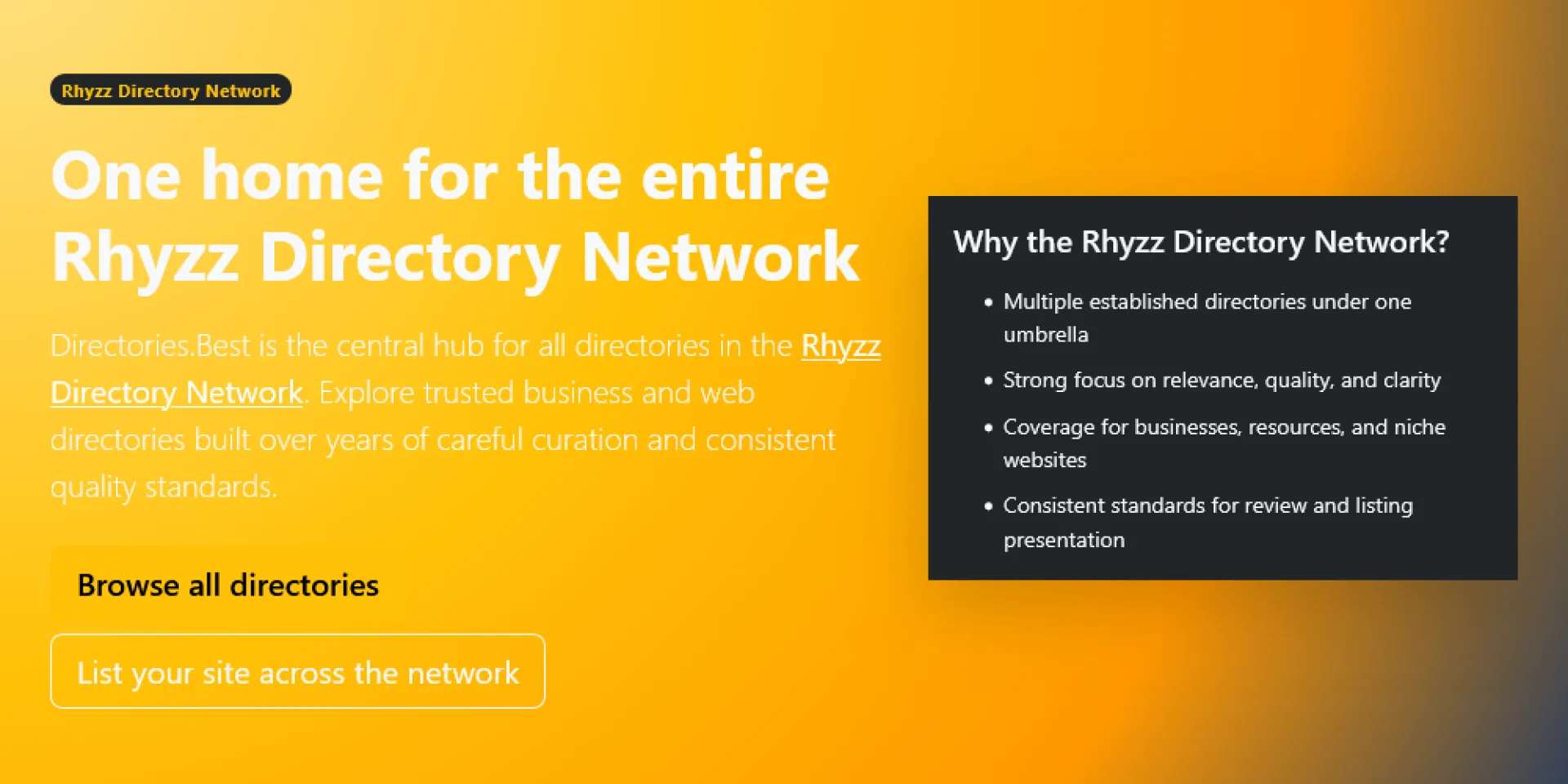
I created Directories.Best to make it easier to find useful directories without wasting time jumping from site to site.
There are a lot of directories online, but not all of them are worth your attention. Some are outdated, some are too broad, and some just are not very helpful. I wanted a place that brings together directories that are actually useful to browse, submit to, or keep an eye on.
Directories.Best is part of the broader Rhyzz Directory Network, and the idea behind it is simple: organize quality directory websites in one place so people can discover them more easily. That includes business directories, niche directories, and other web directories that may be worth exploring.
I built it for people who still see value in directories when they are well organized and genuinely useful. Whether you are a business owner, a marketer, or just someone researching directory sites, the goal is to make discovery easier.
Directories.Best: https://directories.best/
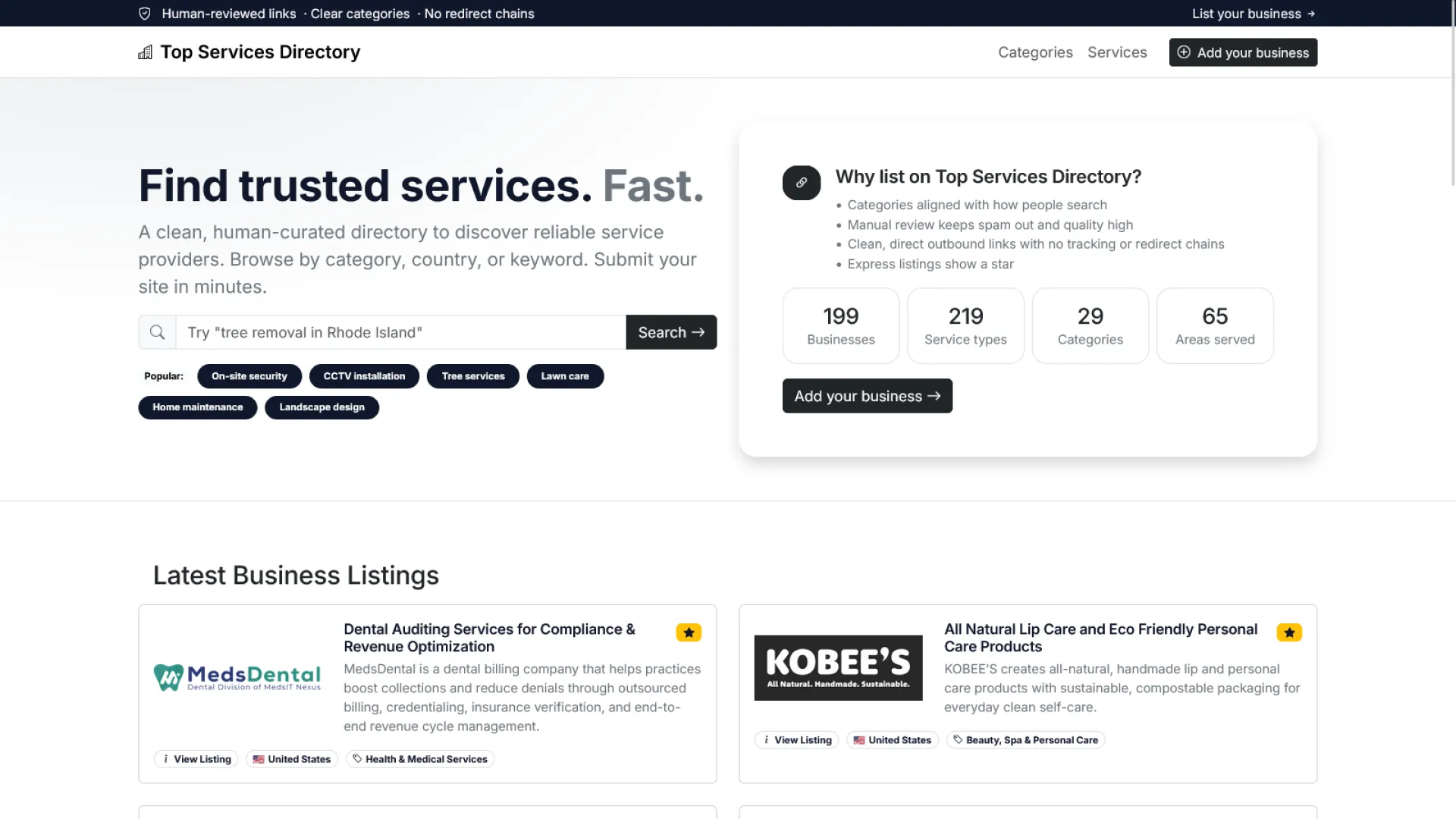
I created Top Services Directory to give service-based businesses a place where they can be found more easily by people who are actively looking for what they offer.
There are many directories online, but not all of them are focused in a useful way. Some mix too many unrelated listings together, while others do not make it easy for users to discover the kinds of services they actually need. I wanted to build a directory that puts service businesses at the center and makes browsing more straightforward.
Top Services Directory is part of the broader Rhyzz Directory Network, and the idea behind it is simple: create a dedicated space for service providers across different industries so they can be listed in a more organized and accessible way. From local professionals to specialized service companies, the goal is to make it easier for visitors to find relevant businesses without unnecessary clutter.
I built it for business owners who want more visibility and for users who want a cleaner way to explore service-related listings online. Whether someone is searching for a specific provider or simply browsing available services, Top Services Directory is meant to make that process easier.
Top Services Directory: https://www.topservicesdirectory.com/

Most startup teams burn weeks on design when the real problem is structure, not style. A template won't save you — but a proven conversion architecture will.
Here's what actually moves the needle: → One primary CTA. No competing actions. → Trust signals placed before the form, not after. → A headline that answers "who is this for?" in 3 seconds. → Weekly test cycles instead of random redesigns.
We put together an 8-block startup landing page framework + a full 30-day optimization plan so your team can ship fast and convert better from day one.
Full breakdown here 👇 🔗https://unicornplatform.com/blog/landing-page-templates-for-startups-seeking-an-easy-solution/
What's the #1 thing you've tested on your landing pages lately? Drop it in the comments 👇


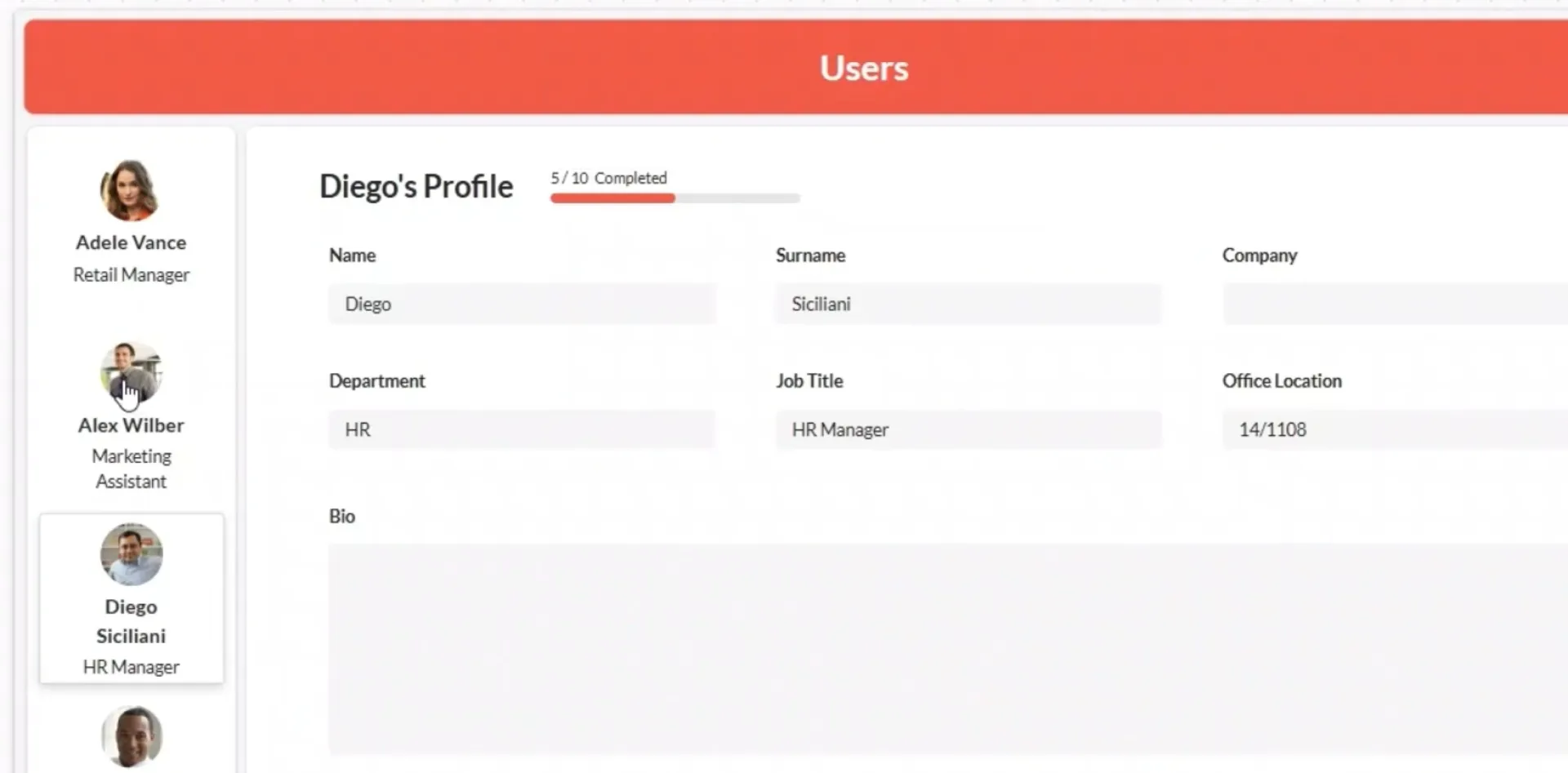
Set "Value" and "Max", choose a label type (percentage, fraction, or 'Step X of Y'), and pick a size. No more formula gymnastics. Works for both Canvas and Model-Driven apps.
Stop building progress bars from scratch.
https://powercomponentskit.com/components/progress-indicator/
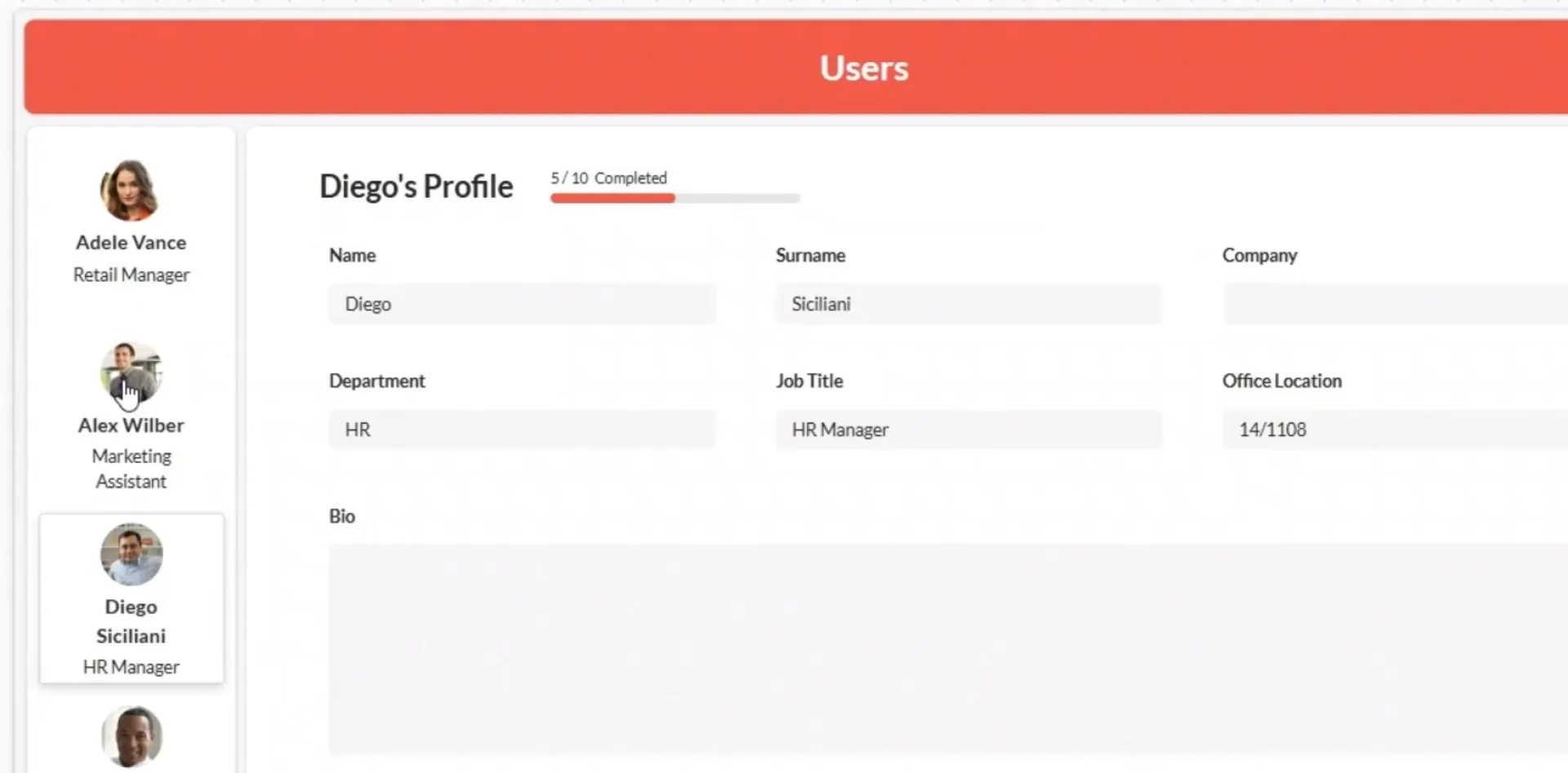
Showing "Step 2 of 5" or "100 GB / 500 GB" in Power Apps usually means a Progress Bar plus a separate Label and Power Fx. It works—until you need it in five places. Here’s the hard way and the easy way to build a proper progress indicator.
https://powercomponentskit.com/blog/power-apps-progress-indicator/

Most founders don’t fail because they can’t build.
They fail because they build the wrong thing.
I kept seeing people ship features nobody asked for.
Random ideas and no real pain.
So I built BuildFromPain.
The idea is simple:
→ Discover real user frustrations
→ Turn them into structured, ready-to-drop PRDs
→ Ship faster without second-guessing
Skip “what should I build?” loop.
You get:
- Real pain points.
- Clear problem statements.
- Product direction you can actually execute.
Built for fast builders who care about solving real problems.
Would love honest feedback!

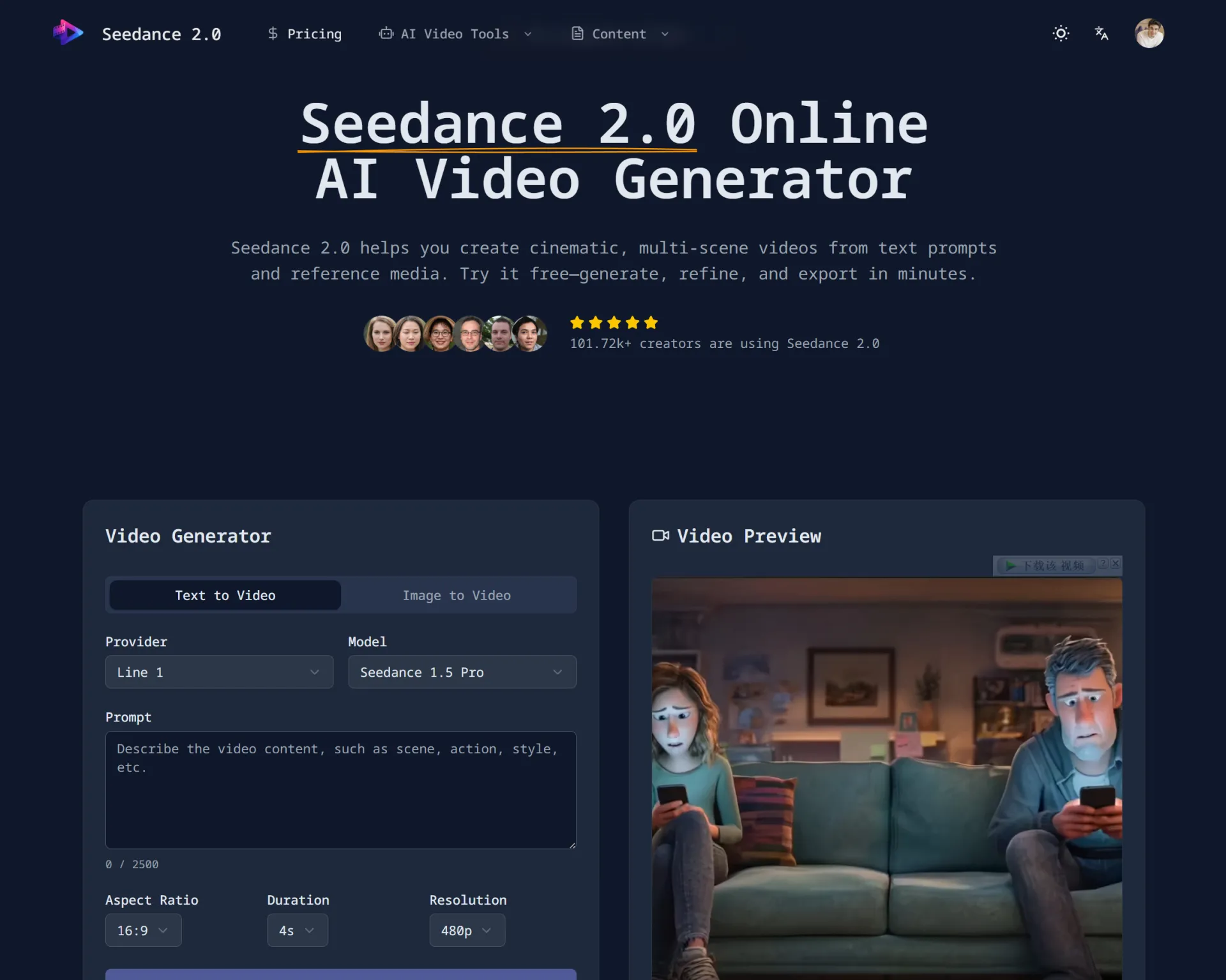
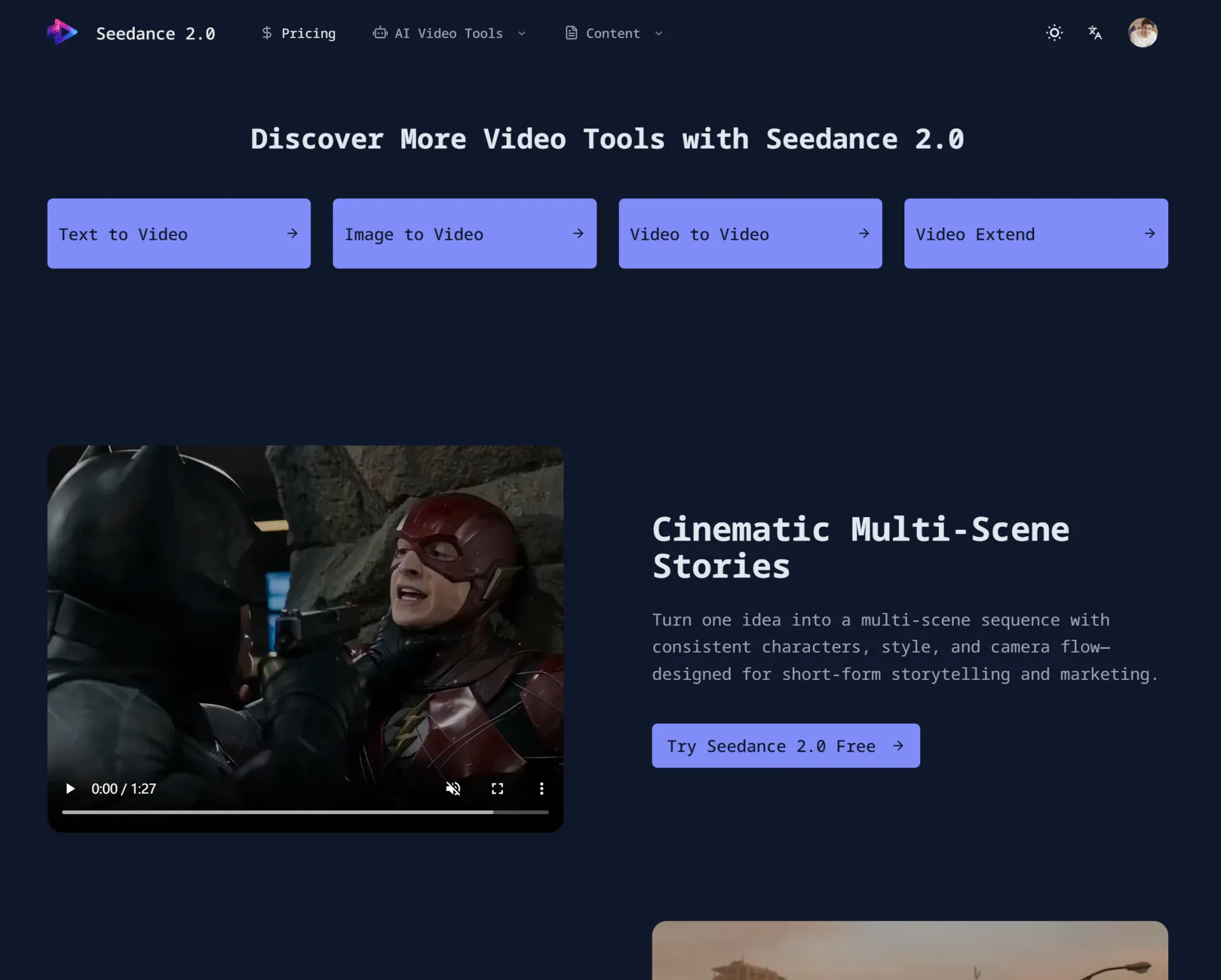
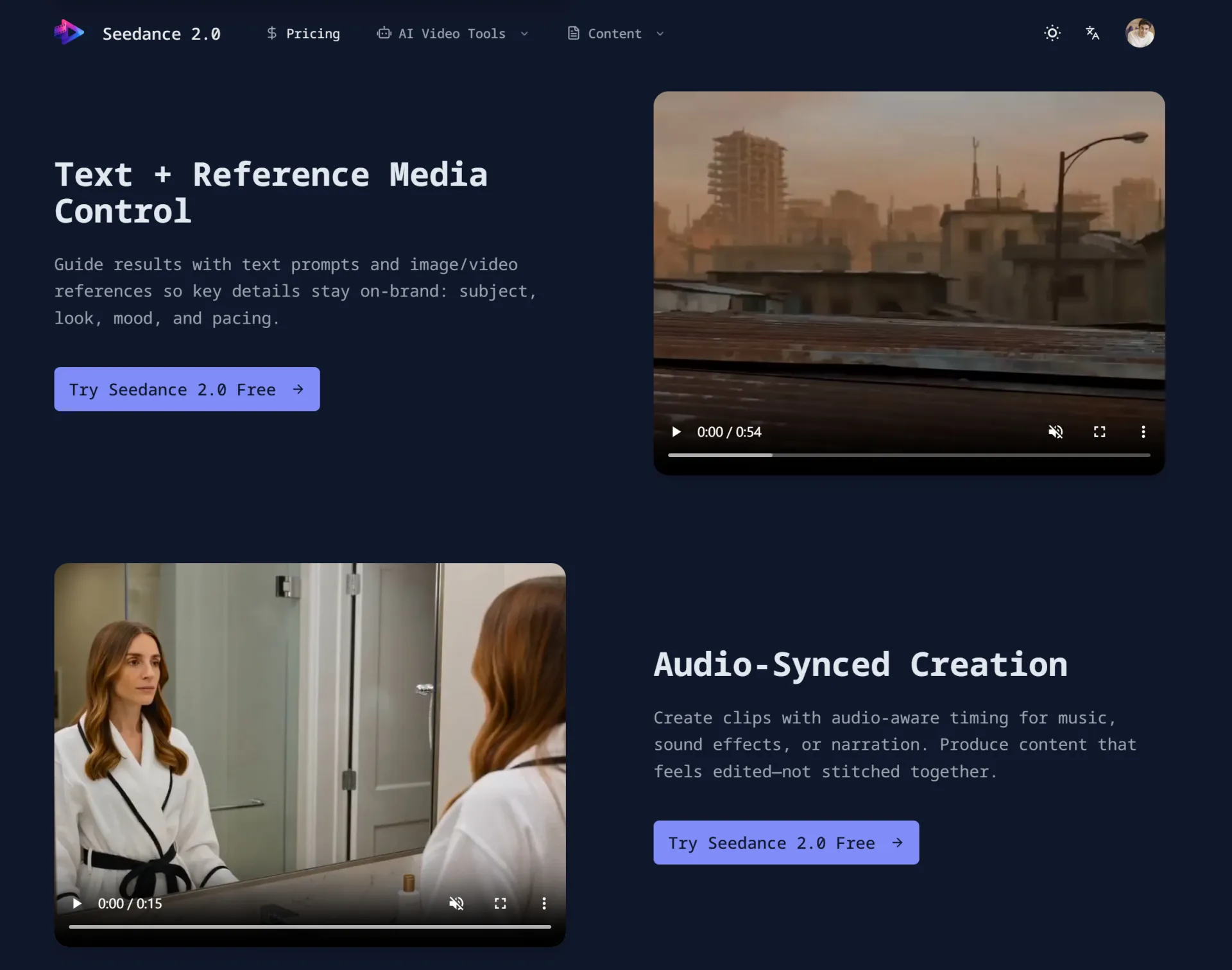
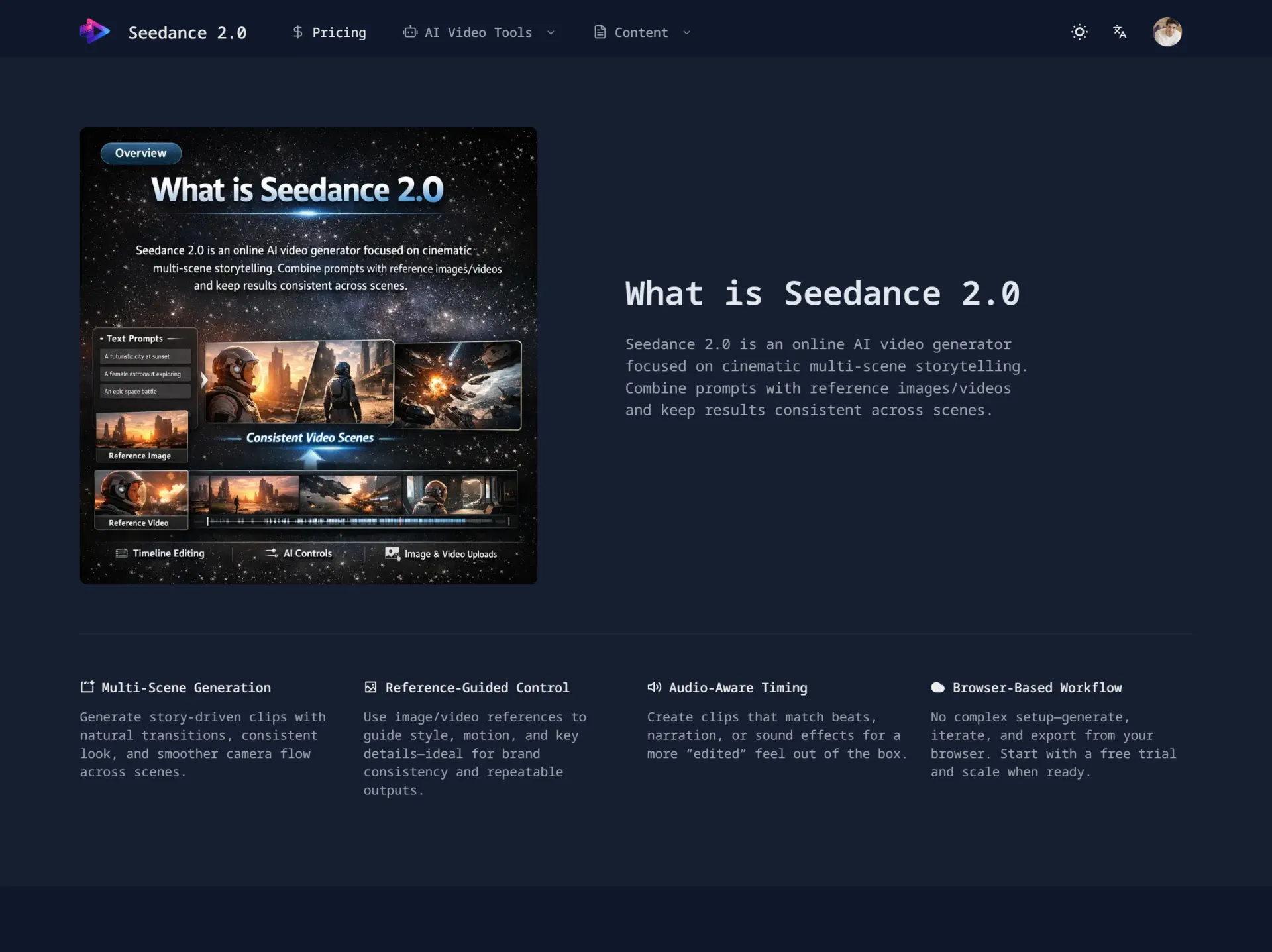
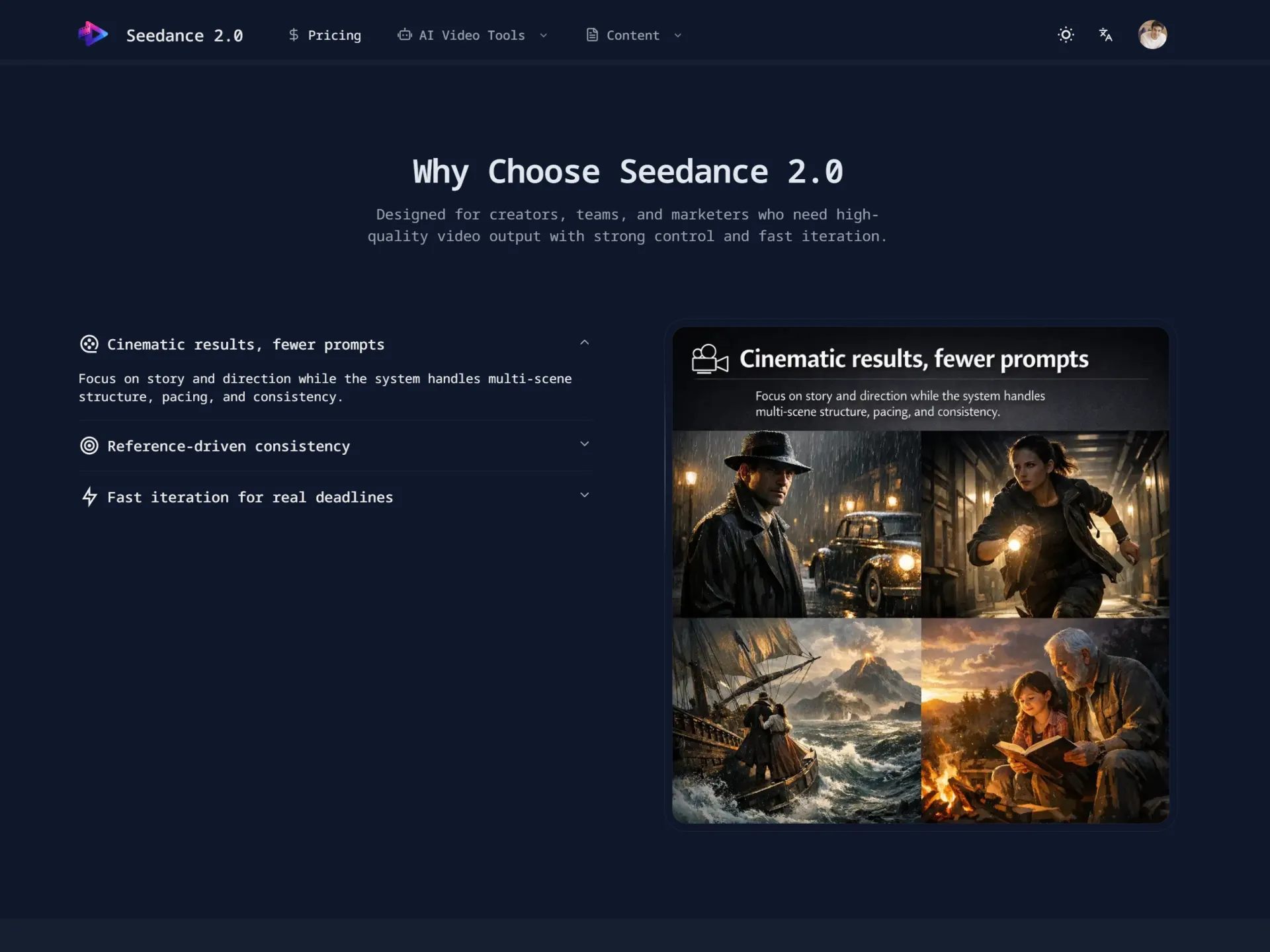
Built a Cinematic AI Short Using Seedance 2.0 – Here’s What I Learned
Over the past few weeks, I’ve been experimenting with AI video generation tools, and I recently built a short cinematic scene using Seedance 2.0. I wanted to share what I created and what I learned during the process.
🎬 What I Built
The project was a 20-second cinematic scene:
A slow drone shot over a futuristic city at sunset, with soft atmospheric fog, glowing windows, and smooth camera motion.
My goal was to test:
- Motion consistency
- Lighting realism
- Scene coherence
- Prompt responsiveness
🛠 How I Built It
Here’s my workflow:
- Prompt Design
- I started with a basic prompt but quickly realized specificity matters a lot.
- Instead of:
“Futuristic city at sunset”
- I refined it to:
“Ultra-realistic futuristic skyline at golden hour, cinematic drone movement, volumetric lighting, soft fog, depth of field, 4K, high detail.”
- The added camera and lighting instructions made a big difference.
- Iteration
- The first generation had minor motion flickering.
- I adjusted:
- Camera speed description
- Removed conflicting style keywords
- Simplified the environment details
- Cleaner prompts gave more stable output.
- Scene Refinement
- I ran multiple generations and selected the most stable version, then lightly edited pacing externally (no heavy post-production).
🔎 What Worked Well
- Camera simulation felt surprisingly natural
- Lighting transitions were smooth
- Scene depth and perspective looked cinematic
- Generation time was relatively fast
Compared to earlier AI video models I’ve tested, motion consistency has improved noticeably.
⚠ What Was Challenging
- Overloading prompts reduced stability
- Too many stylistic instructions caused visual noise
- Character-heavy scenes are still harder than environment shots
Prompt clarity > Prompt complexity.
📚 Key Takeaways
If you’re experimenting with AI video tools:
- Be extremely specific about camera movement
- Keep prompts structured (Scene → Lighting → Camera → Quality)
- Remove redundant style phrases
- Iterate in small changes instead of rewriting everything
AI video generation feels closer to “directing” than “editing.”
💡 Why I’m Sharing This
I’m interested in exploring how AI tools change creative workflows.
Instead of replacing traditional filmmaking, I see tools like Seedance 2.0 as rapid prototyping engines — especially useful for concept visualization.
Would love to hear how others are using AI video tools:
- Are you focusing on storytelling?
- Advertising?
- Visual experiments?
- Pre-visualization for larger projects?
Looking forward to learning from the community.
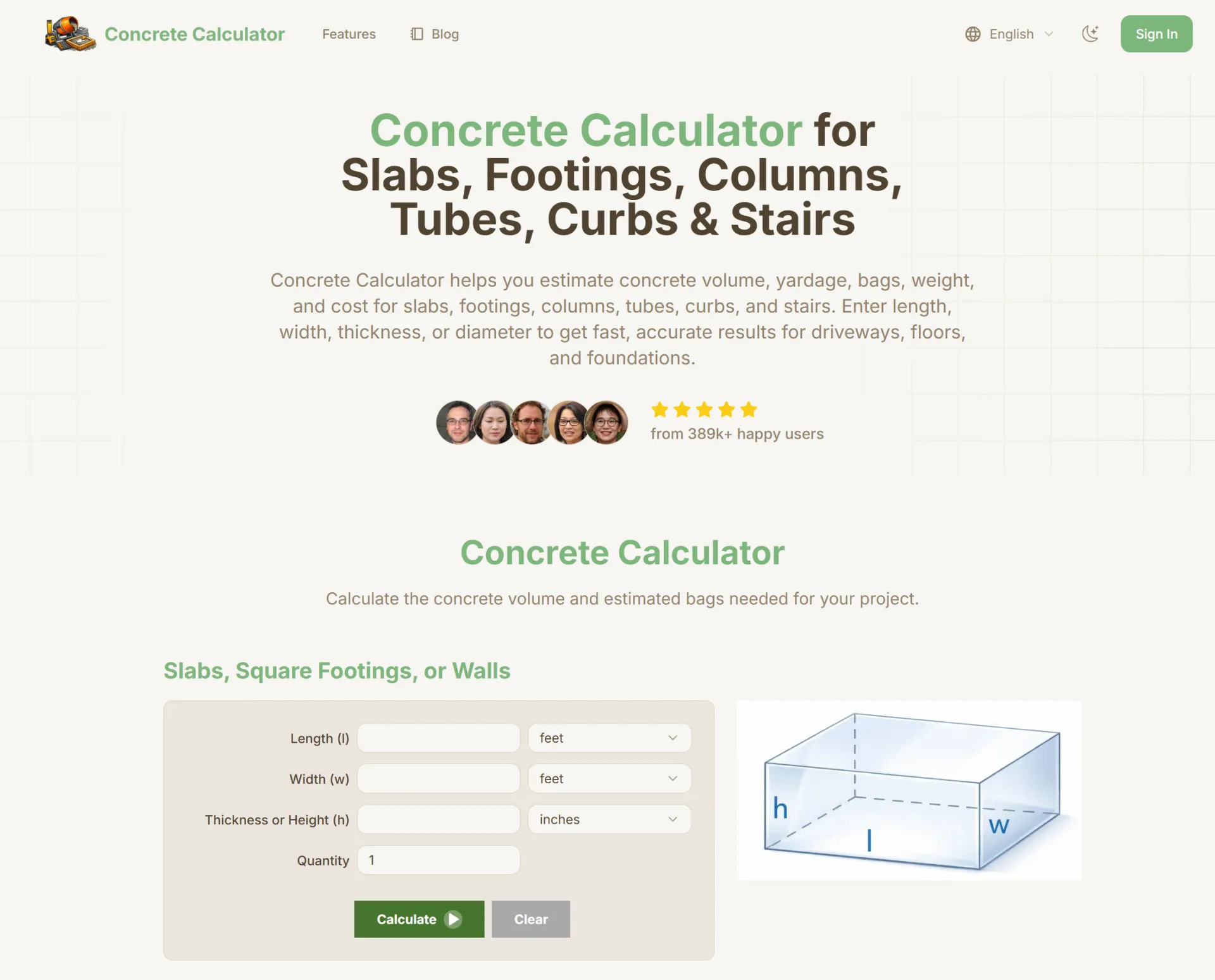
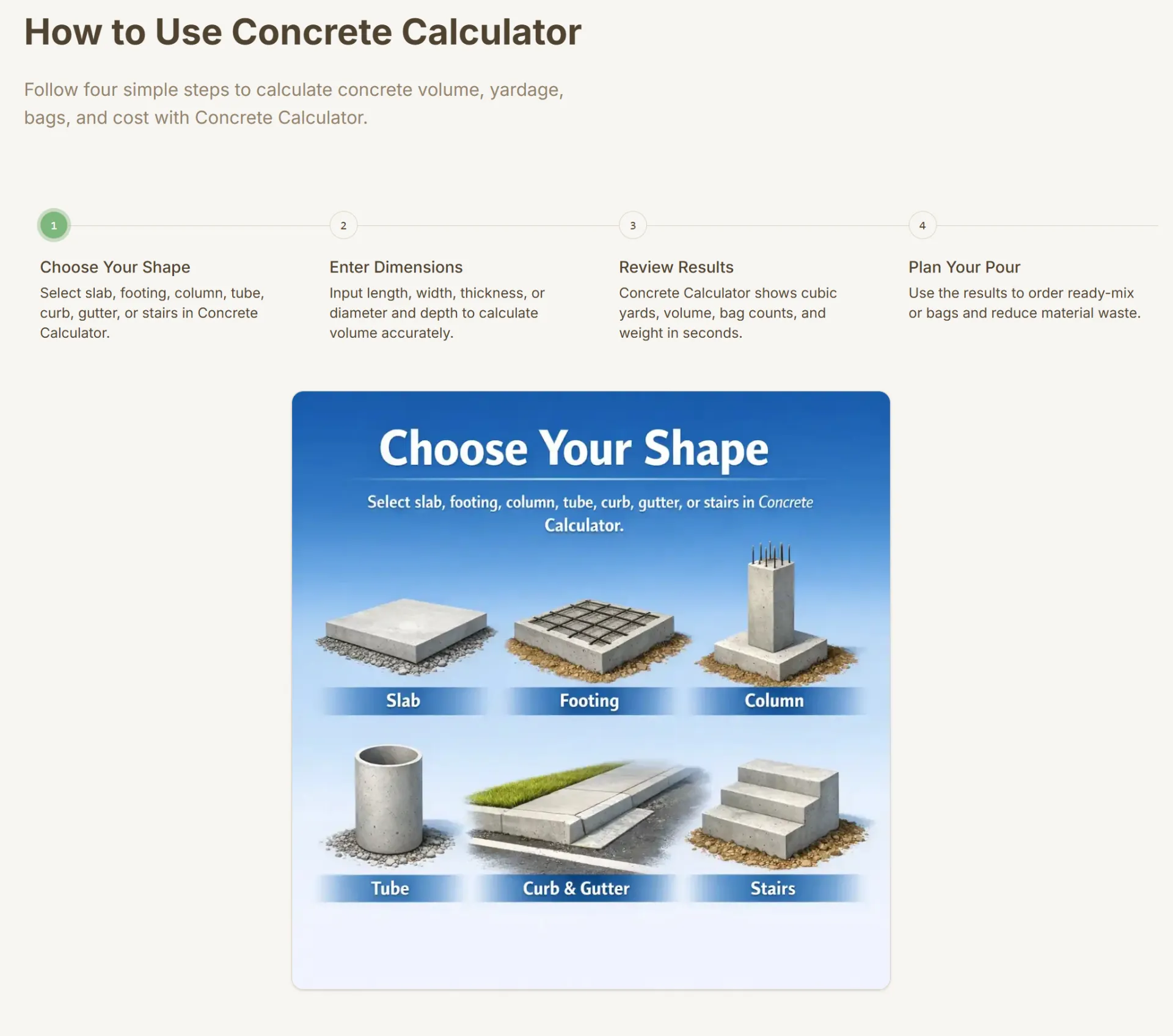
Concrete Calculator – Simple, Fast & Free Online Concrete Estimator
Website: https://concrete-calculator.vip
Category: Construction Tools / Online Calculators
Price: Free
Overview
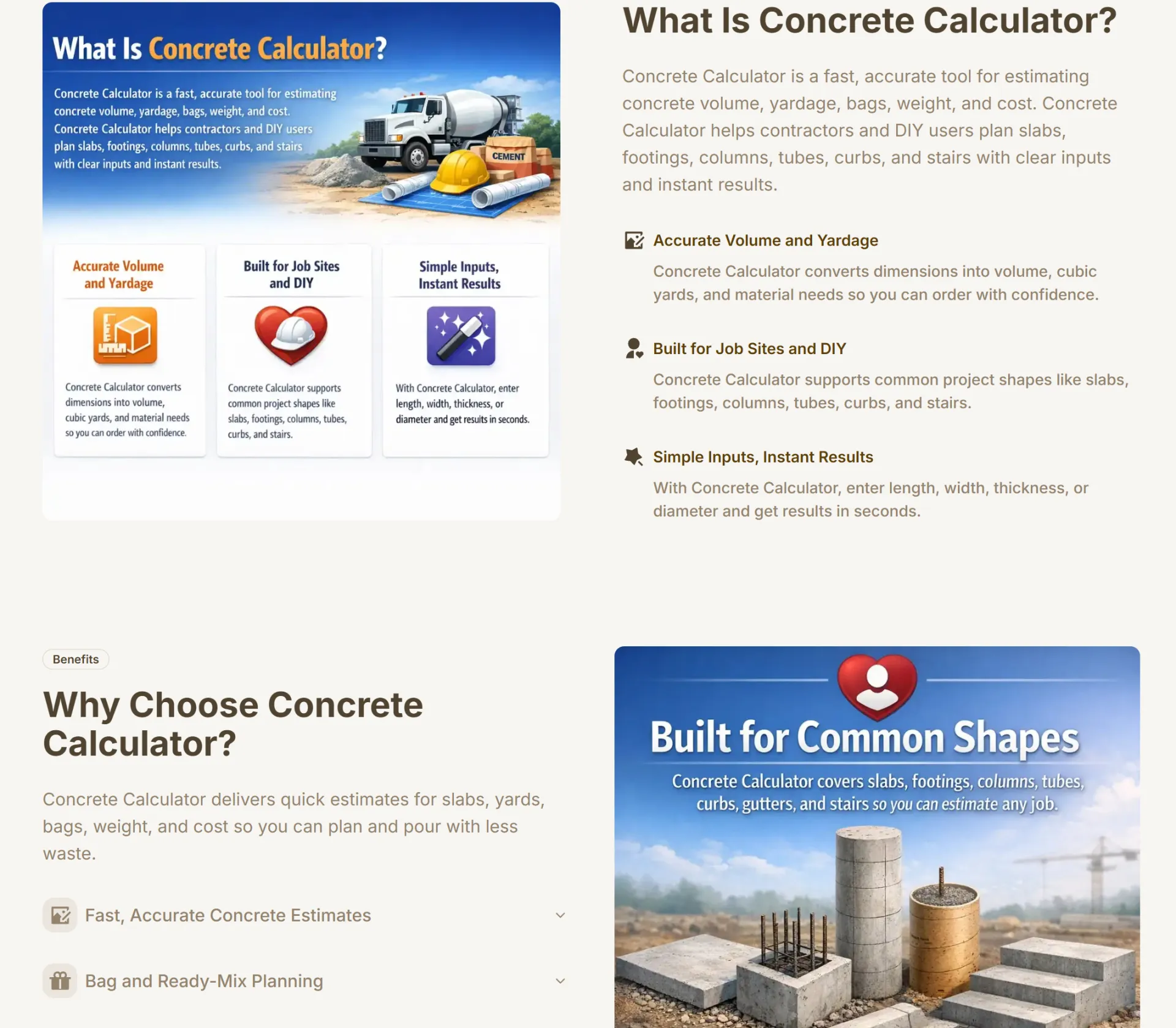
Concrete Calculator is a free online tool designed to help contractors, builders, engineers, and DIY homeowners quickly calculate concrete volume for various construction projects. The tool provides instant and accurate results without requiring registration or downloads.
Built with simplicity and efficiency in mind, Concrete Calculator helps users eliminate manual math errors and improve project planning.
Key Features
✔ Instant Volume Calculation
Enter project dimensions and receive immediate results in cubic yards, cubic feet, or cubic meters.
✔ Supports Multiple Project Types
Calculate concrete for:
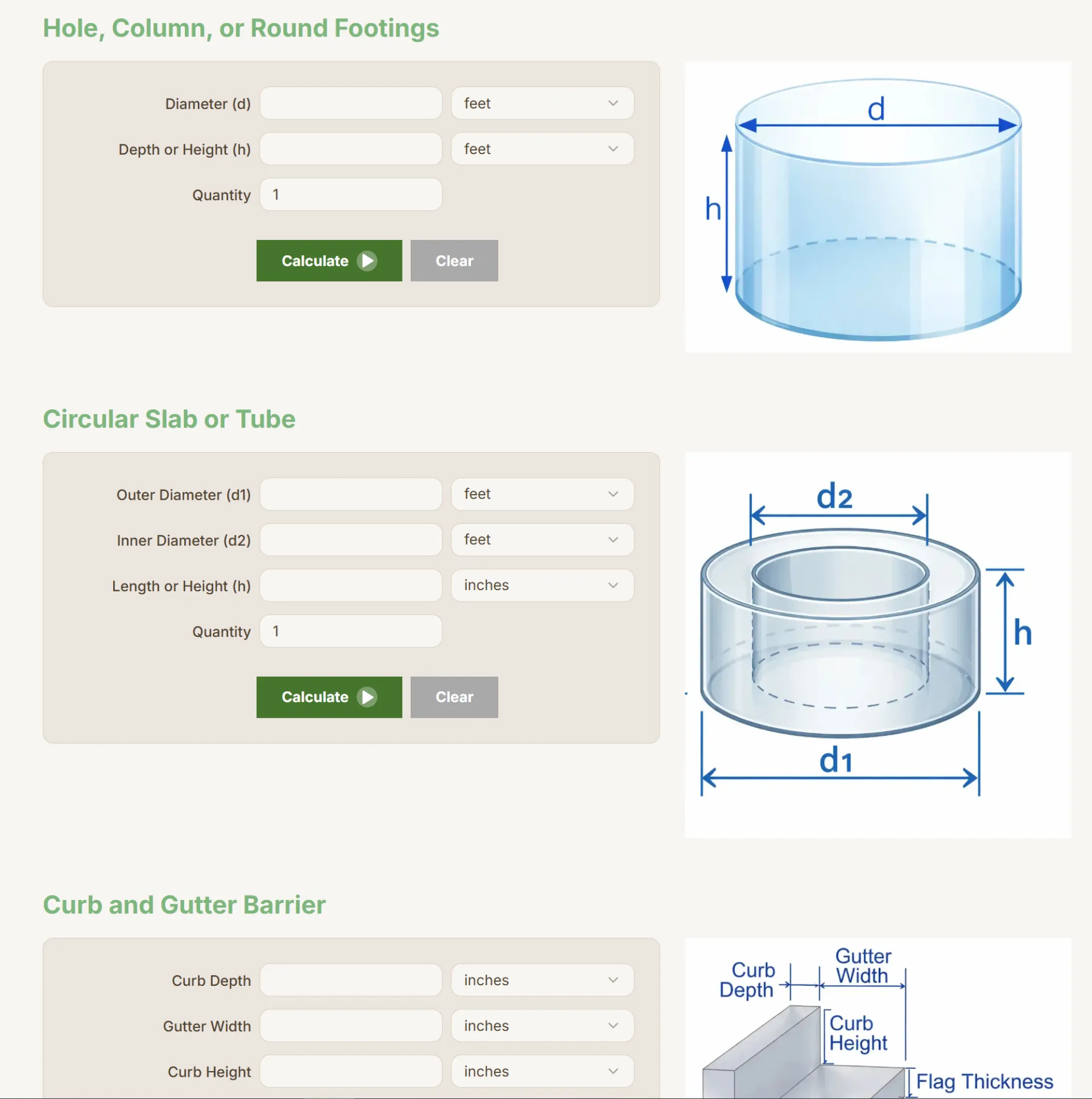
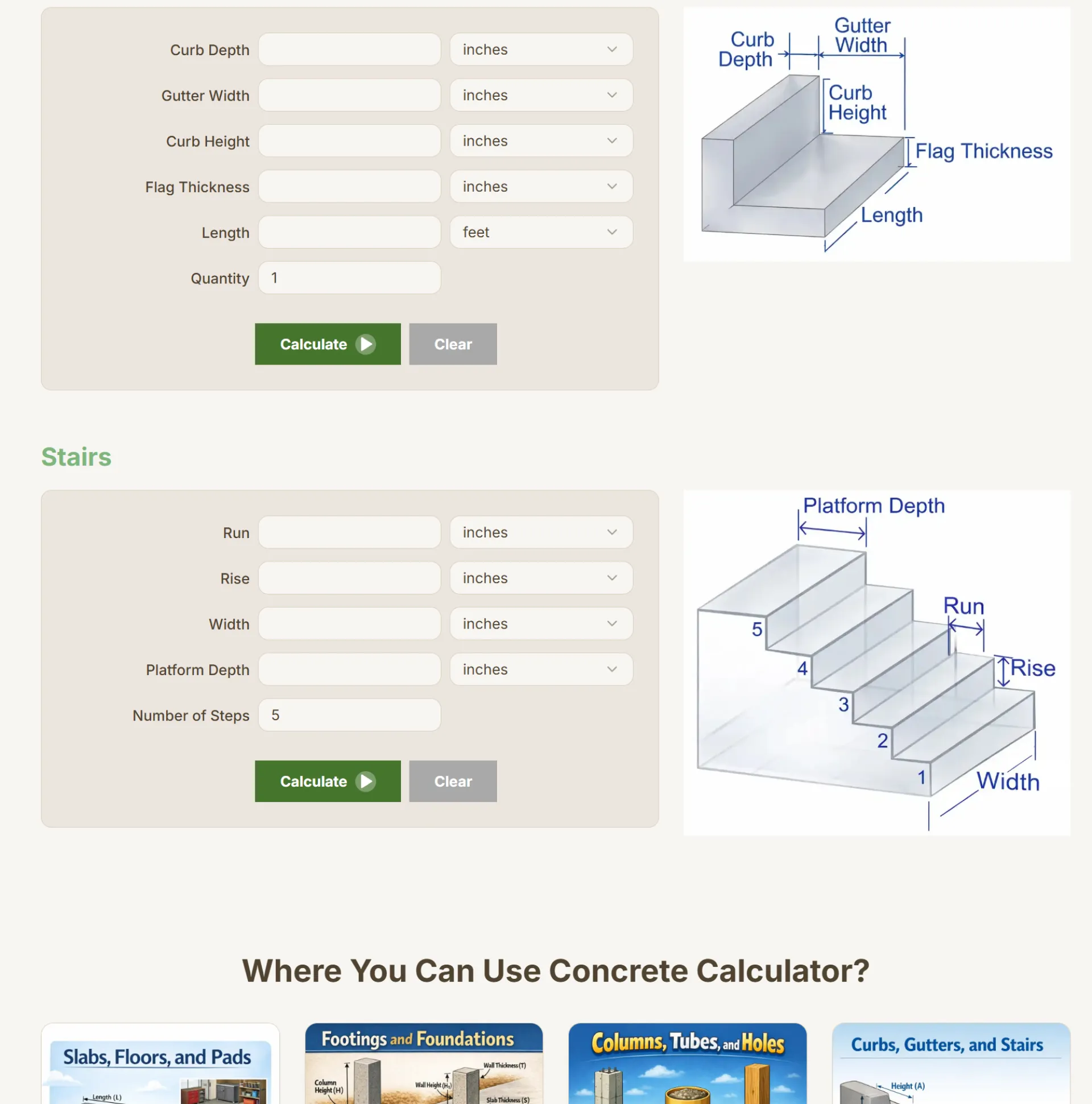
- Slabs
- Foundations
- Footings
- Columns
- Circular tubes
- Walls
✔ Unit Conversion Built-In
Switch easily between measurement units for US and international projects.
✔ 100% Free & No Sign-Up Required
The tool is fully accessible without creating an account.
✔ Mobile-Friendly Interface
Works smoothly on desktop, tablet, and mobile devices.
Who Is It For?
Concrete Calculator is ideal for:
- Construction professionals preparing cost estimates
- Builders managing material planning
- Engineers verifying volume calculations
- Homeowners planning patios, driveways, and slabs
Whether you're handling a small DIY project or a large construction job, the calculator simplifies the process.
Why It Stands Out
Unlike complex construction software, Concrete Calculator focuses on speed and simplicity. Users can access the tool instantly, input dimensions, and get reliable results in seconds.
There are no hidden fees, no subscriptions, and no unnecessary features — just accurate concrete volume calculations when you need them.
Try It Now
Visit:
👉 https://concrete-calculator.vip
Plan smarter, reduce material waste, and calculate concrete quantities with confidence.

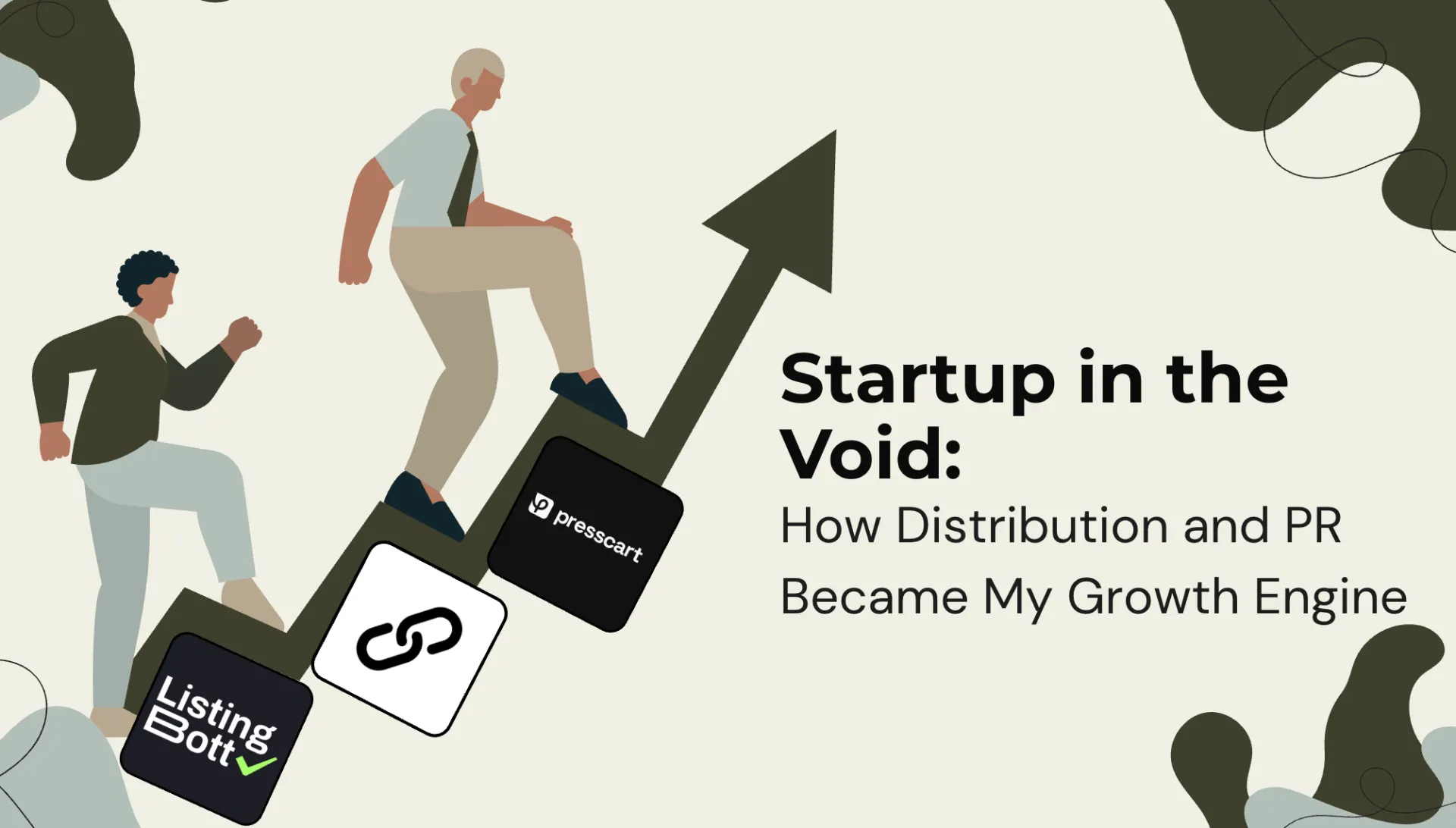
I remember when we first launched our SaaS project and it was like screaming at nothing. We had a great product, but no users. There was no visibility and no momentum.
I spent months putting my product out to each directory one at a time, and it was a very tedious process very little to show for it in the end.
So, then I discovered ListingBott. They allowed me do all 100 directories in a matter of a few days rather than weeks. One click, and traffic started rolling in from various sources I never expected! They may have been small wins but they were important wins. Visibility is key!
When I started focusing on getting backlinks, I was completely lost in the process of providing content in exchange for links from others and hoping Google would see that value in it as well. I received many emails about linking to my content but very few actually, responded.
Since I switched to Backlinker.ai, I have been able to personalize outreach using artificial intelligence technology and to do it in a much greater capacity. I have been able to build high quality backlinks within months as well as increase my domain authority and organically build traffic at a steady and much more predictable pace.
Now as my business continues to grow, I am now looking for my content to show up on high authority publications and not random blogs, and they will be my next PR obstacle to overcome
Presscart provided the solution to my problem by helping me access reputable publications and providing visibility into placements. Unlike past opportunities, I was able to work collaboratively on content, approve placements, and have clear visibility into where my content would be published. Looking back at these tools, it occurred to me that while they weren't magic, they filled voids left by my ability to manually accomplish these tasks:
Distribution → ListingBott
Authority + Backlinks → Backlinker.ai
PR + Authority → Presscart
For founders just getting started, growing your company can often seem completely out of reach. You create your business with no one paying attention. I can relate to this feeling.
What I realized is that distribution is just as important as building the product itself. Automation tools created to relieve you of the tedious tasks of building do not replace your ability to create—they give you the time to be creative.
When launching your company today, please don't underestimate visibility. You need to:
Create.
Build lists.
Build relationships.
Tell your story!
The universe is waiting for you to connect with them.

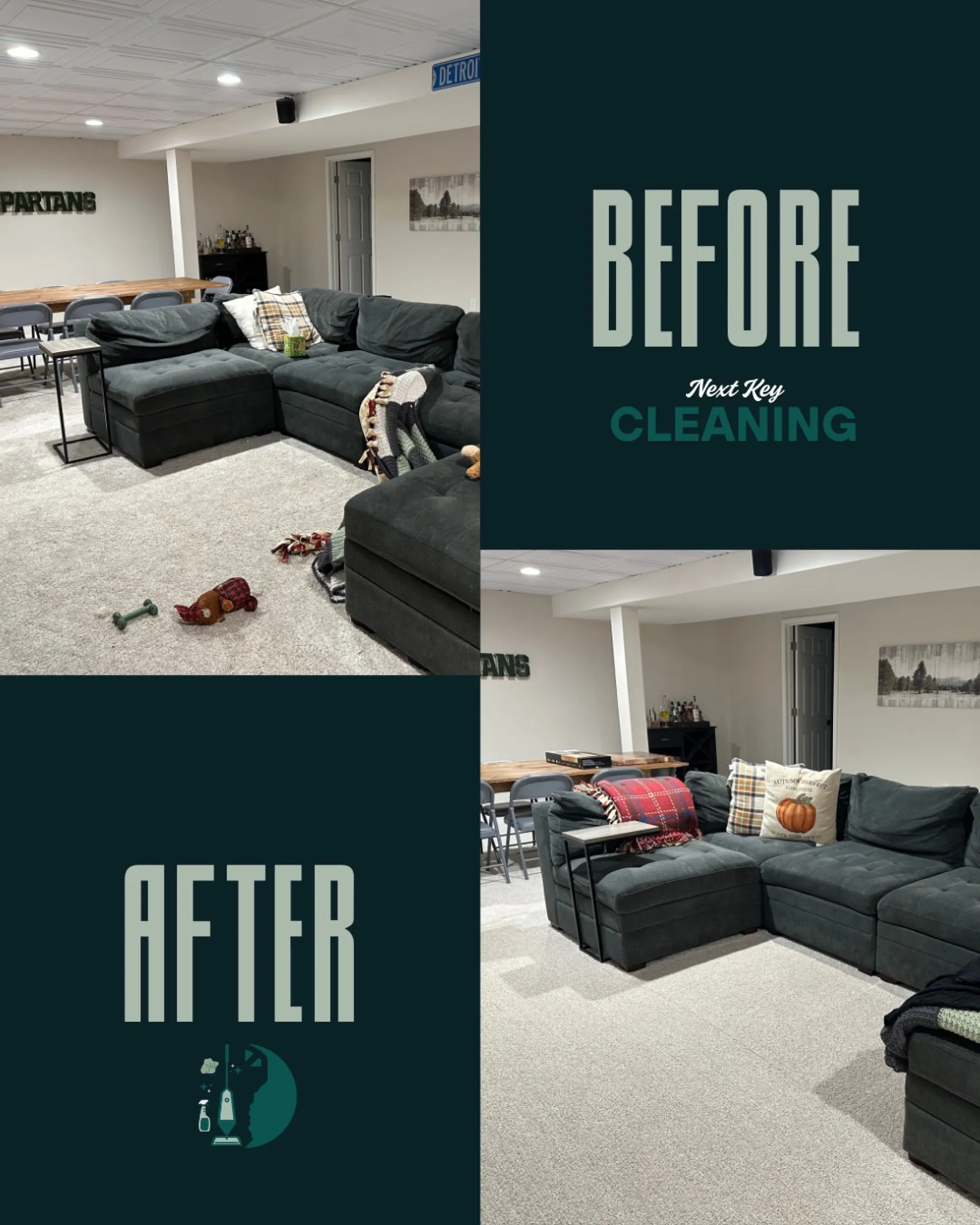
A clean home is a happy home. From before to after, we make your space shine again.

A well-designed landing page can determine whether your project gains momentum or fails to attract attention.
I’ve put together a list to narrow down things every landing page should get right.
📋 the list

Hey Huzzler, I’m Daniel, co-founder at Oberum Technologies.
We built Oberum Network Builder because cloud networking still follows a slow loop. We found that architecture gets drawn in diagrams, then re-implemented by hand in Terraform/OpenTofu, mistakes pop up late as CIDR overlap, routing/reachability gaps, policy issues. We wanted a workflow where the design is the source of truth and the output is easily deployable.
Oberum Network Builder is a visual drag-and-drop network architecture platform that turns validated intent into repo-ready Terraform/OpenTofu.
What it does:
- Visual VPC/VNet topology design with typed connections and guided fields
- CIDR planning: overlap/containment checks before apply
- Routing validation: IGW/NAT logic, route tables, subnet reachability
- Semantic checks for common network architecture errors early in the cycle
- Preview/edit output, then export repo-ready Terraform/OpenTofu projects
- Reusable architecture templates: template library + module catalog
- Team workflow: role-based collaboration, version history, approvals, audit trails
- Git integrations and Terraform Cloud integration (plan/apply + run logging)
- Drift detection and rollback references for ongoing operations
- Self-hosted deployment option and AWS/Azure import for existing Terraform
Our Current focus:
Our current focus is tightening the team and collaboration experience so designing, reviewing, and shipping network IaC feels effortless across roles. We want to improve our shared workspaces, role-based access, version history, approvals, and audit-ready change tracking from design through export and runs. We’re also working towards expanding drift detection and rollback references so teams can quickly see what changed in Terraform/OpenTofu networking, understand the impact, and recover safely. Something else we're taking a look at is making templates and modules more reusable across teams and client environments. We want to create standardized architecture patterns that our users can clone, adapt, and deploy repeatedly without rework.
For those experienced in designing and building network architecture, i'd love to hear your experience on the following:
- When you design networks, what do you document first: subnets, routes, or security boundaries?
- Which validations are must-haves for you (CIDR, routing, reachability, IAM/DR, other)?
- Drift: how often do you see it in networking stacks, and what typically causes it?
- For reusable network patterns, do you rely more on modules, templates, or internal golden repos?
We're really excited to hear your thoughts and chat with anybody currently working on or interested in cloud networking.

Estimate how much you can borrow for a home loan in Australia in under 2 minutes, private, instant, and built around real Australian lending standards.


Reports.Camera is a professional camera reports application built for the film and television industry. It gives camera departments a modern, streamlined way to manage every aspect of their daily
reporting - from logging individual takes to tracking equipment and generating production-ready reports.
In any film production, the camera department is responsible for keeping detailed records of everything that happens on set. Every take, every roll of film, every lens change - it all needs to be
documented accurately and shared with the rest of the production team. Traditionally, this has been done on paper or with clunky spreadsheets that are easy to lose and hard to share. Reports.Camera
replaces that workflow with a purpose-built tool designed around how camera crews actually work.
At its core, the app is organised around projects, which represent individual productions. Within each project, camera assistants can create and manage rolls, log slates and takes with all the relevant metadata, and keep track of their equipment inventory including film stock, digital magazines, lenses, and filters. The app supports both film and
digital workflows.
One of the key features is the ability to generate detailed PDF camera reports. At the end of each shoot day, the camera team needs to produce a report summarising everything that was shot - what
rolls were used, how many takes were printed, what stock was consumed, and so on. Reports.Camera handles this automatically, pulling together all the data entered throughout the day into a clean,
professional document that can be shared with producers, the lab, or post-production.
The app is available on both desktop and mobile. The web application provides a full-featured interface for desktop users, while a native iOS app gives camera assistants the ability to log data
directly on set from their phone or tablet. Both platforms sync in real time, so data entered on one device appears instantly on another. The iOS app also includes offline support, allowing crews to
keep working even when they are on location without reliable internet - a common reality on film sets. Changes made offline are synced automatically once a connection is restored.
For camera departments that use cloud storage, the app integrates with popular services, making it easy to upload and share reports directly from the app without extra steps.
The app follows a straightforward pricing model with a free tier for basic use and a premium subscription


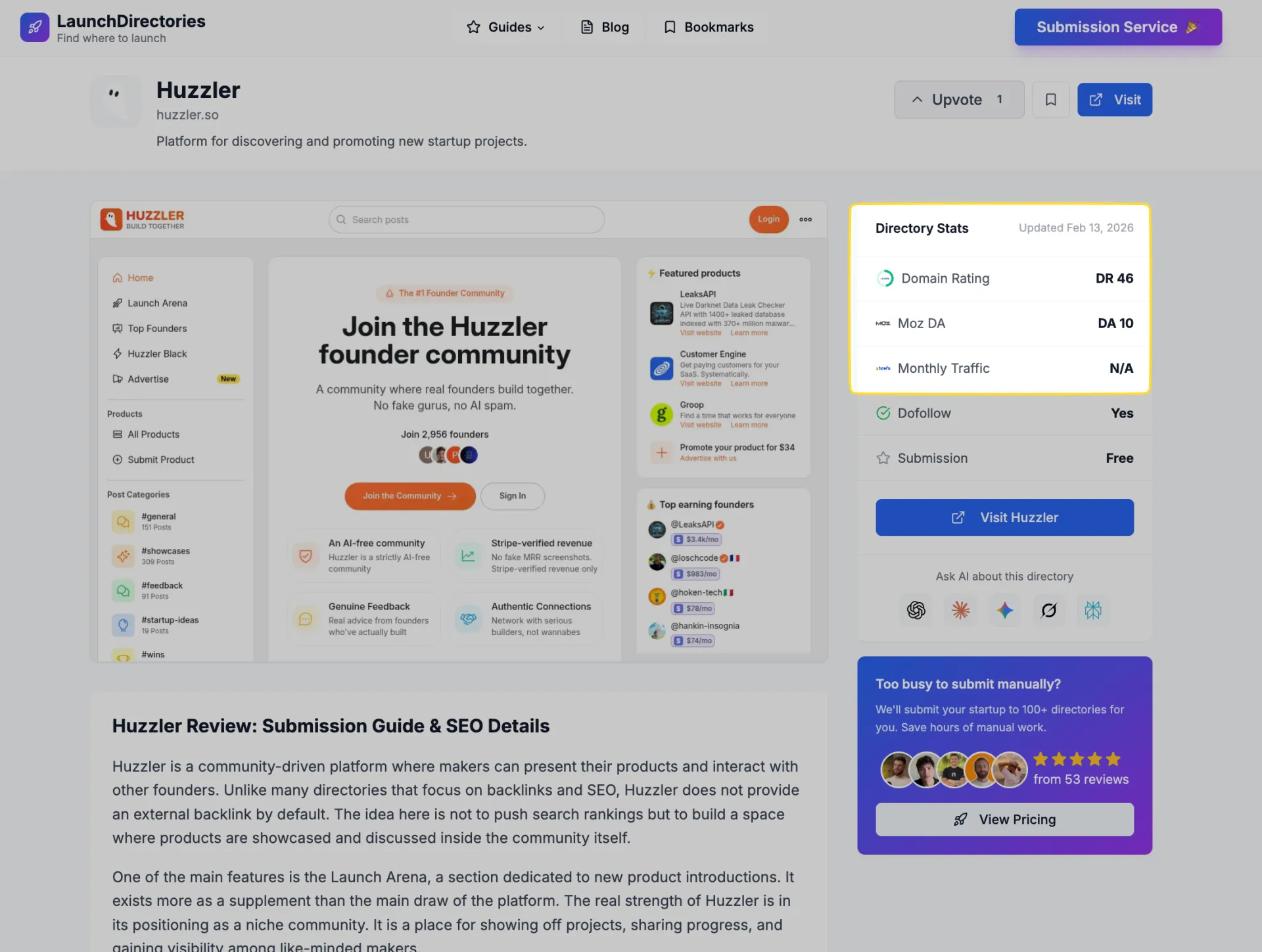
just shipped a redesign for http://launchdirectories.com 🎉
directory detail pages now show:
• MOZ domain authority (DA)
• monthly traffic via ahrefs
• ai chat to ask questions about each directory
way easier to find the right places to launch
now before & after

Hey founders,
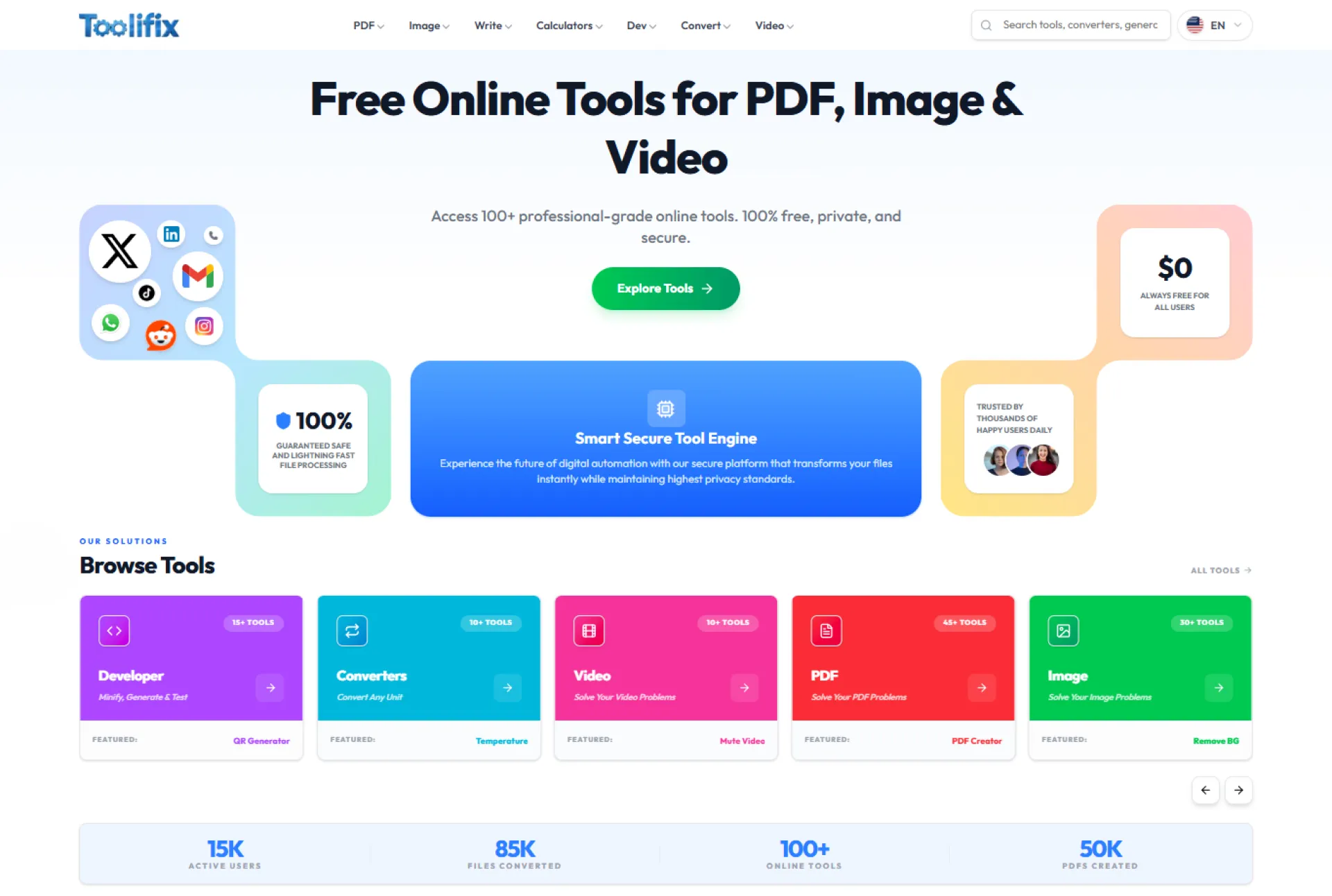
I just launched Toolifix, a browser-based file conversion and optimization platform.
Unlike traditional online converters, Toolifix processes files locally inside the browser. That means:
• No file uploads
• No server storage
• Faster processing
• Better privacy
Most tools require uploading files to external servers, which creates privacy concerns and slower performance. I wanted to build a cleaner, faster alternative.
Current focus:
• File conversion
• Compression tools
• Simple, minimal interface
I’m currently working on improving:
- Landing page clarity
- SEO strategy
- Feature roadmap
- Monetization model
I would appreciate honest feedback on:
• Is the value proposition clear?
• What feature would you expect next?
• Would you trust a browser-based processing model?
• Ads vs freemium — what makes more sense?
Website: https://www.toolifix.com
Looking forward to direct feedback. I’m building this long-term.
Reports.Camera is a camera reports app for film and digital production that helps camera departments, track digital mags, manage film stock


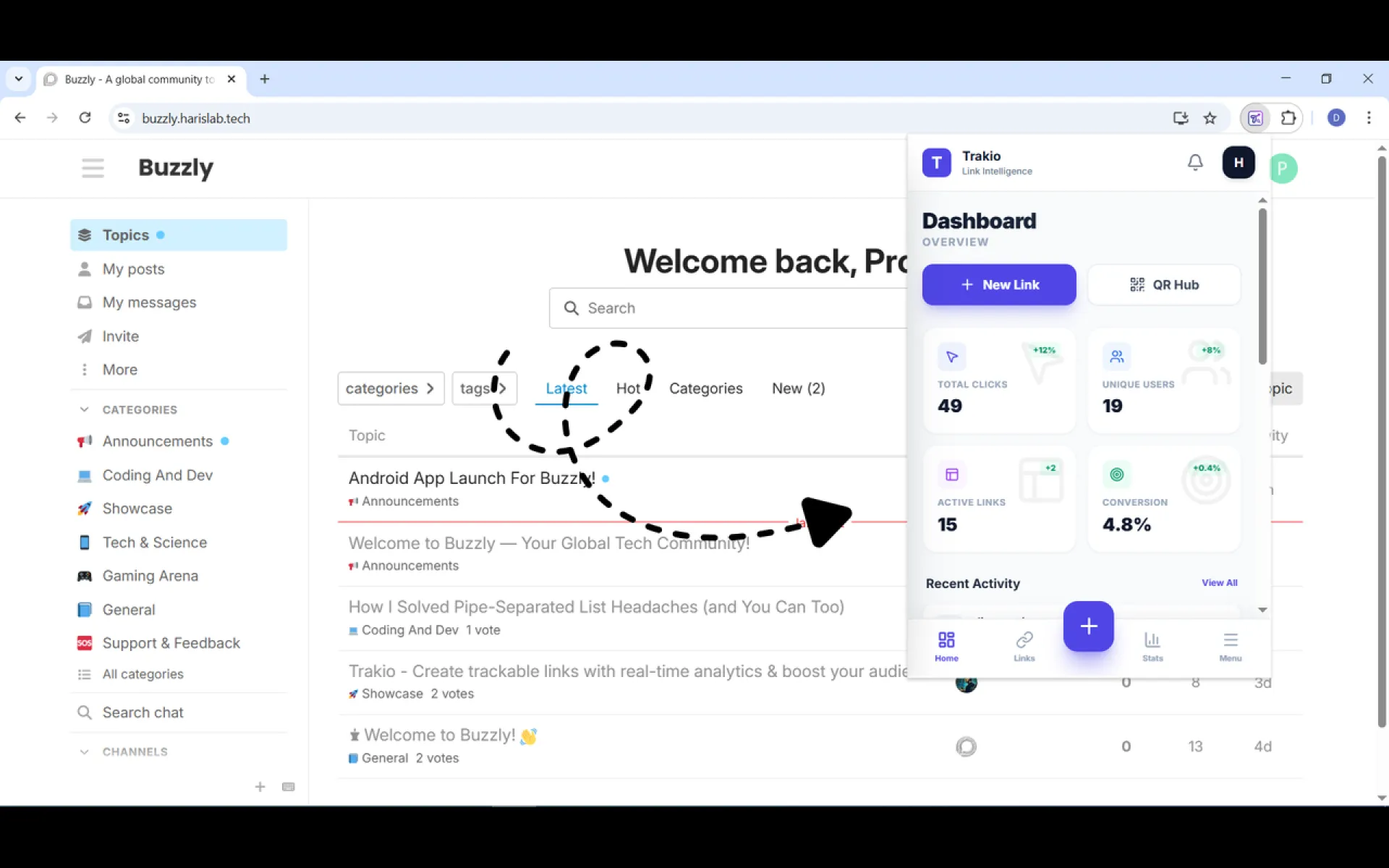
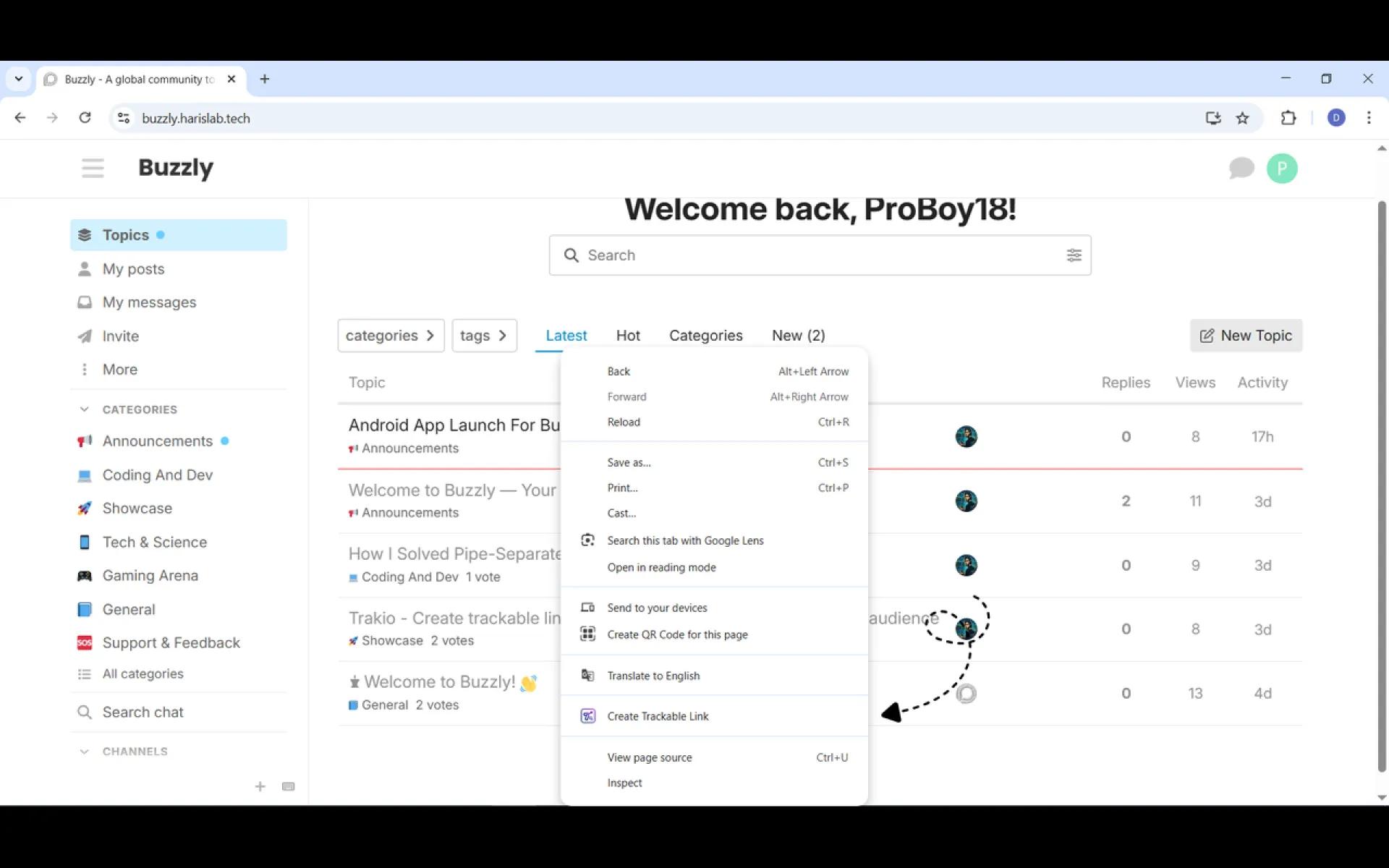
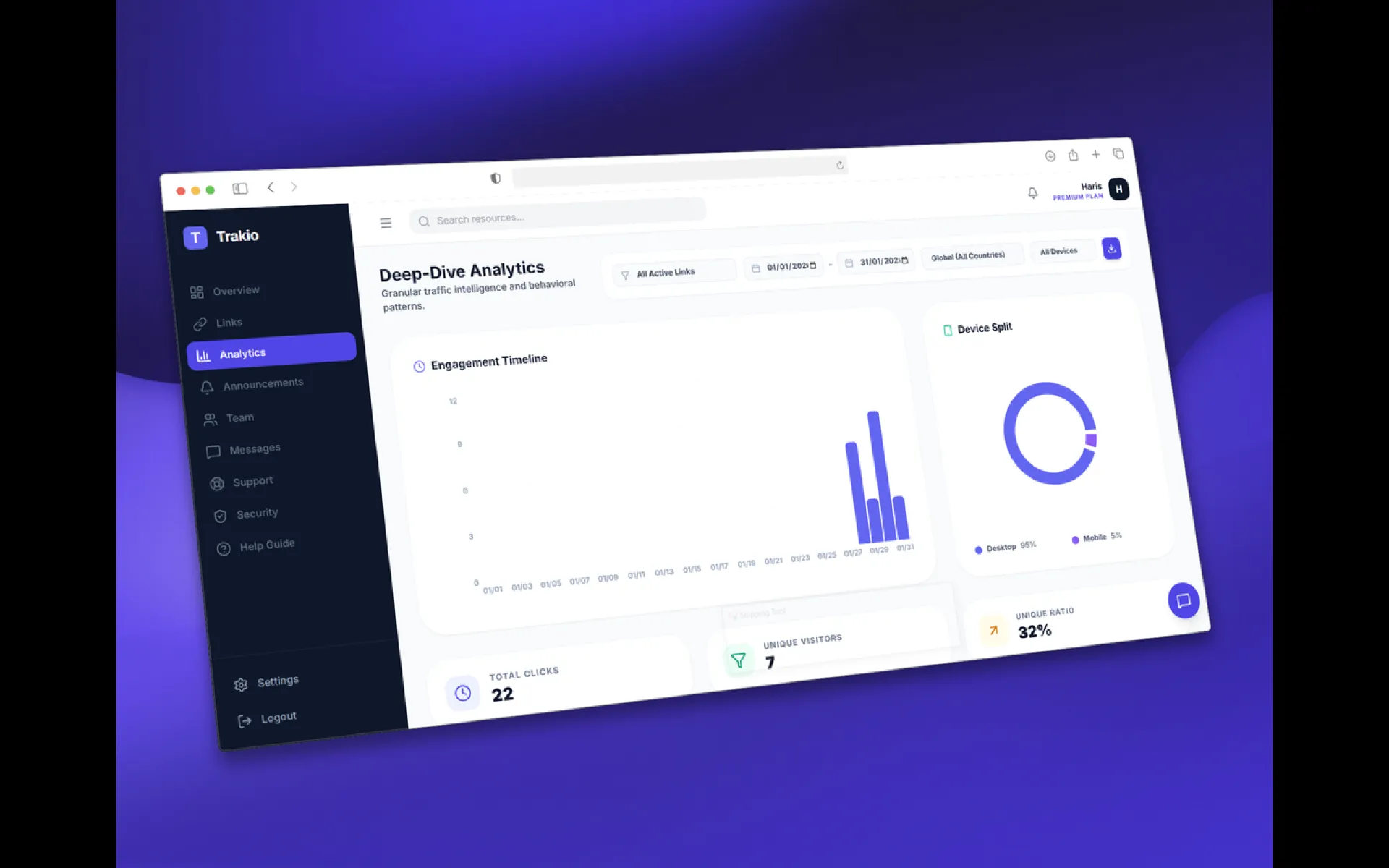
We’re excited to announce the official release of the Trakio Chrome Extension.
You can now create trackable links, view real-time analytics, and manage your links directly from your browser toolbar without leaving the page you’re on. Built for marketers, teams, and creators, Trakio makes smart link tracking fast, simple, and powerful.
🔗 Install the extension
Start using Trakio today and take full control of your links.

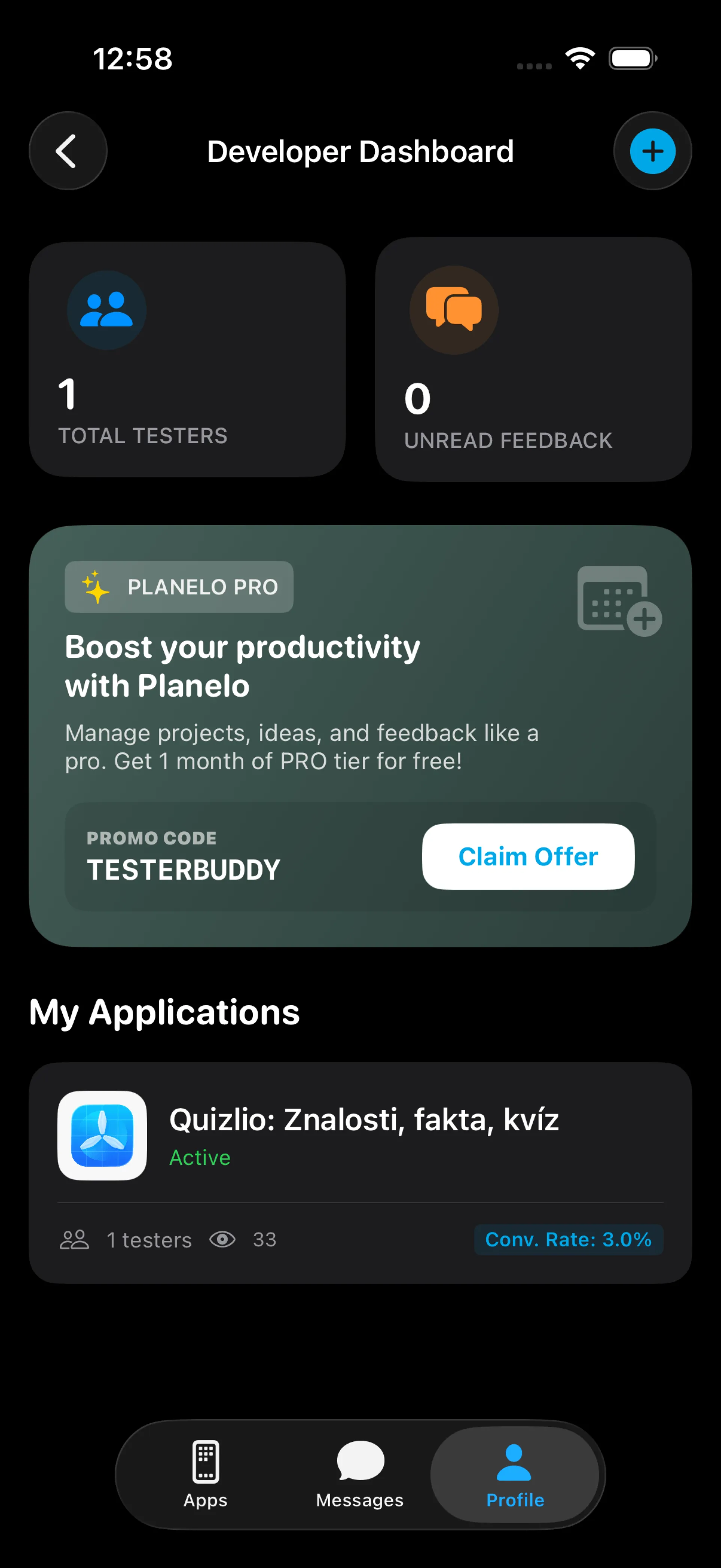
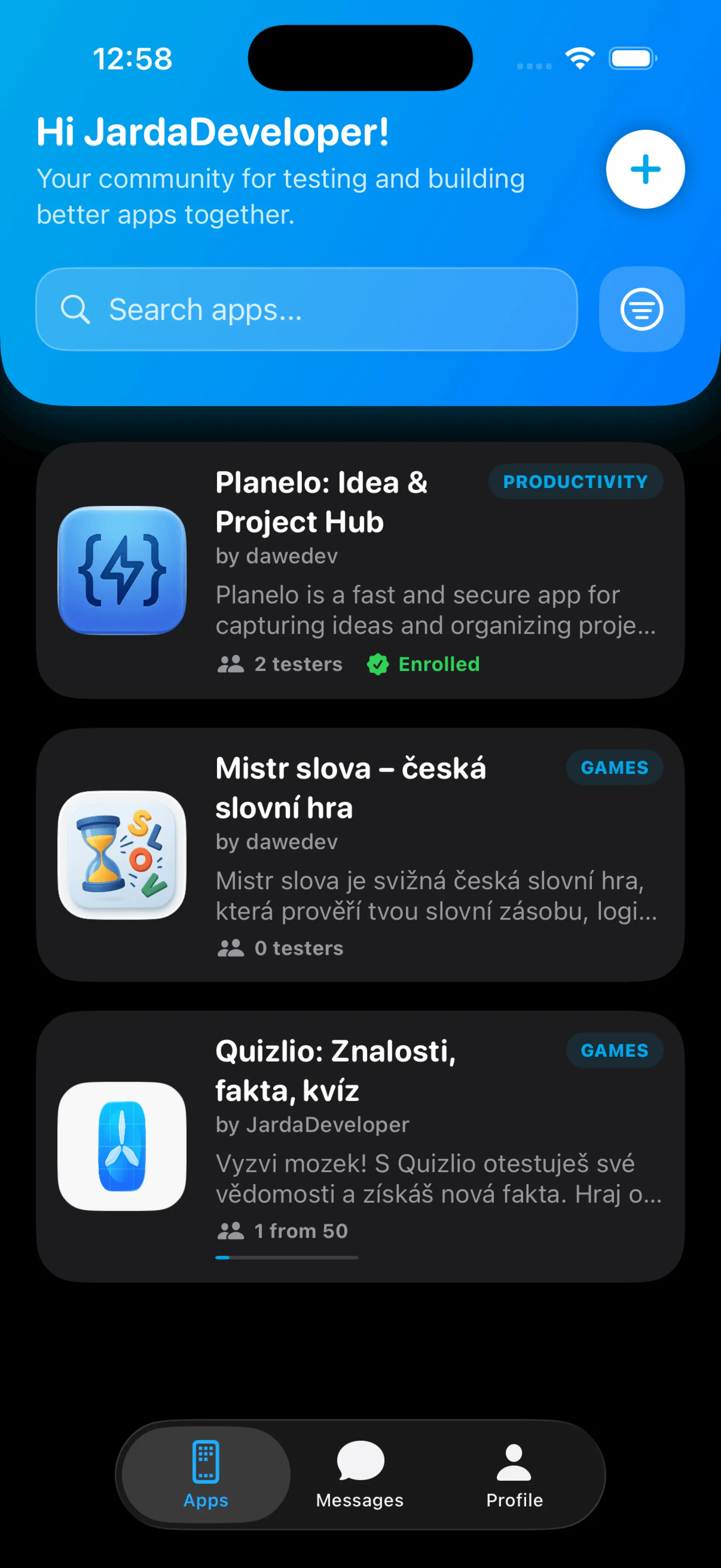
I'm an independent solo developer, and it's always the same. I create a product, and when it's ready for beta testing, I create a beta test link and send it to all my friends, family, and Reddit. But I almost never get any feedback except comments from family and friends like "Cool," "Nice,"...
That's why I created TesterBuddy. A community app for developers who want better feedback than just "nice." It has an integrated Tester <-> Developer chat or a group chat for Developer <-> Testers, for example, regarding a new version. I also implemented a karma system, so developers always know which tester is more suitable and experienced.
It's in beta now, so you can test and add your app to test and get feedback 😉

Taunusstar is a free, AI-powered S&P 500 forecasting platform that delivers daily LONG/CASH signals across 3-, 6-, and 12-month horizons using institutional-grade machine learning.