Install Huzzler App
Install our app for a better experience and quick access to Huzzler.

I work full-time in construction and spend my weekends learning to code. It’s slow but rewarding, and I’ve gained a real appreciation for how things work under the hood.
But with AI and vibe coding, I’m starting to wonder if learning to code manually is still the best path to build products.
When AI can handle most of the technical work, maybe the real skill is turning ideas into prompts.
I'm curious what other founders think. Is it still worth learning code, or is it smarter to start building products using AI?

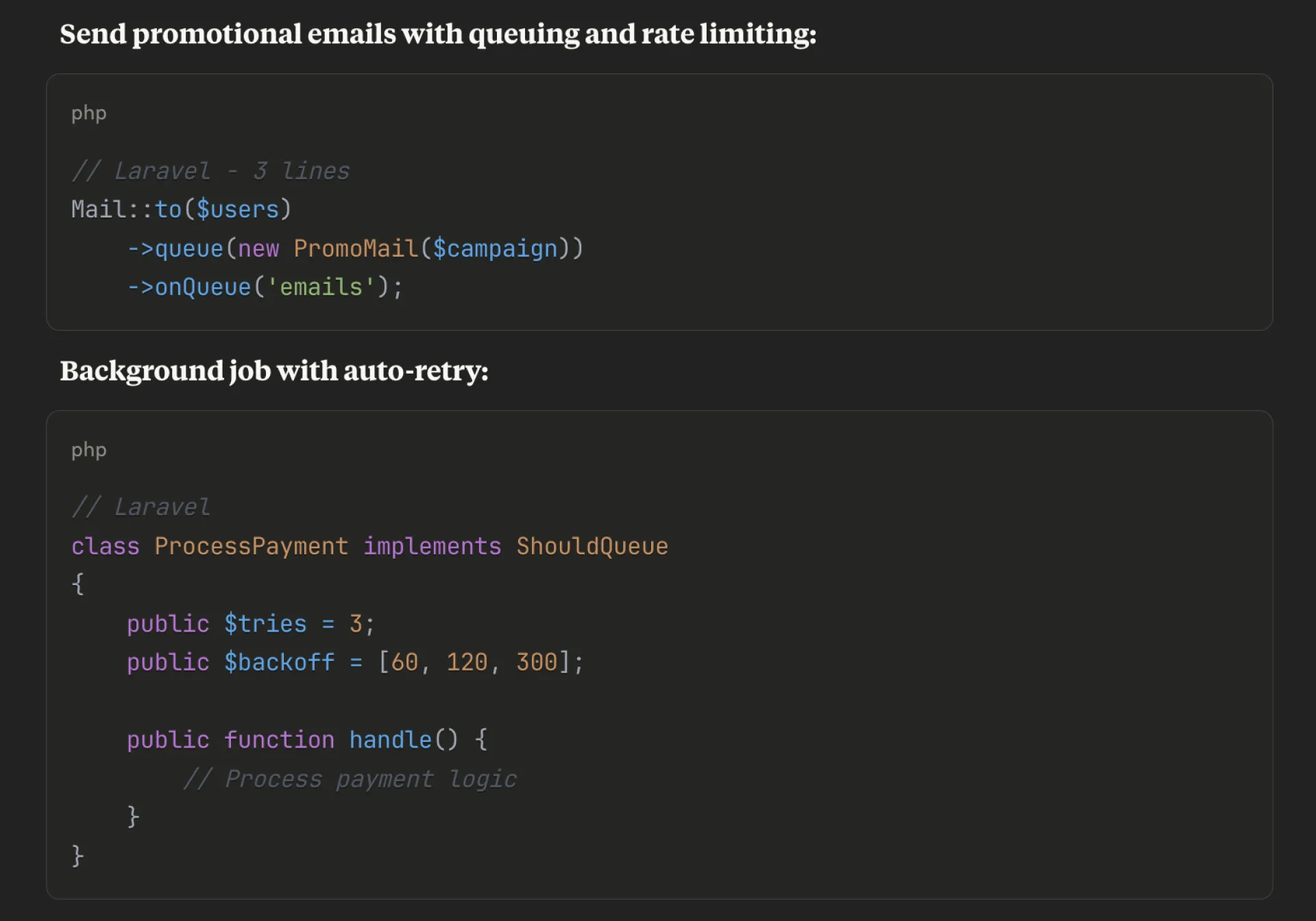
I just added promotional emails to Huzzler and reminded myself why I use Laravel and why it beats the javascript ecosystem for so many tasks.
- Integrate with Resend in 3 mins
- Queue mails with rate limiting and auto retries
- Write templates in markdown and use variables from my models
Sure php is an "ugly" language and sure you can do the same in Next.js but you'd need 20 external dependencies and manage them all.
In Laravel, you also have (out of the box):
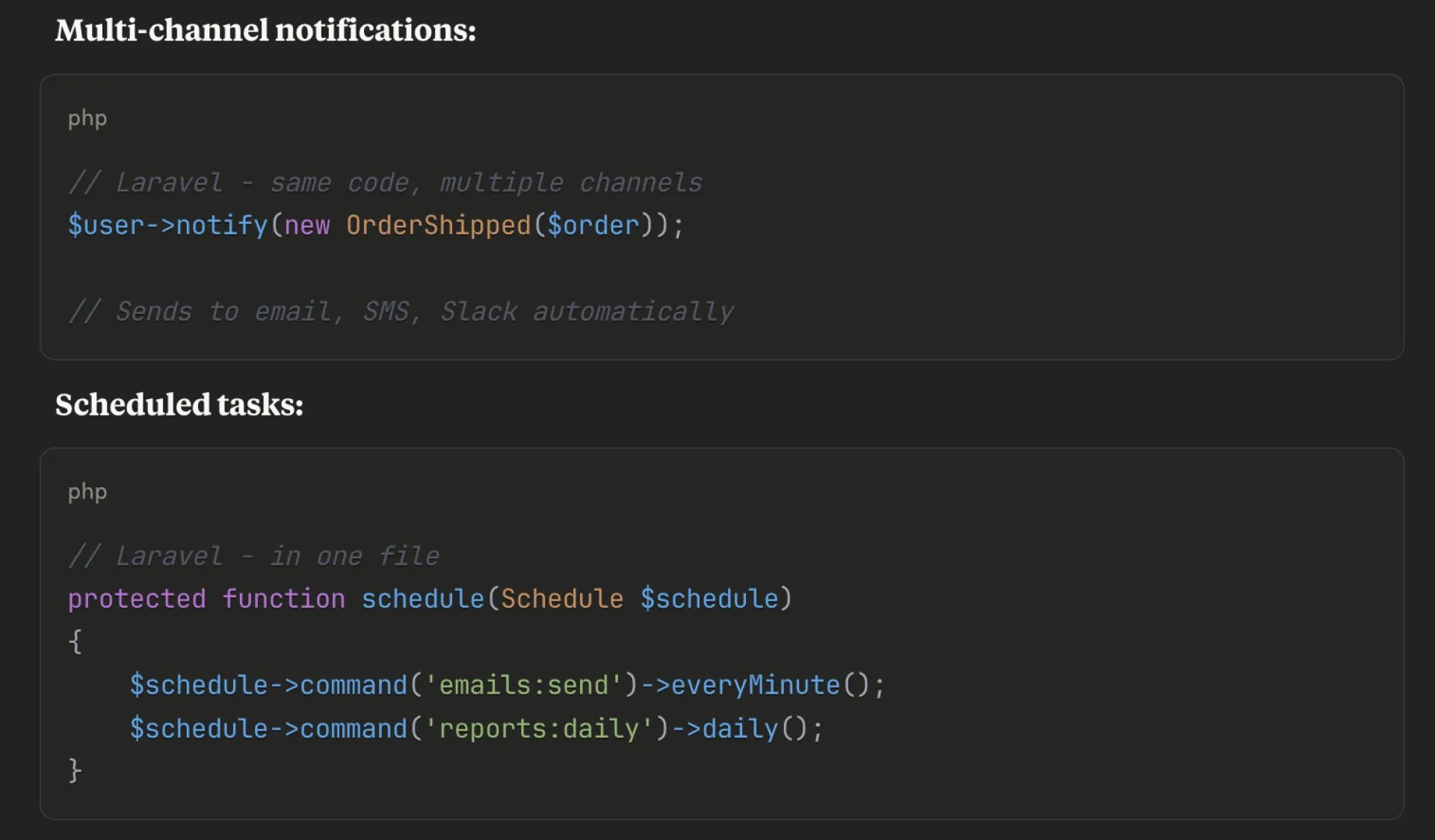
- Queue workers: background jobs
- Task scheduler: Cron jobs without touching crontab
- Mail system: Supports multiple drivers, markdown templates, queuing built in
- Built-in notification system: Email, sms, slack,.. whatever
- Eloquent ORM: Arguably the best ORM out there
- Authentication: social logins, 2FA,... you name it
- Database migrations
While most js devs are out there in dependency hell, Laravel developers are shipping features.

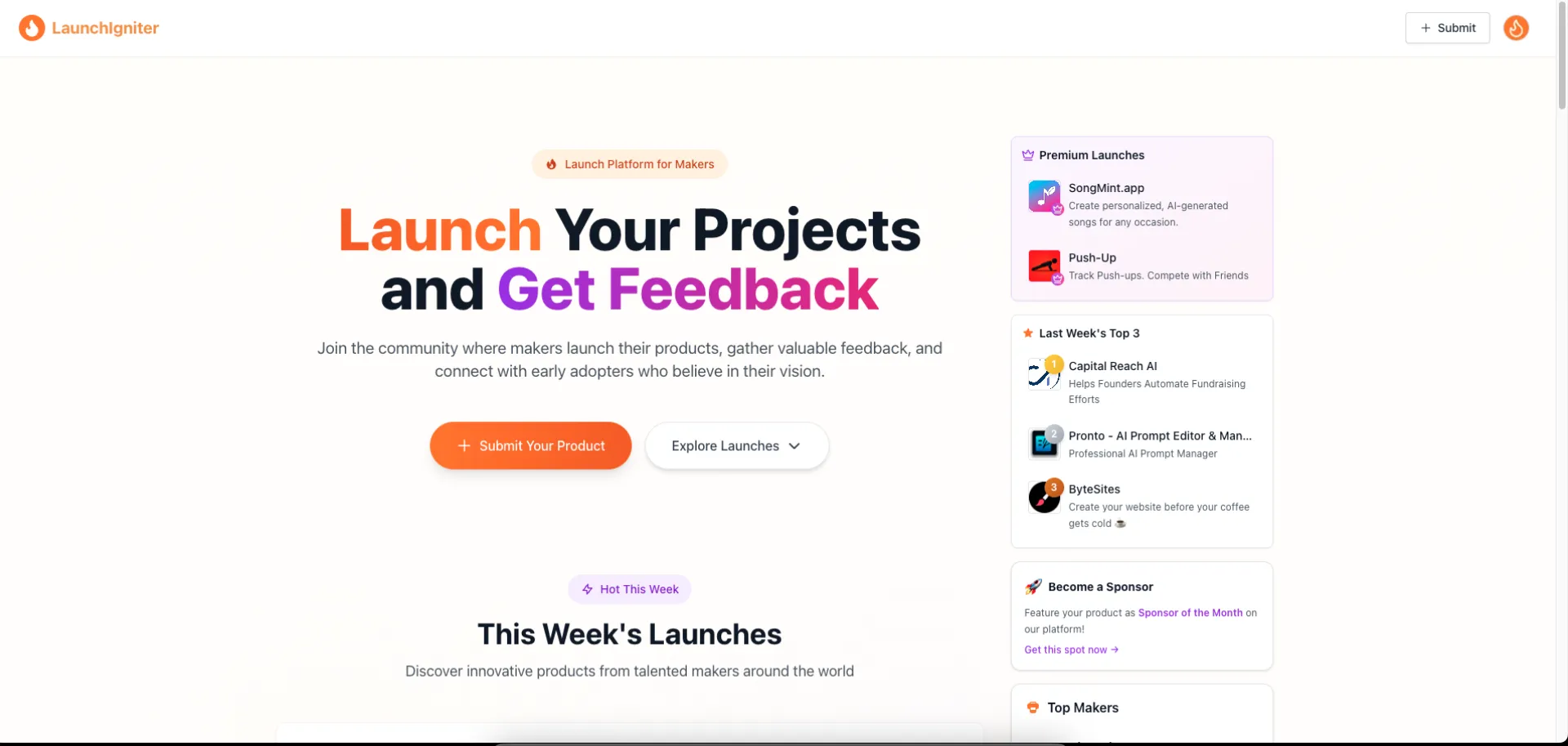
I recently built LaunchIgniter — a platform to help makers and startups get early visibility — and decided to go the full self-hosted route. It turned out to be way more manageable and cost-effective than I expected.
Here’s the full stack, self-hosted on a $6/month VPS:
- Coolify: Handles deployment. Think of it as a self-hosted alternative to Render or Heroku. Simple Git-based deployments, Docker support, and reliable.
- MongoDB: Self-hosted with backups configured. For many projects, you don’t need a managed database unless you scale beyond reason.
- Umami: Lightweight, privacy-friendly analytics. Does the job without any page bloat or third-party tracking.
- Node.js (backend) and Next.js (Frontend) — kept things lean and efficient.
Why go this route?
A lot of devs and indie hackers start reaching for managed services, which are great — but not always necessary in the early days. You can easily rack up $100–200/month in services before you even have traffic. At MVP stage, that’s overkill.
This $6/month VPS has been handling 200+ daily users with no hiccups. Page loads are fast, the server rarely touches high CPU usage, and it gives me full control.
Key Takeaways
- Start simple. The goal at MVP stage is validation, not scaling.
- Self-hosting isn't as hard as it sounds. Tools like Coolify make deployment feel effortless.
- Every dollar saved is runway earned. Especially if you're bootstrapping or testing multiple ideas.
- Privacy & control matter. Hosting your own analytics or database means no hidden costs or data-sharing surprises.
Building and launching something on your own terms — without waiting, overthinking, or overspending — is incredibly freeing.
If you're working on something and want a push to launch, I created LaunchIgniter exactly for that. Just submit your product and get it in front of early users. No noise, no gimmicks — just momentum.
Happy shipping!

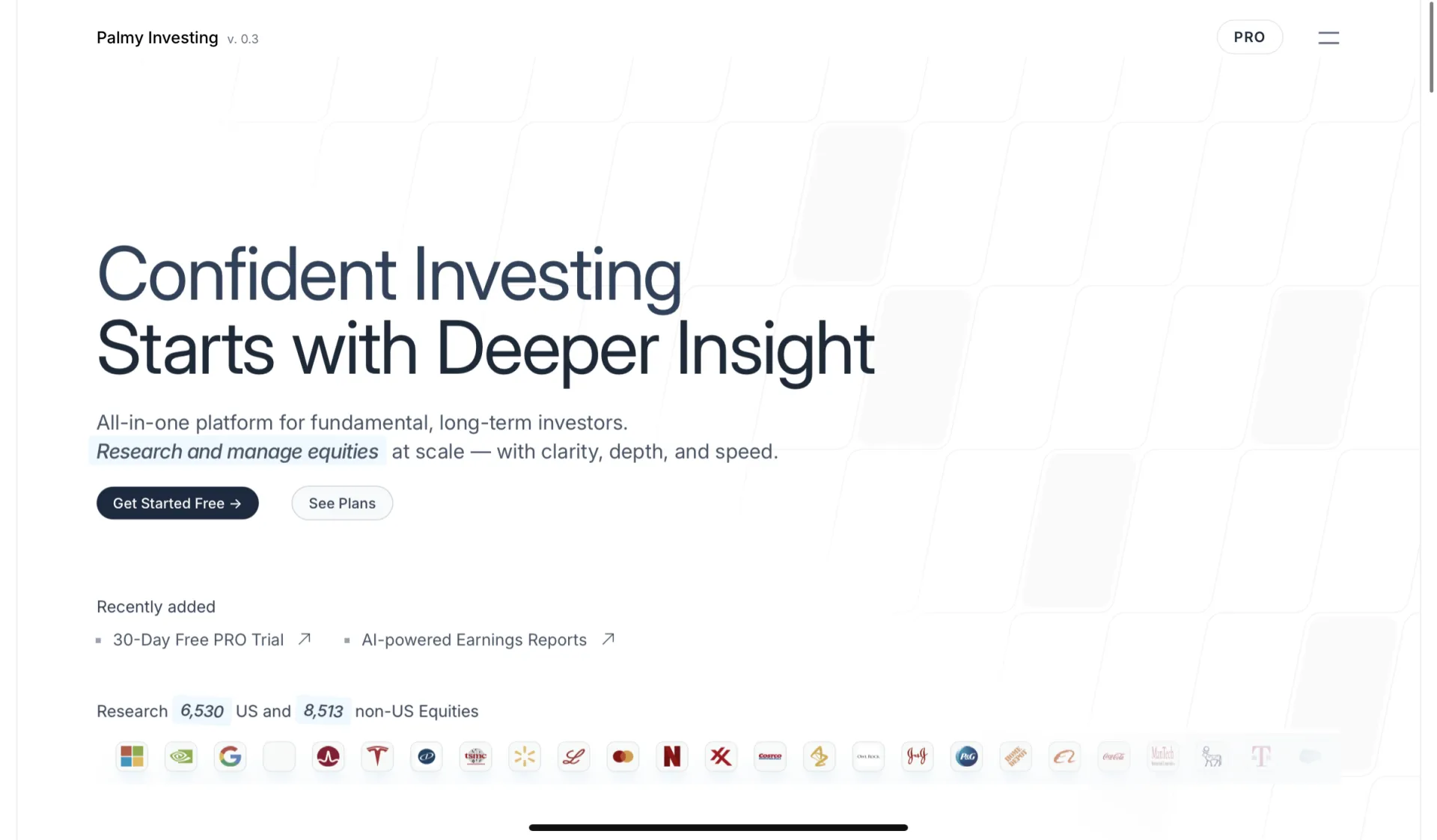
Hi everyone, I’ve spent the past year building a platform for neutral, data-driven public company research, and I’d love to share some of the technical choices and things I’ve learned along the way. By "neutral approach," I mean the platform avoids investment advice and focuses solely on aggregating financial data — there’s no room for “buy x and you make guaranteed profits” or similar claims.
The platform gets used by investors who try to find undervalued stocks. Today, I want to share a bit of the technical background and hope you like it — otherwise, I’m here to read your roast.
I am using Django as my web framework (hard learning curve, but worth it) with PostgreSQL as the relational heart of my project. Django-allauth is there to authenticate your account — I really recommend it. It’s somewhat tricky to set up, but once configured, it's flexible enough to support various auth providers (I kept things simple for now and have been happy with: Google + normal signup). Then you can easily integrate Mailjet or SendGrid into these authentication workflows (Mailjet is pretty good, I’d say!)
If you visit the platform, you may recognize a very simple — maybe clinical — design. That’s because I had to admit that I’m not a good designer, so I opted for a clean, minimal layout to avoid clutter.
My choice for the frontend was Jinja (within Django), Tailwind, and some vanilla CSS. For visualizations, I strongly recommend you work with ECharts, or if you have a project related to stocks — checkout tradingview‘s JS libary. There are indeed tons of other JS libraries I used over time, e.g., for PDF generation, but one other thing I need to give a shoutout to here is htmx — literally a game changer for me to communicate fast and easy between front- and backend.
For caching operations, I decided on Redis (very easy setup via Django).
To ensure that my stock data is current, I’ve implemented Celery along with Celery Beat. I am using Redis to as the message broker, but am eager to try out RabbitMQ for my next project — but this one does not require priority queues, and I had Redis on board already, so I stuck with it.
The datasets I work with are listed inside the FAQ. To sum it up real quick: I use a mix of open government data (easy to get, hard to organize at scale) and paid APIs (e.g., for the exchange-related information, which adds up very fast to $$$$).
Lately, I’ve been thinking about how to integrate LLMs in a way my users benefit from. So I’ve created a schema that allows LLMs to analyze earnings call transcripts. Currently, there are already 500 reports generated by DeepSeek R1 and GPT-4 (no sign-up required example — for Microsoft).
Apologies if some descriptions lack polish — this is the only thing I’ve made so far. I hope that I can write more precise/formal descriptions once I’ve finished my CS bachelor :)
Also: I know the platform isn’t fully responsive yet. Several mobile issues were reported — that’s what I’m currently working on.
This post is more focused on my tech stack/experience, but here are some major features I’ve built based on the journey above:
- Watchlists (List of stocks you may want to invest in)
- Portfolios (An extended version of watchlists, with performance metrics, historical data, and community feedback — you can rate shared portfolios, e.g., for their diversification grade)
- Company Screeners (Basically a criteria filter, to discover new ideas/investments — Example: “Show me all US stocks in the Tech or Energy sector with a dividend growth of 25%”)
- Company Report (A detailed analysis of a company divided into financials, earnings reports, catalysts, and Investor Relations)
- Workspaces (Take notes on SEC statements, read SEC documents in an optimized user interface)
- Some others are: Calendars, News articles, Company comparisons, People reports, Market reports
Thanks for reading it, hope it helps someone. Please let me know, if you have any questions or feedback :)

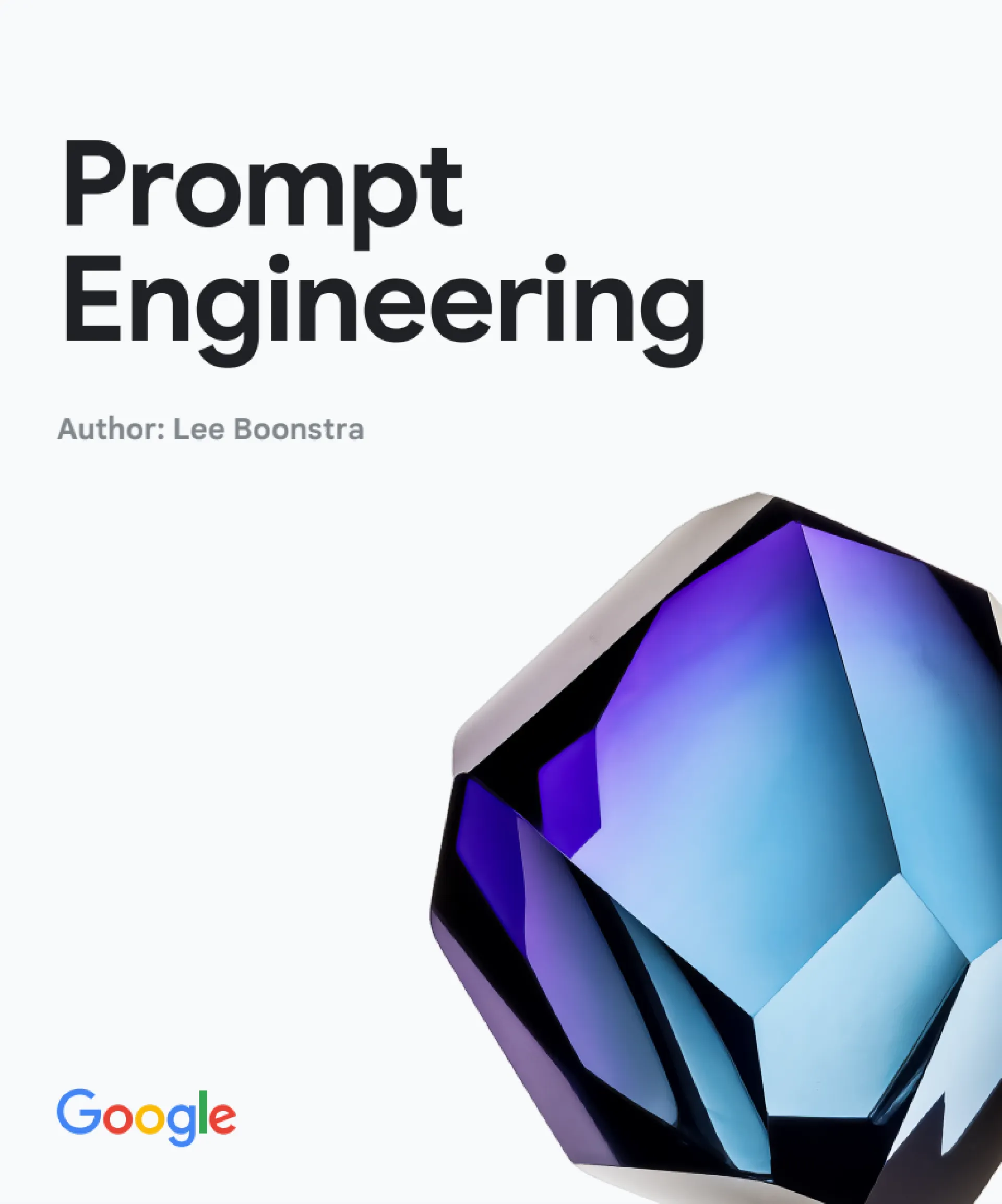
I'm reading this one myself and it's been useful so far. It's a free short book so if you don't have experience with prompting this should help you out. I found this book while browsing X posts.
It is shared via google drive, you can get it here -> https://drive.google.com/file/d/1AbaBYbEa_EbPelsT40-vj64L-2IwUJHy/view?usp=sharing
I cannot use Stripe in my country but I needed some payments infra, I found Dodo Payments to be a good solution right now. Hopefully it stays that way.
Good DX and it's available in countries where Stripe isn't.
I've come across this website that gives you a decent amount of marketing blocks to use. Pair this with some good sales copy and you should be good to go.
I looked at starter kit made by WebDevCody and saw this rate limiter implementation.
Very easy to use and does the job, suitable for when you have only one instance. You would need something like Redis to scale this up for multiple instances.
You can check it out here -> https://github.com/webdevcody/wdc-saas-starter-kit/blob/main/src/lib/limiter.ts

 $500/mo
OpenRouter.AI is an LLM and multimodal model inference management service.
You issue an API key once.
Then you choose which model you want to use.
Set your prompt.
Ready to go.
You can also use it for free (up to 1k requests / day)
Here's a short demo.


Hello guys. We talk about tech stacks all the time, always using the latest shiny new javascript framework. But I'm wondering. What tech stack are you actually the most productive in? Can be different from what you use now, but what can you code the fastest with?

Hi there,
I need some recommendations and guidance. I'm working on a personal project that I want to turn into a SAAS. I have no experience at building a SAAS app and I want to understand the steps to do so. Right now the backend is built in Python and I was thinking of Flask for the front end. Where should I start to take it to the next level? Thank in advance
$500/mo
Don't pay for Cursor or Windsurf.
Why?
Because Cline + OpenRouter.AI can you give the exact same experience for FREE (up to 1k requests/day)
I made a YT demo


new to this community. not sure if this is okay to post here but I wanted to share how quickly developing MVPs for my clients using Windsurf.
I used to lose days setting up auth, DB, styling, API routes, now I make about $4K/month just shipping MVPs fast. The secret is that I use windsurf with next.js to create a fullstack app fast. next.js is the only stack that works really well with windsurf. it can create:
- Pre-configured auth (Clerk/Supabase)
- Prisma + full database setup
- API routes ready to go
- Tailwind + shadcn/ui components
- ESLint, Prettier, Husky, commit hooks out of the box
What else do you need? I haven't had a single thing a client asked that windsurf couldn't do. I tweak a few config files (windsurf.json, .env), generate the project, and start building real features Most MVPs are live in 5-7 days. Clients love the speed.
For me, AI is not bad, it's good. It's fast made dev fun (and profitable) again. Let me know if you have any questions technical or other and ill do my best to answer them.

Hacky but useful — we just needed a UI for blog assets stored in Supabase (images, markdown, PDFs). Next.js + Tailwind. Auth, file upload, folder nav, publish button.
Nothing fancy. Just worked for us. Might work for you too.
npx create-supawald my-app

hey, this question is mainly for the founder of Huzzler!
first of all I want to say, it's really awesome!!
a little background about me: I am an uni student learning to build products.
so, I am really interested to know a detailed explanation of tech stack of huzzler. if you can, please go into whys of things as well.
what are you using for storing images/profiles pictures and all?
looking forward to hear from the founder! :)

For those using Cursor AI, what model(s) do you use? Is claude 3.5 still king? Heard great things about Gemini 2.5 pro as well

Shipping fast feels great—until the hackers show up.
Leo Jr. learned this the hard way. He’s a non-technical indie hacker who built and scaled an app publicly, attracting attention (and revenue) with spicy takes like "AI SaaS won’t work." But the attention didn’t stop at engagement. It made him a target.
Soon after, hackers began probing his app for security flaws. And they found plenty—API keys exposed in the codebase, easily bypassable paywalls, and more. The result? Half the internet was trying to break his app for fun.
This isn’t new. Pieter Levels, Marc Lou—other big names in the indie hacker world have dealt with DDoS attacks and vulnerability exploits after their products blew up. But Leo’s case stands out because he’s not a developer. He vibe-coded his way to success without fully understanding the security side of things.
What Indie Hackers Can Learn
As someone who's also building and shipping apps fast (and not immune to these risks), here are two key takeaways:
1. Hide Your API Keys
Publicly exposed API keys are an open invitation to hackers. Store them securely using environment variables instead of hardcoding them in your codebase. If you’re using Next.js, create a .env.local file and reference the keys like this:
NEXT_PUBLIC_API_KEY=your-key-here
Then access it in your code like this:
const apiKey = process.env.NEXT_PUBLIC_API_KEY;
Simple fix, big impact.
2. Stop Using CSS for Paywalls
CSS-based paywalls (display: none;) are laughably easy to bypass. Instead of relying on front-end styling, enforce the paywall logic on the backend. If that's too complex, a middle-ground solution is to obfuscate the content using Base64 encoding and set up DevTools protection to make it harder to bypass.
3. Securing Webhooks – The Overlooked Weak Spot
Webhooks are essential for automating tasks between apps—but they’re also an easy target for attackers if left unprotected. Here’s how to lock them down:
- Use a Signature and Timestamp – Your webhook’s receiving URL must be public, but you can secure the data using a signature, timestamp, and token to create a hashmap (a key-value store).
- Generate a HMAC Signature – Link the timestamp and token values, encode them using the HMAC algorithm with your ESP’s API key (in SHA256 mode), and compare the result with the signature.
- Reject Duplicate Tokens – Cache the token value locally and reject any request that tries to reuse the same token. This prevents replay attacks where hackers repeat or misdirect the webhook action.
Here’s a quick example in TypeScript for securing webhooks:
import crypto from 'crypto';

const verifyWebhook = (signature: string, timestamp: string, token: string, secret: string) => {
  const data = `${timestamp}.${token}`;
  const expectedSignature = crypto
    .createHmac('sha256', secret)
    .update(data)
    .digest('hex');

  return signature === expectedSignature;
};
Shipping Fast ≠ Ignoring Security
As an indie maker, I get it—speed matters. But security matters too. Leo’s experience is a reminder that even if you're not a developer, securing your app isn’t optional. Don’t let vibe coding turn into vibe hacking.
I’d love to hear from other makers—how are you balancing speed with security in your builds?
Let’s discuss in the comments.
I've been coding with Cursor AI for a while and it's awesome. But I still want to improve my workflow. Like when should you use agent vs chat mode, how to give it the right context?
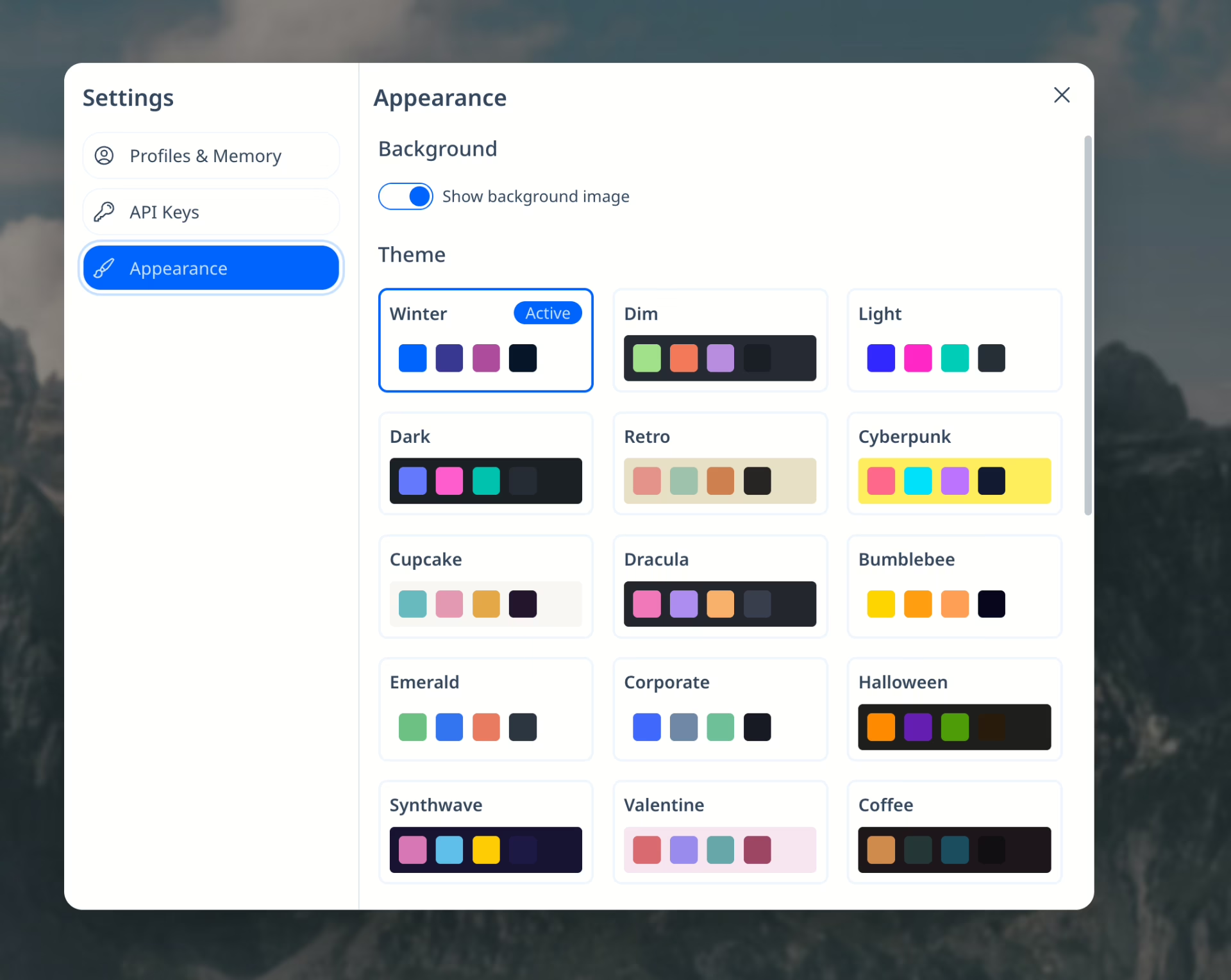
I feel like more people should be using DaisyUI. I've used it over 5 projects and its simply amazing. DaisyUI adds component class names to Tailwind CSS, providing you with all sorts of components such modals, cards, avatars, carousels, you name it. It's ridiculously easy to use and very powerful.
Take for example uncapped.ai. It's an AI wrapper with 30+ themes. I've implemented this in only 5 minutes with daisyUI. With any other library, this would take me ages.