Your TikTok profile has a past. Maybe it's 1,200 reposts you don't remember tapping. Maybe it's videos from 2021 that made sense at the time. TikTok lets you fix this one post at a time, which is fine if you have ten. Nobody has ten.
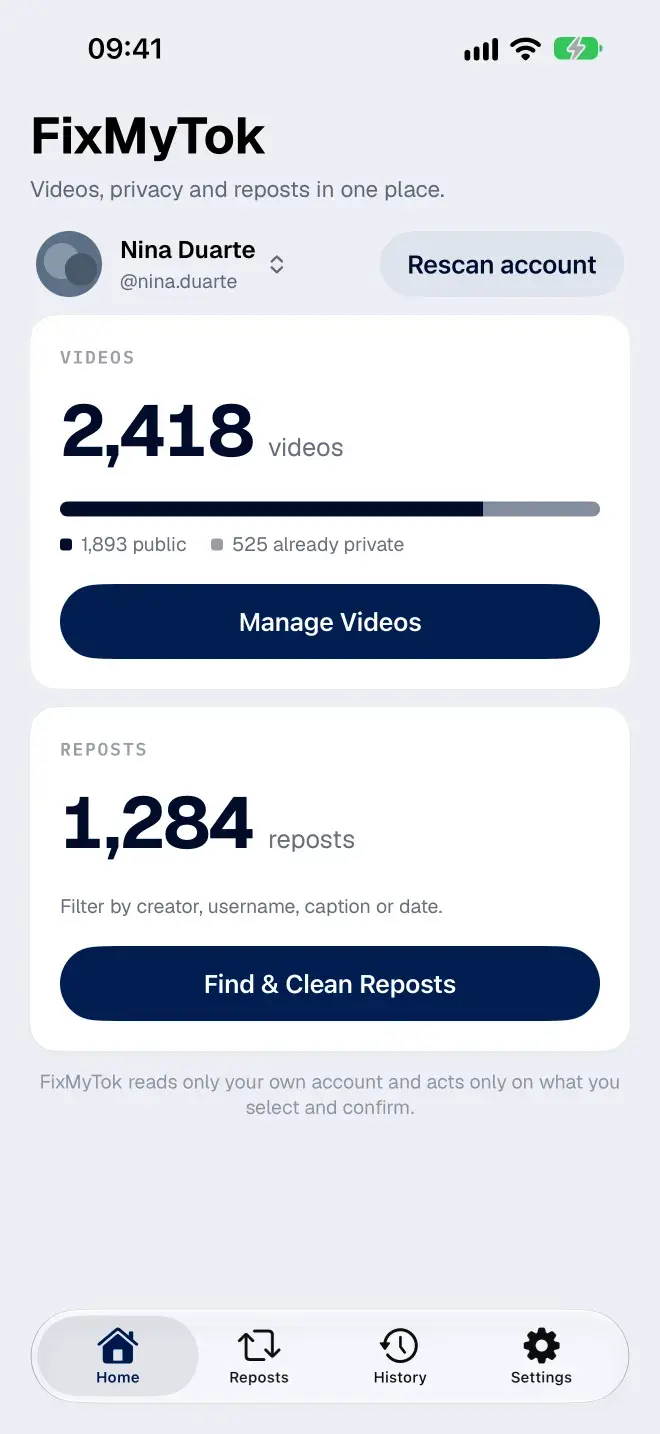
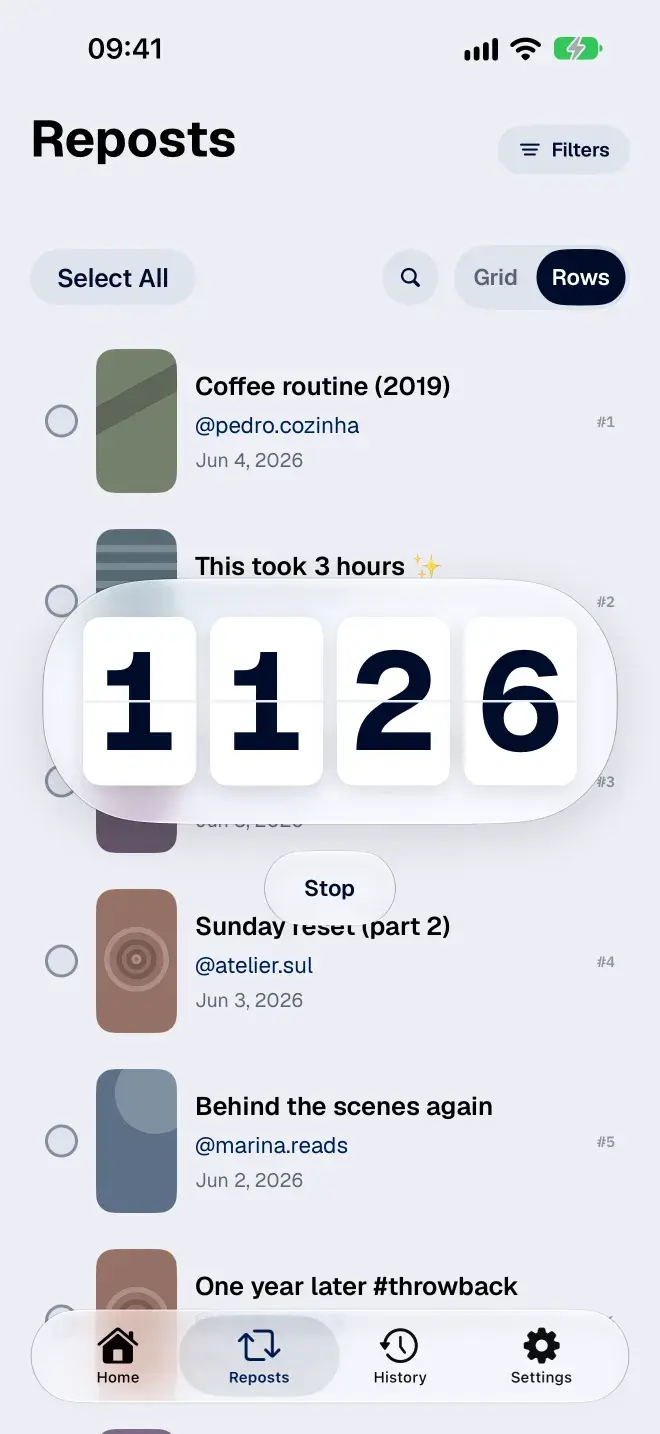
FixMyTok connects to your own TikTok account, lists everything you posted and reposted, and lets you clean it up in bulk. You select, you confirm once, and the app does the tapping.
What you can do
- Remove reposts in bulk, filtered by creator, username, caption or date
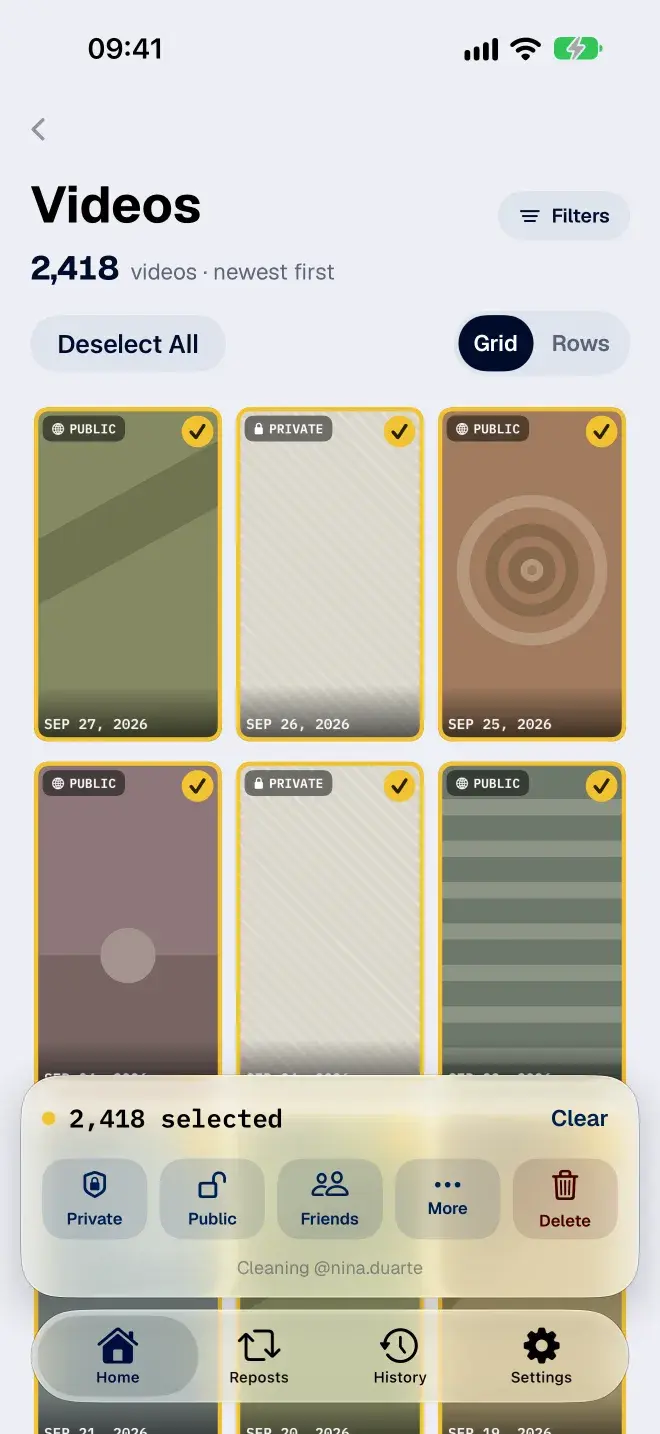
- Make many videos private at once, or switch them to public or friends
- Delete old videos in bulk
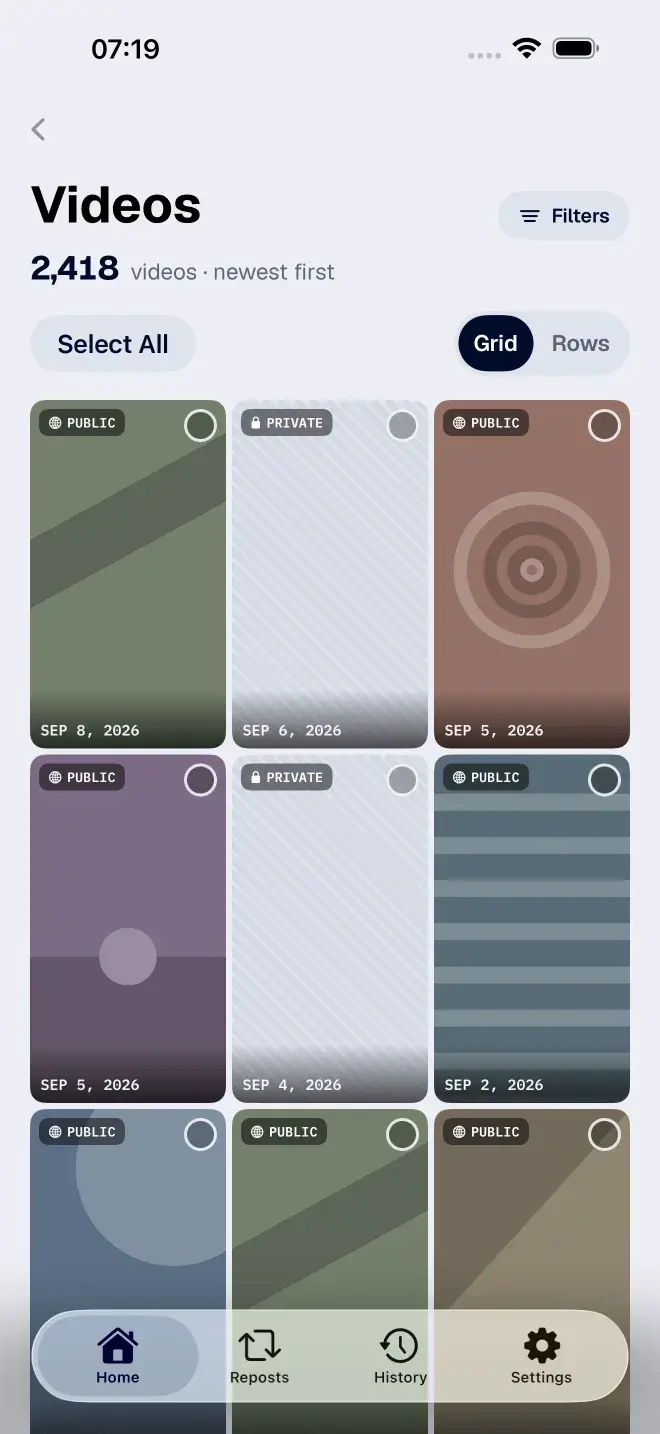
- Find old stuff fast, even with thousands of posts going back years
- Manage more than one TikTok account
- Stop a long cleanup and continue later
How it works, and where it stops
You sign in on TikTok's own login page. FixMyTok never asks for your password and never stores it. It only touches your own account, only the posts you selected, and only after you confirm. It is not a crawler and it never looks at anyone else's profile.
Deleting is the one thing it can't undo. TikTok keeps deleted posts in its own Recently Deleted folder for up to 30 days, inside the TikTok app. That's why the app suggests making a video private before a big delete.
Price
Free to connect, scan and browse your library. The cleanup actions unlock with a subscription or a one-time lifetime purchase.
Get it
- Website: fixmytok.app
- iPhone and iPad: FixMyTok on the App Store
- Android: FixMyTok on Google Play
- Compared with the alternatives: best TikTok repost remover apps
FixMyTok is an independent app and is not affiliated with TikTok.

No comments yet. Be the first to comment!