
Pickode reads the site’s original stylesheets instead. Select a section, pick a format, and you get the rules the author actually wrote: media queries, hover and focus states, ::before/::after and CSS variables included.
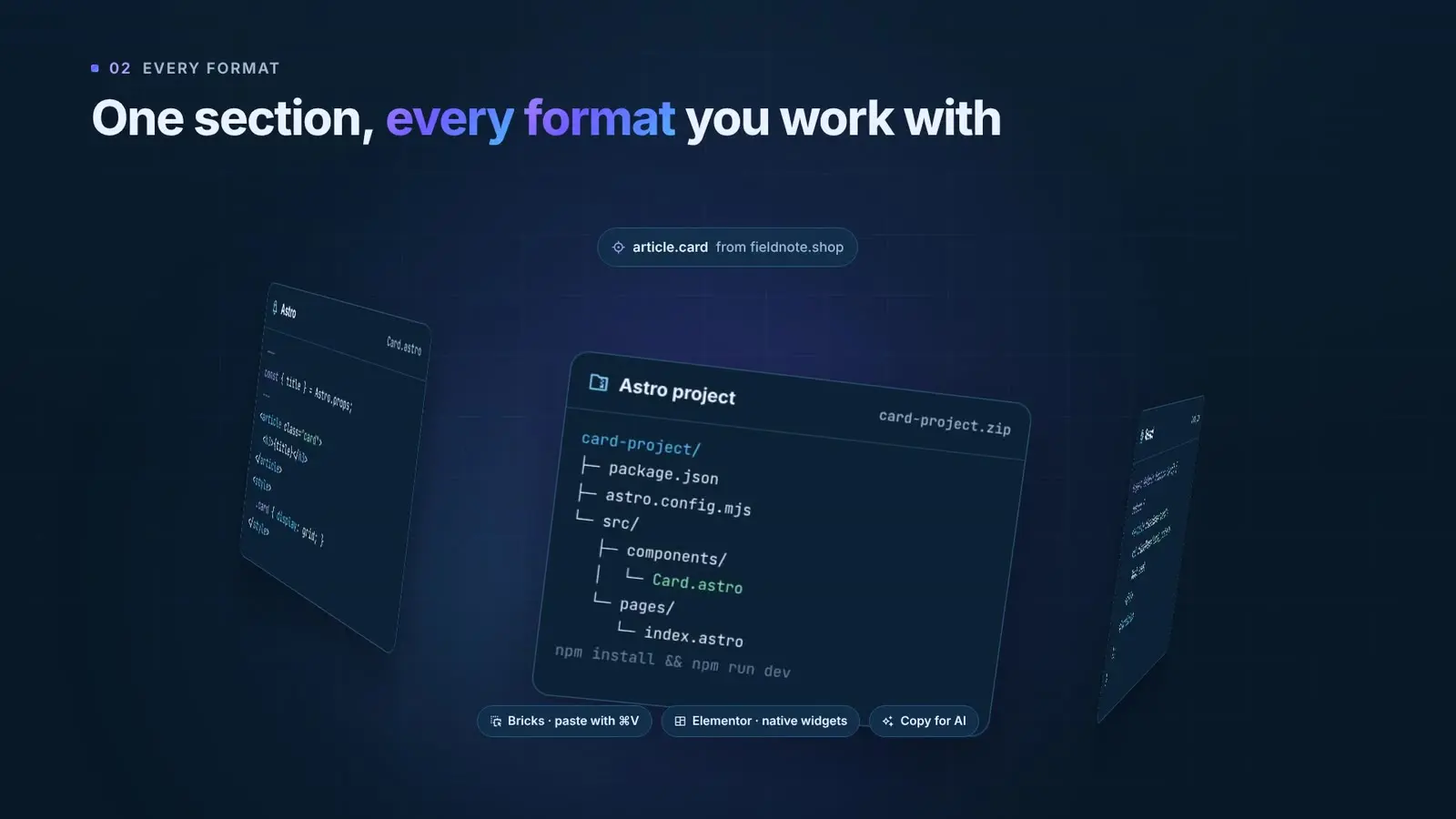
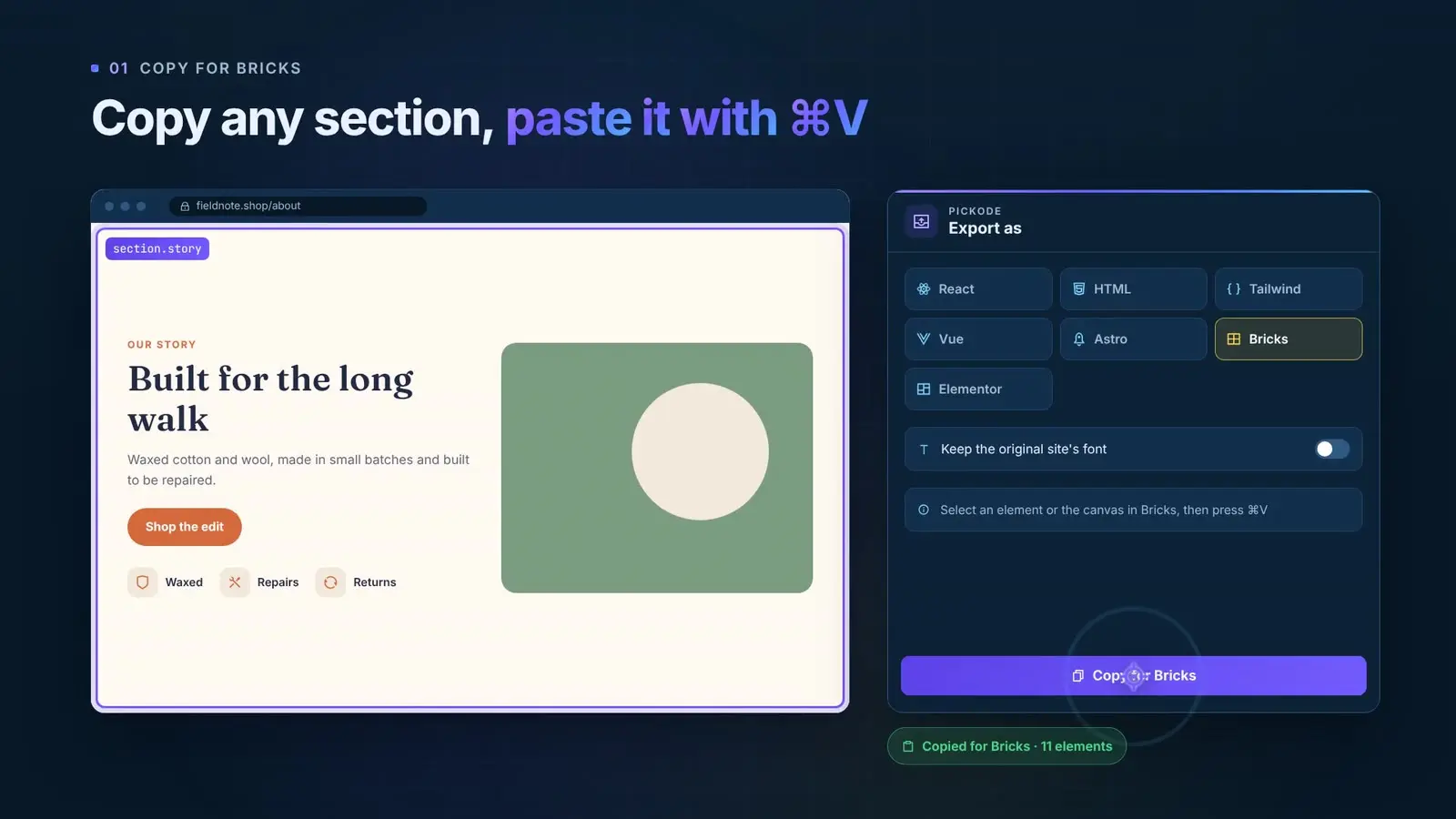
You can export to HTML + CSS, React (JSX + CSS or Tailwind), Vue, Astro (a component or a ZIP project) and three builders. In Bricks you paste with ⌘V. For Elementor you get a template with native containers and widgets. In Webflow you paste in the Designer and get native elements with classes.
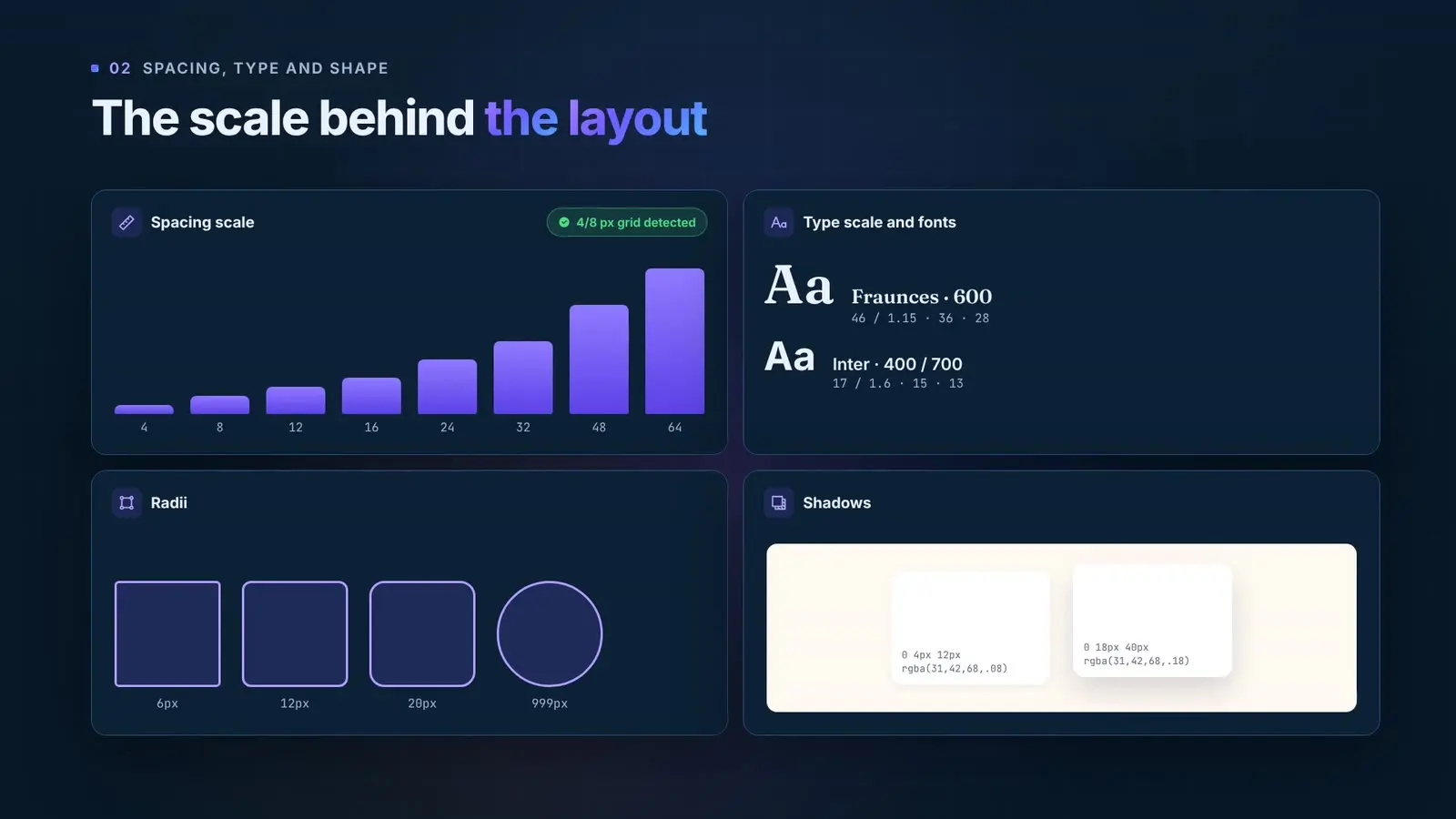
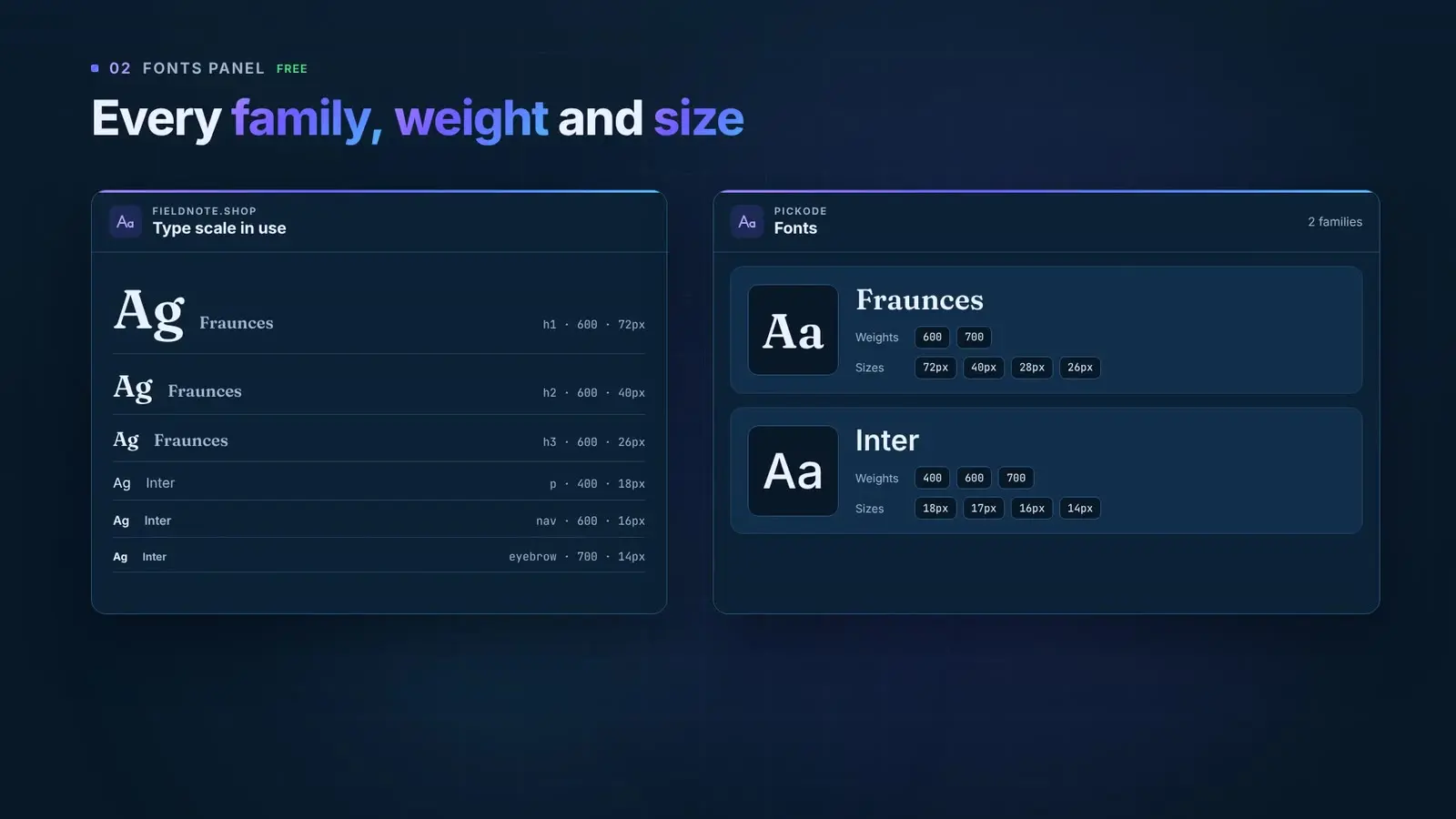
There’s also the stuff I reach for when I audit a client’s site. An inspector with live editing, colors, fonts and design tokens. Assets and HLS/DASH video downloads. A WordPress and WooCommerce panel. Performance, accessibility with axe-core and a contrast map, SEO and indexing checks. A client report you send as a single HTML file.
Pages are read and exported inside your browser. There’s no Pickode server, and you don’t need an account to start.
What it doesn’t do yet: it exports one section at a time, not whole pages. It doesn’t copy the page’s JavaScript, and images stay linked to the original site until you upload them.
The free plan has no time limit: inspector, design tokens, SEO, GEO and 5 HTML + CSS exports a week. Pro unlocks every format for €6/month, €29/year or €59 lifetime, and there’s a 7-day trial with no card. It runs on Chrome, Brave and Firefox.

No comments yet. Be the first to comment!