FloatText – Floating Clipboard & Quick Copy Tool
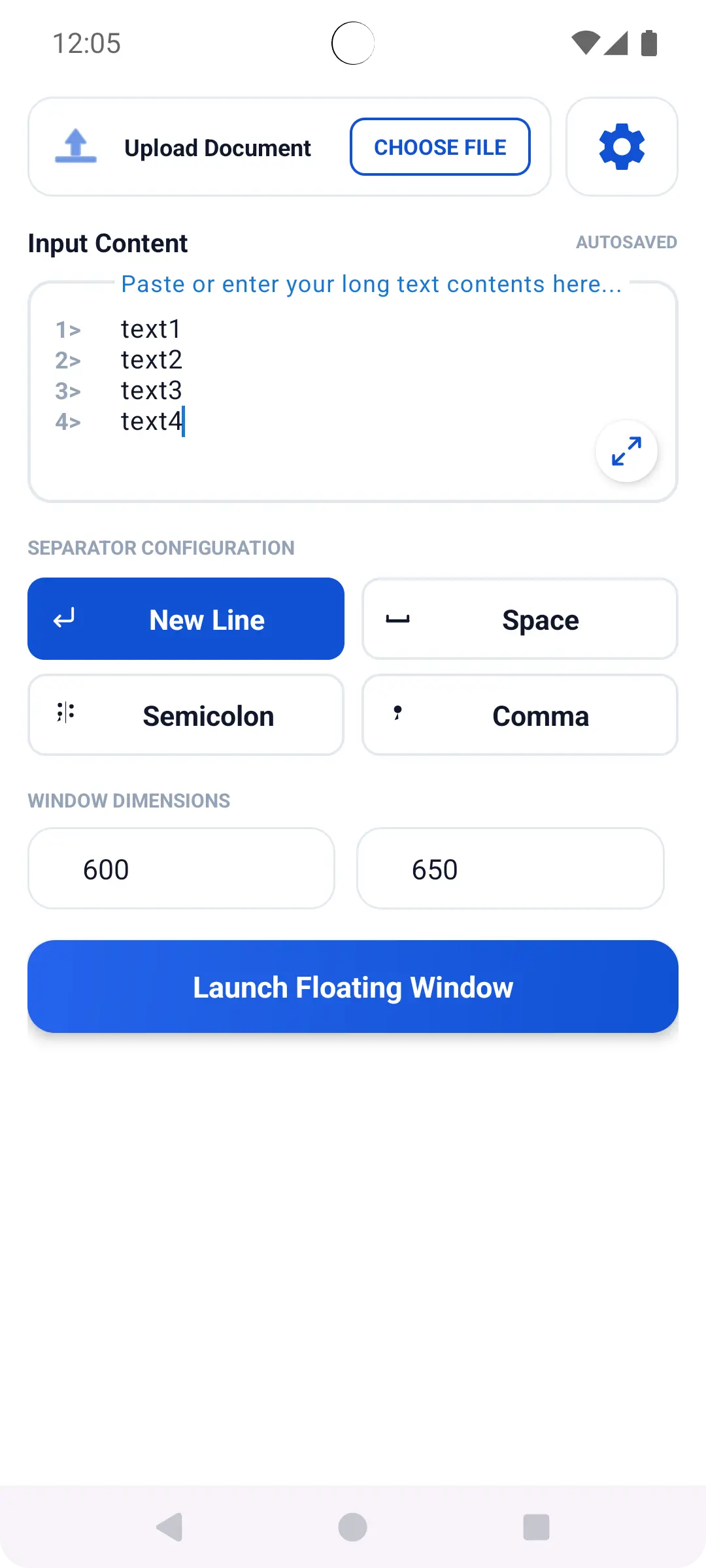
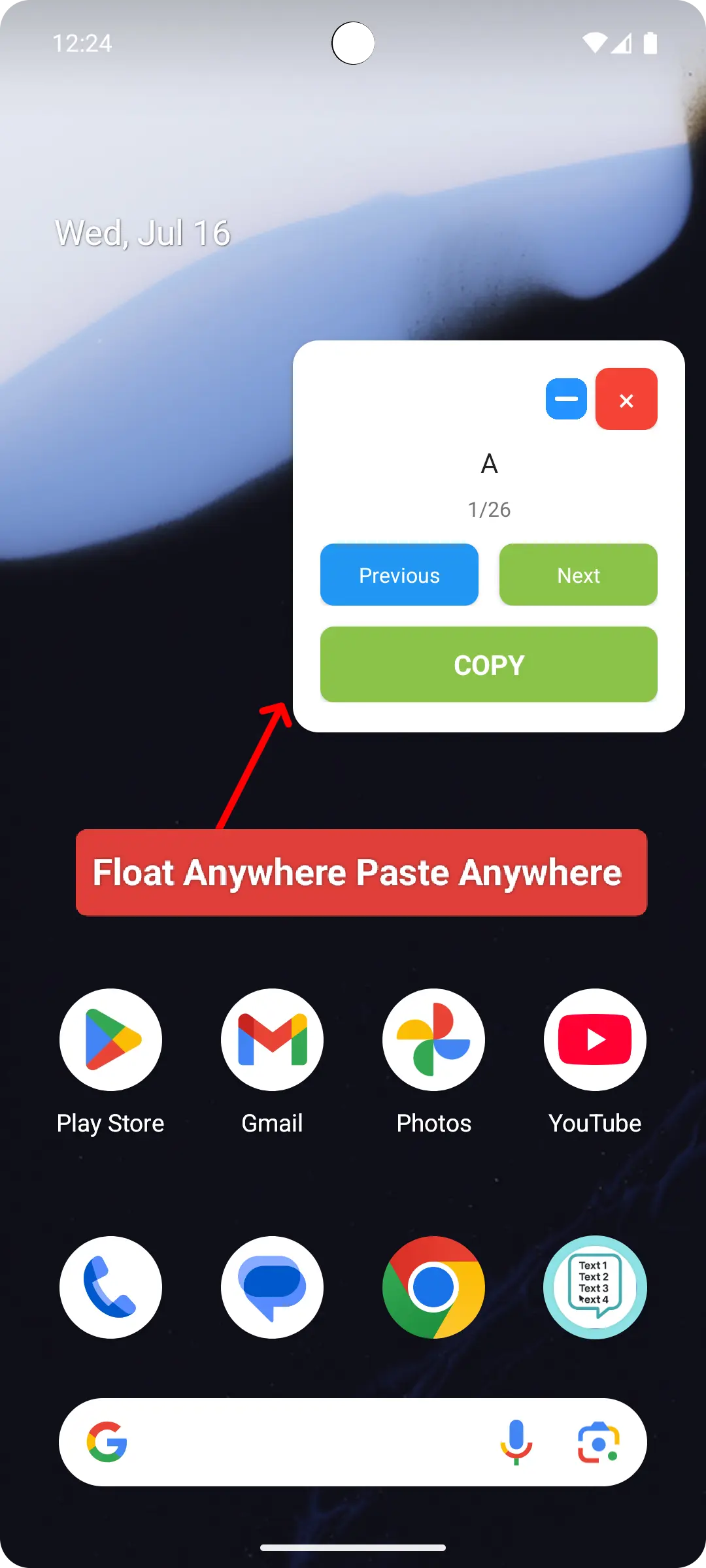
FloatText is a powerful productivity tool designed to make copying, managing, and accessing text easier. With its floating clipboard window, you can keep important text snippets accessible on your screen while using other applications.
Stop switching between apps just to copy and paste text. FloatText makes multitasking faster, smoother, and more convenient.
Key Features
1. Floating Clipboard Window
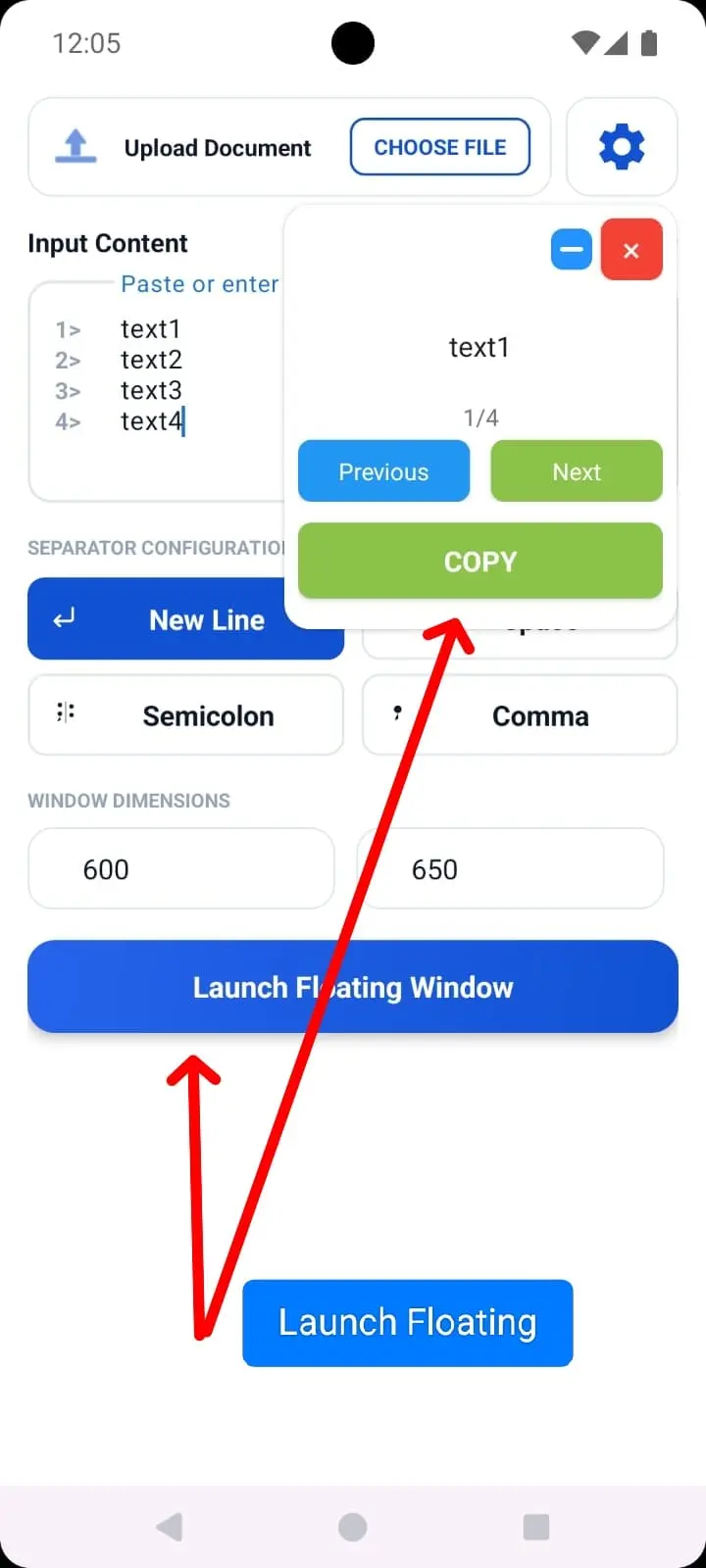
Access your saved text through a floating window that stays on top of other applications.
2. Quick Copy with One Tap
Copy individual text lines instantly without manually selecting and copying text repeatedly.
3. Multiple Text Support
Keep multiple lines of text organized and access them whenever needed.
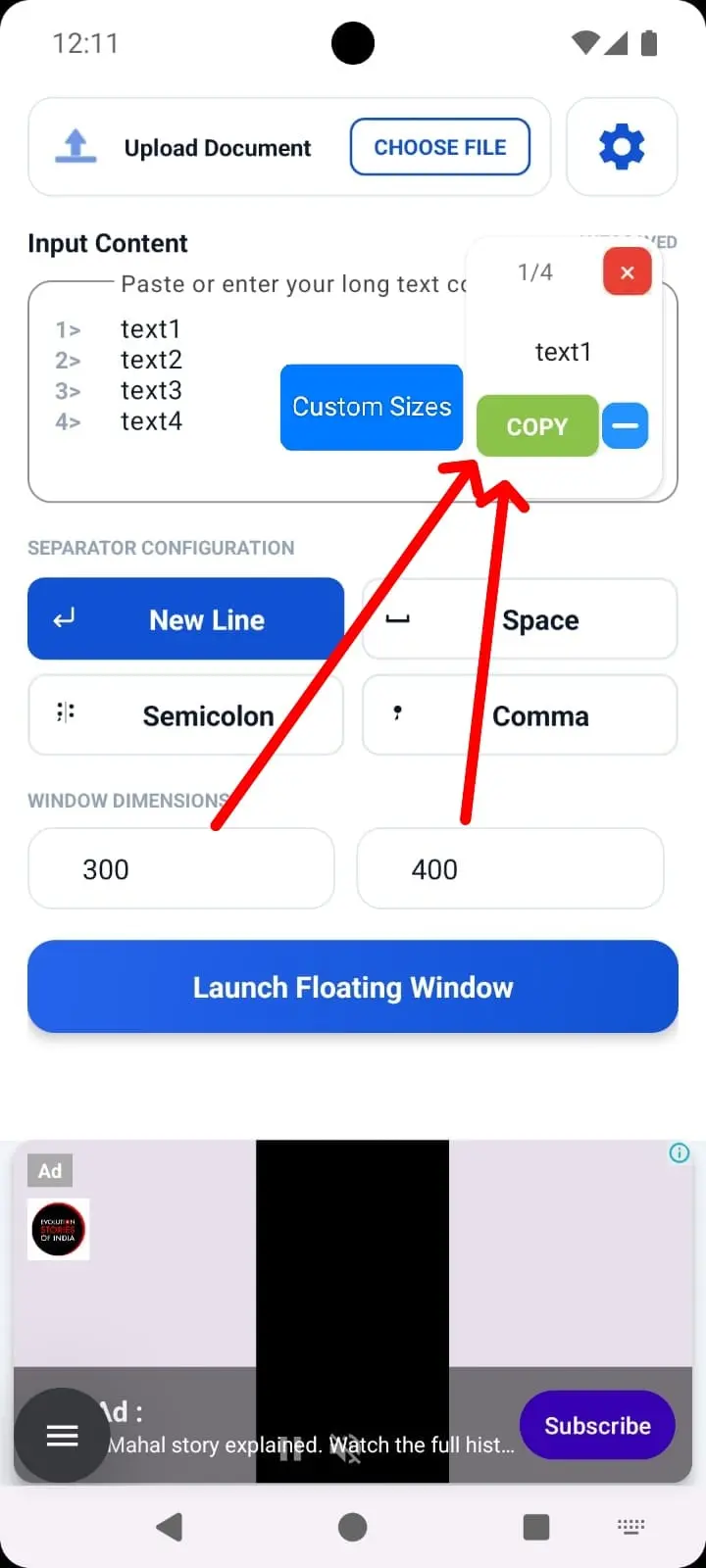
4. Movable & Resizable Window
Position and resize the floating window according to your preferences.
5. Easy Text Navigation
Move between different text entries using simple navigation controls.
6. Floating Bubble
Quickly access FloatText through its convenient floating interface.
7. Productivity & Multitasking
Work across multiple applications without constantly switching screens.
Who Can Use FloatText?
- Students managing notes, answers, and study material.
- Developers copying code snippets and commands.
- Customer support agents handling repeated messages.
- Content creators managing captions and descriptions.
- Office professionals working with frequently used text.
- Anyone who regularly copies and pastes multiple pieces of text.
Why Choose FloatText?
FloatText simplifies everyday copy-and-paste tasks. Whether you are working, studying, coding, or managing repetitive messages, it helps you save time and improve productivity.
Download FloatText and experience a smarter way to copy, paste, and multitask!

No comments yet. Be the first to comment!