
Hey 👋
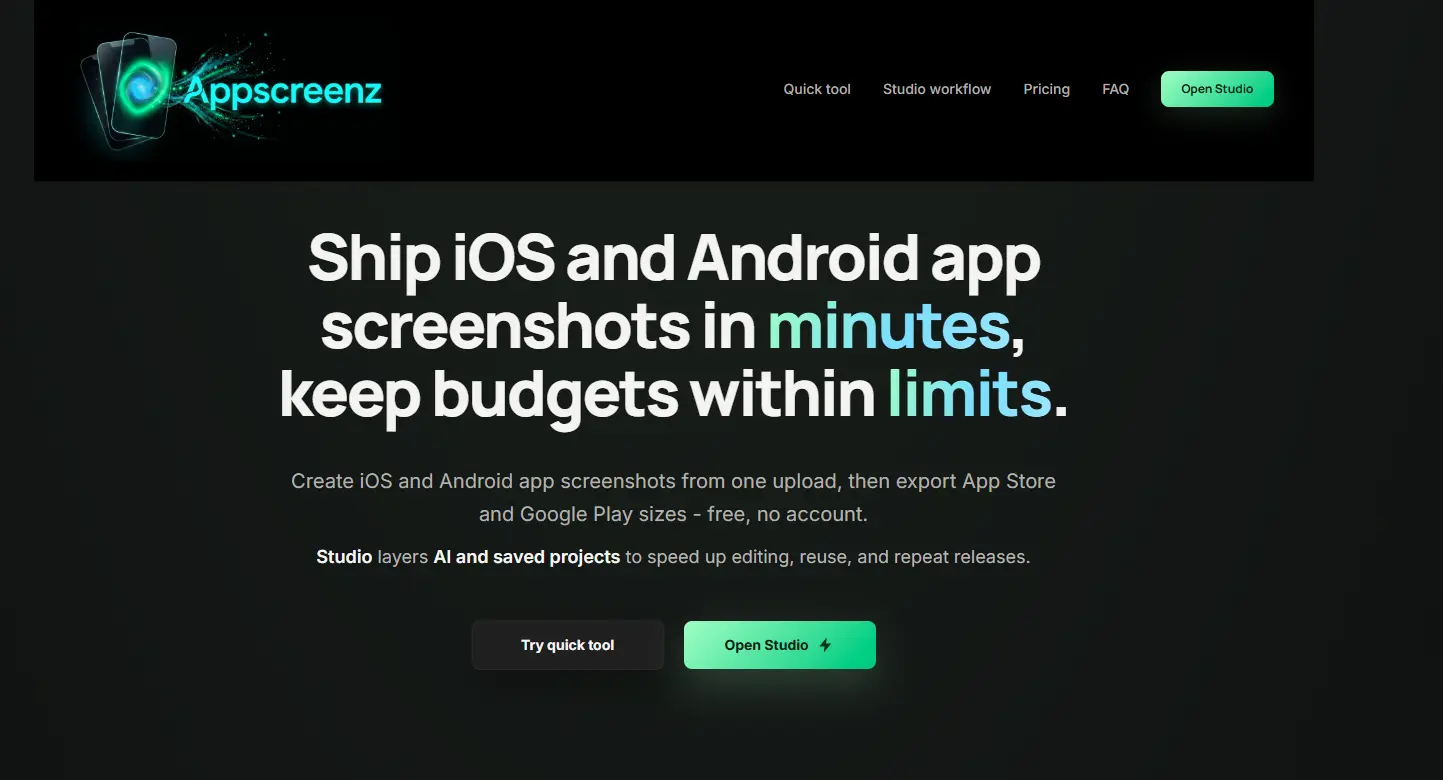
I built AppScreenz because preparing app store screenshots is still more annoying than it should be.
Every app launch or update needs the same repetitive work: correct dimensions, clean layouts, captions, mockups, exports, and making sure everything looks good for both the Apple App Store and Google Play.
AppScreenz has two parts:
1. A free quick tool where you can upload screenshots, add captions/framing, and export store-ready sizes without an account.
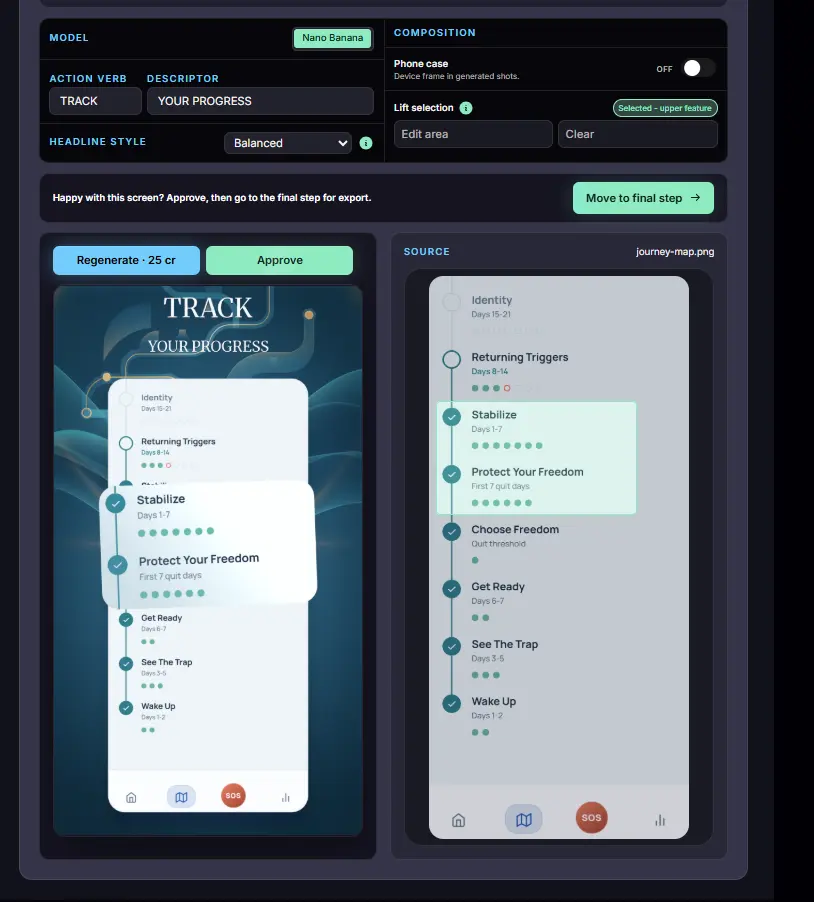
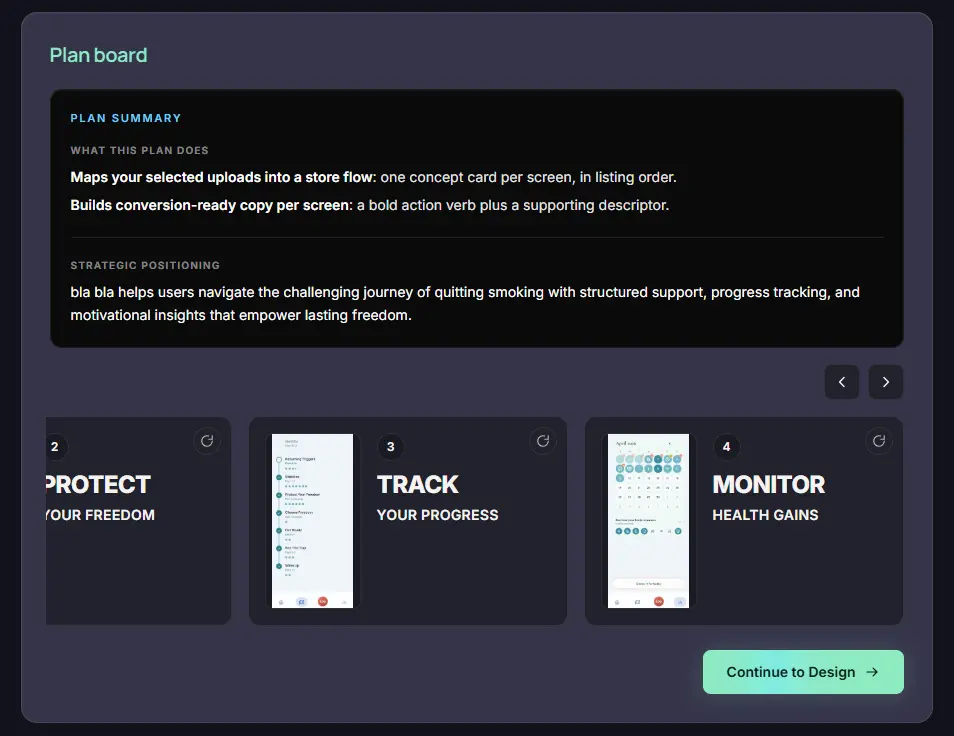
2. AppScreenz Studio, an AI-assisted workflow for planning the screenshot story, generating better visuals, saving projects, and preparing final assets faster.
The goal is simple: help app makers go from raw screenshots to upload-ready assets in minutes.
I’d love your feedback:
What is the most painful part of preparing app store screenshots for you — dimensions, design, copy, or exporting?




Thanks a lot for the tool. Cheap and very efficient [time-saving].
Keep up the good work
Cheers
Login to post a comment.