Noticky Wall is a visual workspace for notes, ideas, diagrams, planning, and the files around them.
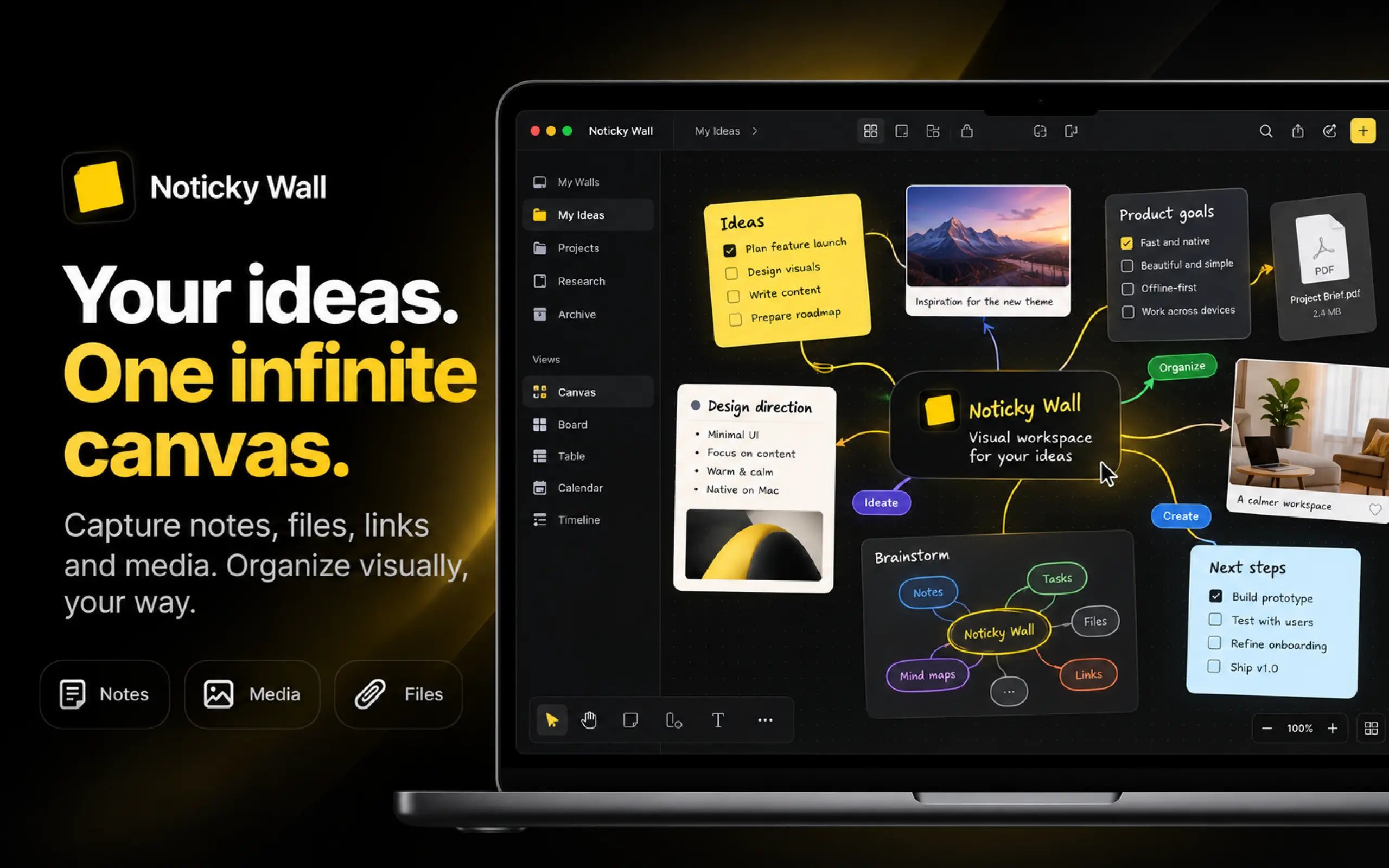
It gives you an infinite canvas where you can freely organize sticky notes, text, images, links, tasks, mind maps, flowcharts, and other visual content without forcing everything into a rigid document structure.
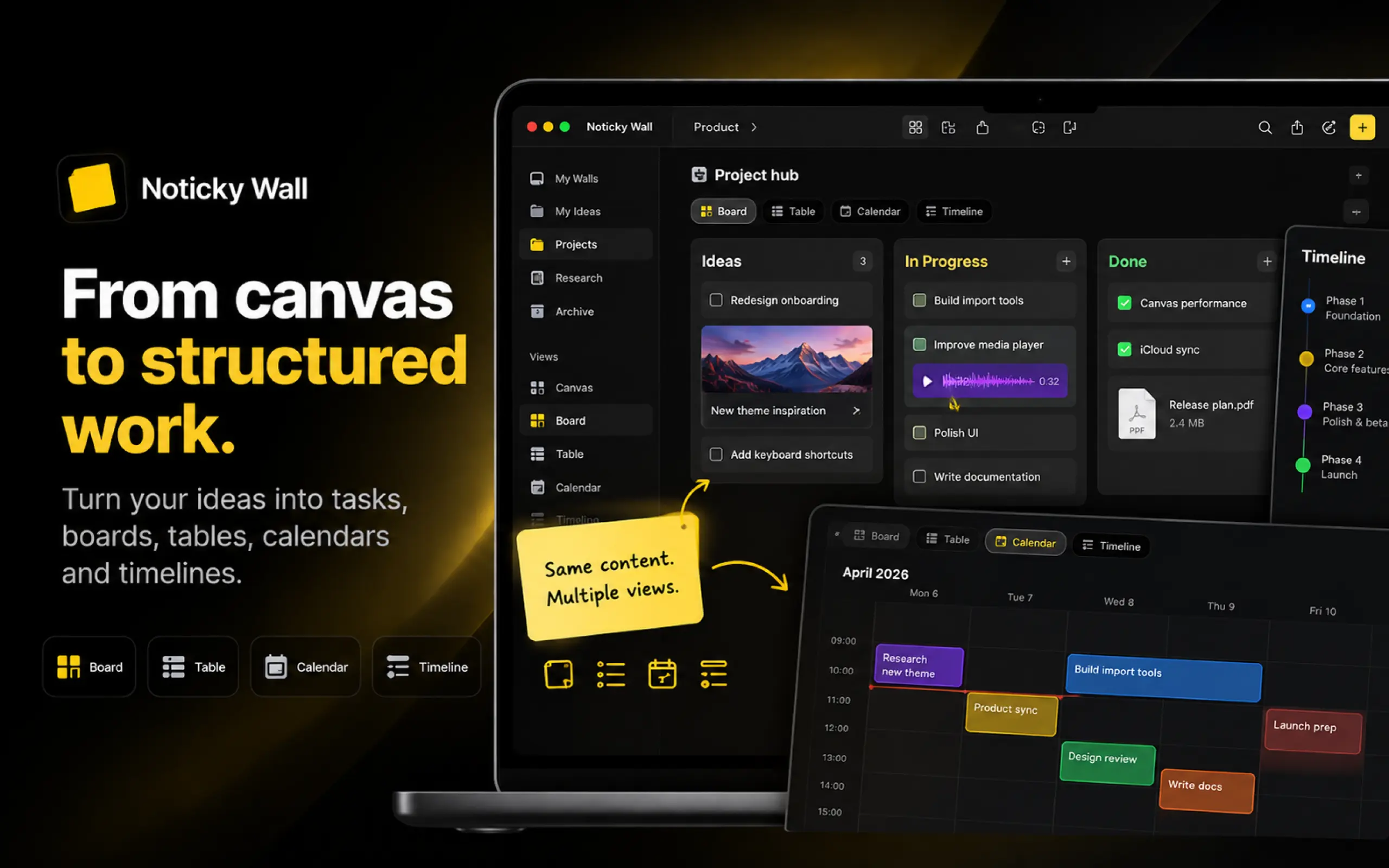
You can turn the same information into more structured views such as Boards, Tables, Calendars, and Timelines, making Noticky Wall useful for brainstorming, project planning, research, product work, content planning, and personal knowledge management.
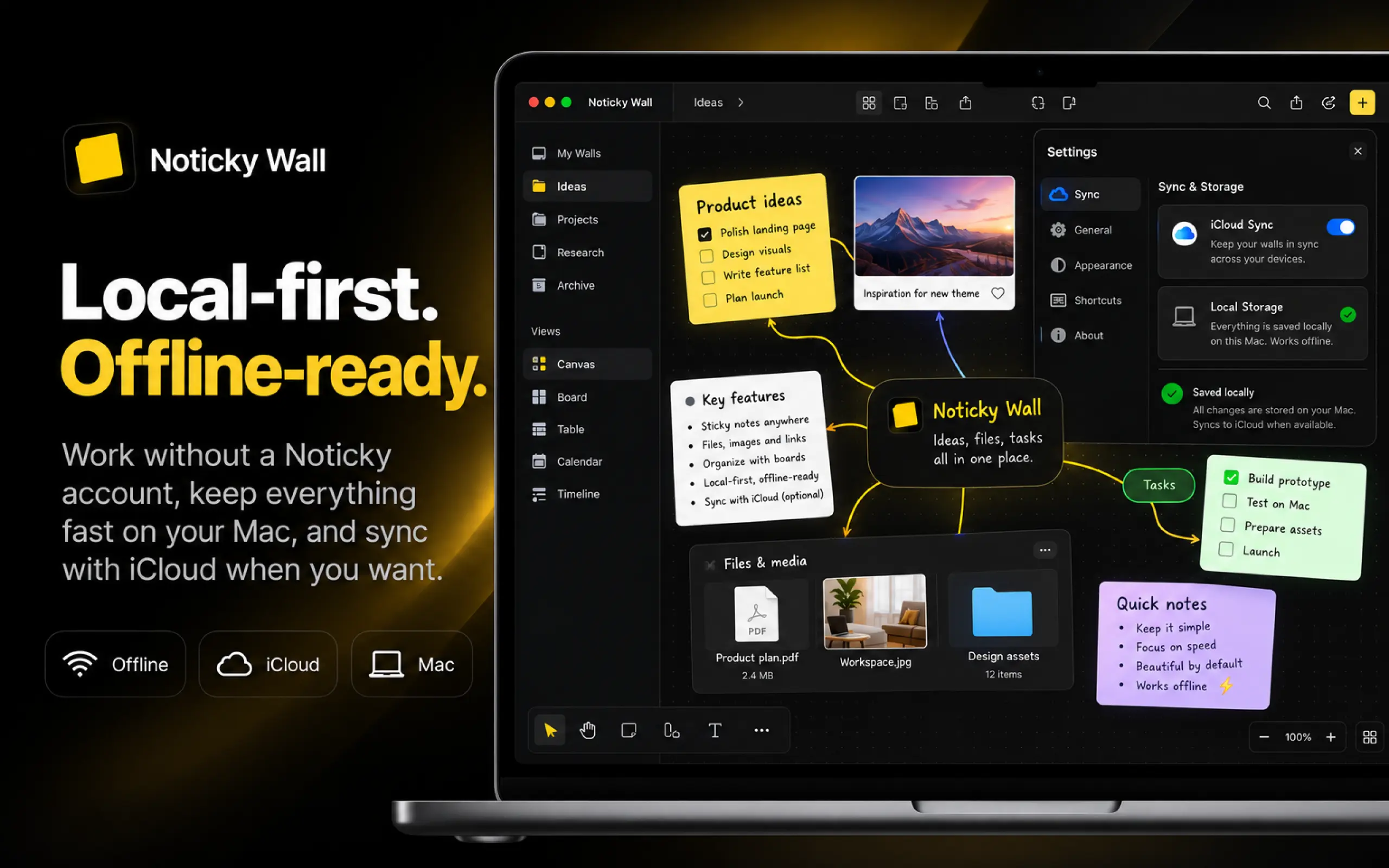
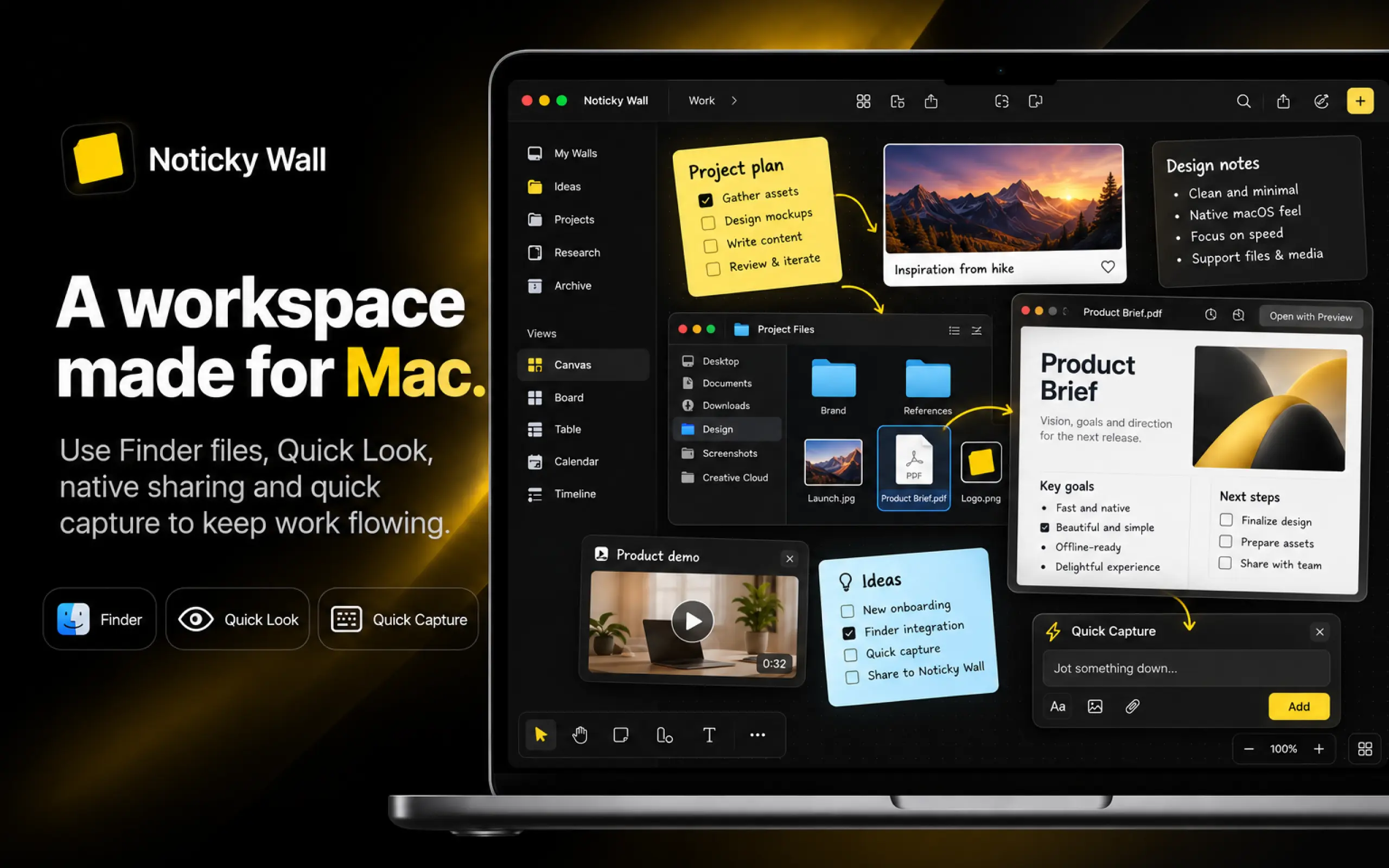
Noticky Wall is available for free on the web, while Noticky Wall for Mac adds a more powerful desktop experience with local-first workspaces, native file integration, multi-window support, split workspaces, watched folders, imports, media notes, and iCloud sync.
The goal is simple: combine the freedom of a whiteboard with the organization of a productivity tool, without the complexity of enterprise platforms.
It is built for indie founders, developers, designers, students, creators, and small teams who want a fast and flexible place to think visually and organize their work.
Key features include:
- Infinite visual canvas
- Notes, tasks, images, links, and files
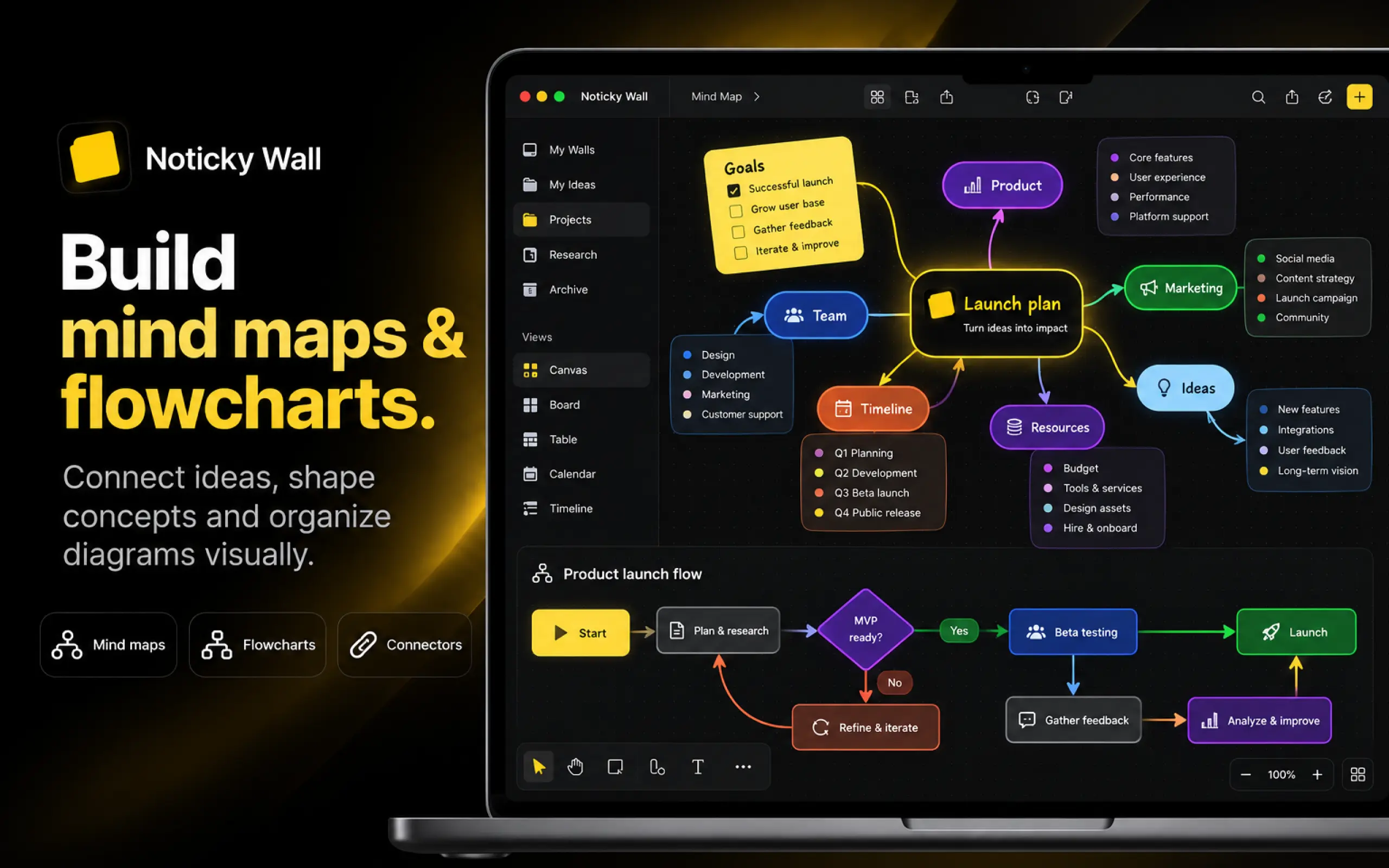
- Mind maps and flowcharts
- Smart connectors
- Boards, Tables, Calendars, and Timelines
- Quick Capture
- Multiple spaces and workspaces
- Cross-space move, copy, and references
- Multi-window and split workspace on Mac
- Markdown and JSON Canvas imports
- Watched folders
- Timestamped media notes
- Local-first Mac workspaces
- iCloud sync
- Optional Noticky Cloud
- Free web version
Noticky Wall for Mac is a one-time purchase, with no subscription required for the desktop app.

No comments yet. Be the first to comment!