
Resoomer
AI-driven tool for instant, concise text summarization online.
 resoomer.com
The internet was supposed to make information easier to access.
Instead, it made information endless.
Every day we open:
And somehow, we’re expected to process all of it quickly.
Most people don’t have a reading problem anymore.
They have an information overload problem.
That’s exactly the problem Resoomer is trying to solve.
Modern reading workflows are messy.
You open an article.
Then copy the text into a summarizer.
Then open another tool to translate it.
Another one to paraphrase it.
Another AI tool to rewrite it.
Another app to listen to it.
Suddenly, a simple task becomes:
10 tabs,
5 subscriptions,
and endless copy-pasting.
For students, researchers, professionals, and even casual readers, this gets exhausting fast.
Resoomer takes a very different approach.
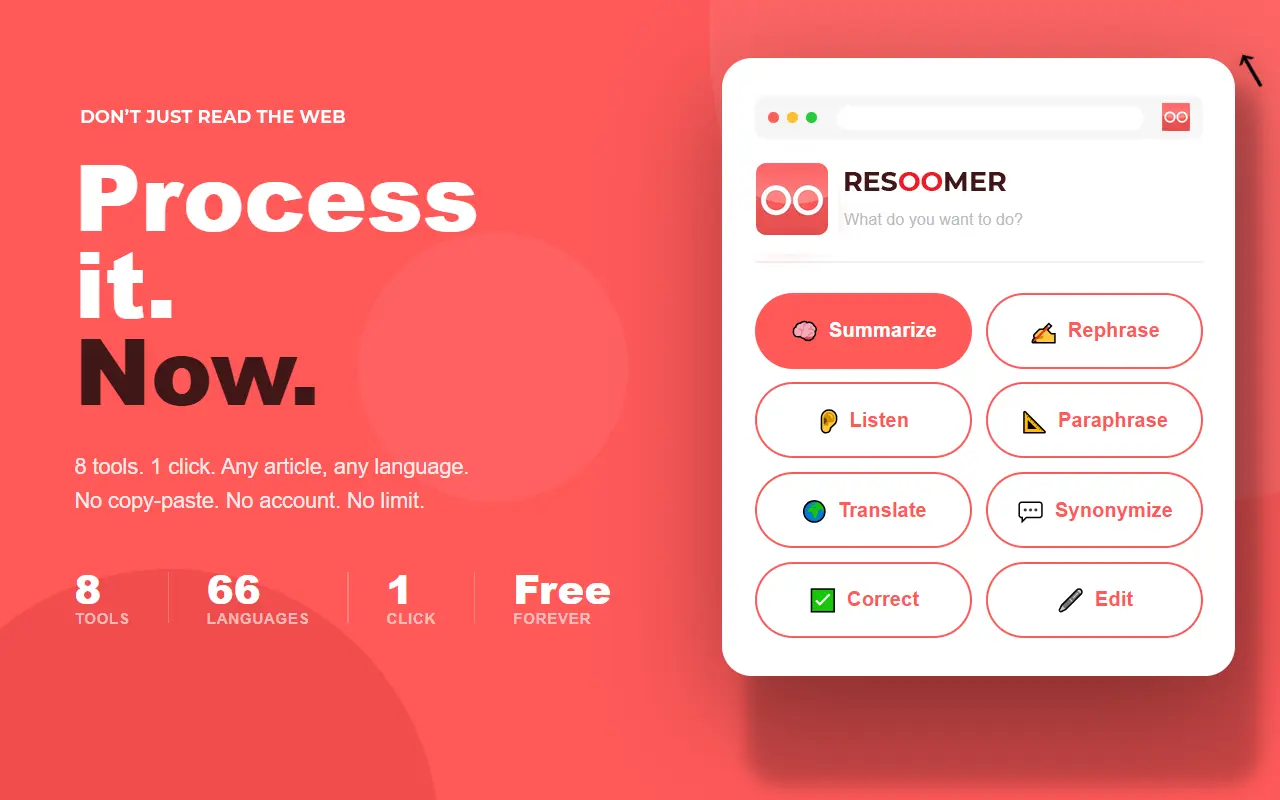
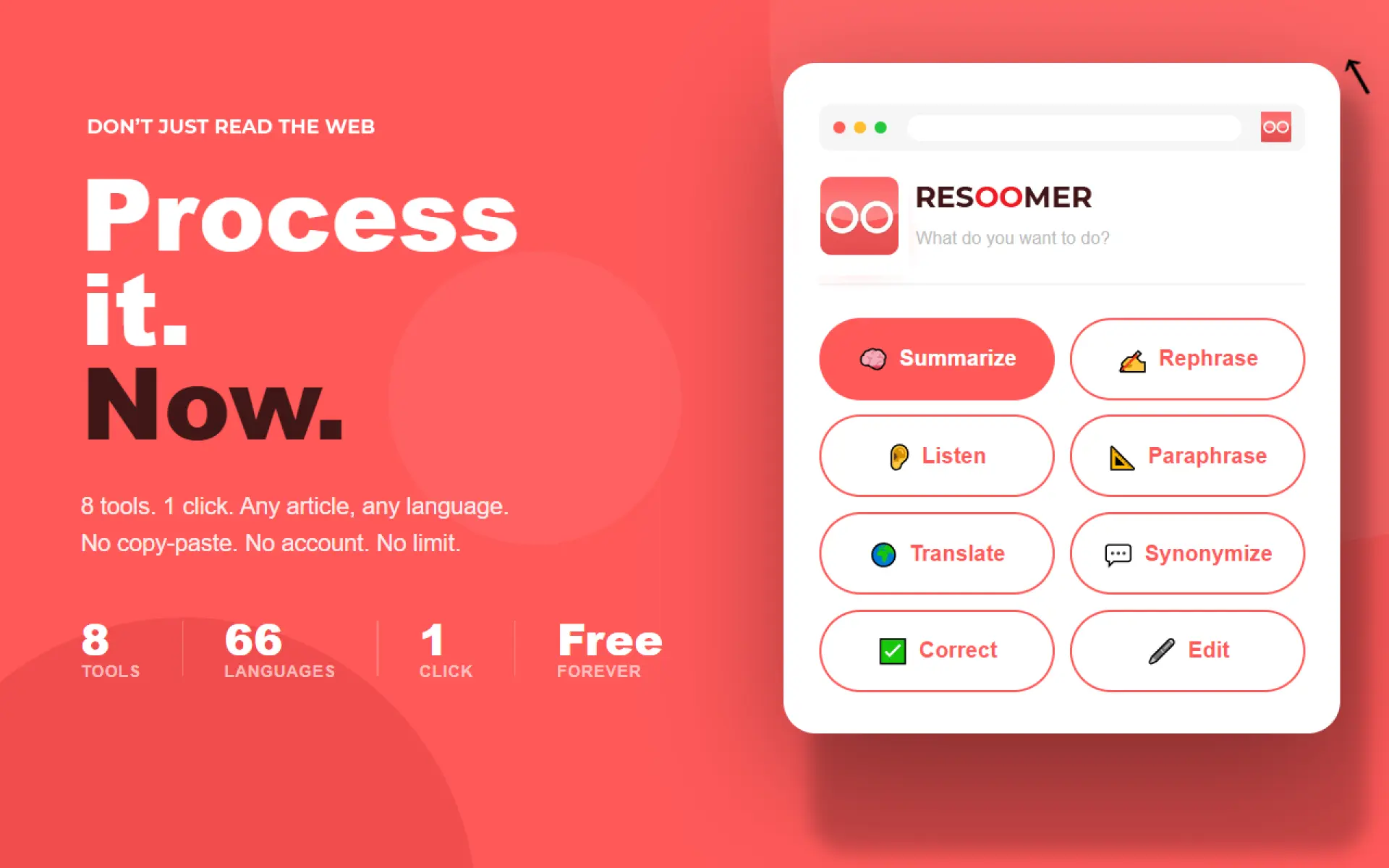
Resoomer is an AI-powered browser extension designed to help users process online information instantly.
Instead of functioning as “just another summarizer,” the platform acts more like a complete cognitive toolkit directly inside the browser.
With one click, users can:
And unlike many AI tools today:
The experience feels surprisingly frictionless.
There are thousands of AI tools online right now.
Most promise:
But many of them introduce a new problem:
complexity.
You create accounts.
Buy subscriptions.
Learn prompts.
Manage credits.
Switch between platforms.
Resoomer seems to focus on the opposite philosophy:
remove friction entirely.
The tool works directly from any webpage through the browser extension.
You click.
Choose an action.
The content gets processed instantly.
That simplicity is what makes the experience stand out.
People underestimate how mentally draining information overload has become.
Students are overwhelmed by academic reading.
Professionals deal with endless reports.
Readers struggle with articles written in unfamiliar languages.
Researchers spend hours extracting key ideas from massive documents.
The problem is no longer access to information.
The problem is processing it efficiently.
Resoomer addresses this in a very practical way.
Instead of trying to replace thinking, it helps users navigate information faster and more clearly.
One interesting thing about Resoomer is that the platform has existed since 2016 — long before the current AI explosion.
And while many modern AI startups optimize for:
Resoomer appears to follow a much simpler vision:
AI tools should be fast, accessible, and usable instantly.
No friction.
No learning curve.
No unnecessary barriers.
That philosophy feels increasingly rare today.
Resoomer is especially useful for:
Basically, anyone who consumes large amounts of information online.
AI is changing how people interact with information.
But the best AI tools may not be the ones with the flashiest interfaces or the most complicated features.
Sometimes, the most valuable tools are simply the ones that save people time and mental energy.
Resoomer doesn’t try to replace human thinking.
It tries to make understanding information online faster, simpler, and less overwhelming.
And honestly, that might be one of the most useful applications of AI rightnow.
What inspired you to build this?
I built OfferFlowAI out of personal frustration during my own job search.
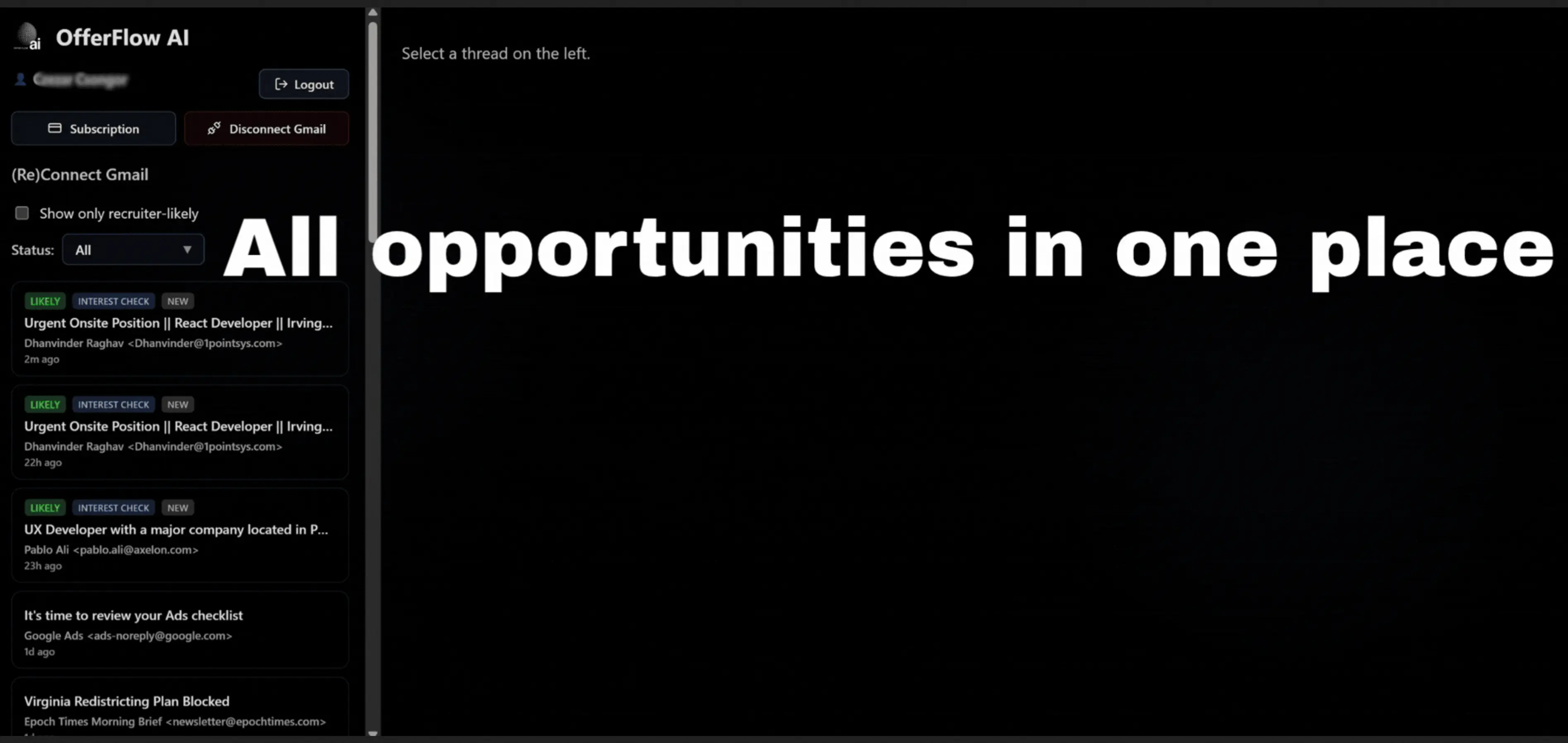
I was getting a lot of recruiter emails every day, different roles, different companies, follow-ups, scheduling… and it quickly became overwhelming. I found myself spending hours just trying to keep track of conversations and not miss opportunities.
There wasn’t really a simple way to organize everything in one place, so things would slip through the cracks.
What problem were you trying to solve?
The main problem is that job seekers don’t struggle with finding opportunities, they struggle with managing them.
Recruiter emails pile up fast:
conversations get lost
follow-ups are missed
it becomes hard to track what’s actually happening
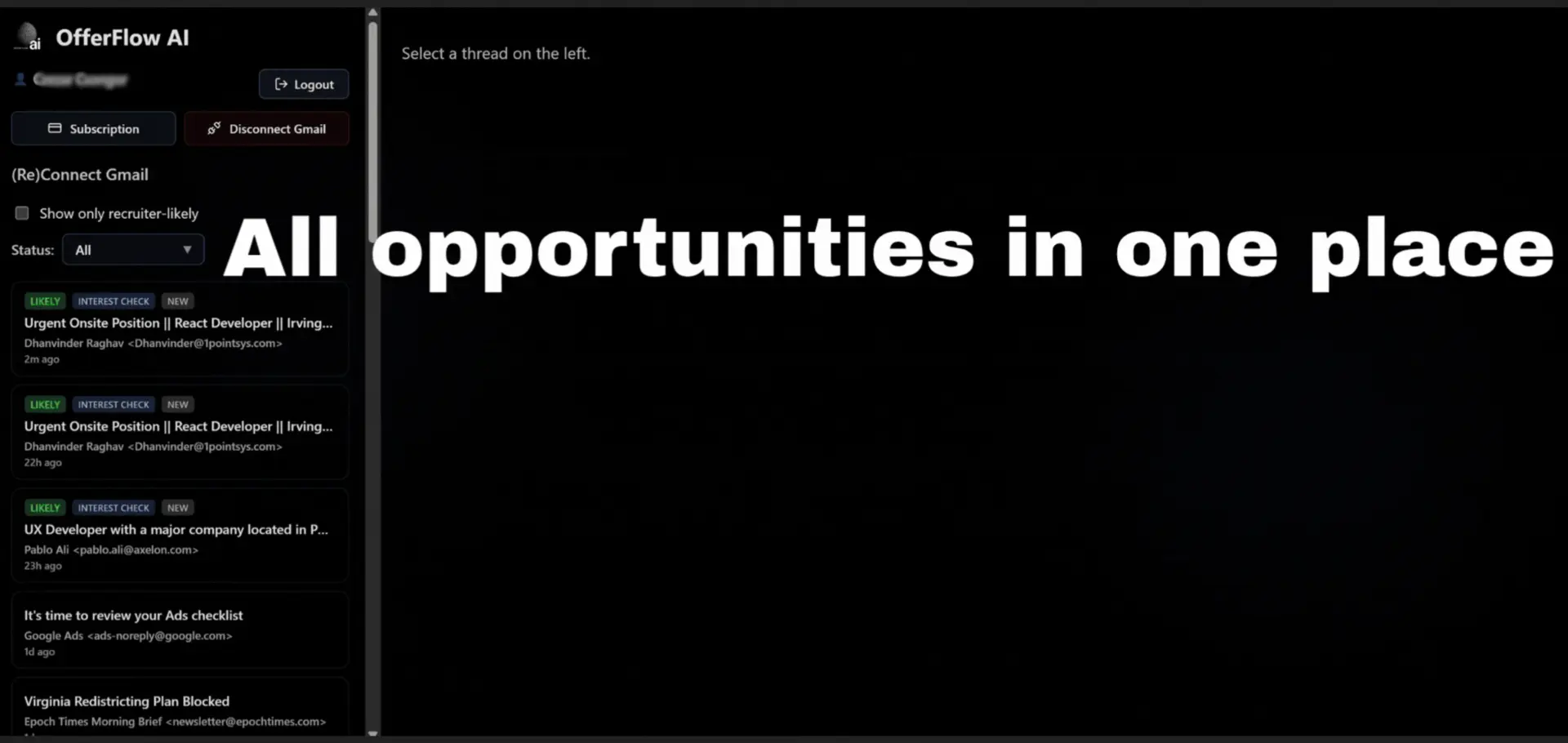
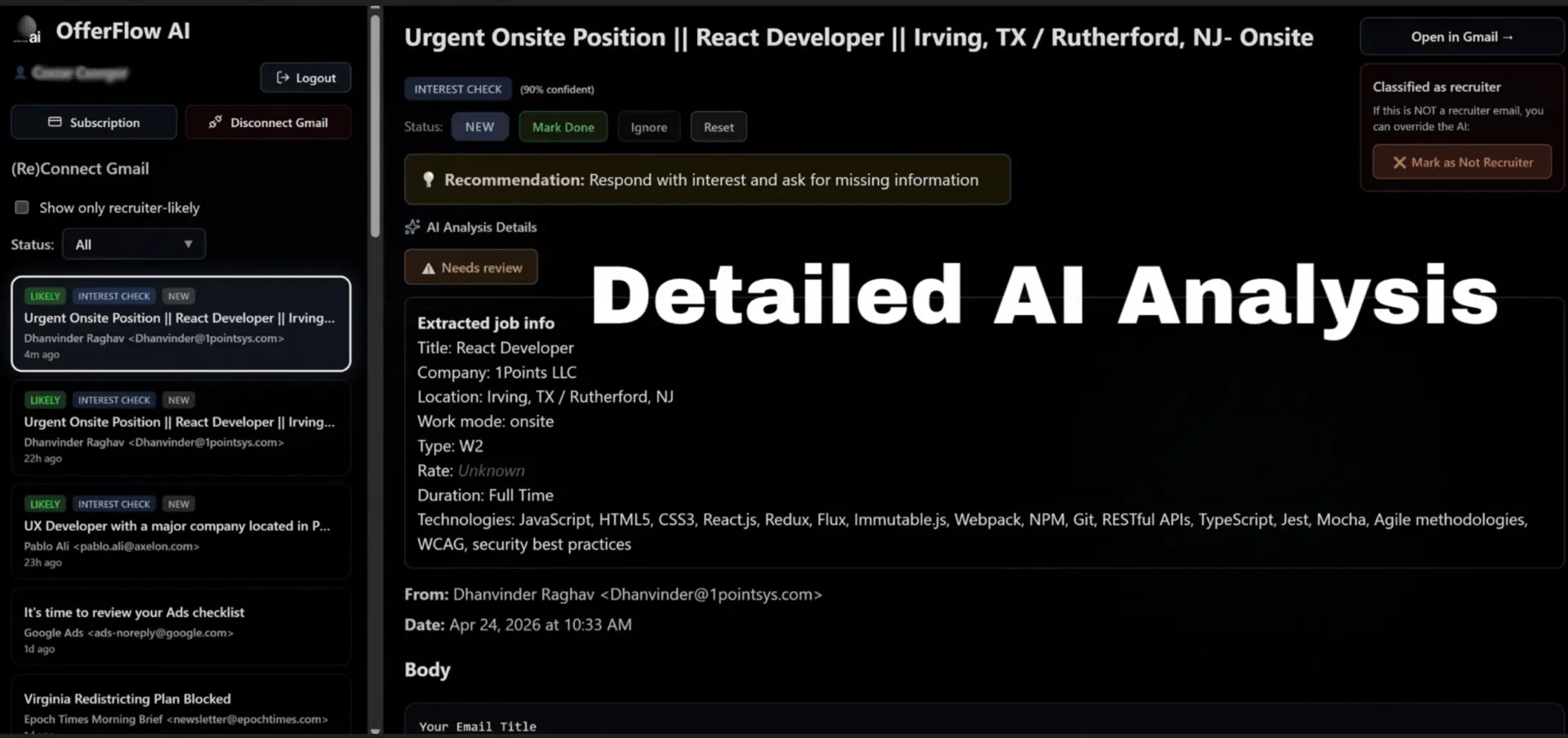
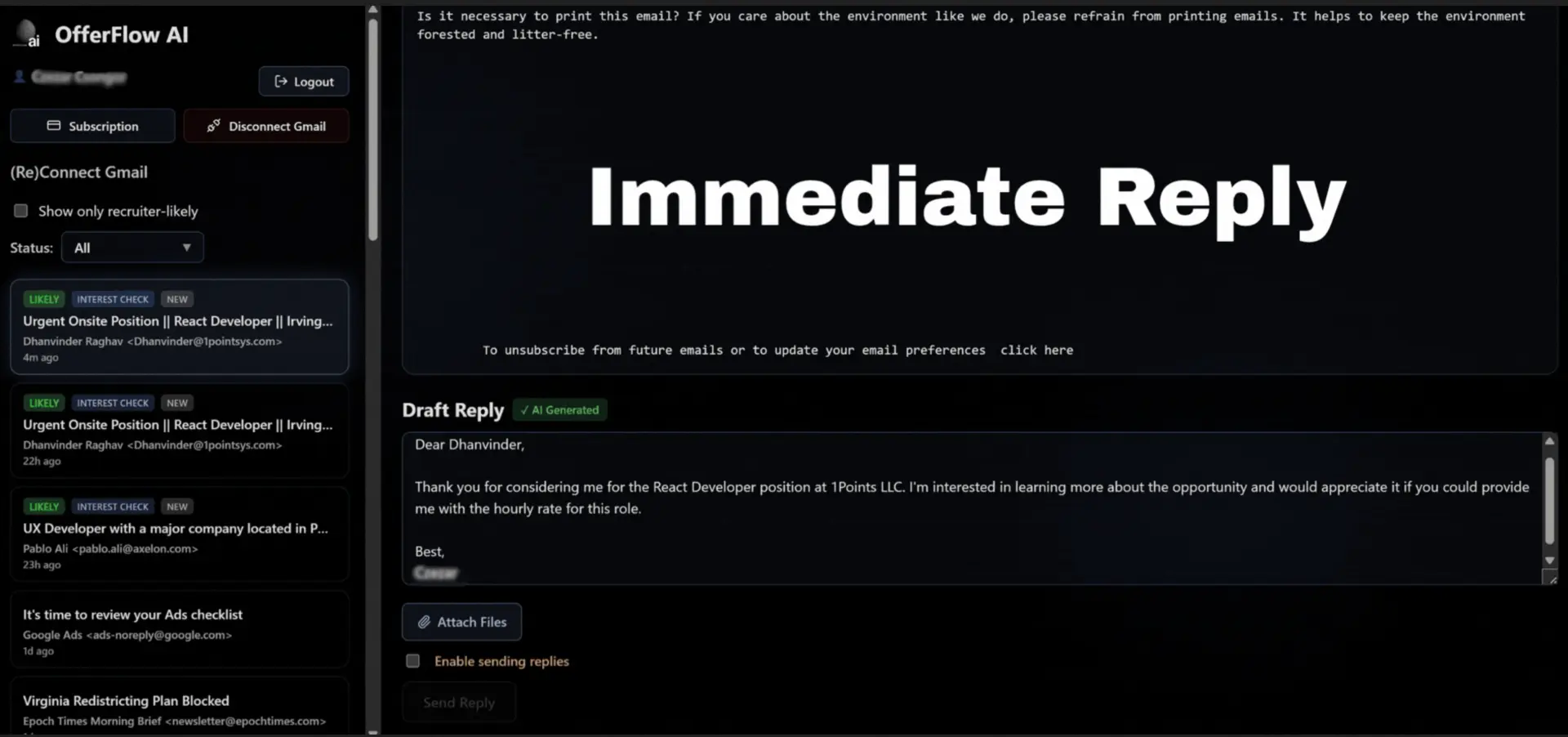
OfferFlowAI helps organize all of that into one clear workflow, so you can stay on top of every opportunity without the chaos.
How did your approach evolve while working on this launch?
Initially, I thought this would be more of a simple email assistant.
But while building and using it myself, I realized the real value is in structure, not just replying faster, but actually tracking and managing conversations properly.
So the product evolved into more of a workflow tool:
It all started with a frustrated meal order in a tiny, beautiful village in Vietnam. I was pointing at a menu, miming a chicken, and hoping for the best. I ended up with soup I didn’t order and a smile I couldn’t translate. That moment made me realize: traveling the world shouldn’t require mastering 10 languages just to connect with people or get simple things done.
So I built TapTalkie – a simple, visual way to communicate instantly while traveling. No words. No translation errors. Just universal images that get the point across – fast.
There are plenty of translator apps, but most:
TapTalkie is different. It’s lightweight, works offline, and is built around instant image-based communication. Want to ask for the restroom, order vegan food, or find a pharmacy? Just tap the image and show it. Done.
No typing. No speaking. No awkwardness.
Just Tap. Show. Connect.
This is our very first version, and it already solves a real-world problem that I, and countless travelers, face every day. What I’m most proud of is how:
TapTalkie may be small and simple today – but with your feedback, it’ll grow into a powerful travel companion that helps millions feel understood anywhere in the world.
I’d love for you to try it, break it, and tell me how to make it better.
Thanks for reading, and happy travels! 🌏✈️