
Supercharge Grok with folders, chat export, prompt library, and AI prompt enhancement.
Toolbox for Grok is the ultimate productivity companion for Grok users. Transform your chat experience with a suite of professional grade tools designed to help you organize, automate, and get more out of your AI conversations.
Whether you are a power user, researcher, or developer, Toolbox for Grok streamlines your workflow directly within the Grok interface.
KEY FEATURES
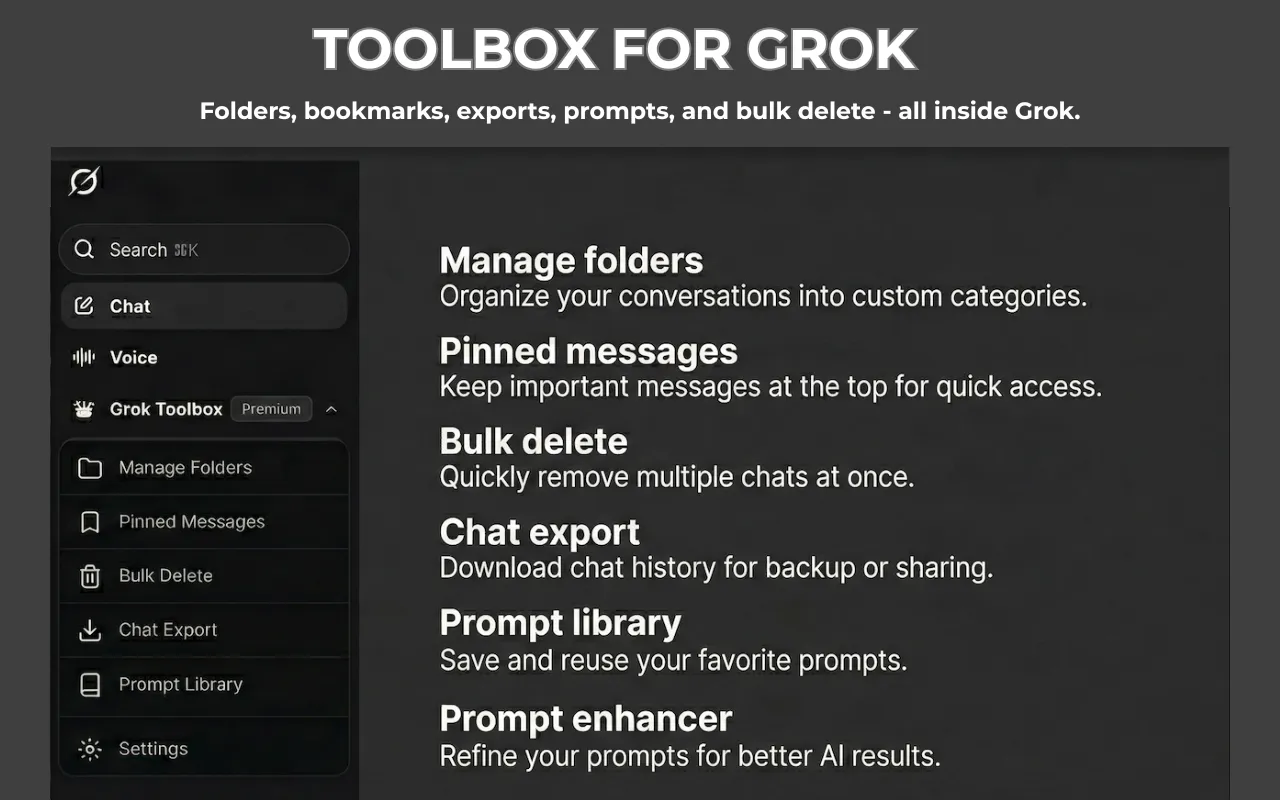
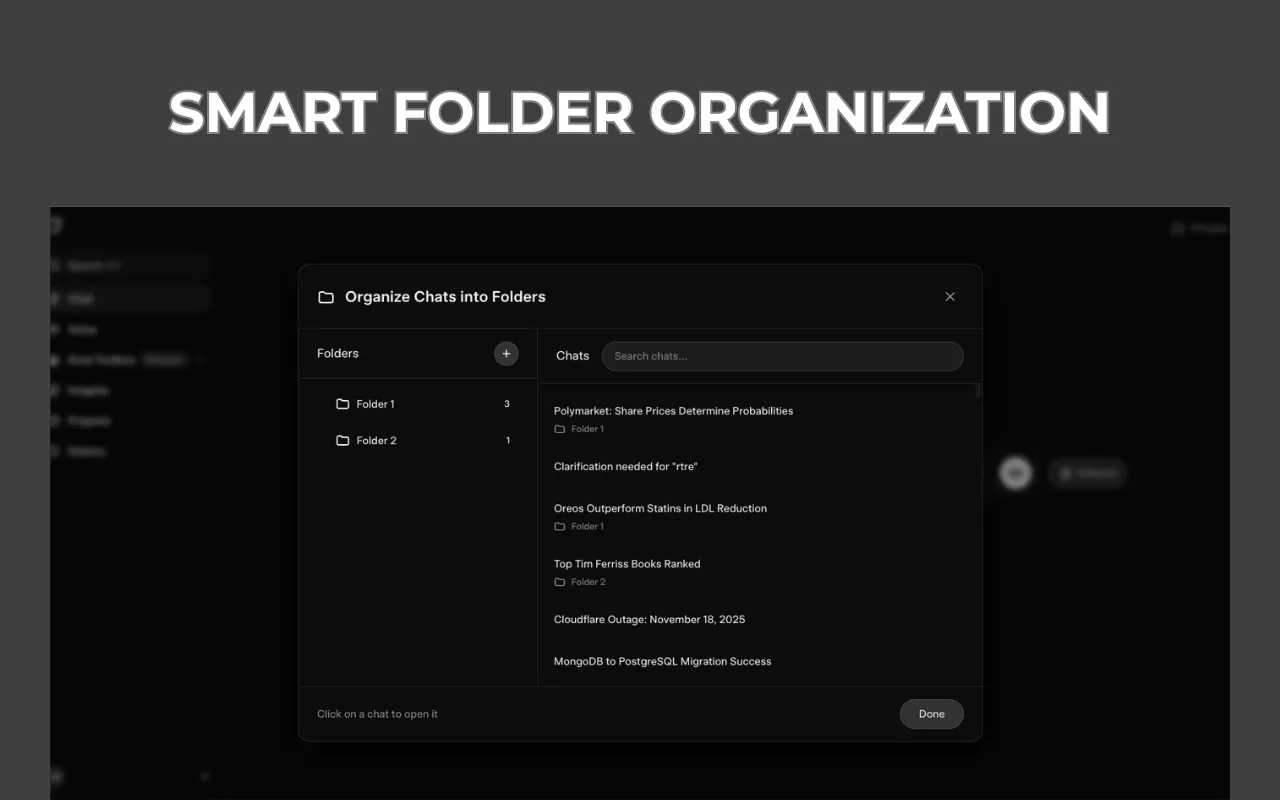
📂 Advanced Folder Management
• Organise your chats into custom folders with unique colors and icons.
• Drag and drop interface for easy organization.
• Create nested folders (up to 5 levels deep) for structured project management.
• Real time sync across all your tabs.
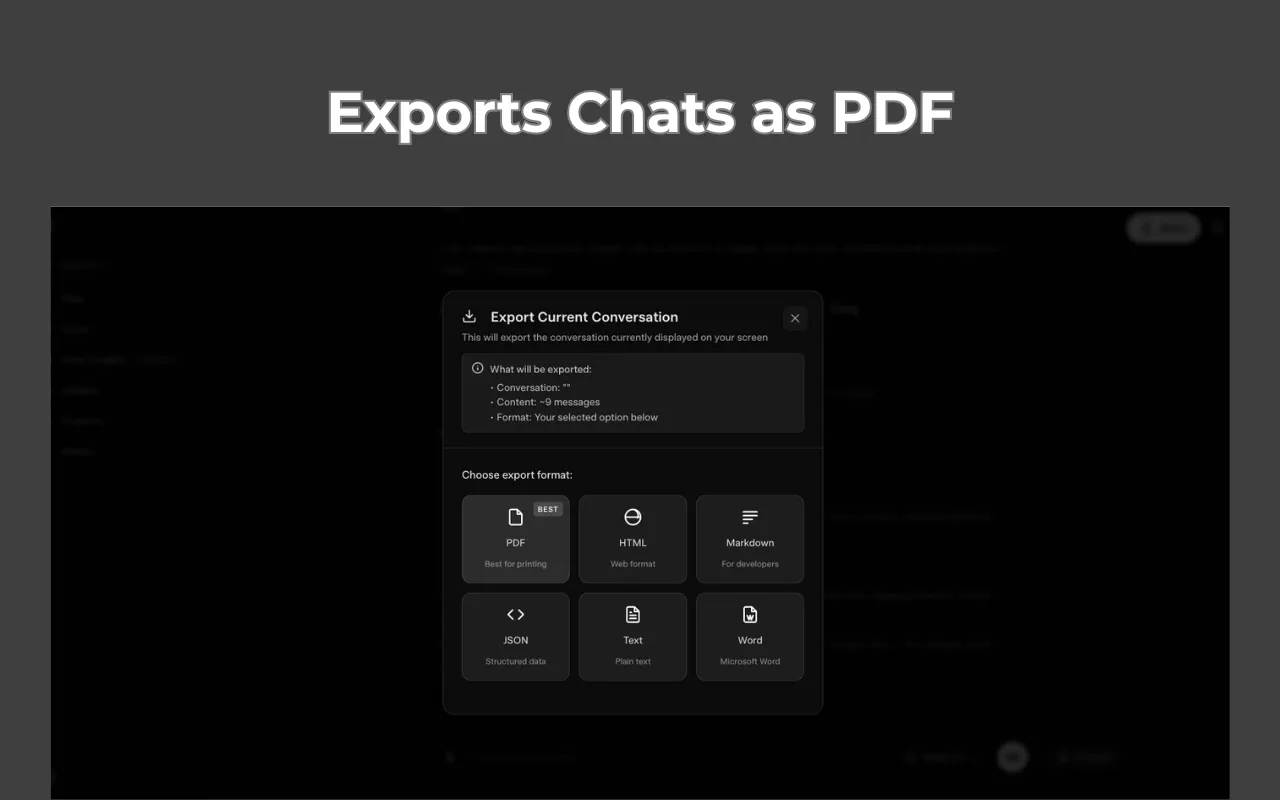
💾 Universal Chat Export
• Save your conversations in multiple formats.
• Preserves all formatting, code blocks, and conversation structure.
• Ideal for archiving research, sharing logs, or continuing work offline.
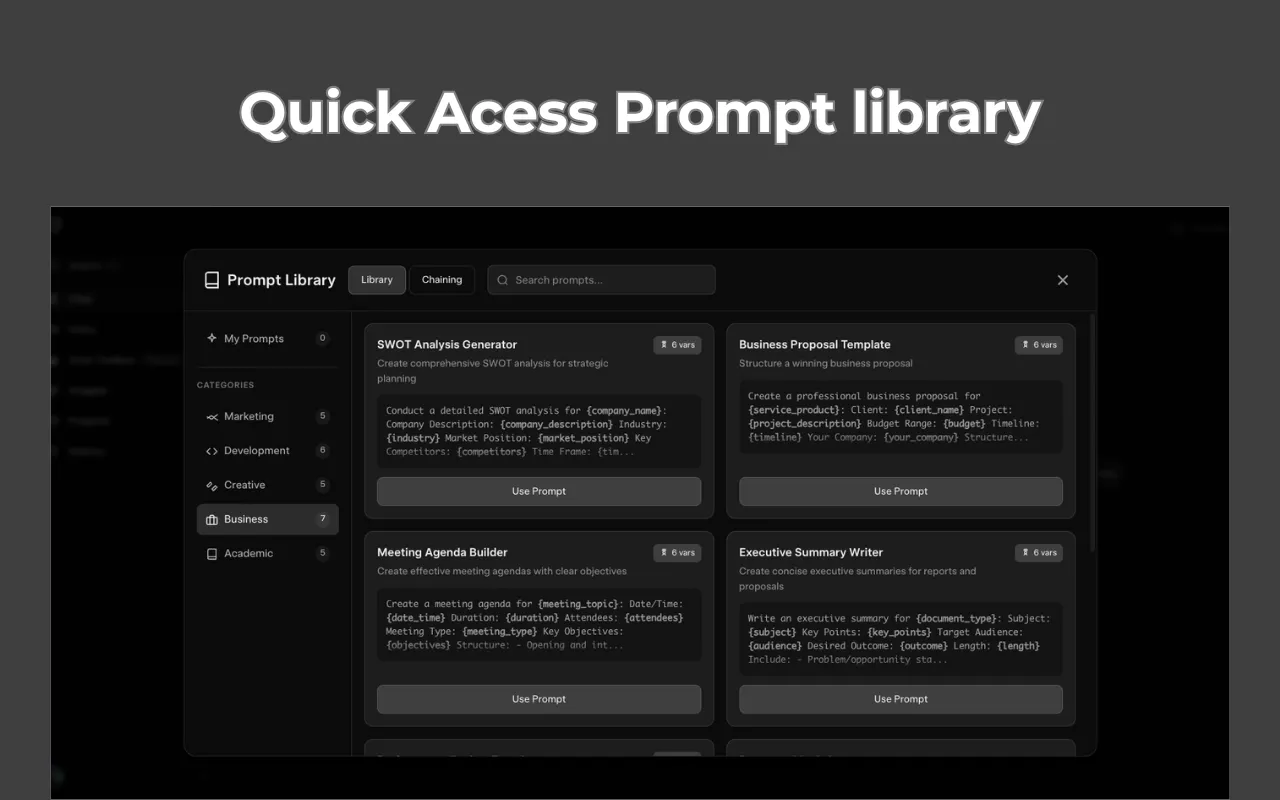
📚 Smart Prompt Library
• Access 20+ professional, ready to use prompts for coding, writing, and analysis.
• Save your own custom prompts with variable support (for example {{topic}}) for reusable templates.
• Quickly insert prompts into any chat with a single click.
✨ AI Prompt Enhancement
• Not sure how to phrase a request? Let the AI refine your prompt for better results.
• Automatically improves clarity, context, and structure to get the best answers from Grok.
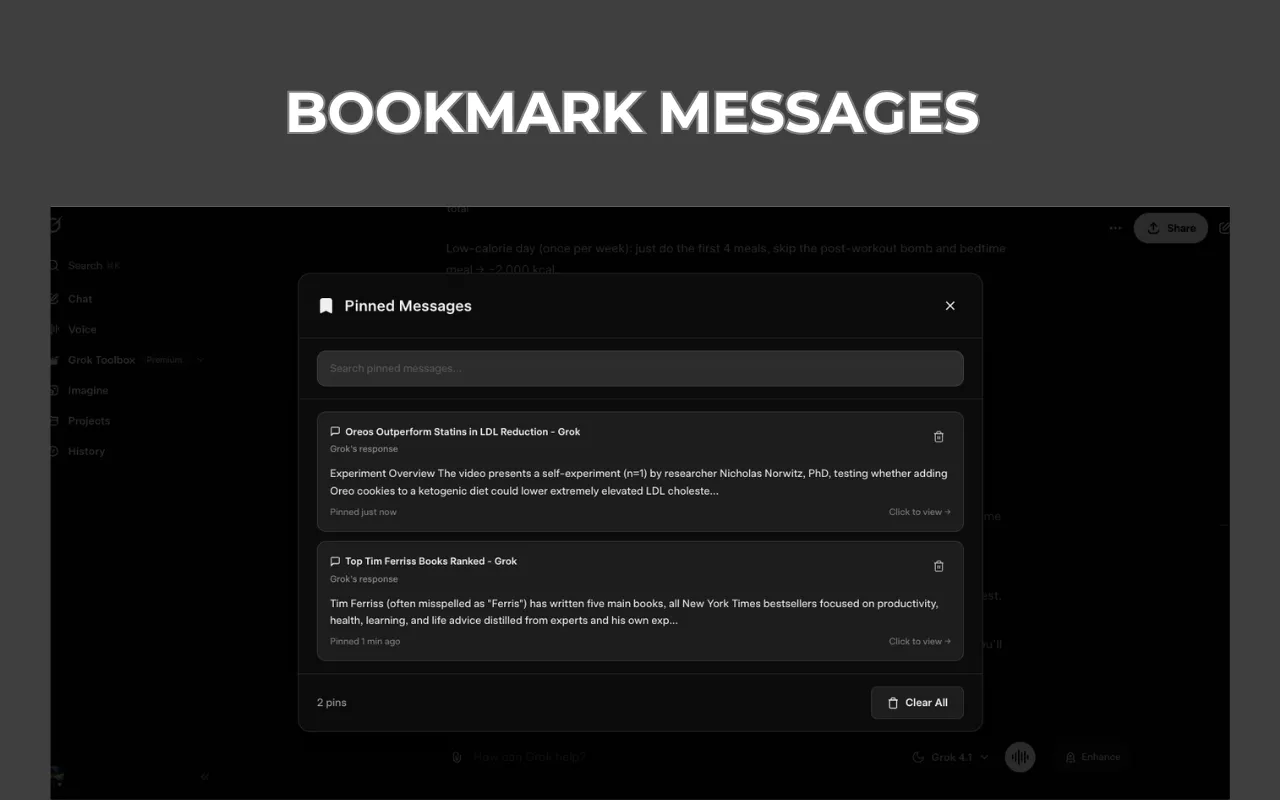
📌 Pinned Messages
• Never lose track of important details. Pin key messages within long conversations for instant access.
• Jump back to the exact context of any pinned message with one click.
⛓️ Prompt Chains (Workflow Automation)
• Create multi step workflows where the output of one prompt feeds into the next.
• Automate complex tasks such as “Research → Summarise → Format” in a single click.
🚀 Seamless Integration
• Adds a sleek, native feeling “Toolbox” menu directly to the Grok sidebar.
• Supports both Light and Dark modes automatically.
• Lightweight and privacy focused: no personal data is collected and your chats stay on your device.
Free vs Premium
Toolbox for Grok offers a generous free tier with access to all features (with limited usage).
Upgrade to Premium for unlimited folders, exports, prompts, and AI enhancements.
Note: This extension is an independent toolkit and is not affiliated with xAI or Grok.

No comments yet. Be the first to comment!