
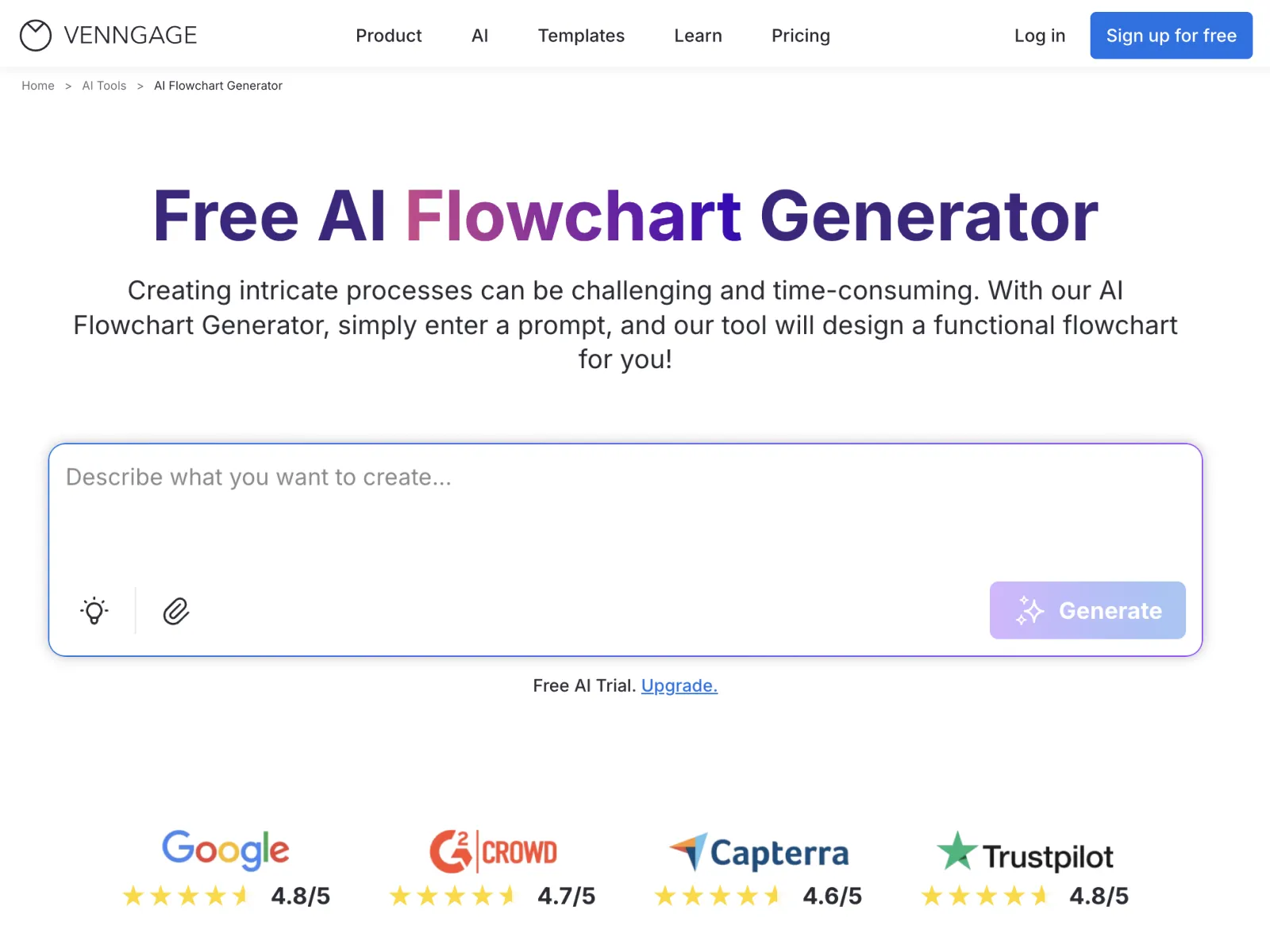
The AI Flowchart Generator helps teams turn written processes and ideas into clear, easy-to-follow flowcharts. Built on Venngage’s trusted design system and standard flowchart conventions, it makes process visualization more approachable—whether you’re documenting workflows, planning projects, or explaining decisions.
How It Works:
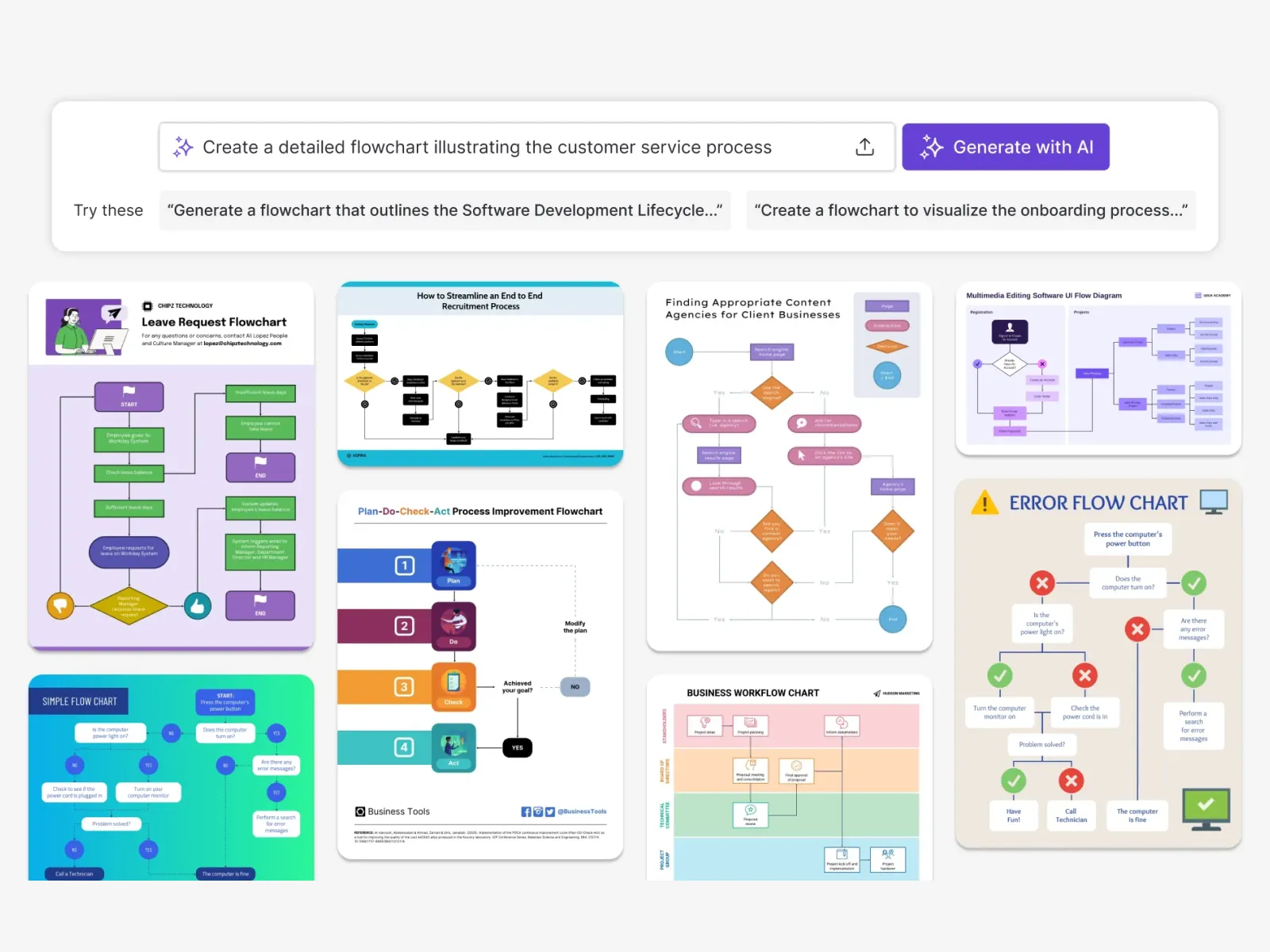
Simply describe your process in plain language, such as outlining steps in a workflow or mapping a decision path. The AI reads your input, identifies key steps and decision points, and creates a structured flowchart automatically. You can then fine-tune text, layout, connectors, and visuals using the drag-and-drop editor before exporting or sharing.
Key Features:
- Prompt-based flowchart creation from written processes
- Automatic detection of steps, decisions, and flow logic
- Clean, structured flowchart layouts using standard symbols
- Auto Branding to apply brand colors, fonts, and logos
- Drag-and-drop editor for easy edits and updates
- Accessibility-friendly design tools for readability and contrast
Key Benefits:
- Create flowcharts faster without manual diagramming
- Make complex processes easier to understand and follow
- Maintain consistent branding across all diagrams
- Enable non-designers to create professional flowcharts
- Reduce time spent on formatting and layout work
- Improve clarity and alignment across teams
Use Cases:
- Business process documentation
- Workflow and procedure mapping
- Project planning and decision trees
- Training and instructional materials
- Operations and process improvement diagrams
- IT and system flow diagrams
- Educational explanations and lessons




No comments yet. Be the first to comment!