
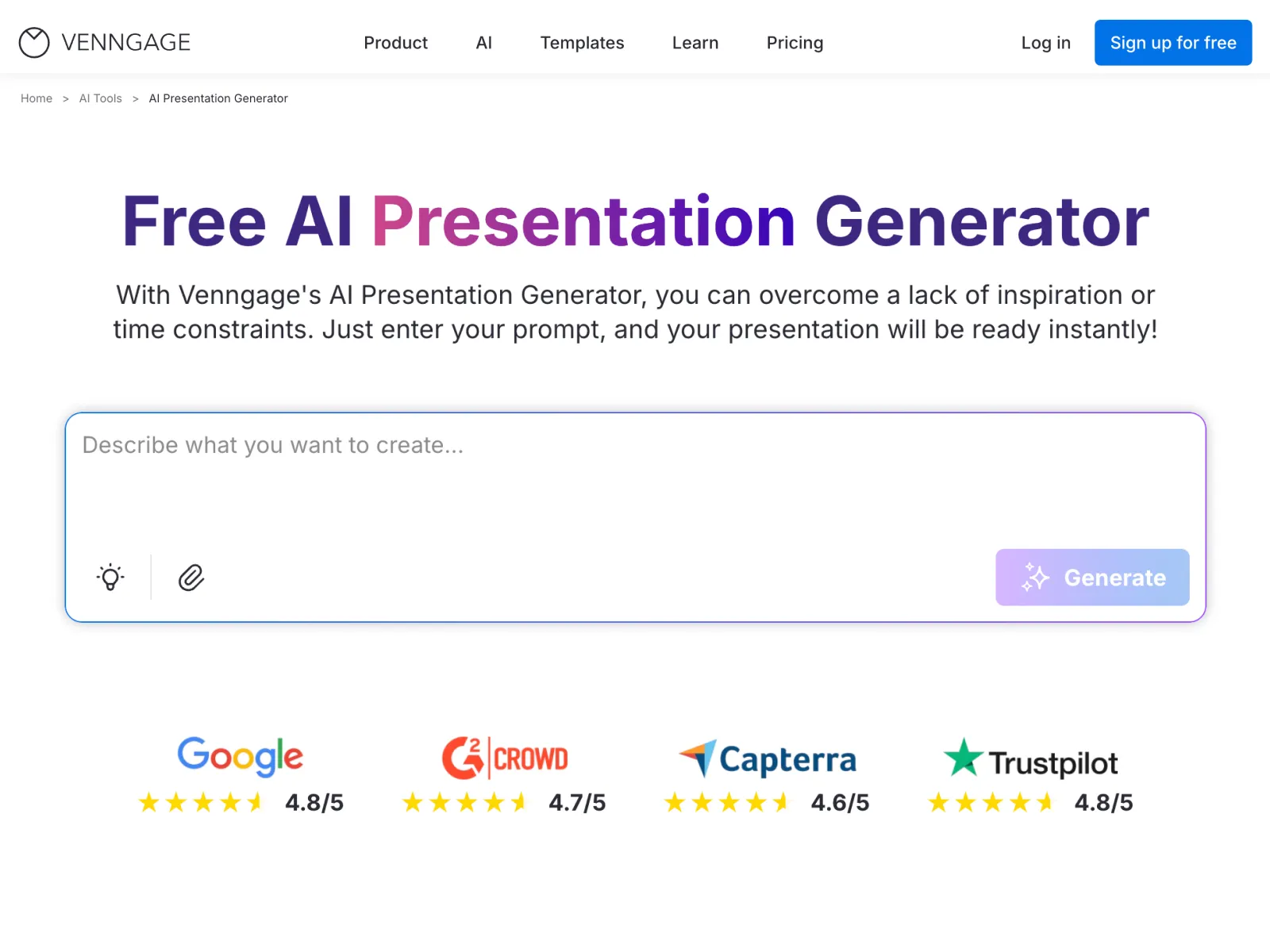
The AI Presentation Generator helps professionals create clear, accurate, and well-structured slide decks using simple prompts. Built for business teams, educators, and marketers, it combines reliable AI technology with proven presentation frameworks to support consistent, high-quality results—without manual slide building or design expertise.
How It Works:
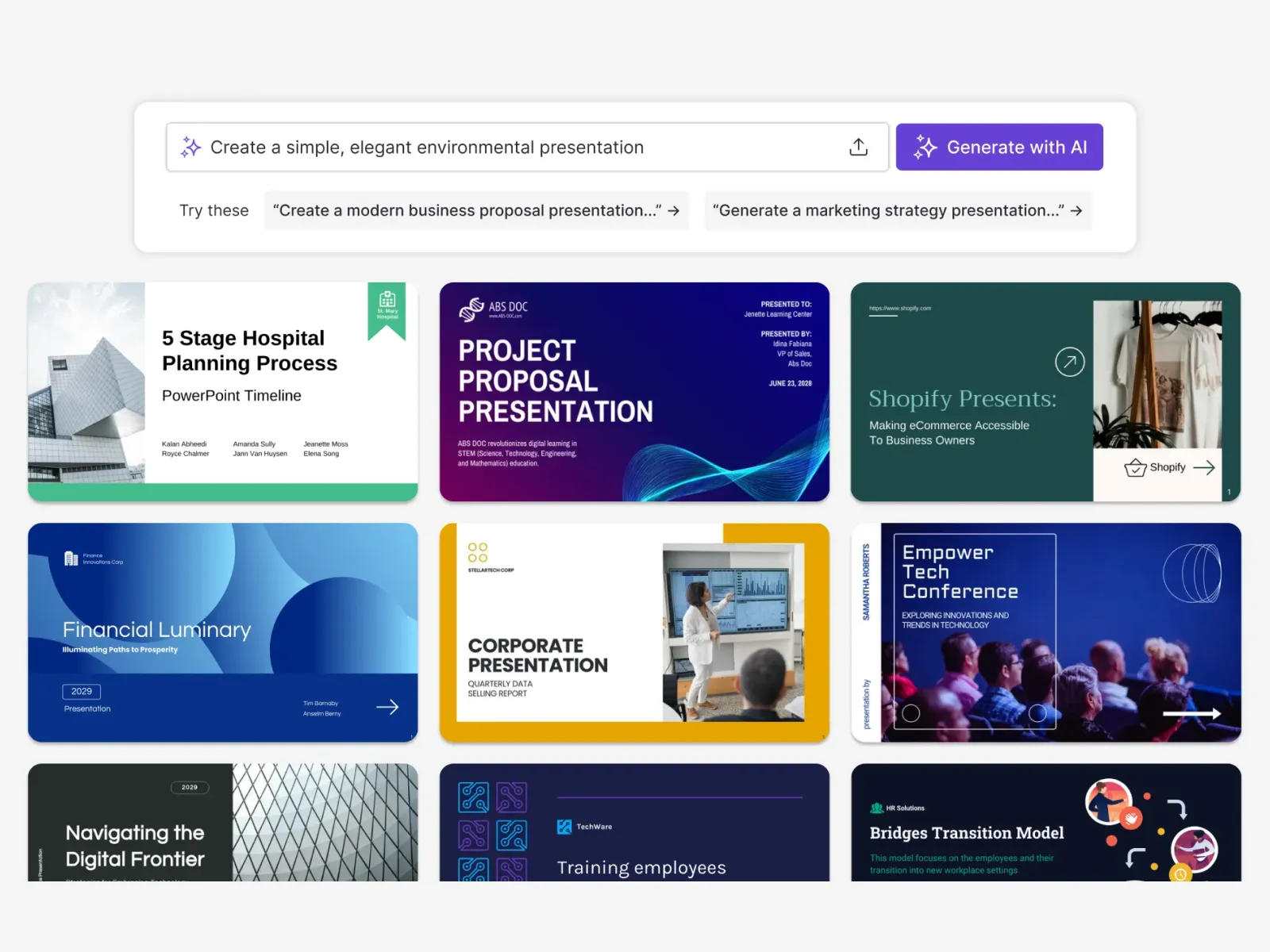
Start by entering a topic, outline, or set of notes in plain language. The AI analyzes your input, organizes the content into logical sections, and generates a complete slide deck with clear headlines, supporting text, and structured layouts. Every slide is fully editable, so you can refine content, visuals, and layout as needed.
Key Features:
- Prompt-to-presentation creation from topics, outlines, or notes
- Intelligent slide organization for clear structure and flow
- Customizable slide layouts to fit different use cases and audiences
- Auto Branding that applies brand colors, fonts, and logos automatically
- Built-in accessibility tools, including color contrast checks and readable font guidance
- Accessibility-friendly layout support for inclusive presentation design
Key Benefits:
- Generate presentation drafts in minutes instead of starting from scratch
- Reduce formatting and layout errors across slide decks
- Maintain consistent branding across all presentations
- Enable non-designers to create professional-quality slides confidently
- Allow experienced presenters to focus on messaging rather than layout work
- Create presentations that are easier to read and more inclusive for diverse audiences
Use Cases:
- Business proposals and executive presentations
- Marketing pitches and campaign decks
- Training materials and internal documentation
- Educational presentations and classroom slides

No comments yet. Be the first to comment!